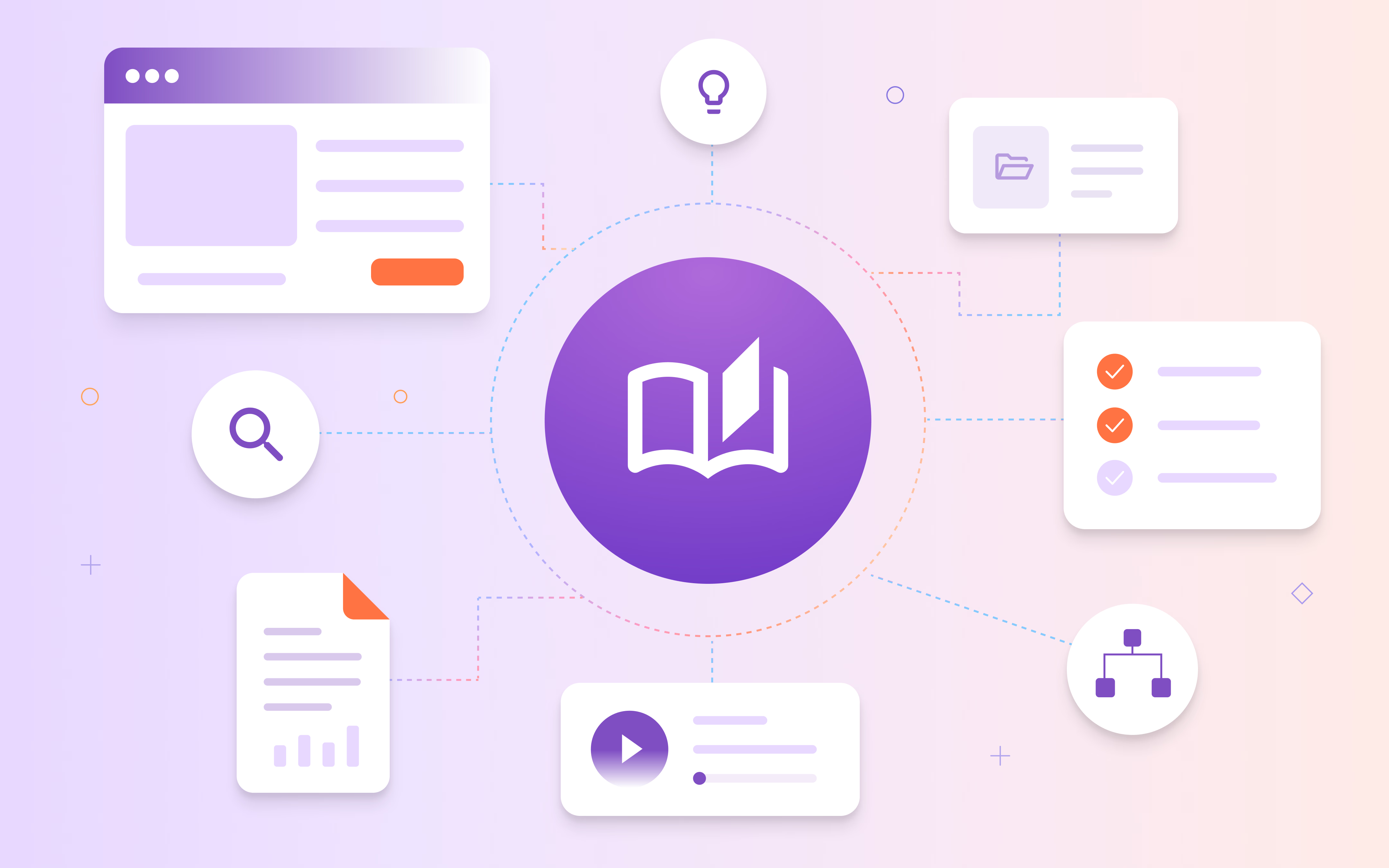
Knowledge management is the process of capturing, organizing, sharing, and applying an organization's knowledge so people can find and use the information they need. It helps make important knowledge available across a team instead of leaving it scattered across documents, tools, or individual employees.
Organizations use knowledge management to preserve expertise, share information, and help employees put collective knowledge into practice. This can include everything from policies and standard operating procedures (SOPs) to product information, training resources, and knowledge gained through experience.
What are the benefits of knowledge management?
Knowledge management helps organizations make important information and expertise easier to access, share, and use across teams.
Key benefits include:
- Faster access to information: Help employees find the knowledge they need without searching across multiple tools or relying on coworkers for answers.
- Easier knowledge transfer: Preserve important knowledge when employees change roles, leave the organization, or take on new responsibilities.
- Faster onboarding: Give new employees access to the information, processes, and resources they need to get up to speed.
- More consistent processes: Give employees a shared source of knowledge for completing recurring work.
- Better decision-making: Give employees access to relevant organizational knowledge and past experience when making decisions.
- Fewer repetitive questions: Help employees find answers on their own instead of repeatedly asking coworkers or support teams for the same information.
How does knowledge management work?
Knowledge management involves creating a repeatable way to capture, organize, share, apply, and maintain knowledge across an organization.
The process typically includes:
- Capture knowledge: Document useful information, processes, and expertise so they don't remain with individual employees or teams.
- Organize knowledge: Structure and categorize information so employees can understand and find it.
- Share and access knowledge: Make relevant knowledge available to the people who need it through the tools and resources they use.
- Apply knowledge: Help employees use what they know to complete tasks, solve problems, and make decisions.
- Maintain knowledge: Review and update information as processes, tools, and organizational knowledge change.
What are the types of knowledge?
Organizational knowledge can take different forms depending on how easily it can be documented and shared.
Common types of knowledge include:
- Explicit knowledge: Information that has been documented and can be easily shared, such as policies, SOPs, manuals, templates, and training materials.
- Tacit knowledge: Knowledge gained through personal experience, judgment, and expertise that can be difficult to document or transfer to others.
- Implicit knowledge: Knowledge employees develop through experience that hasn't yet been formally documented but can often be captured and shared.
Effective knowledge management helps organizations preserve documented information while also finding ways to capture valuable knowledge that may otherwise remain with individual employees.
What is knowledge management software?
Knowledge management software helps organizations capture, organize, store, find, share, and maintain knowledge in a central or connected system. These tools provide features for managing how knowledge is created, structured, accessed, updated, and governed.
Common knowledge management software features include:
- Search and discovery: Help employees quickly find relevant information across stored knowledge.
- Content creation and editing: Give teams tools to create, document, and update organizational knowledge.
- Organization and taxonomy: Categorize and structure knowledge so it's easier to navigate and find.
- Version control: Track changes and help employees access the most current information.
- Access controls: Manage who can view, create, edit, or manage different types of knowledge.
- Integrations: Connect knowledge with the applications and systems employees already use.
- Analytics: Show how employees search for, access, and engage with knowledge.
- AI and automation: Help employees find answers, summarize information, generate content, or automate parts of knowledge creation and maintenance.
Knowledge management software can include knowledge bases, intranets, document management systems, and other platforms designed to help organizations manage and share knowledge.
What are knowledge management best practices?
Effective knowledge management depends on more than documenting information. Organizations also need to make knowledge easy to contribute, find, trust, and use as work changes.
Key best practices include:
- Involve subject matter experts: Capture knowledge from the people who understand the processes, tools, and topics being documented.
- Make knowledge easy to find: Organize information clearly and give employees simple ways to find the right resource when they need it.
- Establish clear ownership: Assign responsibility for maintaining important knowledge so employees know who should review and update it.
- Keep knowledge current: Regularly review documentation and update it as processes, policies, tools, and responsibilities change.
- Create opportunities for feedback: Give employees a way to flag missing, unclear, or outdated information and suggest improvements.
- Make knowledge available in the flow of work: Give employees access to relevant knowledge where they're completing tasks instead of requiring them to stop and search for it elsewhere.
- Measure how knowledge is being used: Look at how employees find and engage with knowledge to identify gaps and opportunities for improvement.
The goal is to make knowledge management part of how work gets done rather than treating documentation as a one-time project.
How does Tango support knowledge management?
Tango helps teams capture process knowledge as work happens and make that knowledge easier for employees to access and apply while they work.
Capture process knowledge as work happens
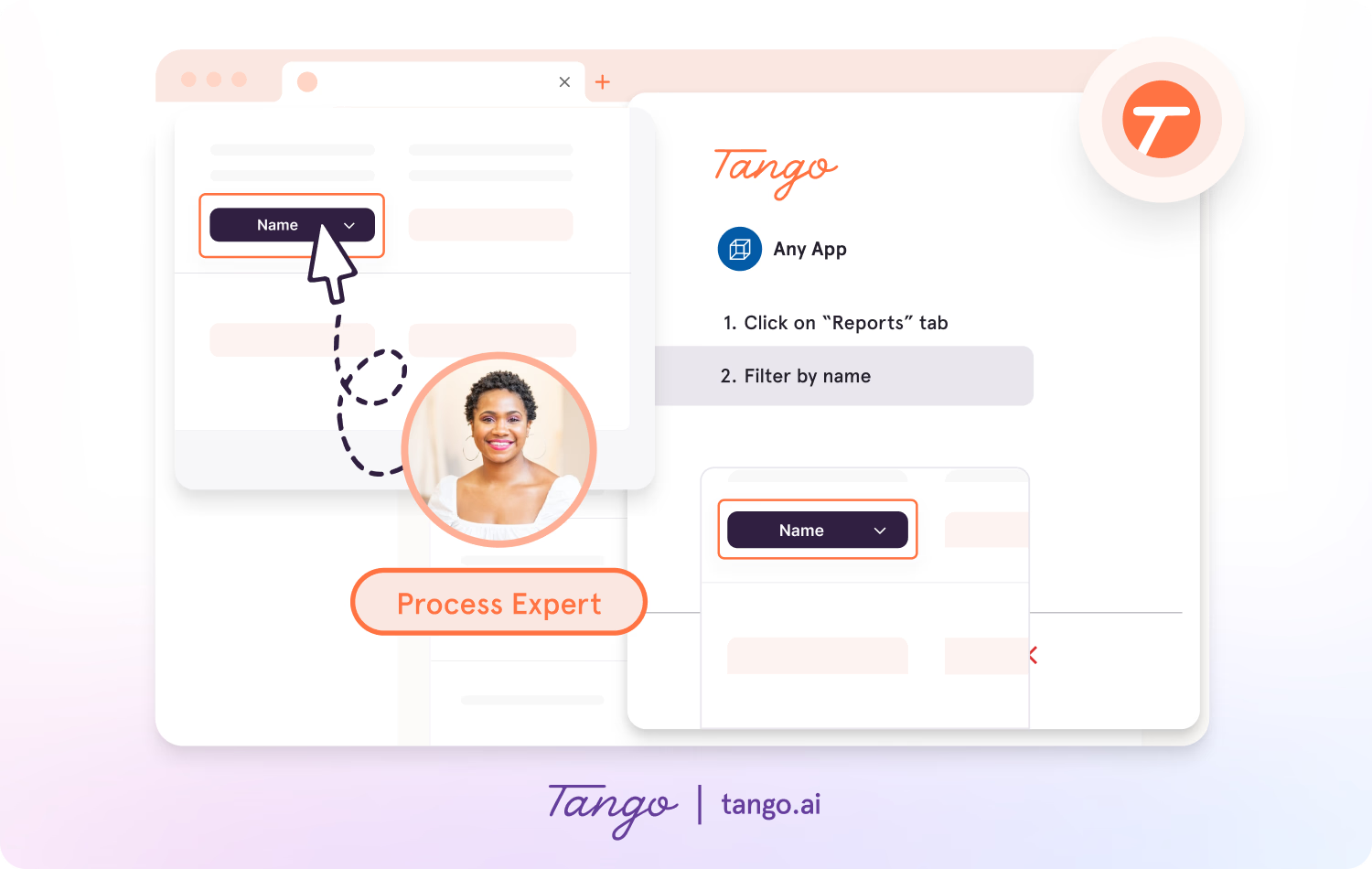
With Tango's Click-to-Create, teams can document processes as they perform them. As users click through a workflow, Tango automatically generates a step-by-step guide with screenshots, annotations, descriptions, and links.
This makes it easier for subject matter experts to share how work is actually done without manually documenting every step.
Guide employees through processes
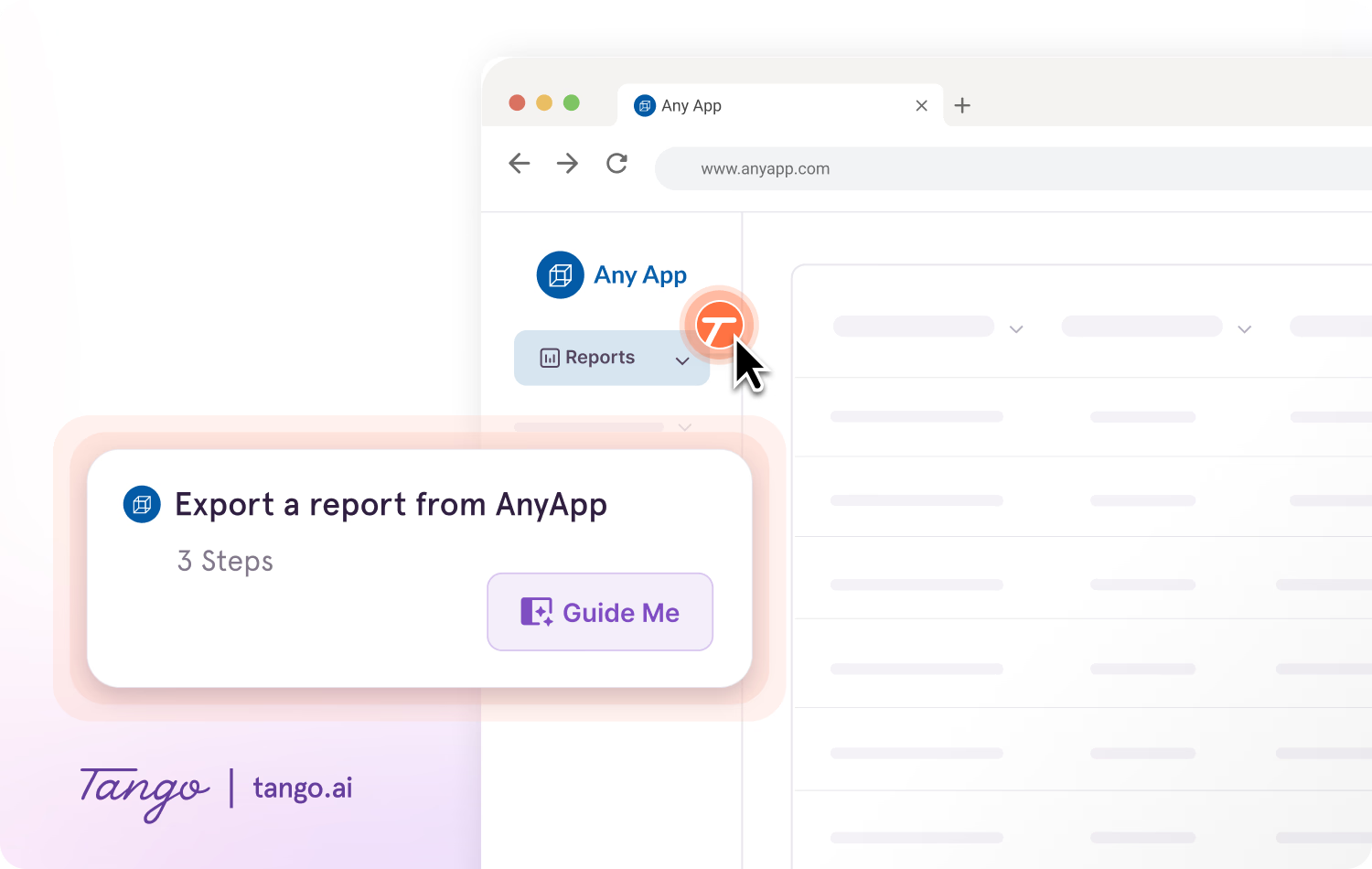
With Guide Me, employees can follow documented processes step by step inside the tools where they're completing the work.
Guide Me shows employees exactly where to click as they move through a process, helping them apply process knowledge without repeatedly switching between instructions and the task.
Make knowledge available in the flow of work
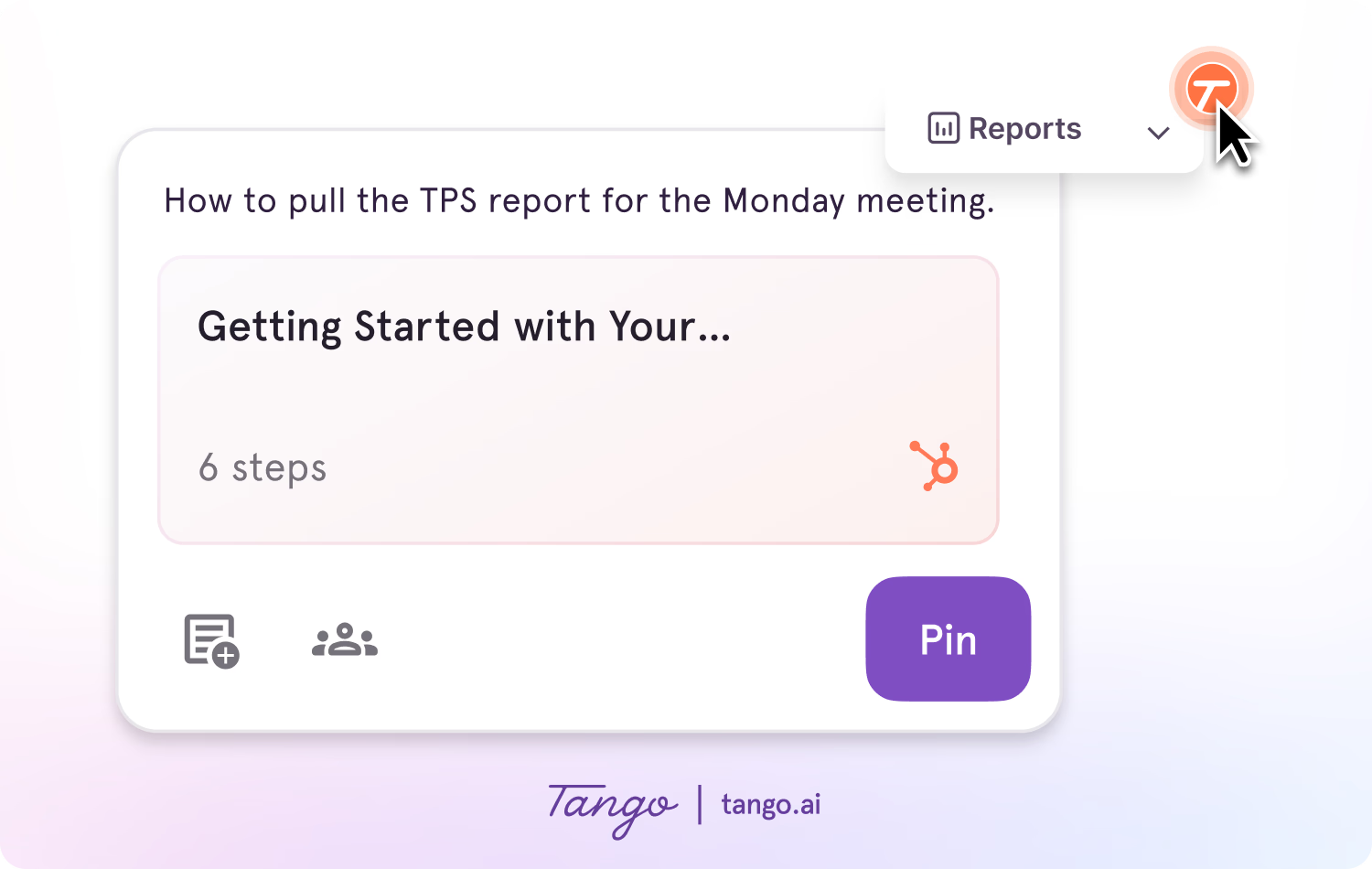
With Pins, teams can surface guides, tips, reminders, or links at the point in a process where employees may need them.
Employees can access relevant knowledge without leaving the tools they're using or searching for it somewhere else.
Measure engagement with process guidance
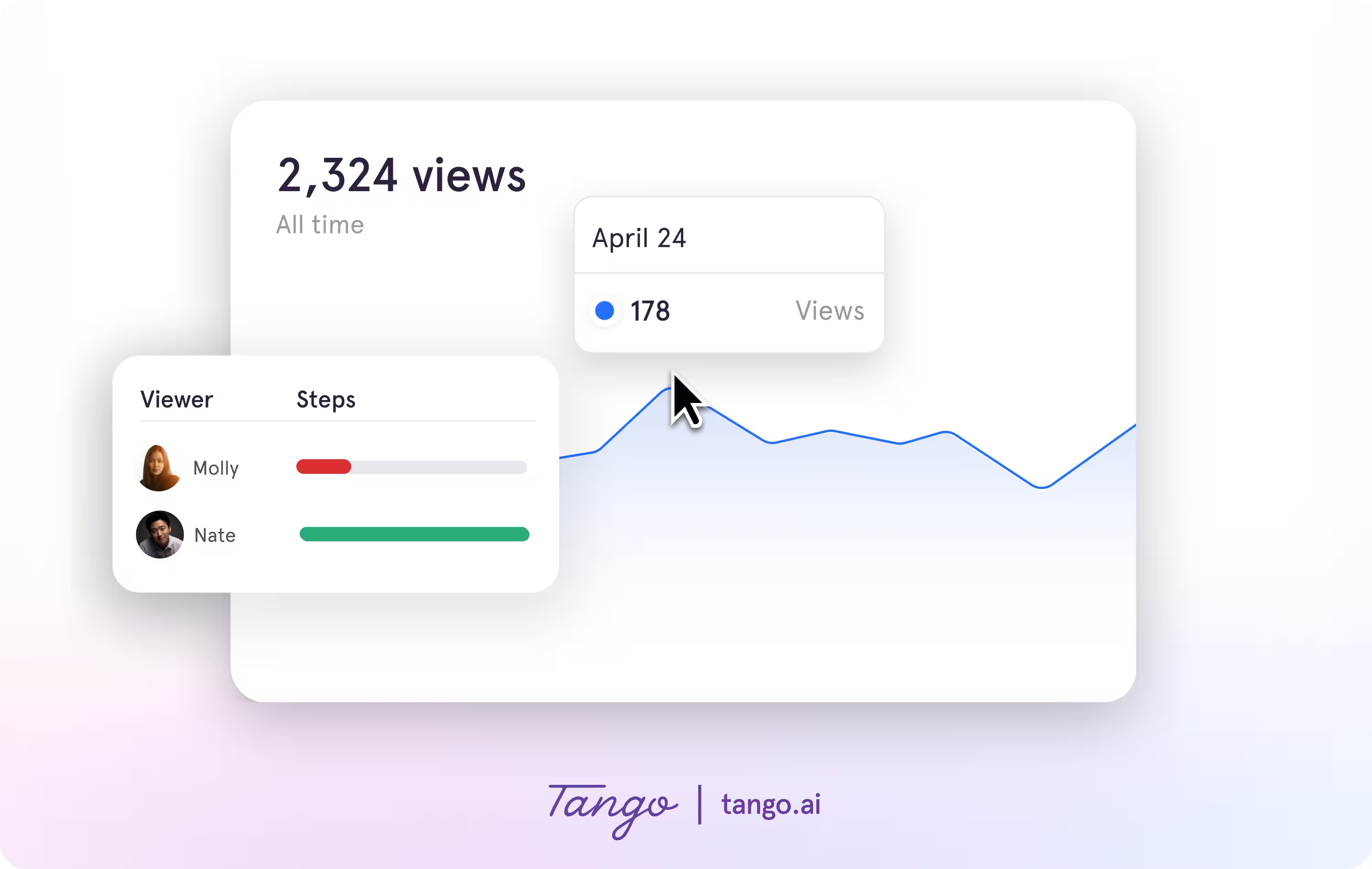
Tango Analytics show how employees engage with guided processes, including where they progress and where they drop off.
Teams can use those insights to identify friction, improve guidance, and provide more targeted support.
Make process knowledge easier to capture, share, and use with Tango.
Frequently asked questions
What is an example of knowledge management?
An example of knowledge management is a team documenting a recurring process, organizing the instructions in a shared knowledge base, and making them available to employees when they need to complete the task. This captures knowledge from subject matter experts and makes it reusable across the organization.
What are the main components of knowledge management?
The main components of knowledge management are capturing, organizing, sharing, applying, and maintaining knowledge. Together, these activities help organizations preserve important information and expertise, make it easier to find, and ensure employees can use it effectively in their work.
Who is responsible for knowledge management?
Knowledge management is often a shared responsibility across an organization. Teams such as operations, enablement, IT, and HR may manage knowledge systems and processes, while subject matter experts and process owners contribute and maintain knowledge related to their areas of expertise.
What is the difference between knowledge management and a knowledge base?
Knowledge management is the broader process of capturing, organizing, sharing, and applying organizational knowledge. A knowledge base is a tool or repository used to store and make some of that knowledge accessible. A knowledge base can support a knowledge management strategy, but knowledge management also includes the people, processes, and practices used to keep knowledge useful and up to date.
What is the difference between knowledge management and knowledge sharing?
Knowledge management covers how an organization captures, organizes, maintains, shares, and applies knowledge. Knowledge sharing is one part of that process and focuses specifically on making knowledge available to other people.