How to give AI your company's process knowledge

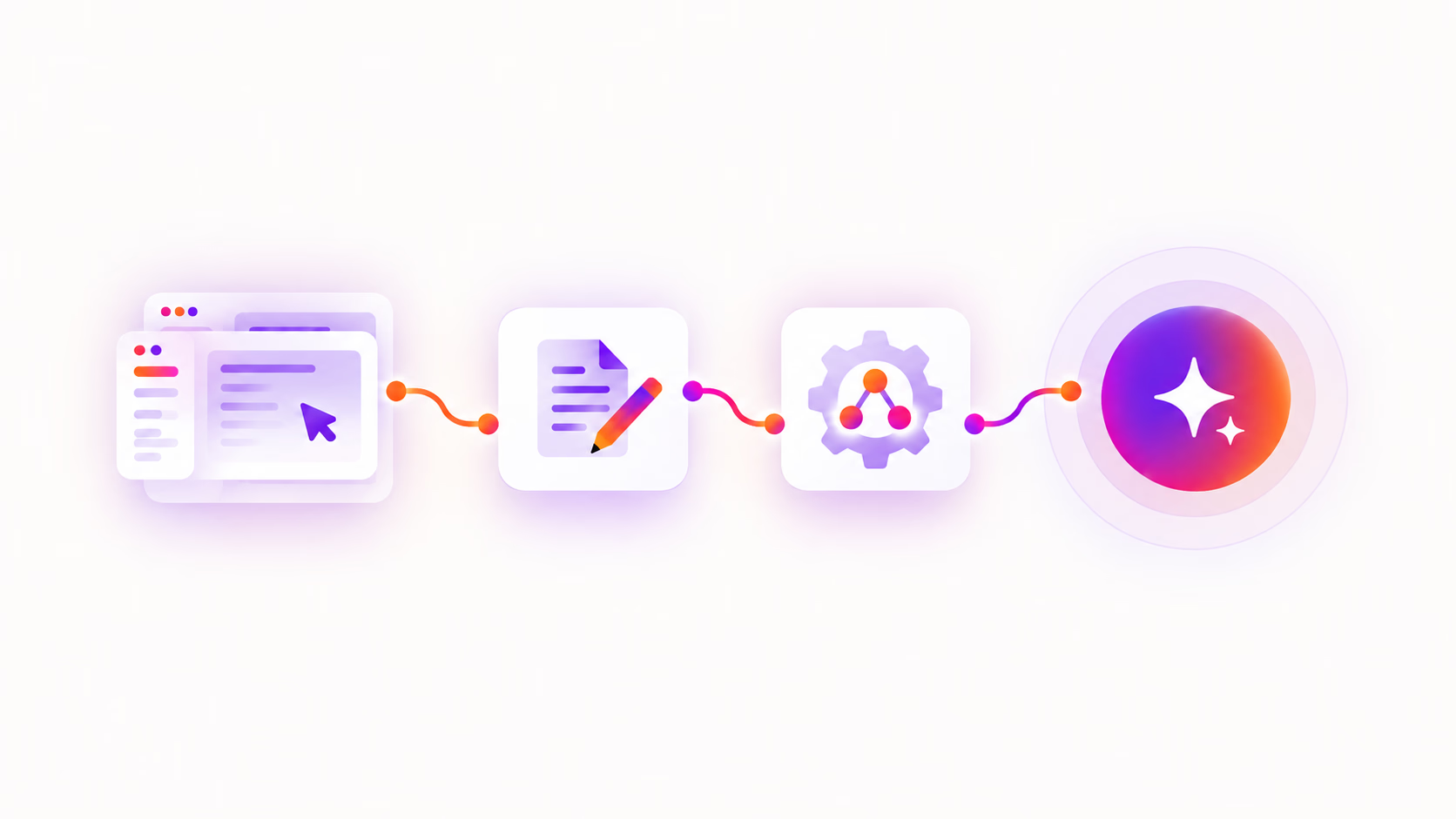
AI can only help with your company's processes if it knows how those processes work. Whether you're building an AI agent, using Microsoft Copilot for employee self-service, or asking ChatGPT or Claude company-specific questions, the AI needs access to the knowledge your team uses to get work done.
This gap often shows up when teams try to make processes self-service through AI. They quickly realize the documentation doesn't exist yet. Some processes were never written down at all, while others live in outdated SOPs, scattered documents, or employees' heads. Connecting AI to your company files won't fill in process knowledge that was never documented in the first place.
To give AI your company's process knowledge, you need to document how work actually gets done and make that knowledge accessible to the AI tools and agents that need it. With the right process context, AI can answer company-specific questions, surface relevant guidance, and eventually help carry out work according to your procedures.
What is process knowledge?
Process knowledge is the practical know-how behind how work gets done in an organization. It includes the steps, tools, decisions, rules, and context people use to complete a task or workflow.
Process knowledge is different from general company information. A policy might tell an employee which expenses are reimbursable. Process knowledge explains how to submit an expense, where to submit it, who approves it, and what happens when an expense falls outside the standard policy.
This distinction matters for AI. Giving an AI tool access to policies, files, and company data can help it understand what your organization knows. Process knowledge gives it context for how your organization actually gets work done.
How to prepare your process knowledge for AI
The goal is to document each process clearly enough that AI doesn't have to guess how the pieces fit together.
For each process, capture:
- Steps: The actions someone takes and the order they happen in.
- Tools: The systems or applications used along the way.
- Decisions: The points where what happens next depends on a choice or condition.
- Alternate paths: The different ways a process can unfold.
- Rules and exceptions: The requirements or circumstances that change how the process should be handled.
- Context: The information needed to understand what to do and why.
Whenever possible, document the process while someone is actually performing it rather than reconstructing it from memory. This helps capture details and workarounds that might otherwise be missed.
Keep the documentation current as the process changes. If multiple versions of a process are valid, make it clear when each one applies.
How to give AI access to your process knowledge
Once your processes are documented, the next step is connecting that knowledge to the AI tools your company uses. This is often referred to as grounding AI in your company's knowledge. The way you do this depends on the AI platform and where your process documentation is stored.
Microsoft Copilot
Microsoft Copilot can use organizational knowledge from Microsoft 365 sources such as SharePoint and OneDrive to ground its responses. Copilot connectors can also make information from other business systems available as grounding information for Copilot and Copilot agents.
For example, process guides can be exported as PDFs and stored in SharePoint, giving Copilot a source it can use when employees ask how to complete a process. Copilot can use that documentation as context to help answer the question and surface relevant step-by-step guidance.
But giving Copilot access to company files still depends on having useful process knowledge to give it. If a process hasn't been documented, connecting Copilot to another knowledge source won't fill in what's missing.
ChatGPT
ChatGPT can use company knowledge from connected apps and other organizational sources. Organizations can also use custom apps built with MCP to connect ChatGPT to company-specific systems and information.
This allows ChatGPT to retrieve relevant process knowledge from connected sources instead of requiring employees to manually provide the documentation with every prompt.
Claude
Claude can access organizational knowledge through connectors and MCP, allowing it to retrieve relevant information from connected tools and data sources when responding to requests.
The important part isn't which connection method you use. The AI needs a way to retrieve the process knowledge you've documented when it's relevant to the user's request.
What can AI do with your process knowledge?
Once AI has access to your company's process knowledge, employees can ask questions in the language they naturally use instead of needing to know where a procedure is stored or what it's called. For example, someone might ask “When should I round a cash transaction?” rather than knowing the formal name of the procedure they need. AI can retrieve the relevant process knowledge and use it as context for its response.
This can help your organization:
- Answer process questions: Give employees company-specific answers based on your documented procedures.
- Make knowledge self-service: Help employees find the right process without searching through folders, knowledge bases, or individual documents.
- Guide employees through work: Use the relevant process to explain what to do next and surface supporting documentation when needed.
- Give AI agents company context: Provide agents with the processes and rules they need to understand how your organization expects work to be done.
- Support process automation: Give AI agents the instructions and context they need to carry out more of the work themselves.
The more AI moves from answering questions to taking action, the more important accurate process knowledge becomes. An AI agent needs to understand not only what needs to happen, but how your organization expects that work to be done.
How to give AI your process knowledge with Tango
Tango helps you capture how work actually gets done and turn it into structured process documentation that can be used by people and AI.
Capture process knowledge as work happens
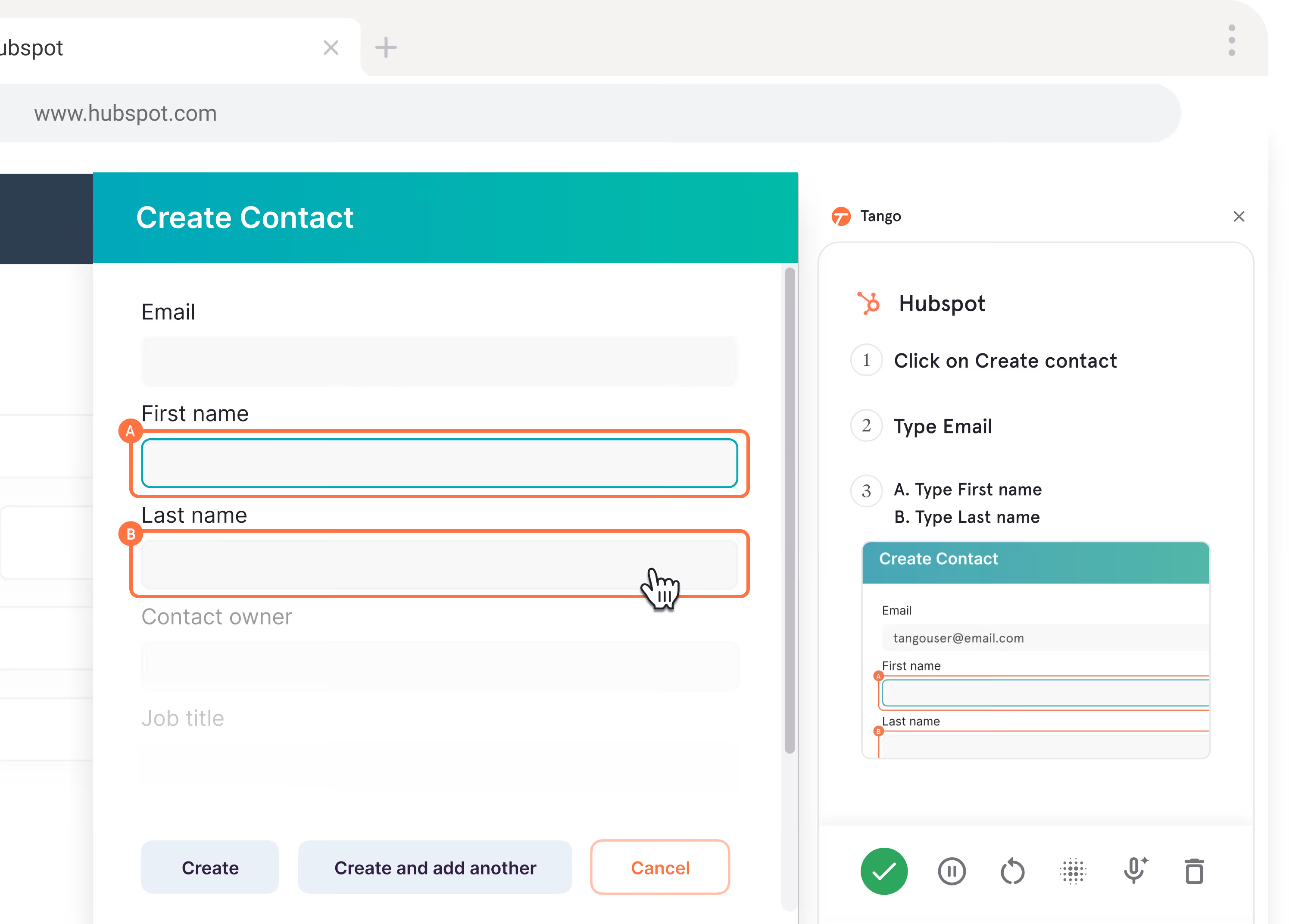
Instead of asking employees to document a process as a separate task, they can simply click through their workflow. Tango turns it into a step-by-step guide with screenshots, highlights, and descriptions.
Teams can add context and edge cases, while Workflow Branching lets them document different paths a process can take based on decisions or conditions.
Use your process documentation with AI
Tango workflows capture more than screenshots and written instructions. They include structured metadata, such as XPaths, CSS selectors, and step-level annotations, that describes how actions are performed inside software.
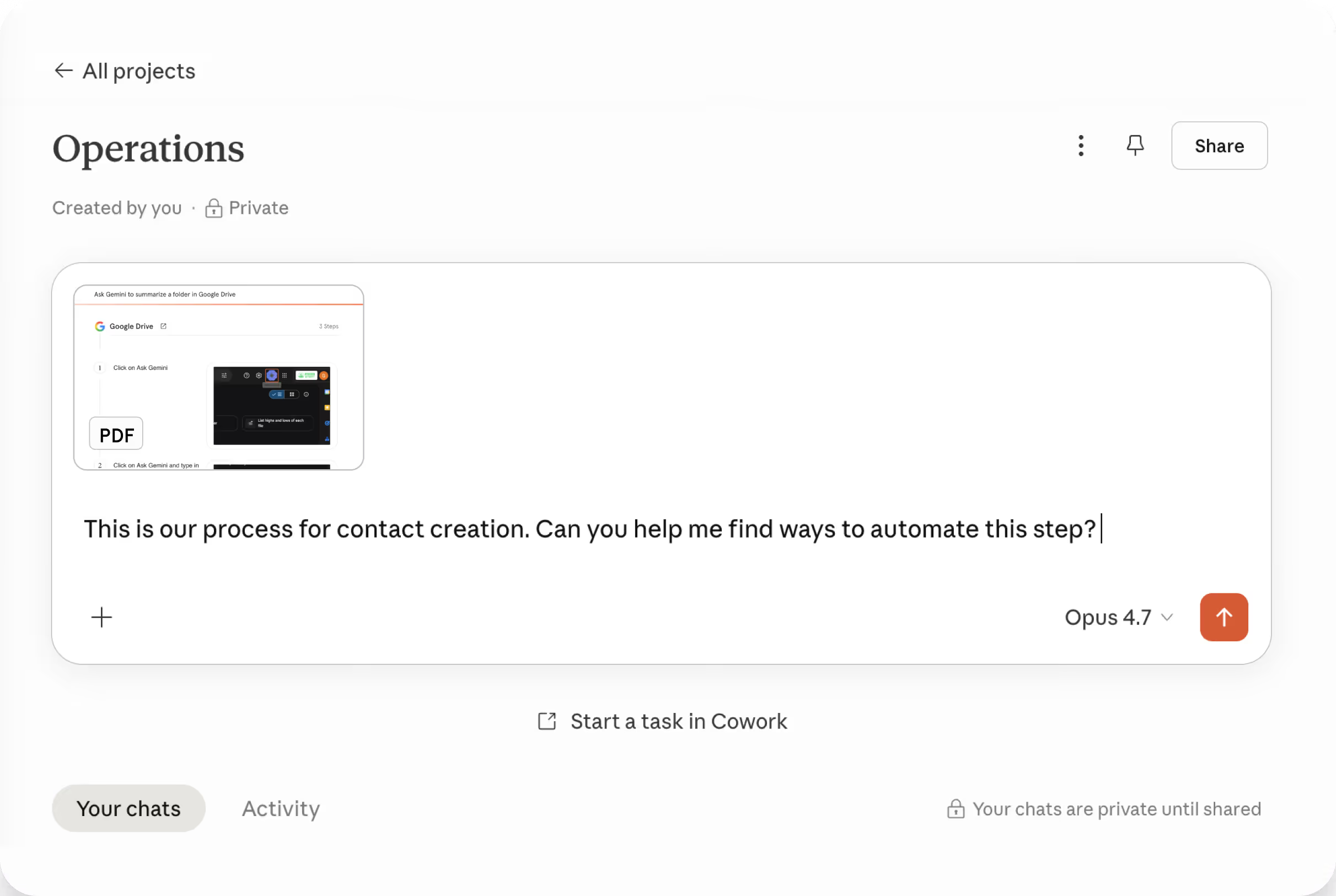
Teams can export workflows as agent instructions or executable Skill files, giving AI and automation tools structured process context without rebuilding the workflow from scratch.
Put the same process knowledge to work everywhere
The process knowledge you capture in Tango isn't limited to AI. The same Tango workflows can guide employees directly in the applications where work happens through in-app guidance and Pins, or be shared through knowledge bases, learning systems, and other tools.
Frequently asked questions
How do I give Microsoft Copilot my company's process knowledge?
First, document the processes you want Copilot to understand, including the steps, decisions, rules, and exceptions involved. Then make that documentation available through a source Copilot can access, such as SharePoint, OneDrive, or another system connected through Copilot connectors.
Can Microsoft Copilot use company SOPs?
Yes. Copilot can retrieve information from company sources it has permission to access, including SharePoint and OneDrive. For an SOP to provide useful process context, it should clearly document how the process works, including important steps, decisions, and exceptions.
Can ChatGPT use company process documentation?
Yes. ChatGPT can access organizational knowledge through supported connected sources. Organizations can also build custom integrations using MCP to make information from company systems available to ChatGPT.
How do AI agents use process documentation?
Process documentation gives AI agents context about how work should be performed. It can provide the steps, business rules, decisions, exceptions, and other instructions an agent needs to answer questions, guide users, or carry out parts of a workflow.
What makes process documentation AI-ready?
AI-ready process documentation clearly describes how work gets done without requiring the AI to fill in important gaps. It should include the steps, tools, decision points, alternate paths, rules, exceptions, and context needed to understand the process.


Next time someone asks, “how do I…?” Send a Tango.
Start capturing your first workflow today.

