Software implementation is the process of introducing new software into an organization and preparing it for successful use. It typically includes planning, configuration, data migration, testing, training, deployment, and ongoing support to help people adopt the software and use it effectively.
A successful software implementation goes beyond getting the technology up and running. The software needs to support the organization's processes, and the people using it need the knowledge and support to incorporate it into their day-to-day work.
What are the stages of software implementation?
Software implementation involves several stages that prepare both the technology and its users for a successful rollout.
The key stages include:
- Planning and requirements: Define what the software needs to accomplish, who will use it, which processes it will support, and how success will be measured.
- Configuration and integration: Configure the software for the organization's needs and connect it with other systems when necessary.
- Data migration: Move relevant data from existing systems into the new software and verify that it's accurate and usable.
- Testing: Test the software, integrations, data, and key workflows before making it broadly available.
- Training and change preparation: Prepare employees for new tools and processes so they understand what's changing and how to work in the new system.
- Deployment: Roll out the software to users so they can begin working in the new system.
- Ongoing support and adoption: Provide employees with continued guidance, address friction, and monitor whether the software and processes are being used as intended.
Software implementation doesn't end at deployment. Long-term success depends on how well the software supports the people and processes it was introduced to improve.
What are the benefits of successful software implementation?
Successful software implementation helps organizations turn a technology investment into a tool people can actually use to improve how work gets done.
Key benefits include:
- Accelerate time to value: Help employees start using new software productively sooner.
- Increase user adoption: Make it easier for employees to incorporate new software into their everyday work.
- Minimize disruption: Create a smoother transition from existing tools and processes to the new system.
- Standardize processes: Help employees follow important workflows consistently in the new system.
- Reduce support tickets: Minimize recurring questions and issues as employees adjust to new software.
- Improve software ROI: Help organizations get more value from their technology investments.
Without effective implementation, even the right software can fall short of its intended value if employees don't adopt it or new processes aren't followed consistently.
What are the challenges of software implementation?
Many software implementation challenges are predictable. Identifying them early can help organizations reduce risk, avoid delays, and make the transition to new software smoother.
Common challenges include:
- Scope creep: Expanding requirements can delay timelines, increase costs, and make implementation more difficult to manage.
- Poor data quality: Inaccurate, duplicate, or incomplete data can create problems during migration and after launch.
- Complex integrations: Connecting new software with existing systems can require additional configuration and testing.
- Changing processes: New software often changes how work gets done, requiring teams to define and standardize new workflows.
- Resistance to change: Employees may be hesitant to adopt unfamiliar tools or change established ways of working.
- Insufficient training and support: Employees may struggle to adopt new software when they don't have the guidance they need as they begin completing real tasks.
- Outdated documentation: Processes often change during implementation, making it difficult to keep training and documentation accurate.
What are the best practices for successful software implementation?
Successful software implementation requires organizations to consider how new technology will affect the people and processes around it, not just how the software will be configured and deployed.
Key best practices include:
- Involve users and subject matter experts early: Include the people who understand the workflows and will use the software in planning, testing, and key implementation decisions.
- Design around real workflows: Make sure the software, processes, and supporting resources reflect the tasks employees will actually complete.
- Prepare users for change: Clearly communicate what's changing, why it's changing, and what employees need to do differently.
- Provide support beyond initial training: Give employees access to guidance and resources as they begin completing real tasks in the new system.
- Keep documentation current: Update process documentation and guidance as software and workflows change.
- Measure adoption and address friction: Identify where employees struggle with new workflows and use those insights to improve processes and support.
How does Tango support software implementation?
Tango is a digital adoption platform that helps teams document new software processes and guide employees as they learn new ways of working.
Here's how Tango supports software adoption before, during, and after rollout:
Document new software processes
Tango's Click-to-Create lets teams document new software processes as they perform them. Click through a workflow and Tango automatically generates a step-by-step guide with screenshots, annotations, descriptions, and links.
Guide employees through new software
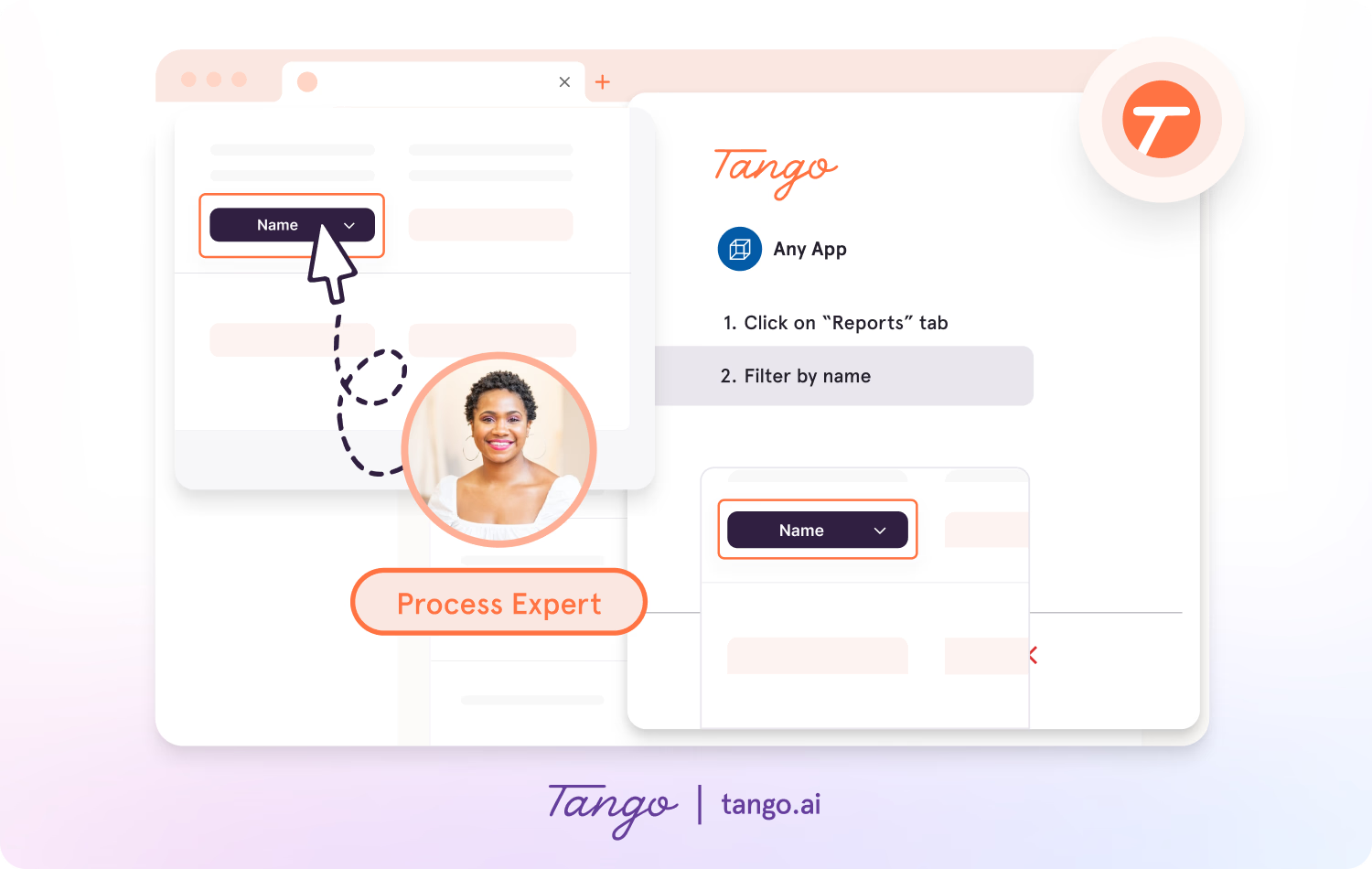
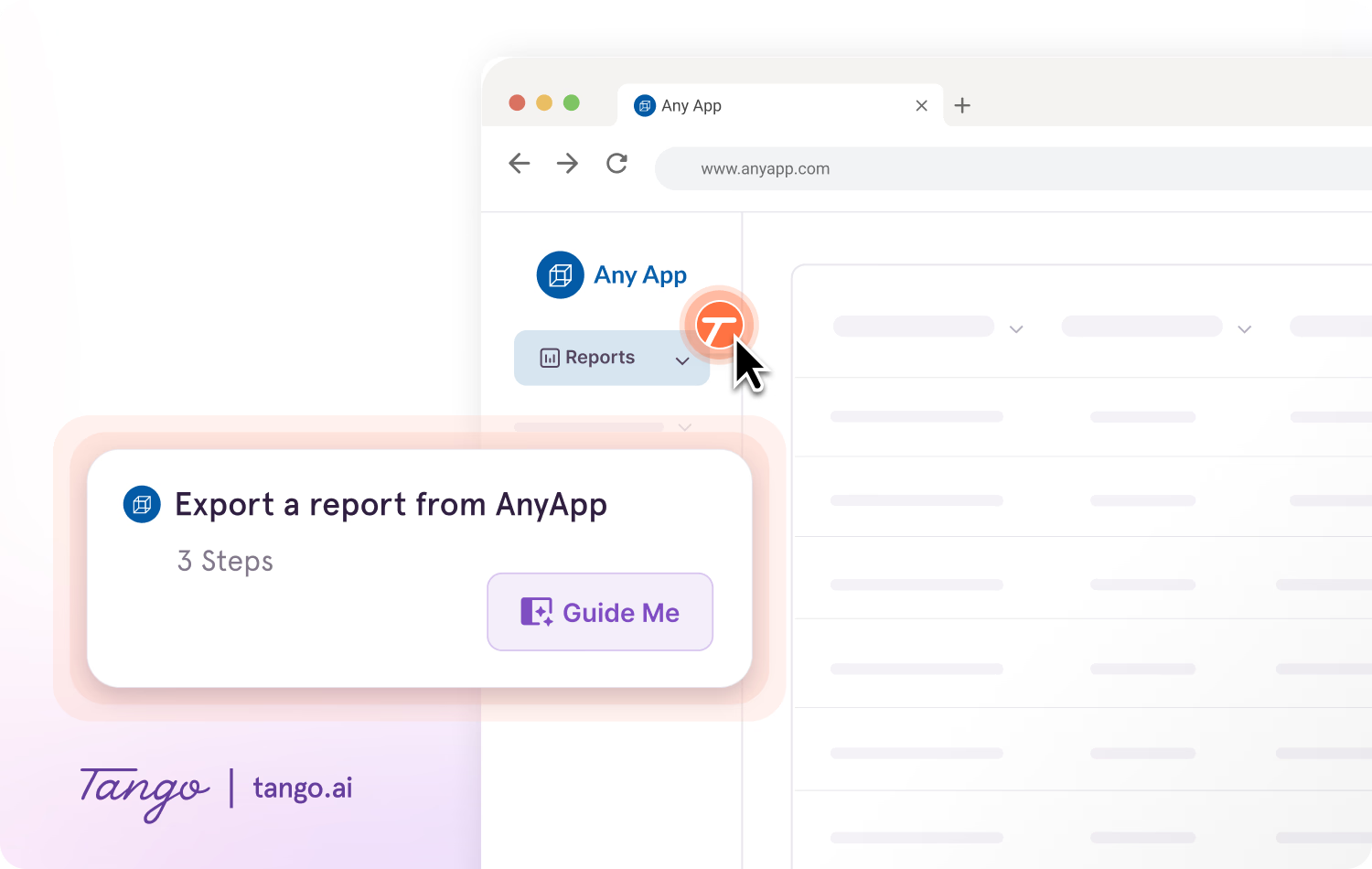
With Guide Me, employees can follow new software processes step by step inside the tools where they're completing the work.
Guide Me shows employees exactly where to click as they move through a process, helping them put new workflows into practice without repeatedly switching between instructions and the task.
Deliver guidance where employees need it
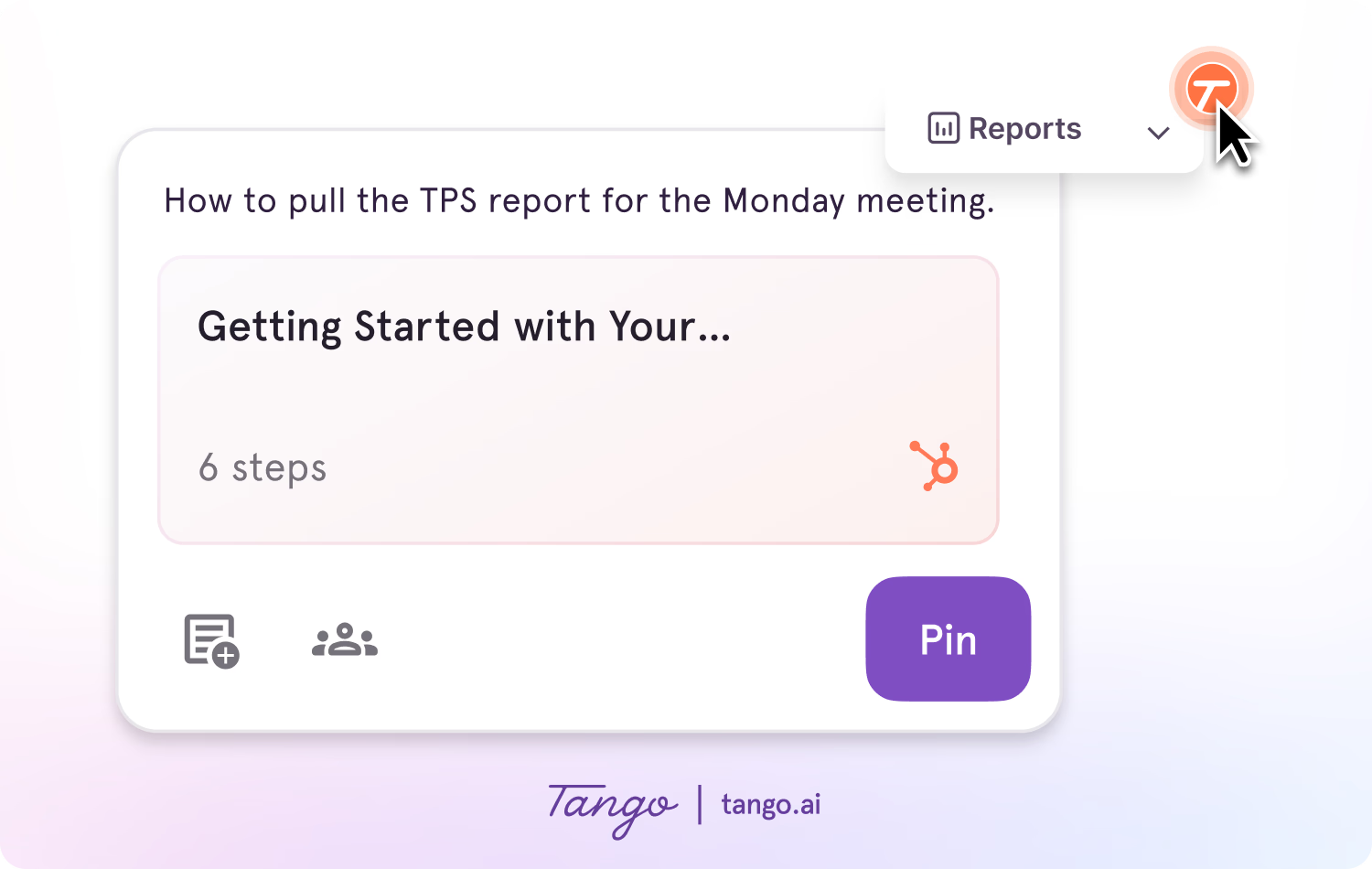
Pin guides, tips, or links as Nuggets at any point in a process where employees may need help.
Employees get the information they need in the flow of work without searching through a knowledge base or leaving the tools they're using.
Measure process adoption
Tango Analytics show how employees engage with guided processes, including where they progress and where they drop off.
See where employees get stuck and use those insights to improve guidance and provide more targeted support.
Make new software easier to adopt with Tango
Create step-by-step guidance as you work and help employees put new processes into practice.
Frequently asked questions
How long does software implementation take?
Software implementation can take anywhere from a few weeks to several months or longer. The timeline depends on factors such as the complexity of the software, integrations, data migration, customization, number of users, and scope of the rollout.
Who is involved in software implementation?
Software implementation typically involves IT teams, project leaders, business or process owners, subject matter experts, and the employees who will use the software. Software vendors or implementation partners may also be involved depending on the project.
How do you measure the success of a software implementation?
Software implementation success can be measured using both project and adoption metrics. Project metrics include whether the software launched on time and within budget, while adoption metrics can include user adoption, process completion, support tickets, and time to proficiency. Organizations should also measure whether the implementation achieved its intended business outcomes.