The best alternative to Whatfix
Both Whatfix and Tango power large enterprise adoption initiatives. The difference is how long it takes to get there.
Find out which one you can roll out the fastest.
Tango logo and Scribe logo with a connecting line between them, surrounded by question marks.
Soft peach background with curved orange lines and minimalist designSoft pink background with a curved orange-red line

Tango and Whatfix strengths

Whatfix is built and implemented by enterprise IT teams to drive adoption. Tango is built for every team to drive adoption quickly and in the tools they already use.

Quickly and easily capture process guides with Click-to-Capture and Voice Transcription
Capture multiple paths in a single guide without rebuilding separate workflows
Pin guides and tips directly in the tools your team is already using, no searching required
Translate workflows into 10 languages instantly
Give users flexible ways to move through workflows without complex step configuration
Automatically detect and redact sensitive information, including in custom formats
Built for complex enterprise deployments with dedicated implementation
Export SCORM-compliant content for LMS-based training environments
Advanced analytics, including funnels, user journeys, and cohort analysis
Guided training across mobile apps, virtual desktops, and on-premise systems
Mirror sandbox environments for hands-on training in replica applications
AI-triggered guidance based on user behavior and in-app context
Deep purple abstract background with curved layered geometric shapes
Why Choose Tango?

You want immediate ROI from your software spend.

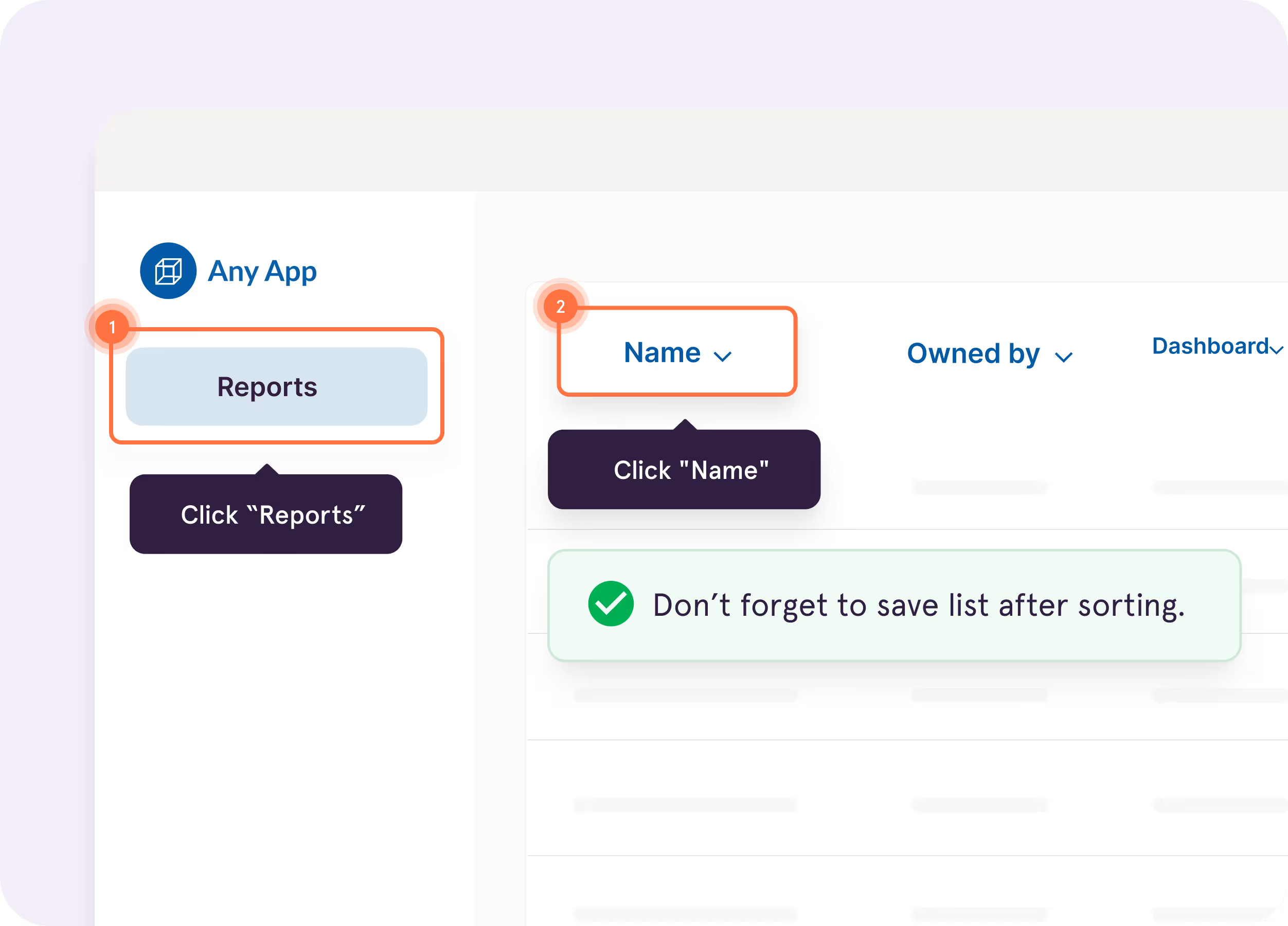
Tango Guide Me

Show users exactly where to click so they
can follow processes across applications faster and accurately.

Supports branching workflows for multiple paths in a single guide.

Screenshot of a guide interface titled ‘Creating a Lead in Salesforce: Step-by-Step Guide,’ with options for scrolling and opening the guide, next to text highlighting Tango Capture and Tango Embed features
Blurred white and gray document or webpage with minimal content
Computer screen showing Calendly interface for scheduling discovery calls

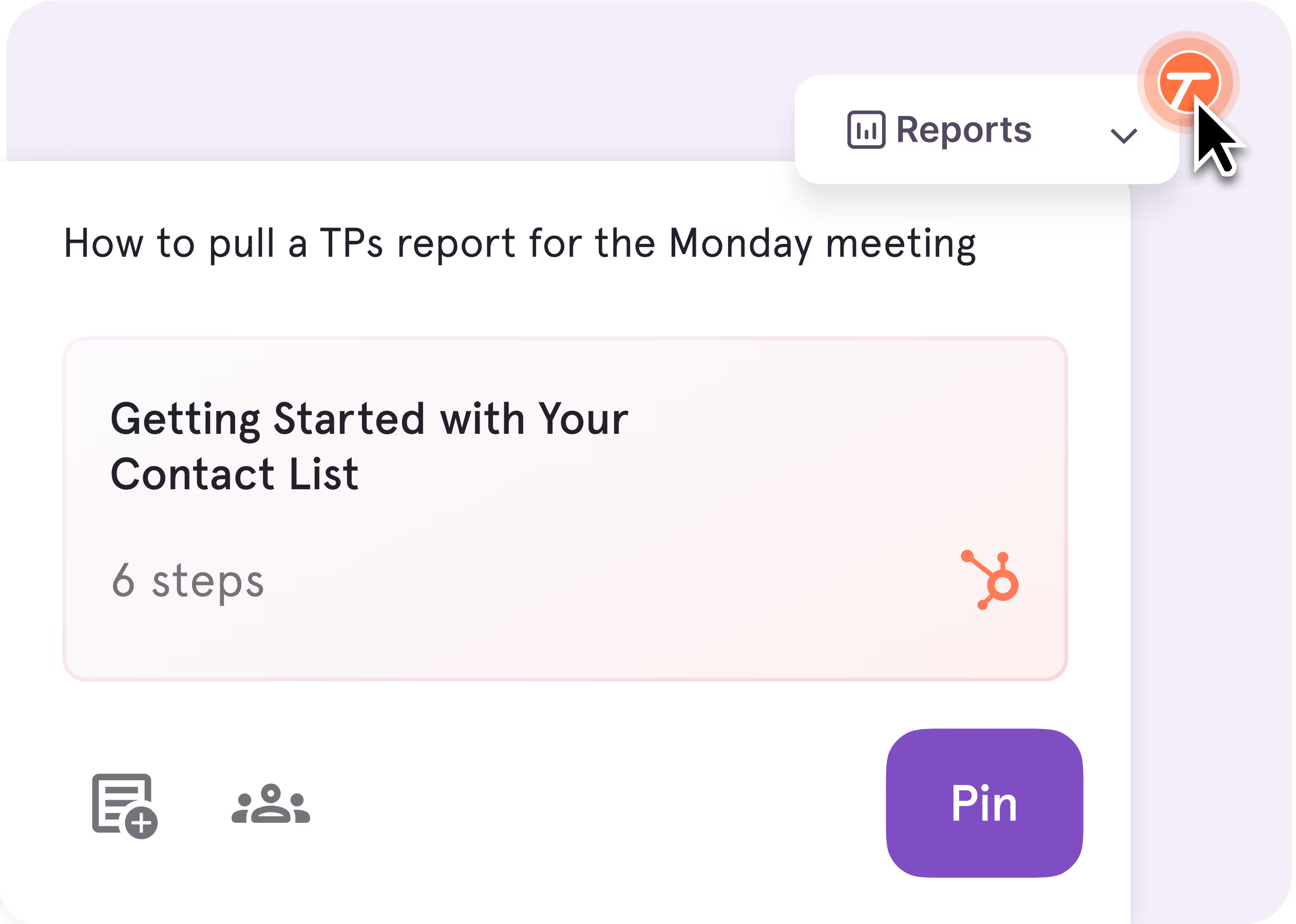
Tango Nuggets

Pin guides, tips, and resources directly in the workflow—no searching, no disruption.

Screenshot of a guide interface titled ‘Creating a Lead in Salesforce: Step-by-Step Guide,’ with options for scrolling and opening the guide, next to text highlighting Tango Capture and Tango Embed features
Blurred white and gray document or webpage with minimal content
Computer screen showing Calendly interface for scheduling discovery calls

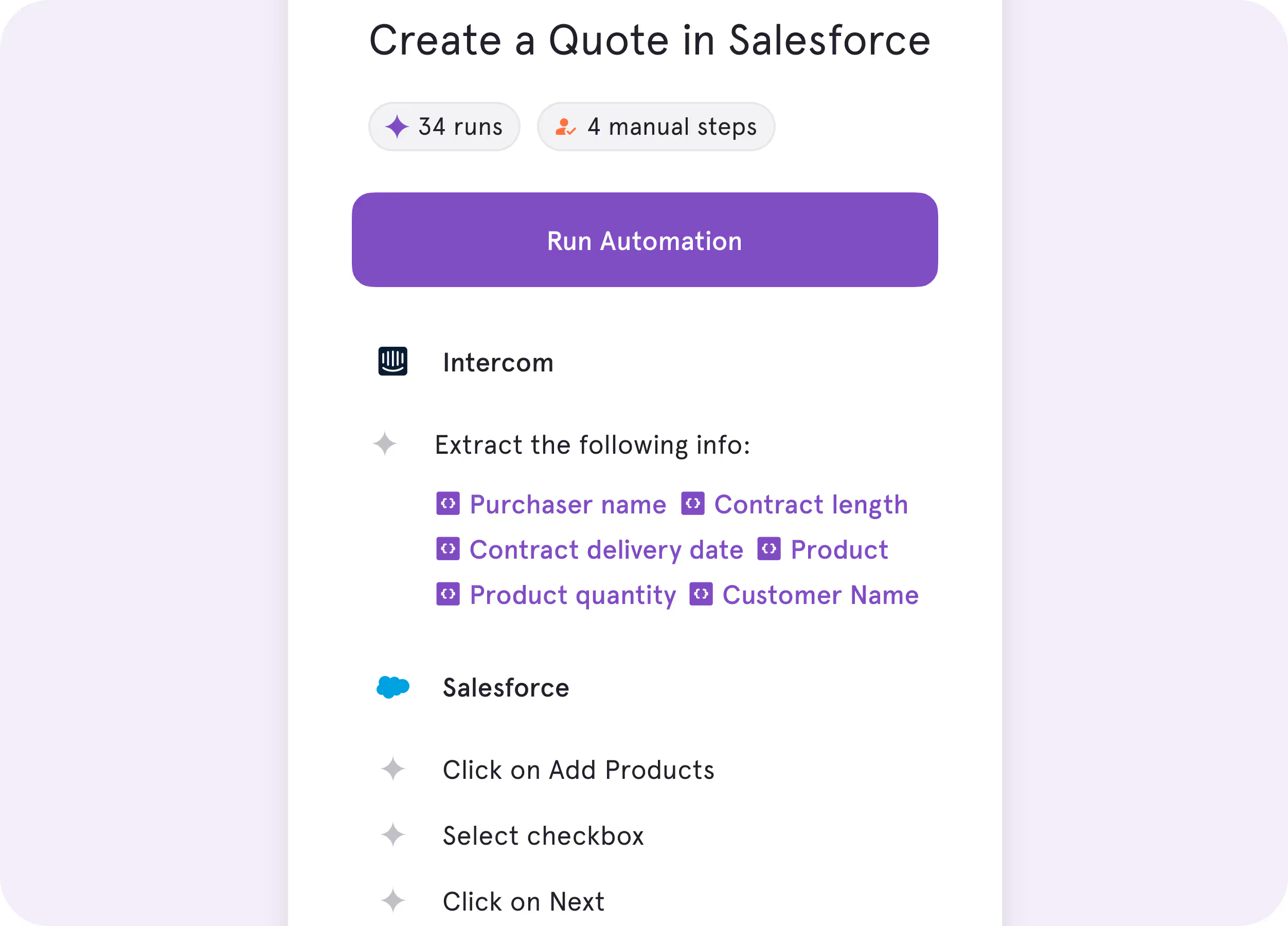
Tango Agents

Turn repetitive processes into real-time automations.

Screenshot of a guide interface titled ‘Creating a Lead in Salesforce: Step-by-Step Guide,’ with options for scrolling and opening the guide, next to text highlighting Tango Capture and Tango Embed features
Blurred white and gray document or webpage with minimal content
Computer screen showing Calendly interface for scheduling discovery calls
No one wants to spend 15 minutes reading about a process when they could use that time to actually do the process.
Tom | Learning & Development Manager
Why Choose Whatfix?

You’re running a formal, enterprise-wide digital adoption program across complex systems and teams.

You need configurable, multi-step guidance built and managed centrally

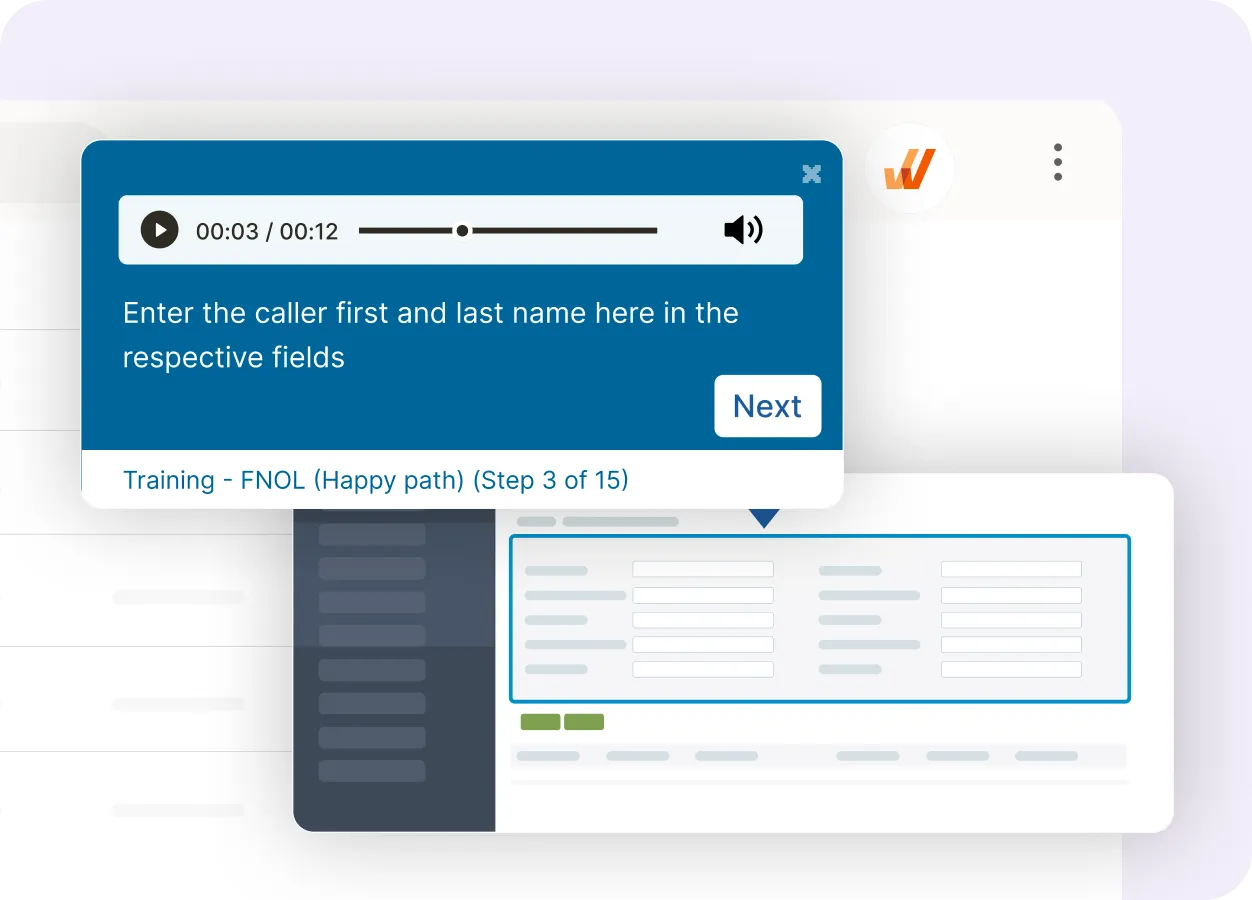
Multi-step walkthroughs with audio and validation built by a dedicated content team.

Screenshot of a guide interface titled ‘Creating a Lead in Salesforce: Step-by-Step Guide,’ with options for scrolling and opening the guide, next to text highlighting Tango Capture and Tango Embed features
Blurred white and gray document or webpage with minimal content
Computer screen showing Calendly interface for scheduling discovery calls

You rely on advanced analytics to understand user behavior across tools

Track user behavior across applications with detailed reporting and segmentation for centralized adoption programs.

Screenshot of a guide interface titled ‘Creating a Lead in Salesforce: Step-by-Step Guide,’ with options for scrolling and opening the guide, next to text highlighting Tango Capture and Tango Embed features
Blurred white and gray document or webpage with minimal content
Computer screen showing Calendly interface for scheduling discovery calls

Key Differences

Both tools help teams adopt software. Here's how they’re different.

Unique features

What can you do once you've captured your process?
Whatfix

Manually build and configure conditional guidance in Whatfix Studio, with granular control over flows, logic, and deployment.

Tango

Instantly turn captured processes into in-app guidance—pinned directly inside the tools your team uses.

User icon with workflow process steps and communication icon

End user experience

How will they help your team do their jobs?
Whatfix

Contextual flows triggered by user behavior, configured and maintained by a dedicated content team.

Tango

Step-by-step guidance inside the apps your team already uses—self-serve, flexible, and built for real work.

Orange cube connected to location pin by curved path

Product roadmap

Where is each team investing to stay ahead?
Whatfix

AI-assisted authoring, advanced analytics, and expanded platform support across mobile and virtual desktop environments.

Tango

In-app guidance and automation that turn captured workflows into action—right where work happens.

What’s in it for you

The TL;DR of the business impact you’ll make.
Whatfix

Enterprise-grade adoption infrastructure with deep analytics and multi-platform support for IT-led transformation programs.

Tango

Process documentation and in-app guidance any team can own and update—no dedicated admin or lengthy rollout required.

In six months with Tango, we improved access
to knowledge by 20% and employee satisfaction by 25%.
Emily | Senior Product Development Manager

What do Tango and Whatfix have in common?

Capturing Documentation

Browser-based capture via Chrome extension

Automatic step detection and screenshot generation

Editable instructions after capture

Editing Tools

Custom branding (logos and colors)

AI-assisted content creation

Clean, professional output for internal or external use

Sharing & Analytics

In-app guidance overlay

Share guides via link or embed them in your tools

Instantaneously surface other potentially relevant guides for a given website or tool

Access analytics on guide views, engagement, and completion

Security & Privacy

SOC 2 Type II–compliant security and data protection

Single sign-on (SSO) and user provisioning (SCIM)

Centralized deployment and access management for teams

Role-based permissions and access controls

Sensitive information redaction

Our newest sales reps are correctly adopting our HubSpot
processes on their first day with Tango—much faster than previous
cohorts without it.
Tom | Sales Enablement Manager

The GPS for processes

Top performing companies use Tango to accelerate knowledge sharing, process adoption, and software ROI.

With Tango, I get to make learning software feel like the Cadillac experience.

Chad, Customer Success Leader

See Tango’s
Software Knowledge Layer in action

Orange and white stylized T logo with sparkle effects on pink background