The best Confluence alternative for software training and SOPs

Confluence stores your docs. Tango puts them to work.
See why teams choose Tango to automatically capture processes and deliver step-by-step guidance employees can follow without leaving their workflow.
Tango logo and Scribe logo with a connecting line between them, surrounded by question marks.
Soft peach background with curved orange lines and minimalist designSoft pink background with a curved orange-red line

Tango and Confluence strengths

Confluence organizes training materials and SOPs in a centralized wiki. Tango delivers step-by-step guidance inside the tools employees already use.


Quickly capture process guides with Click-to-Capture and Voice Transcription
Watch AI title your guide and write step descriptions in real time
Capture multiple paths in a single guide without rebuilding separate workflows
Automatically detect and redact sensitive information
Play button icon
Turn any workflow into an embeddable video that automatically updates with a single click
Pin guides and tips directly inside the software employees use every day
‍Show users exactly what to do with in-app walkthroughs
Person icon
Translate workflows instantly for global teams
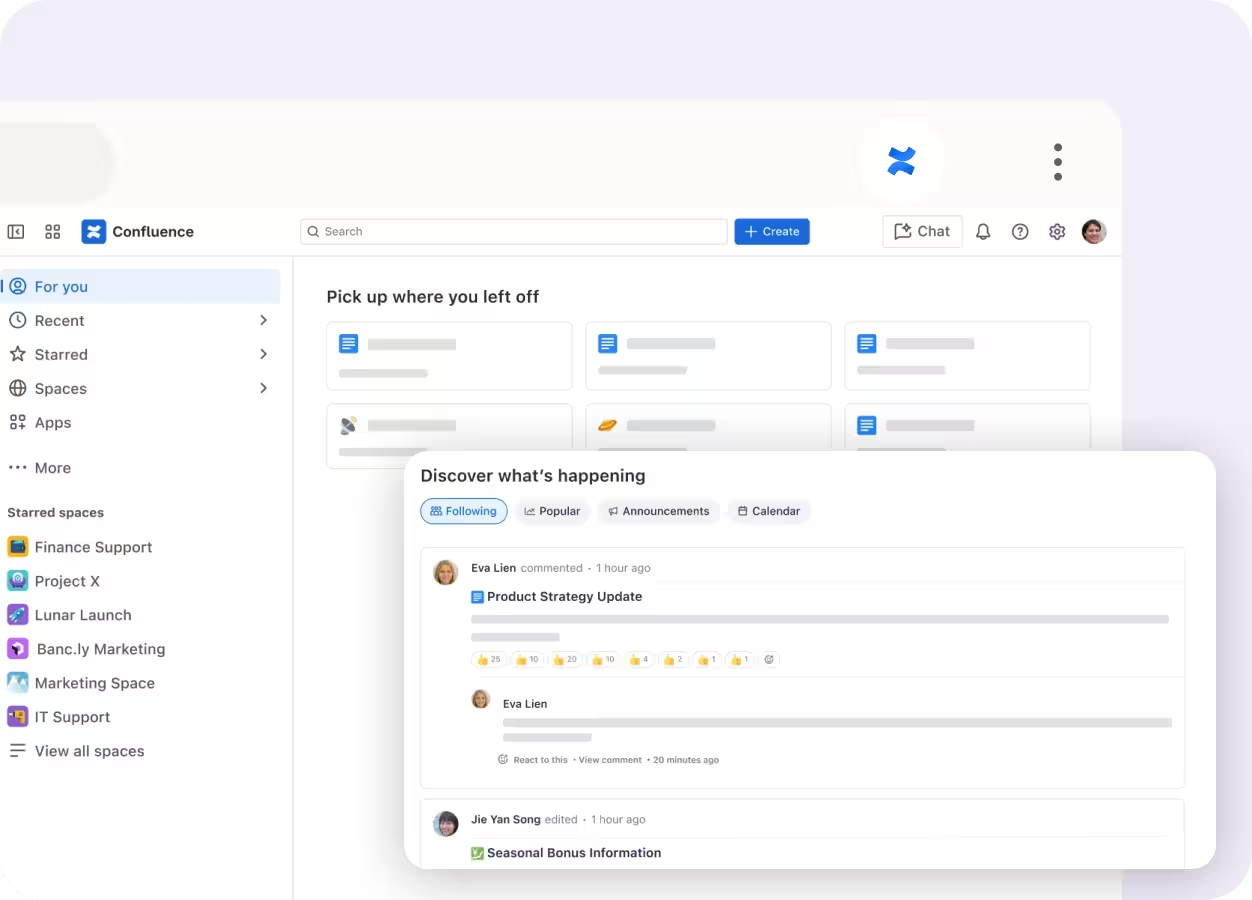
Manually authored pages and team knowledge organized in shared workspaces
Templates for project briefs, meeting notes, SOPs, and technical documentation
Rovo AI search and summaries across company knowledge
Native Jira integration for product and engineering workflows
Real-time collaboration with comments, inline edits, and page versioning
Deep purple abstract background with curved layered geometric shapes
Why Choose Tango?

You care about process adoption as much as process documentation.

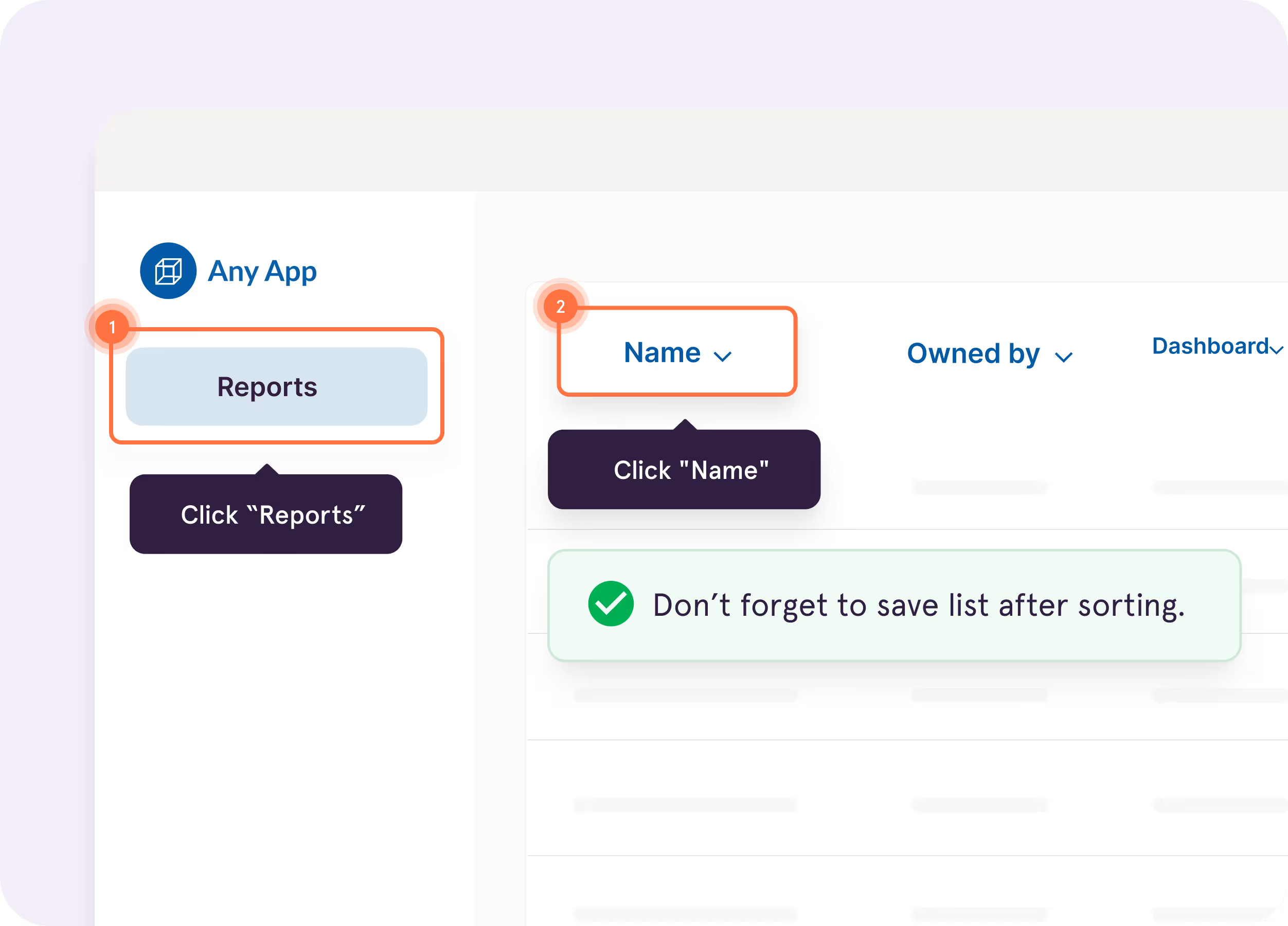
Tango Guide Me

Show users exactly where to click so they
can easily follow processes across applications

Support multiple workflow paths in a single guide with Workflow Branching
Screenshot of a guide interface titled ‘Creating a Lead in Salesforce: Step-by-Step Guide,’ with options for scrolling and opening the guide, next to text highlighting Tango Capture and Tango Embed features
Blurred white and gray document or webpage with minimal content
Computer screen showing Calendly interface for scheduling discovery calls

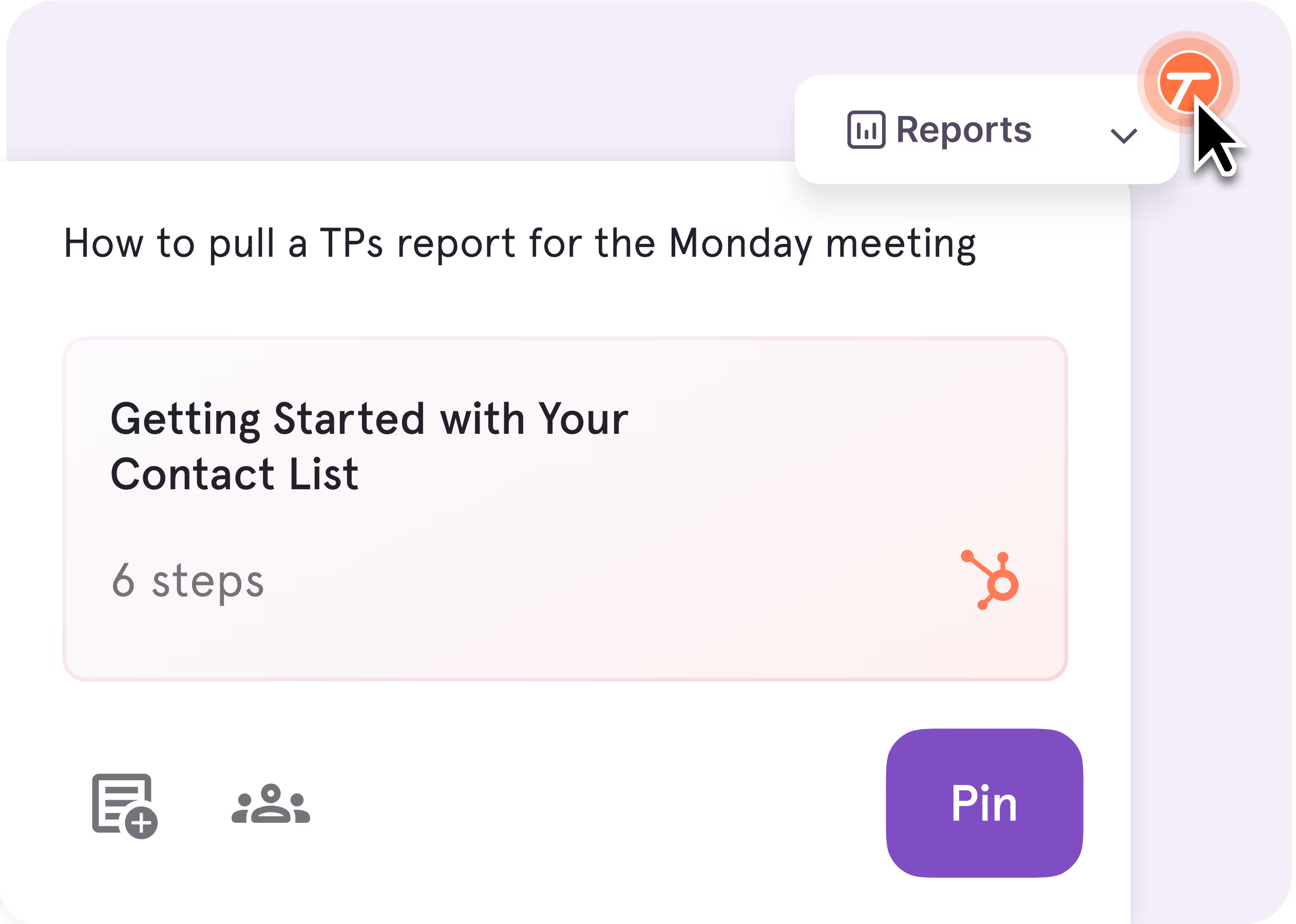
Tango Pins & Nuggets

Pin guides inside your work apps right where employees will need them

Easily leave tooltips inside your apps for tips, watchouts, and links to additional resources
Screenshot of a guide interface titled ‘Creating a Lead in Salesforce: Step-by-Step Guide,’ with options for scrolling and opening the guide, next to text highlighting Tango Capture and Tango Embed features
Blurred white and gray document or webpage with minimal content
Computer screen showing Calendly interface for scheduling discovery calls

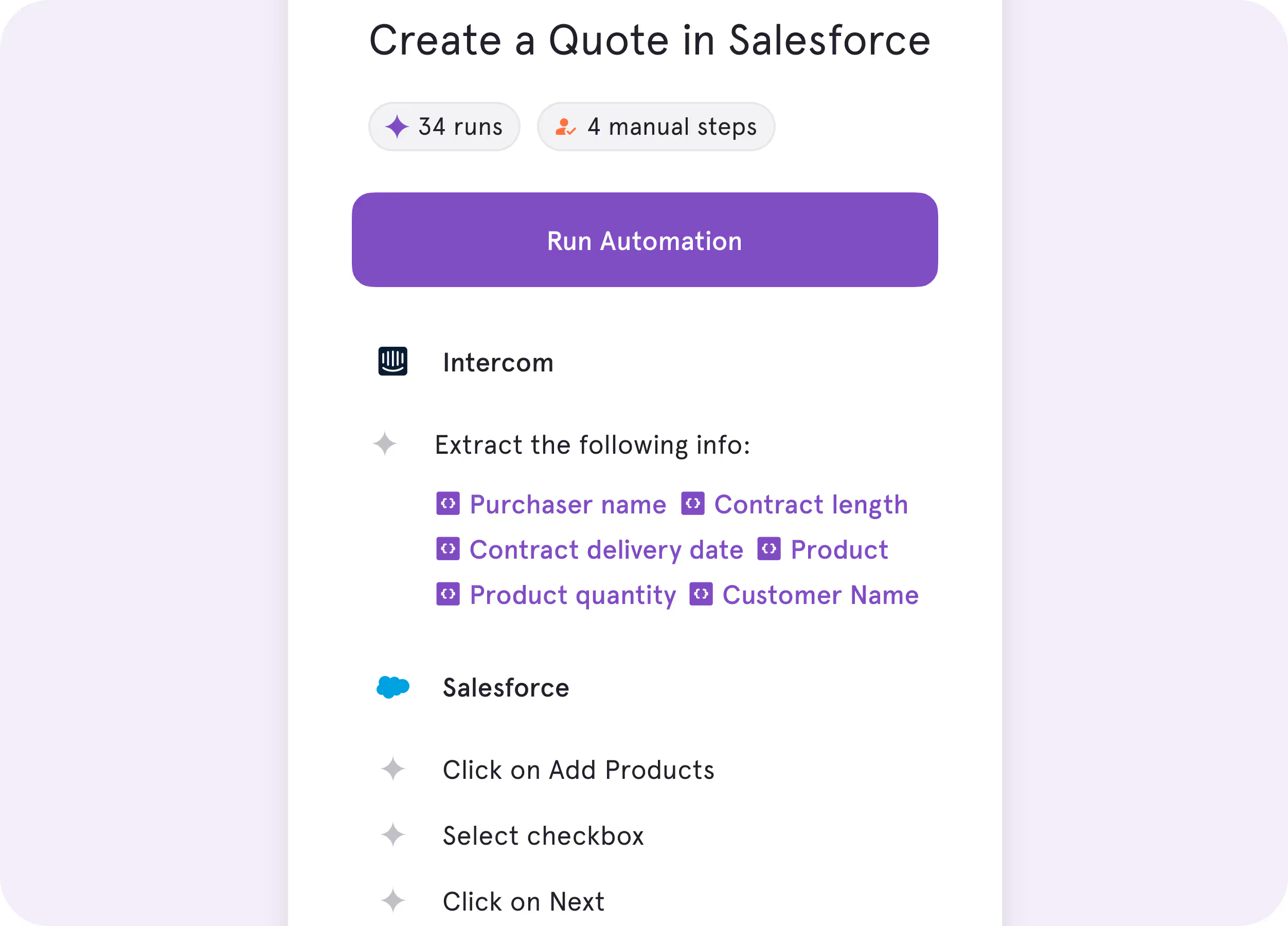
Tango Agents

Complete repetitive steps for employees with real-time automation
Screenshot of a guide interface titled ‘Creating a Lead in Salesforce: Step-by-Step Guide,’ with options for scrolling and opening the guide, next to text highlighting Tango Capture and Tango Embed features
Blurred white and gray document or webpage with minimal content
Computer screen showing Calendly interface for scheduling discovery calls
No one wants to spend 15 minutes reading about a process when they could use that time to actually do the process.
Tom | Learning & Development Manager
Decorative quotation mark iconDecorative quotation mark icon
Why Choose confluence?

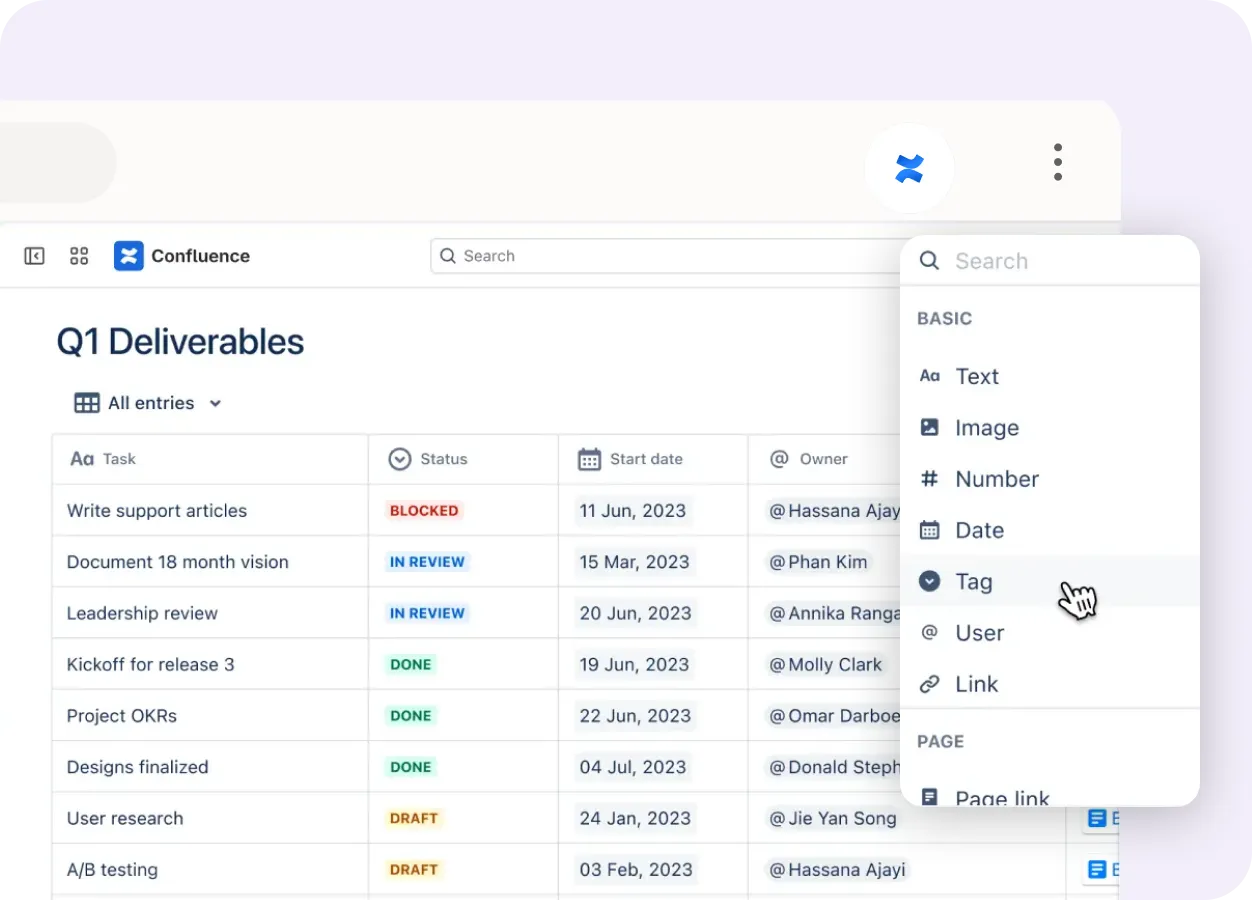
You need a shared wiki to manage training documentation and SOPs across your organization.

One place to store, search, and collaborate on documentation
Screenshot of a guide interface titled ‘Creating a Lead in Salesforce: Step-by-Step Guide,’ with options for scrolling and opening the guide, next to text highlighting Tango Capture and Tango Embed features
Blurred white and gray document or webpage with minimal content
Computer screen showing Calendly interface for scheduling discovery calls

Standardize documentation across teams and departments
Screenshot of a guide interface titled ‘Creating a Lead in Salesforce: Step-by-Step Guide,’ with options for scrolling and opening the guide, next to text highlighting Tango Capture and Tango Embed features
Blurred white and gray document or webpage with minimal content
Computer screen showing Calendly interface for scheduling discovery calls

Key Differences

Both tools help teams document and share how work gets done. Here's how they deliver guidance differently.

Unique features

Once you've documented your processes, where do employees go to get help?
Confluence

Docs and wikis live in a shared workspace employees search or browse to find answers.

Tango

Guided walkthroughs surfaced directly inside the software where work happens.

User icon with workflow process steps and communication icon

End user experience

How will each tool help your end users get unstuck?
Confluence

Users search a shared knowledge base and read through pages to find what they need.

Tango

In-app walkthroughs, tips, and embedded guidance help users complete work in real time.

Orange cube connected to location pin by curved path

Product roadmap

Where is each team investing to stay ahead?
Confluence

Rovo AI-assisted search and knowledge management across the Atlassian ecosystem.

Tango

In-app guidance and real-time automation that helps employees complete work faster and more consistently.

What’s in it for you

What kind of business impact will you be able to drive?
Confluence

Keep team knowledge organized and easier to find across projects and departments.

Tango

Document processes faster and improve process adoption, software ROI, and productivity.

In six months with Tango, we improved access
to knowledge by 20% and employee satisfaction by 25%.
Emily | Senior Product Development Manager
Decorative quotation mark iconDecorative quotation mark icon

What do Tango and Confluence have in common?

Documentation

Reusable templates for recurring processes and SOPs

AI assistance to speed up documentation

Sharing & Analytics

Invite teammates to edit and collaborate in a shared workspace

Share knowledge via link, embeds, and exported content

Integrate with 100s of tools (Slack, Jira, Google Workspace, and more)

Customize documentation to follow your brand guidelines

Access analytics on shared content engagement

Security & Privacy

Role-based permissions and access controls

Streamline access with single sign-on (SSO)

Protect your data with SOC 2 Type II compliance

Compare Tango vs other popular tools

Jump to the comparison that's most relevant to you.

Blue cloud-shaped logo representing Salesforce company branding
Tango vs Scribe
Blue cloud-shaped logo representing Salesforce company branding
Tango vs Guidde
Blue cloud-shaped logo representing Salesforce company branding
Tango vs UserGuiding
Blue cloud-shaped logo representing Salesforce company branding
Tango vs Whatfix
Blue cloud-shaped logo representing Salesforce company branding
Tango vs Walkme
Blue cloud-shaped logo representing Salesforce company branding
Tango vs Loom
Our newest sales reps are correctly adopting our HubSpot
processes on their first day with Tango—much faster than previous
cohorts without it.
Tom | Sales Enablement Manager
Decorative quotation mark iconDecorative quotation mark icon

The GPS for processes

Top performing companies use Tango to accelerate knowledge sharing, process adoption, and software ROI.
Decorative quotation marks background graphicDecorative quotation marks background graphic

With Tango, I get to make learning software feel like the Cadillac experience.

Chad, Customer Success Leader

See Tango’s
Software Knowledge Layer in action

Orange and white stylized T logo with sparkle effects on pink background