

An SOP (standard operating procedure) is a documented set of instructions for completing a recurring process or task. SOPs give employees a consistent way to perform work by outlining what needs to be done, how to do it, and, when relevant, who is responsible.
Organizations use SOPs to make important processes easier to repeat and less dependent on individual knowledge or memory. They can be used for everything from onboarding a new employee to completing a recurring finance process or following a workflow in a software application.
What are the benefits of SOPs?
SOPs help organizations make important processes easier for employees to learn and follow.
Key benefits include:
- Faster onboarding and training: Give employees clear instructions as they learn new tasks and processes.
- Fewer avoidable errors: Give employees clear instructions for completing important or complex tasks correctly.
- Easier knowledge transfer: Capture process knowledge so it can be shared across a team instead of living with one person.
- More scalable processes: Make it easier to teach and repeat established ways of working as teams grow.
- Easier process improvement: Create a documented baseline that teams can review and improve as workflows change.
- Better continuity: Help important work continue when employees change roles, leave the organization, or are unavailable.
What should an SOP include?
The information included in an SOP depends on the process, but it should give employees enough context and instruction to complete the work correctly.
Common components of an SOP include:
- Purpose and scope: Explain what the SOP covers, why the process exists, who should use it, and when it applies.
- Roles and responsibilities: Identify who is responsible for completing the process or specific steps within it.
- Prerequisites: Outline any tools, information, permissions, or preparation needed before starting.
- Step-by-step instructions: Explain how to complete the process in a clear, logical order.
- Visuals: Use screenshots, diagrams, or other visuals when they make instructions easier to understand.
- Exceptions and troubleshooting: Explain what to do when the process doesn't go as expected or requires a different path.
- Related resources: Link to relevant policies, forms, templates, or other documentation employees may need.
- Ownership and review information: Identify who owns the SOP and when it was last reviewed or updated.
Not every SOP needs every component. A simple recurring task may only require a short set of instructions, while a complex process may need additional context, responsibilities, and supporting resources.
What are common SOP formats?
SOPs can take different formats depending on the complexity of the process and the amount of guidance employees need.
Common SOP formats include:
- Step-by-step instructions: Break a process into a sequence of actions employees complete in order.
- Checklists: List the actions or checks employees need to complete without providing detailed instructions for each one.
- Visual SOPs: Rely primarily on screenshots, diagrams, or other visuals to show employees how to complete a process.
- Decision-based SOPs: Guide employees through different steps based on specific conditions or outcomes.
The right format depends on the process and the people following it. An SOP may also combine formats, such as step-by-step instructions with screenshots or decision points.
What makes an SOP effective?
An effective SOP doesn't just document a process. It makes the process easy for employees to understand and follow when they're doing the work.
Effective SOPs are:
- Clear: Use straightforward language and instructions that are easy to understand.
- Accurate: Reflect how the process is actually performed, including the tools and workflows employees use.
- Easy to access: Give employees a simple way to find the right SOP when they need it.
- Easy to follow: Organize instructions so employees can move through the process without unnecessary friction.
- Open to feedback: Give employees a way to ask questions, flag unclear or outdated instructions, and suggest improvements to the SOP or process.
- Kept up to date: Reflect changes to software, policies, responsibilities, and workflows as they happen.
- Available in the flow of work: Make instructions accessible where employees are completing the task.
Even a well-documented SOP has limited value if employees can't find it, struggle to follow it, or discover that the instructions no longer match the way work is done.
How does Tango help teams create and follow SOPs?
Tango helps teams create SOPs as they work and make step-by-step guidance available to employees when and where they need it.
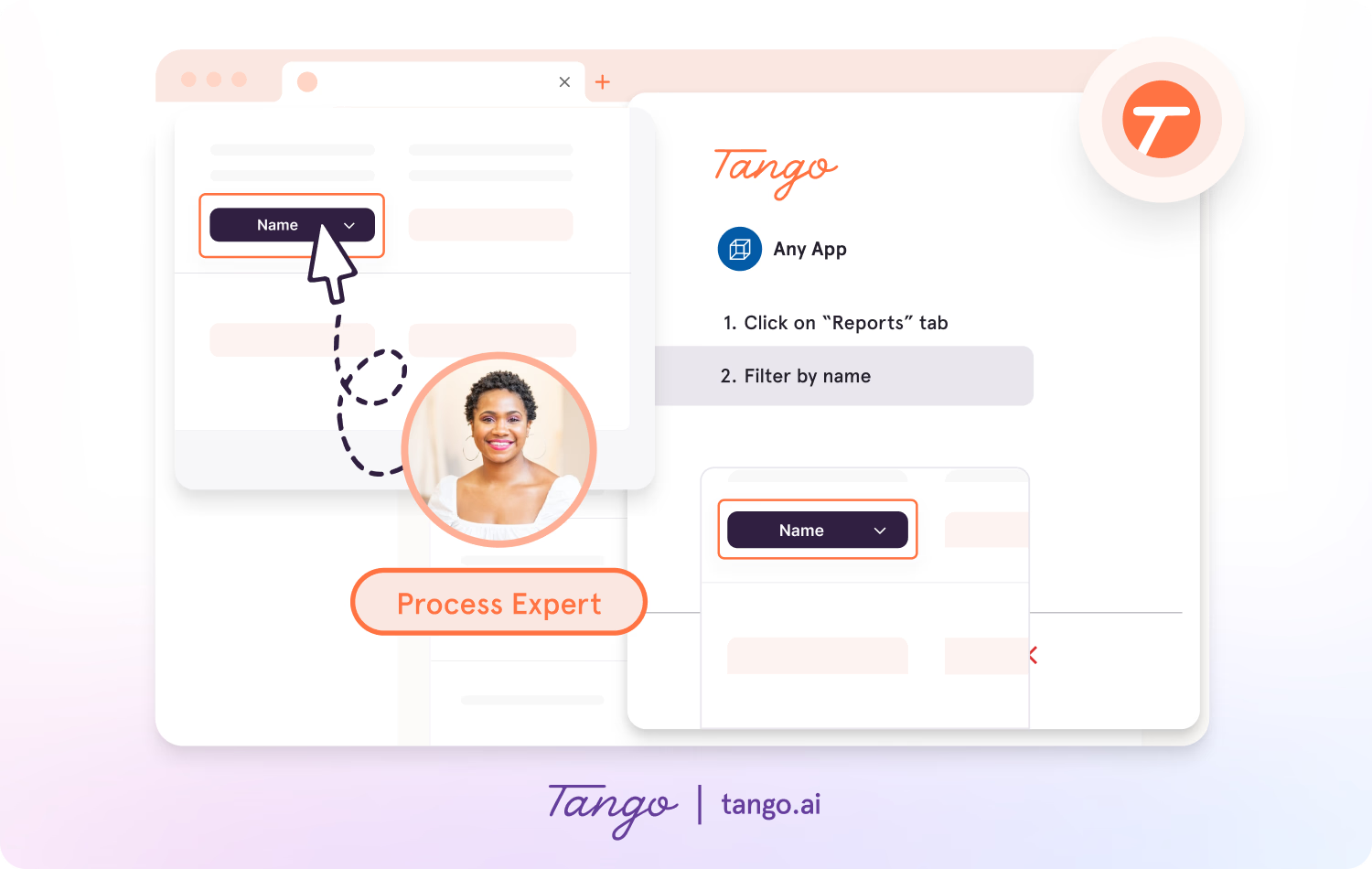
Capture SOPs as work happens
With Tango's Click-to-Create, teams can document a process as they perform it. Click through a workflow and Tango automatically generates a step-by-step guide with screenshots, annotations, descriptions, and links.
This makes it easier to capture how work is actually done without manually documenting every step.
Guide employees through SOPs
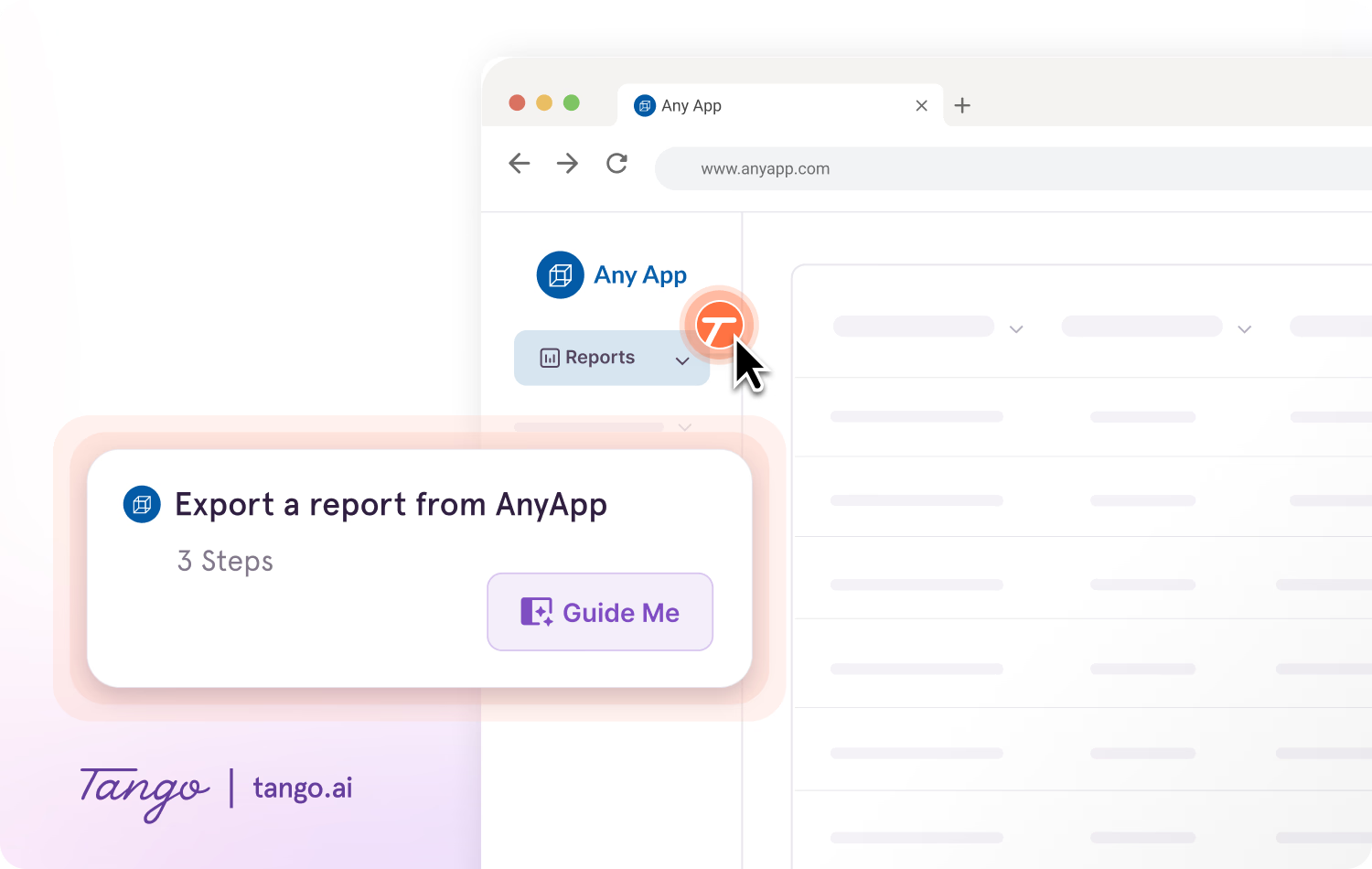
With Guide Me, employees can follow SOPs step by step inside the tools where they're completing the work.
Guide Me shows employees where to click as they move through a process, making instructions easier to follow without repeatedly switching between the SOP and the task.
Make SOPs available in the flow of work
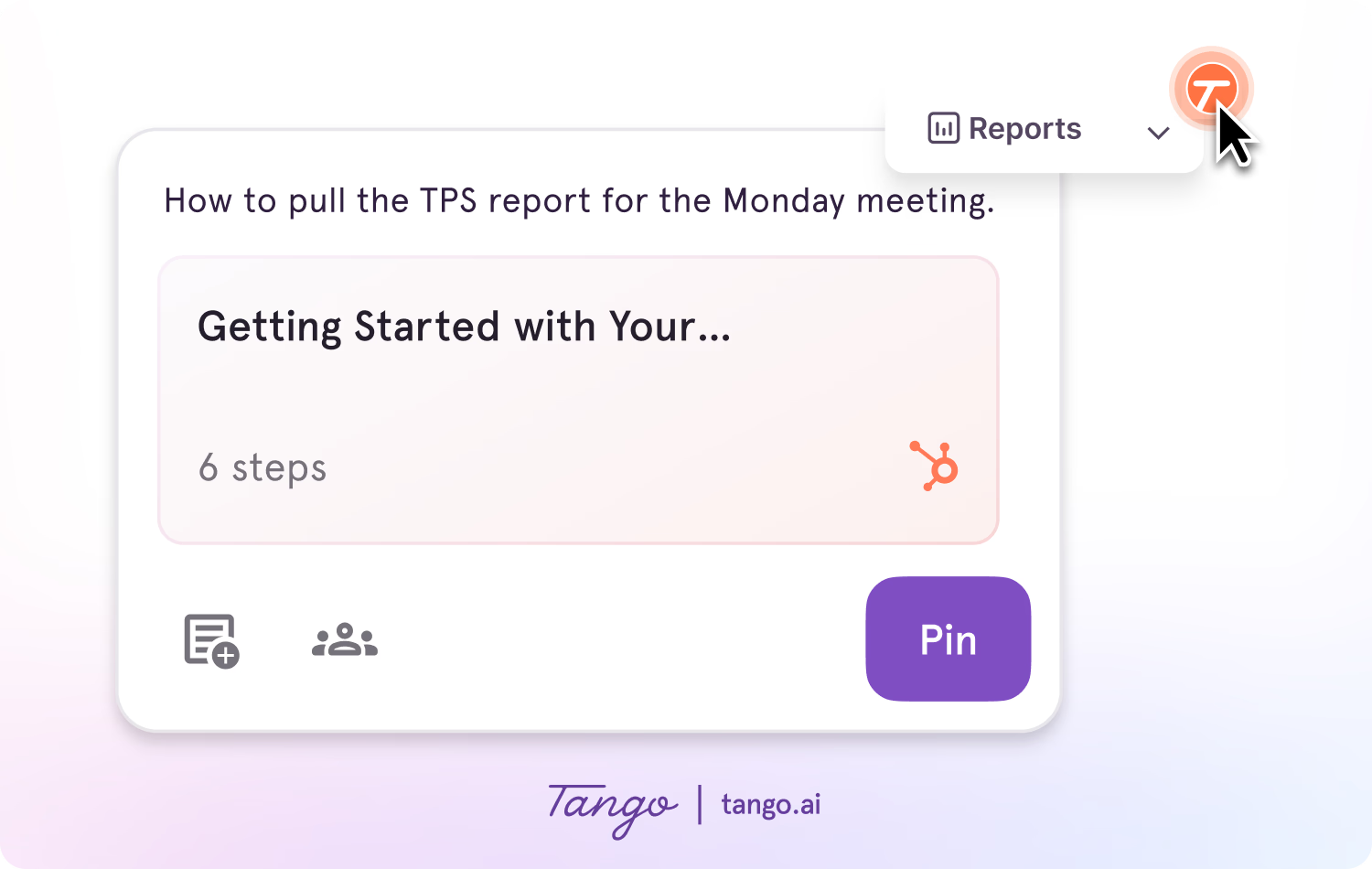
With Pins, teams can surface SOPs, tips, reminders, or links at the point in a process where employees may need them.
Employees can access relevant process knowledge without leaving the tools they're using or searching through a knowledge base.
Measure engagement with guided processes
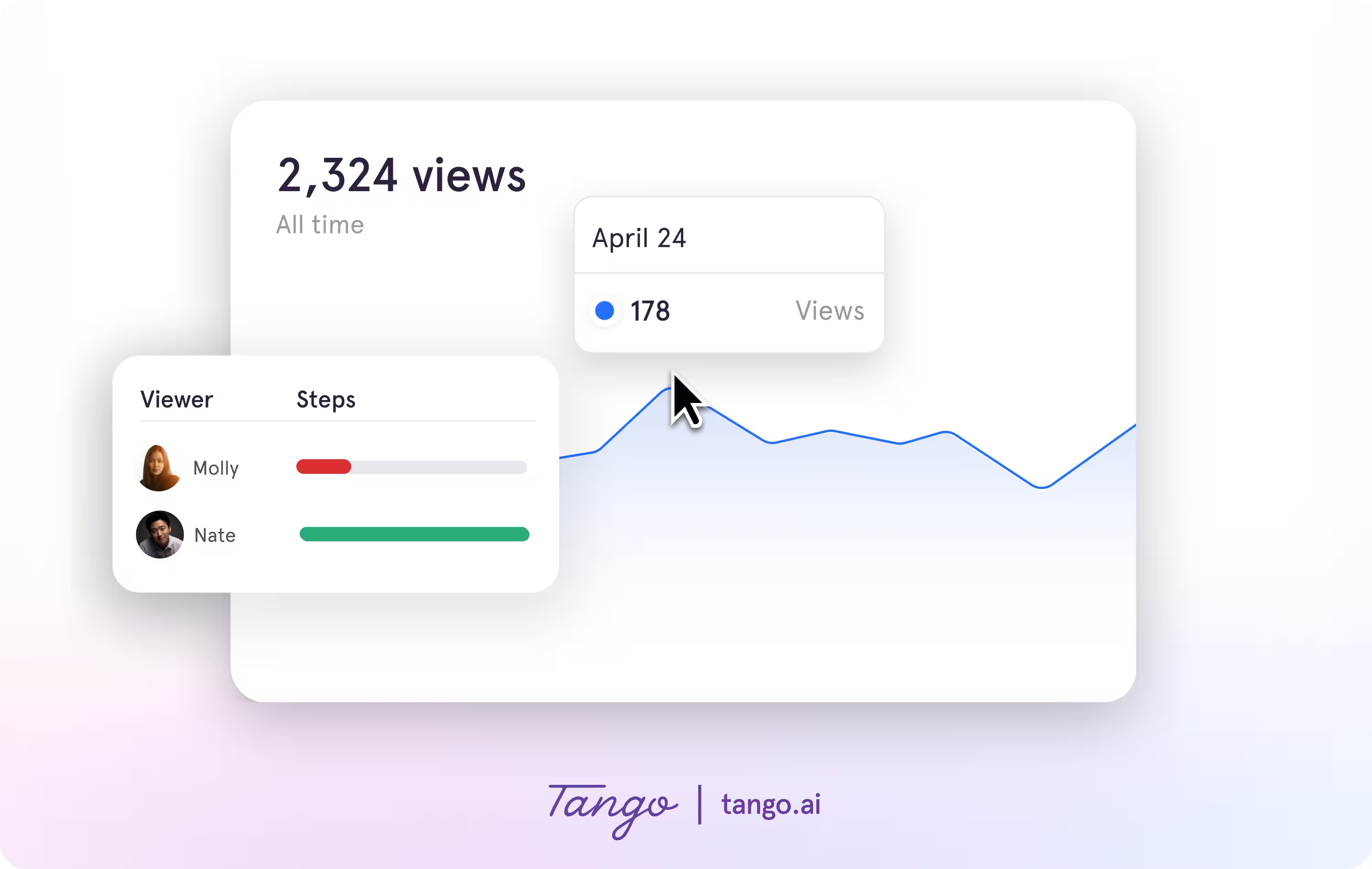
Tango Analytics show how employees engage with guided processes, including where they progress and where they drop off.
Teams can see where employees encounter friction and use those insights to improve SOPs and provide more targeted guidance.
Frequently asked questions
How do you create an SOP?
To create an SOP, identify the process you want to document, capture the steps as they're actually performed, and organize the instructions in a clear, logical order. Add any context or visuals employees need to complete the work, test the SOP with the people who use the process, and update it as the workflow changes.
What is an example of an SOP?
An example of an SOP is a step-by-step guide for creating a new customer account in a CRM. The SOP might explain which information to enter, which fields are required, and what steps to complete before the account is ready to use.
What is the difference between an SOP and a work instruction?
An SOP documents a recurring process or procedure, while a work instruction provides more detailed directions for completing a specific task within that process. An SOP may include step-by-step instructions itself or link to separate work instructions when a task requires more detailed guidance.