





Tango: The Best Loom Alternative
See why teams that onboard new hires, write SOPs, and answer everyone's questions choose Tango instead.


Tango and Loom strengths
Automatically capture every step as you work, generating a polished step-by-step guide
Walk users through every click with interactive in-app guidance
Capture multiple paths and decision points within a single workflow
Turn any workflow into an embeddable video that automatically updates when the workflow does
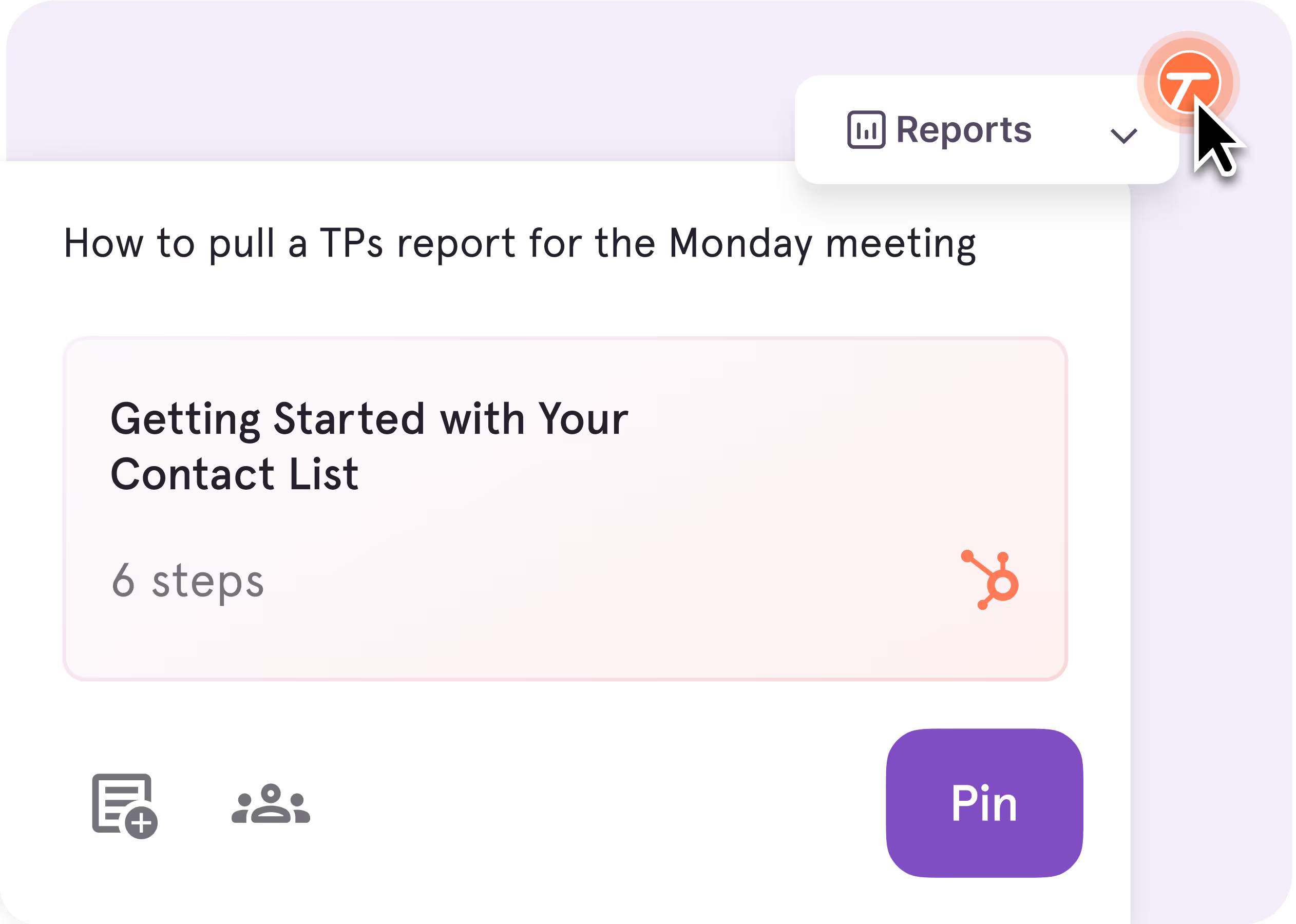
Pin guides, tips, and links directly inside the software, right where people need them
Track process adoption and see where users complete, drop off, or get stuck
Record your screen, camera, and audio to create video walkthroughs
Add AI-generated titles, summaries, chapters, and captions to recordings
Edit videos with tools for trimming, filler-word removal, and other recording enhancements
Share video messages for async updates, feedback, and explanations
Track viewer engagement with your video content
Tango Testimonials
See how Jasco Manufacturing cut 90% of errors from their quote-to-cash process


“We improved access to knowledge by 20%”
“In six months with Tango, we improved access to knowledge by 20% and employee satisfaction by 25%.”
“No one wants to spend 15 minutes reading”
“No one wants to spend 15 minutes reading about a process when they could use that time to actually do the process.”
“I love how you literally just have to... do the process!”
“I've been using Tango across 2 companies now and this has been one of my favorite tools...if you want to invest in documenting processes, Tango is the way to go.”
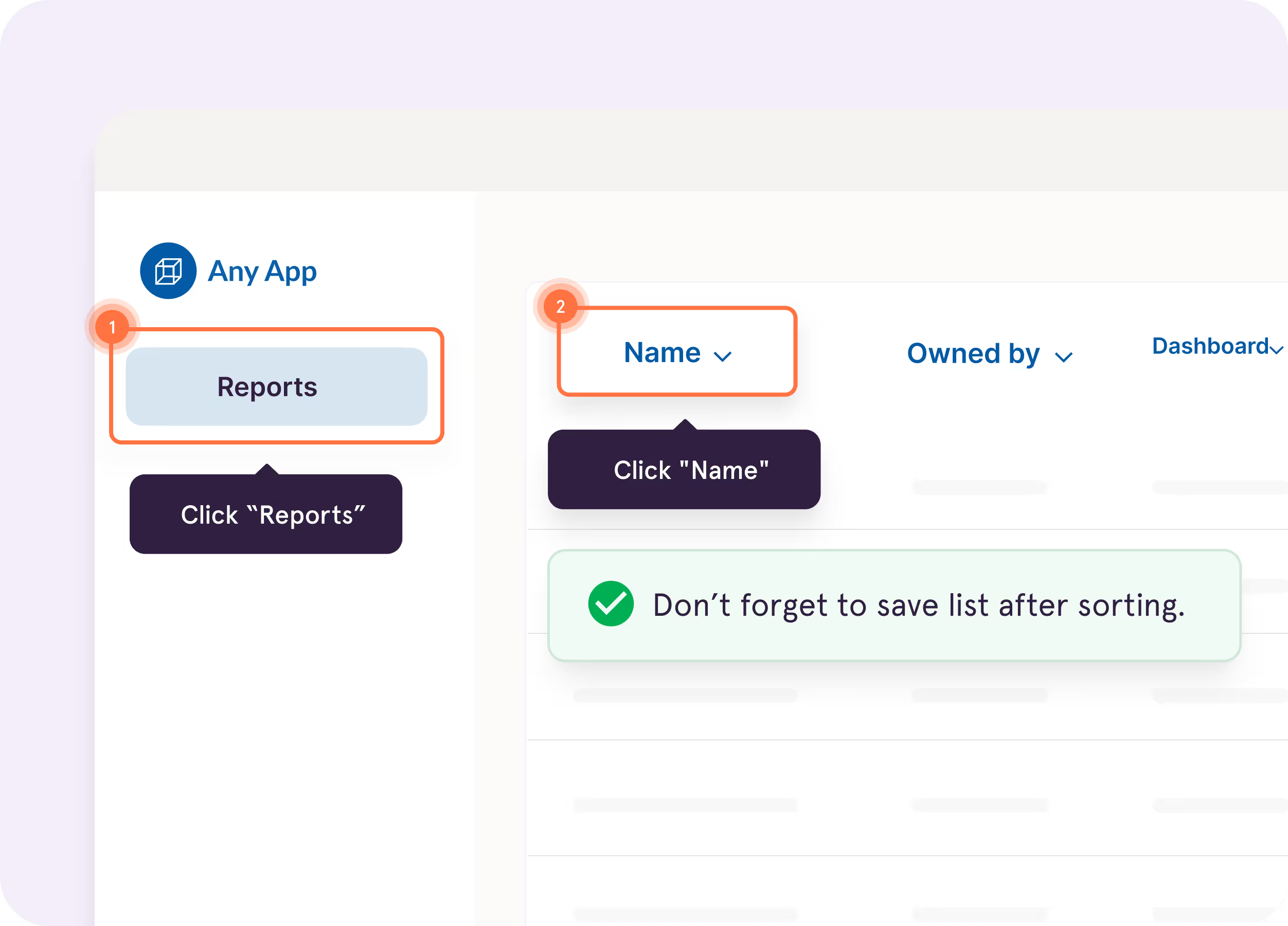
Turn captured workflows into interactive walkthroughs that highlight what to do next, right inside the tools where employees work.
Pin guidance directly to buttons, fields, and screens so answers show up right where questions happen.
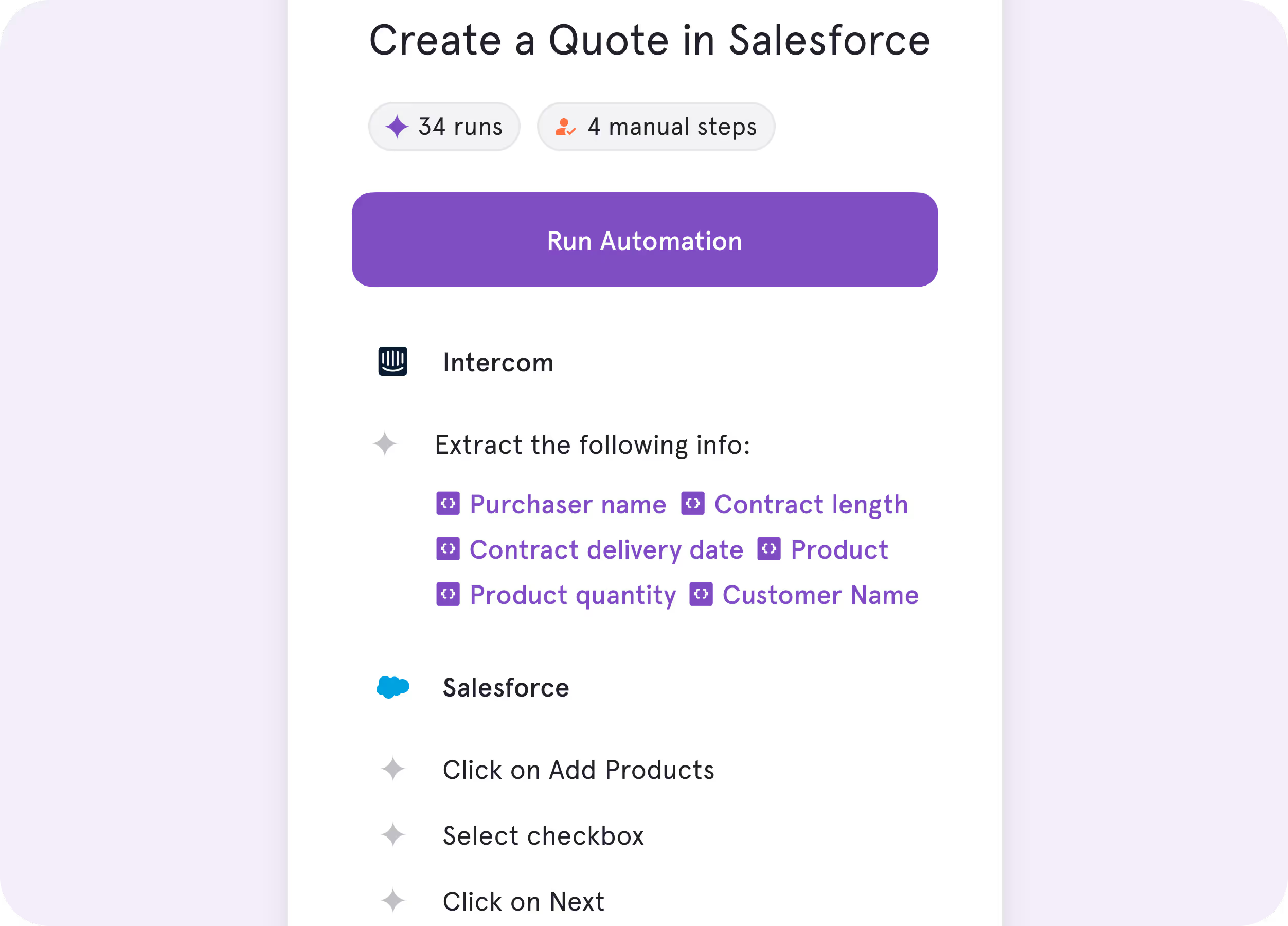
Automate repetitive browser work like data entry, cross-tab clicking, and form-filling, while your team stays in charge of the decisions.
%201.svg)
.avif)
Everything you need to choose the right plan.
Tango vs. Loom: Which is right for you?

Async collaboration
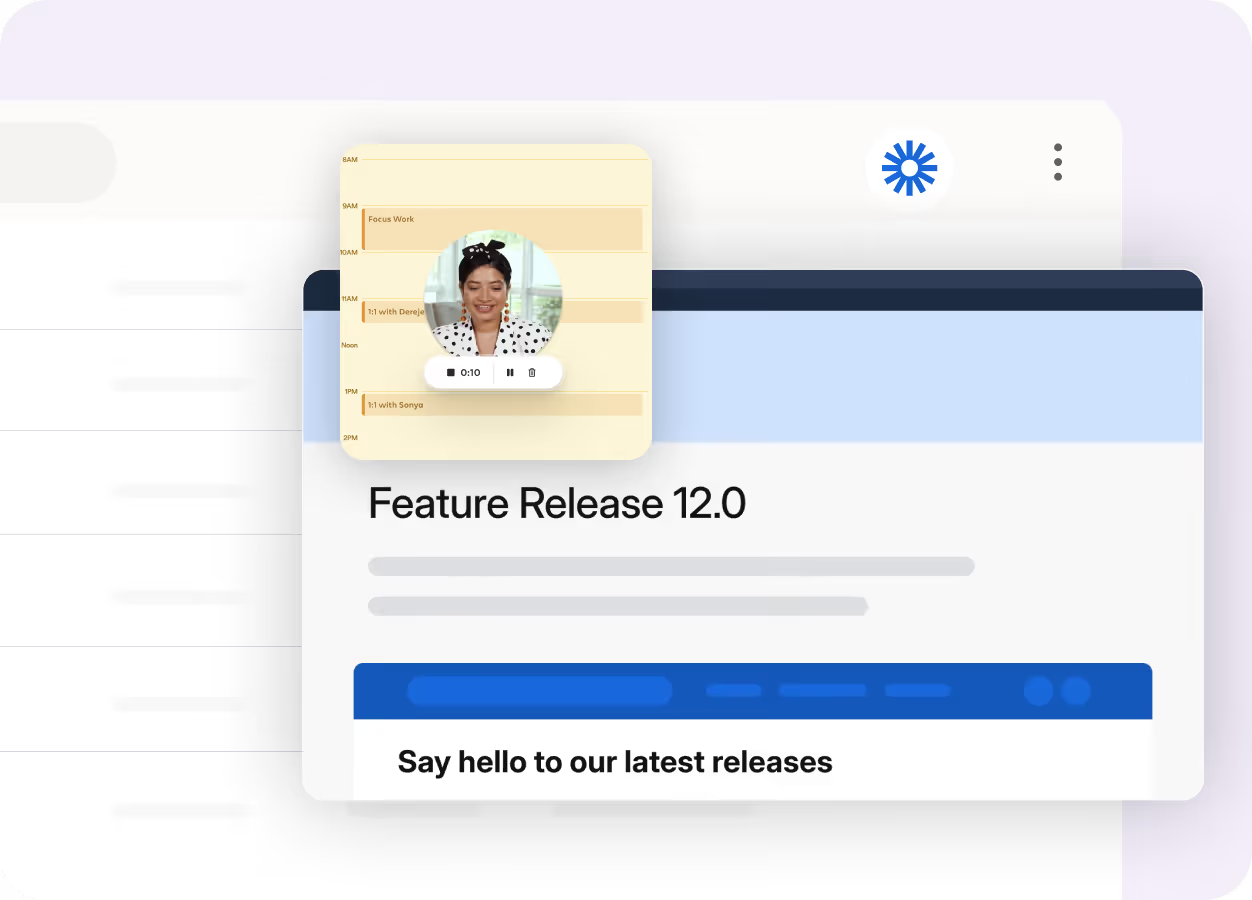
Replace meetings with quick video updates that keep teams connected and aligned.
Details and nuance
You want your team to show and tell, whether they’re sharing ideas or giving personalized feedback.


.webp)
Key Differences
Click through your workflow, and Tango automatically captures each step to create a structured guide with screenshots, highlights, and descriptions.
%201.svg)
Record your screen, camera, or audio to capture a process as a video walkthrough.

Walk your team through entire workflows, click by click, so they can complete the process without leaving the software they’re using.
Share video walkthroughs teammates can watch and reference when they need help completing a task.
Capture multiple paths and decision points in one workflow with Workflow Branching, so teammates can follow the path that applies to them.
Record walkthroughs for different paths or scenarios, so teammates can watch the one that applies to them.
What do Tango and Loom have in common?
Capturing Documentation
Document processes across web and desktop apps
Watch AI automatically generate titles and descriptions from captured content
Editing Tools
Customize content to match your brand
Polish captured content with built-in editing and annotation tools
Invite others to edit and collaborate in a shared workspace
Sharing
Turn process knowledge into shareable video walkthroughs
Share knowledge via link, email, chat, or internal documentation tools
Embed content in tools like Confluence, Notion, and SharePoint
Support multilingual content for teams working across languages
Gather feedback directly on shared content with comments and reactions
Access analytics to track how people engage with your content
Security & administration
Control access with workspace roles and permissions
Streamline user provisioning and access with SSO and SCIM
Protect your data with SOC 2 Type II compliance
FAQ
Both Tango and Loom help teams capture and share how work gets done. Loom takes a video-first approach with screen, camera, and audio recording. Tango automatically captures workflows as step-by-step documentation and helps teams put that process knowledge into practice with in-app guidance, Workflow Branching, and process adoption analytics.
Yes. Tango is a strong Loom alternative for teams that want documentation employees can reference and follow while completing processes. Tango automatically captures each step as you work, creating a structured guide with screenshots and descriptions. Loom focuses primarily on video recording, while its AI tools can also generate written process documentation from recordings.
Yes. Tango can turn captured workflows into embeddable videos with AI narration, so teams can use the same process knowledge as both step-by-step documentation and video. When the underlying workflow is updated, the video automatically regenerates to reflect those changes. Loom takes a video-first approach with screen, camera, and audio recording plus video editing tools.
Tango can guide employees through a workflow directly inside the software they’re using with Guide Me, highlighting what to do next as they complete each step. Tango can also surface contextual guidance with Pins. Loom videos can be embedded in websites and supported applications, giving employees video instructions they can watch and reference while they work.
Compare Tango vs other popular tools
Jump to the comparison that's most relevant to you.







Create your first Tango in minutes.
Start capturing your first workflow today.