Need to remove a user from Salesforce? Salesforce doesn't allow you to delete users, but you can deactivate a user to prevent them from logging in while preserving their records and activity history. Follow the steps below to find a user in Setup, deactivate their account, and save the changes.
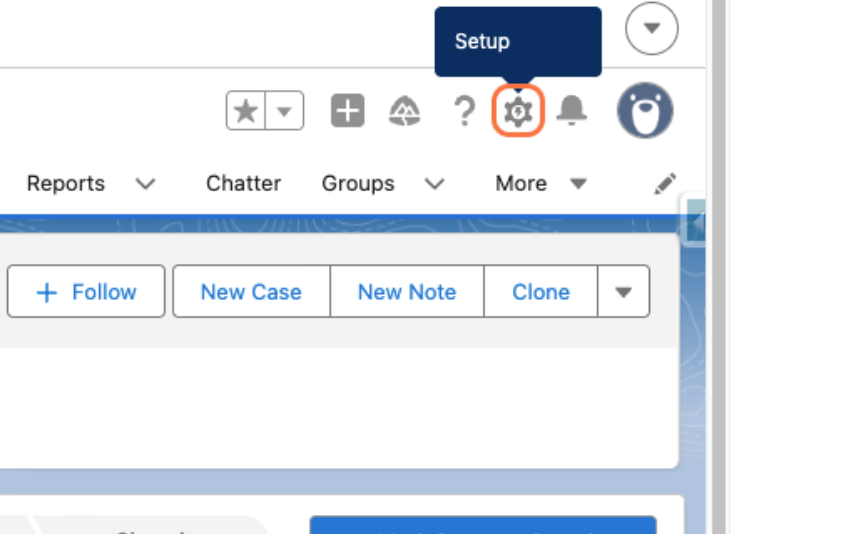
1. Open Salesforce Setup
Click on Setup to access Salesforce Setup and begin the user deactivation process.
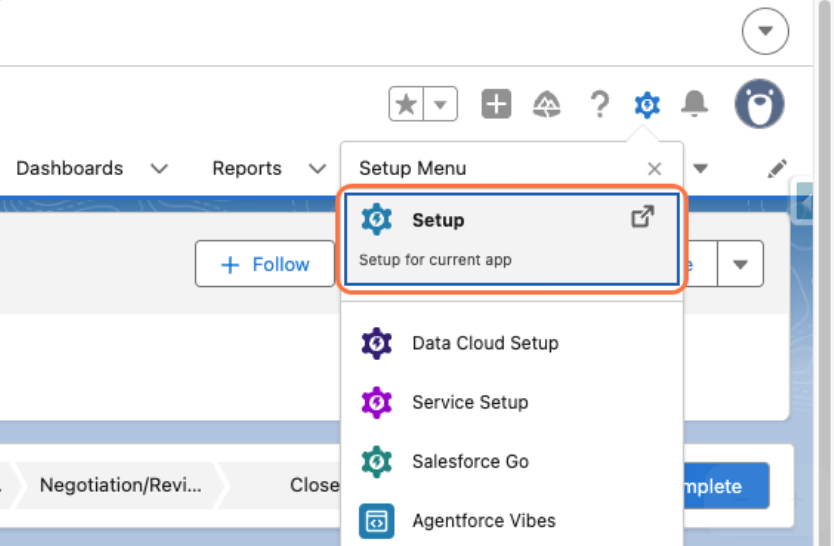
2. Open the Setup app
Click on Setup to open the Setup app in a new tab.
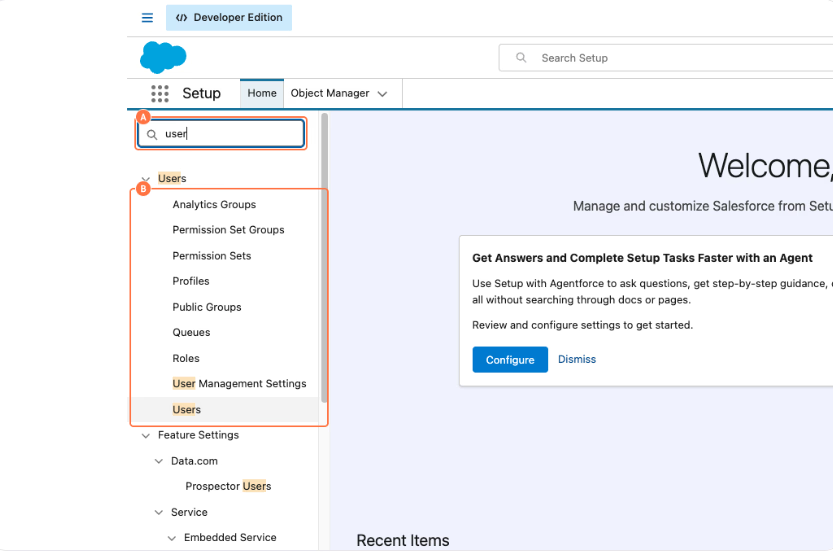
3. Open the Users page
A. Type Users in the Quick Find box.
B. Select Users from the dropdown.
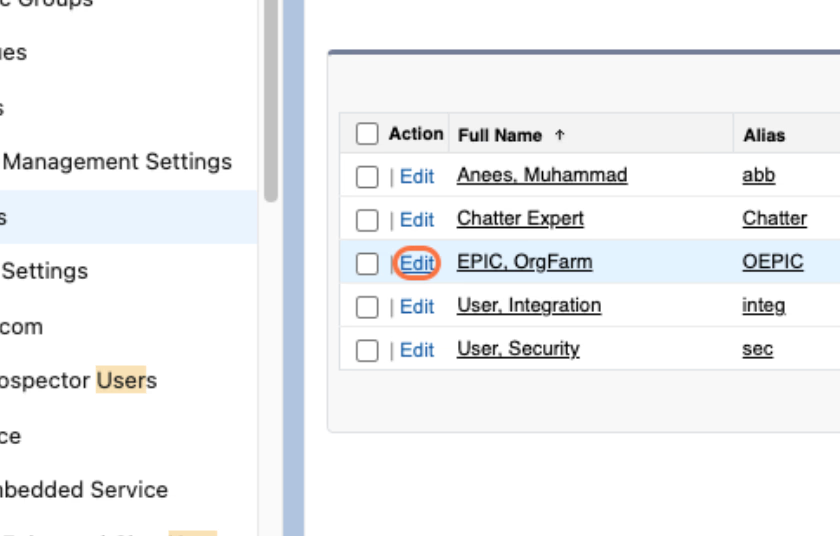
4. Edit the user
Click Edit next to the user you want to deactivate.
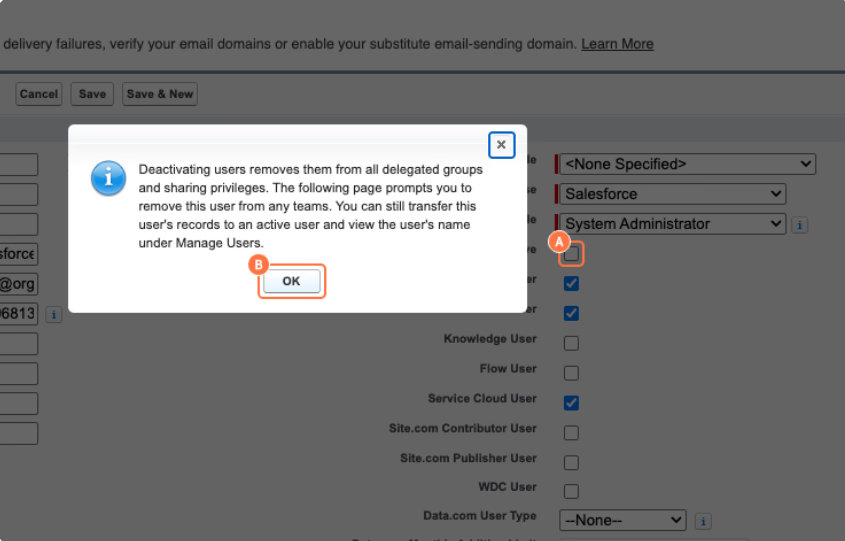
5. Deactivate the user
A. Deselect Active.
B. Click OK to confirm the change.
Deactivating a user prevents them from logging in while preserving their Salesforce records and history.
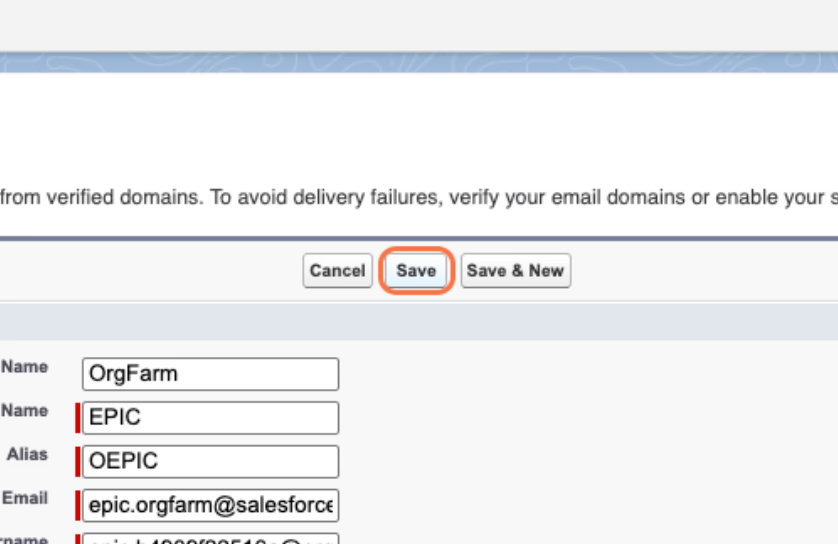
6. Save the changes
Click Save to apply the deactivation.
Well done! You've successfully deactivated a user in Salesforce. The user can no longer log in, but their records and activity history remain available.