The best user manual creation software 2026


Creating a user manual often starts with the best intentions: make it easy for people to do their jobs.
But even with the guides, help center articles, and step-by-step instructions you’ve carefully created, the experience is rarely consistent.
Once people are inside real workflows, things start to break down. Information is hard to find, scattered across tools, or already outdated. Instead of relying on documentation, people fall back on asking a teammate or figuring it out themselves.
Over time, documentation becomes something teams maintain, but don’t fully trust.
That’s why more teams are rethinking how they create user manuals. Instead of static documents, they’re turning to tools that make documentation faster to create, easier to maintain, and aligned with how work actually gets done.
What is user manual creation software?
User manual software helps teams create, organize, and share documentation that explains how to use a product, system, or process. At its core, the goal is simple: give people clear, step-by-step guidance so they can complete tasks on their own.
These tools typically help you:
- Create step-by-step guides, tutorials, or documentation
- Add screenshots, videos, or written instructions to explain processes
- Organize content into structured, easy-to-navigate formats
- Share documentation across teams, customers, or help centers
- Update and maintain content as processes and tools change
What to look for in user manual creation software?
Not all user manual tools are built the same. Here’s what to look for:
- Ease of use - The tool should make it simple for anyone, not just technical writers, to create guides quickly.
- Collaboration features - Look for real-time editing, sharing, and version control so teams can create, review, and update content together.
- Analytics and tracking - Understanding how users interact with your documentation helps you improve it over time.
- Export and sharing - Documentation should be easy to distribute across help centers, internal tools, and customer workflows.
- Integrations - The best tools connect with your existing stack so documentation can live where users already work.
- Security and data protection - Look for role-based access controls, SSO, and audit logs to manage permissions, along with features that help automatically protect or remove sensitive information before it’s shared.
Comparison table: The best user manual creation software
The 10 best user manual creation software in 2026
1. Tango
G2 Rating: 4.8/5 (514 reviews)
Pricing: Free plan available; paid plans from $15/user/month

Most user manual tools stop at documentation. Tango picks up where they fall short, helping teams actually create guides as work happens.
Instead of static manuals or videos that become outdated as soon as they’re published, Tango automatically captures workflows and turns them into step-by-step guides anyone can follow, right inside the tools they use every day.
Create process documentation in seconds
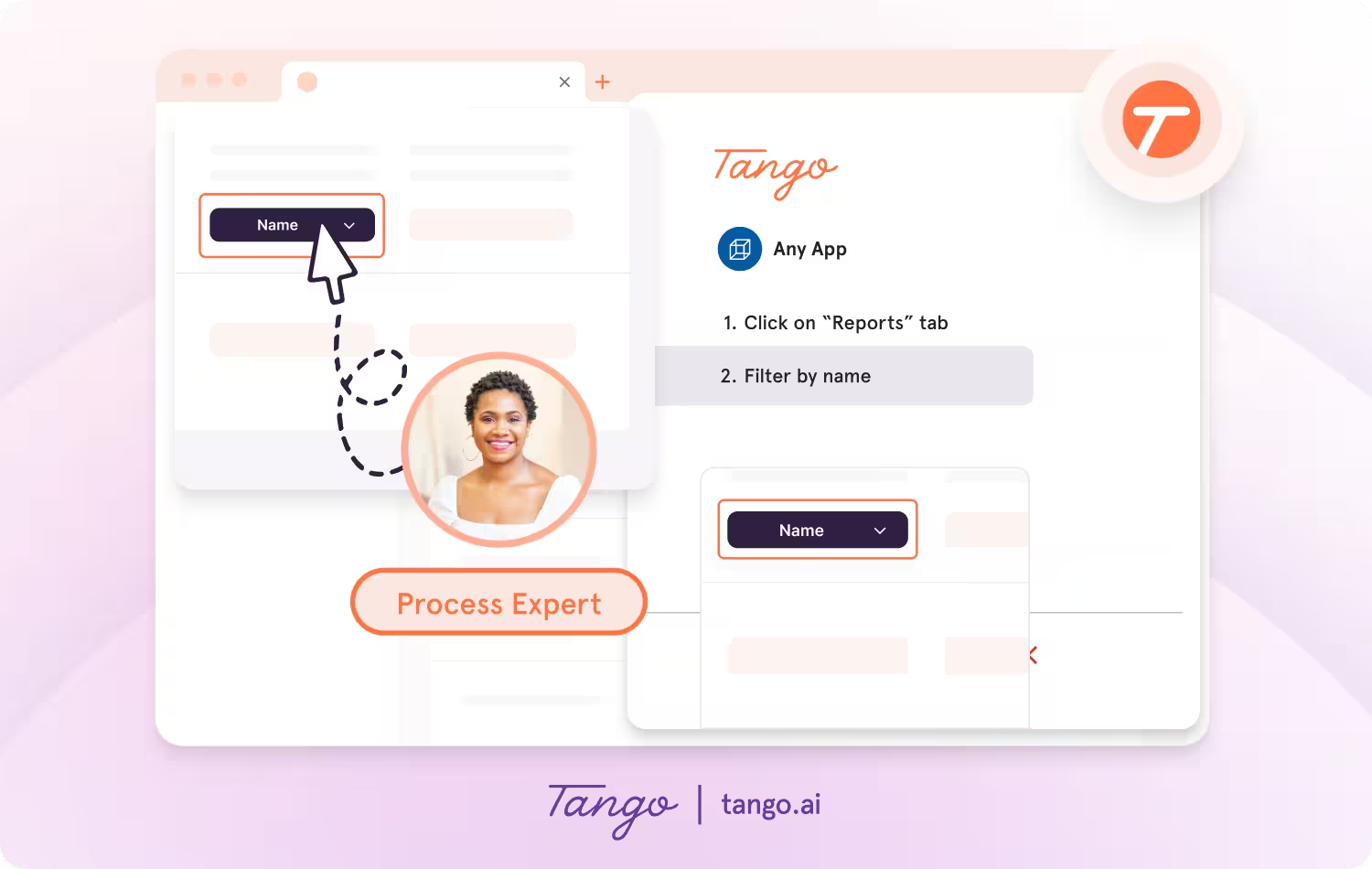
Tango makes capturing processes effortless, so you can document as you work.
- Capture guides and walkthroughs anywhere across the web with the browser extension, or use the desktop app for offline applications.
- Click through your process and instantly generate a step-by-step guide with screenshots, annotations, descriptions, and links.
- Update descriptions, insert additional context, and add flair to your screenshots with advanced editing tools.
Enable perfect process adoption with in-app walkthroughs
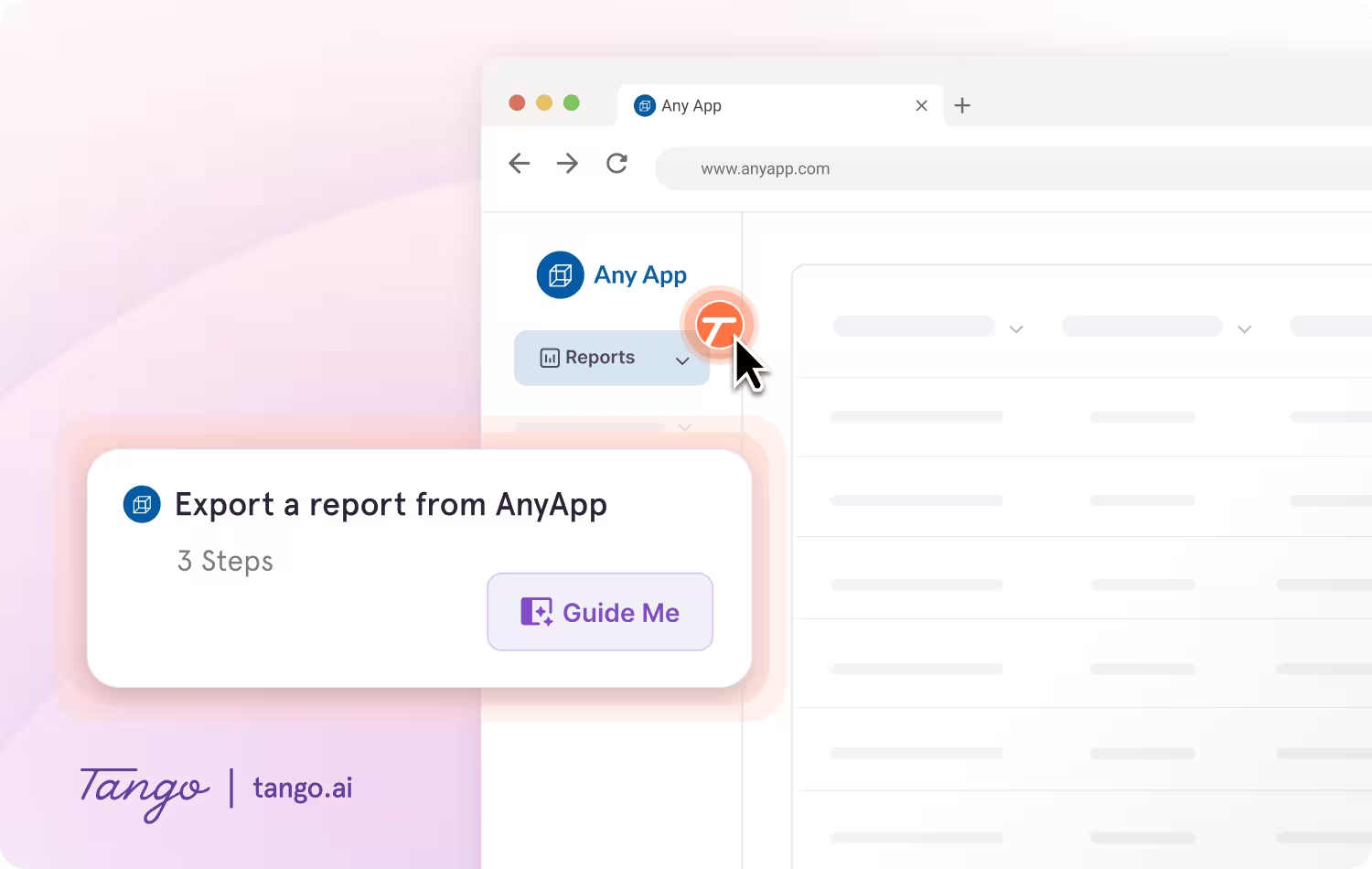
With Guide Me from Tango, documentation becomes instantly followable—right inside the tools where work happens.
- Give your team step-by-step guidance inside of any tool without switching tabs.
- Guide Me shows users exactly where to click so they can easily follow processes across applications.
- Surface guides, tips, or links as Pins at any point in a process where employees may need help.
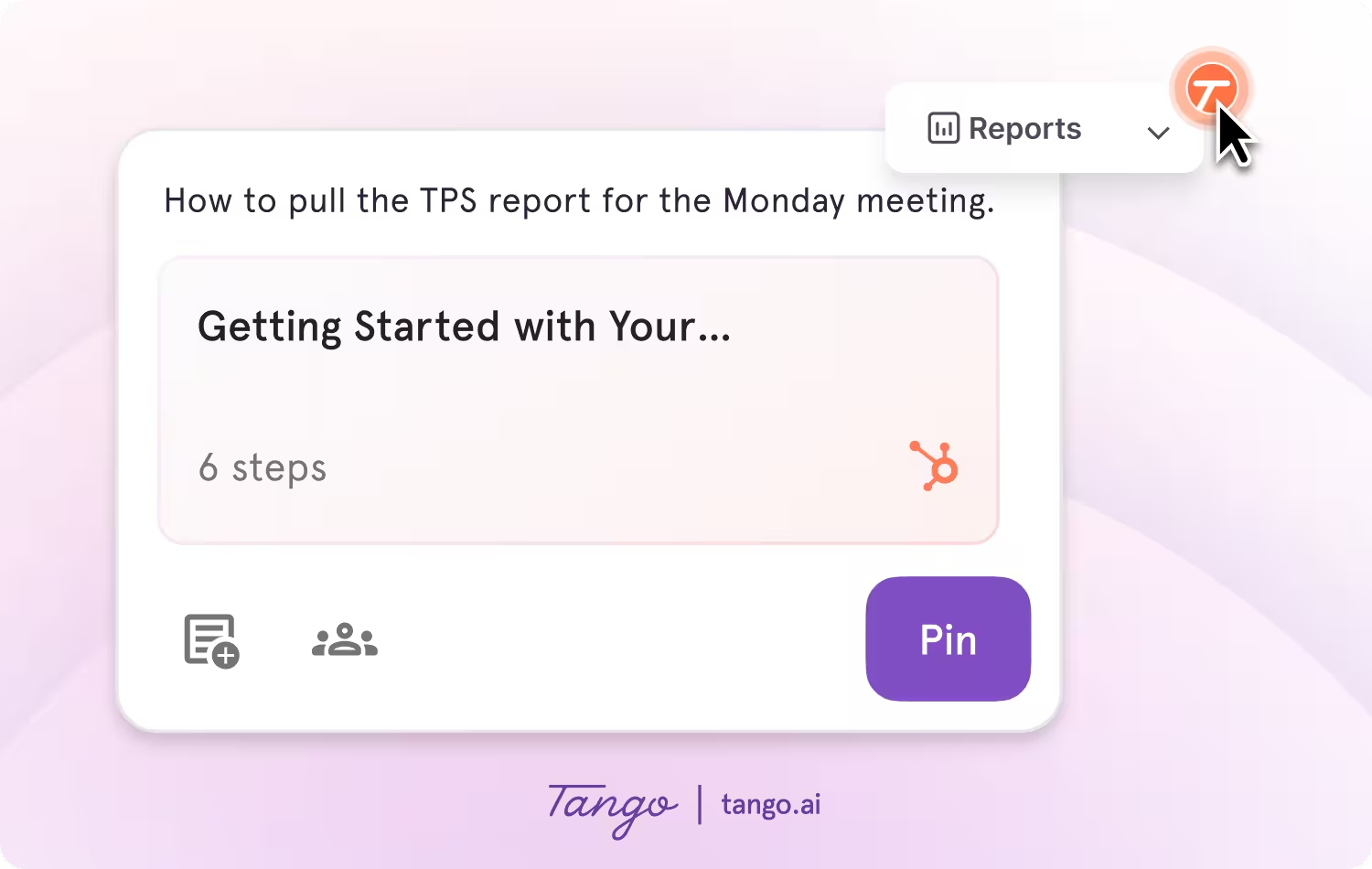
Ideal use case: Teams that need to create, deliver, and maintain user manuals directly inside the tools where work happens.
2. Guidde
G2 Rating: 4.8/5 (82 reviews)
Pricing: Free plan available; paid plans from $19/user/month
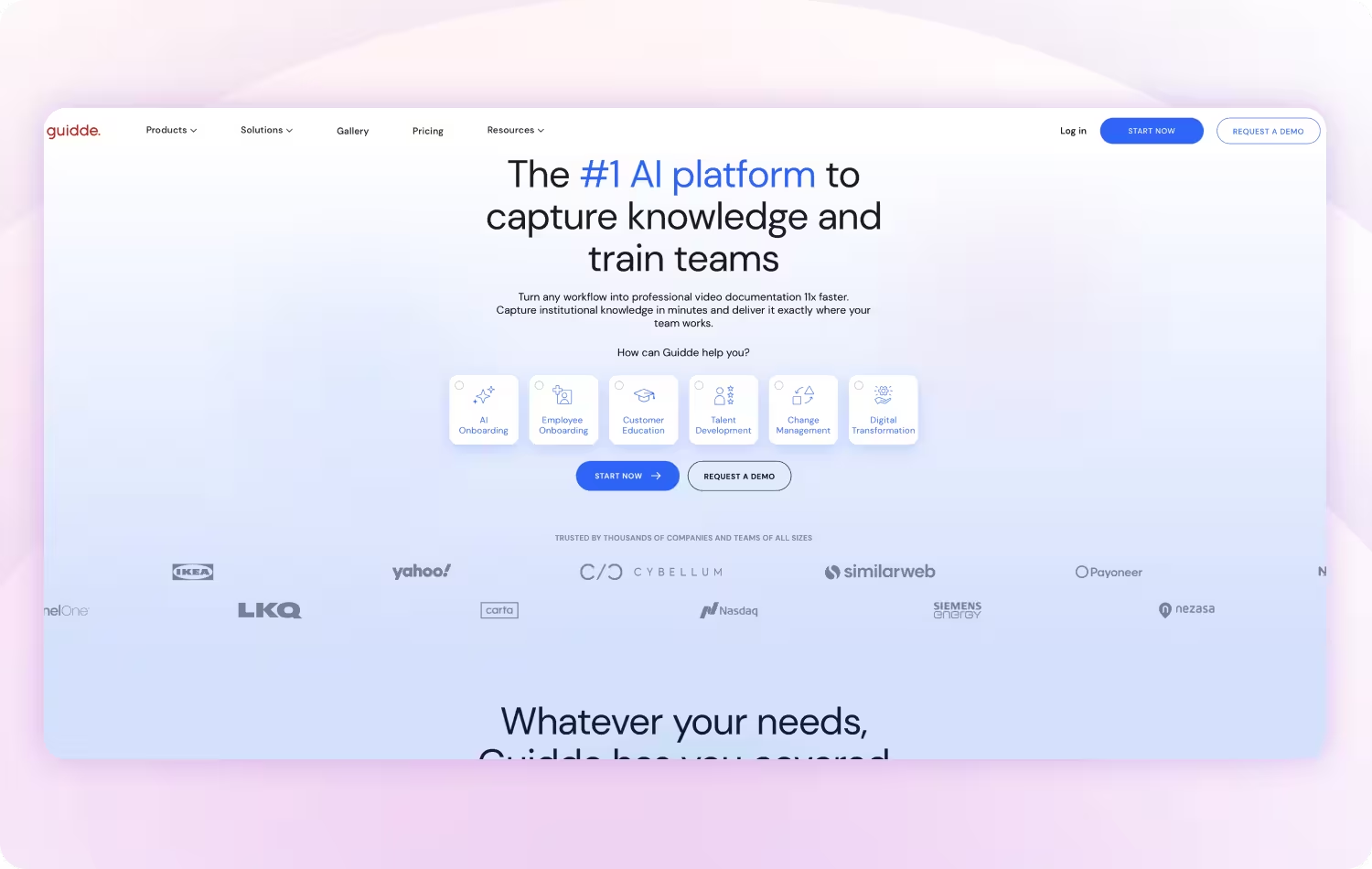
Guidde converts screen recordings into AI-narrated video walkthroughs with automated voiceovers and captions.
Key features:
- AI-generated video walkthroughs from screen recordings
- Automated voiceover and caption generation
- Branded player for embedding and sharing
- Basic editing and trimming tools
Ideal use case: Teams that need video-format documentation.
3. Document360
G2 Rating: 4.7/5 (505 reviews)
Pricing: Contact for pricing
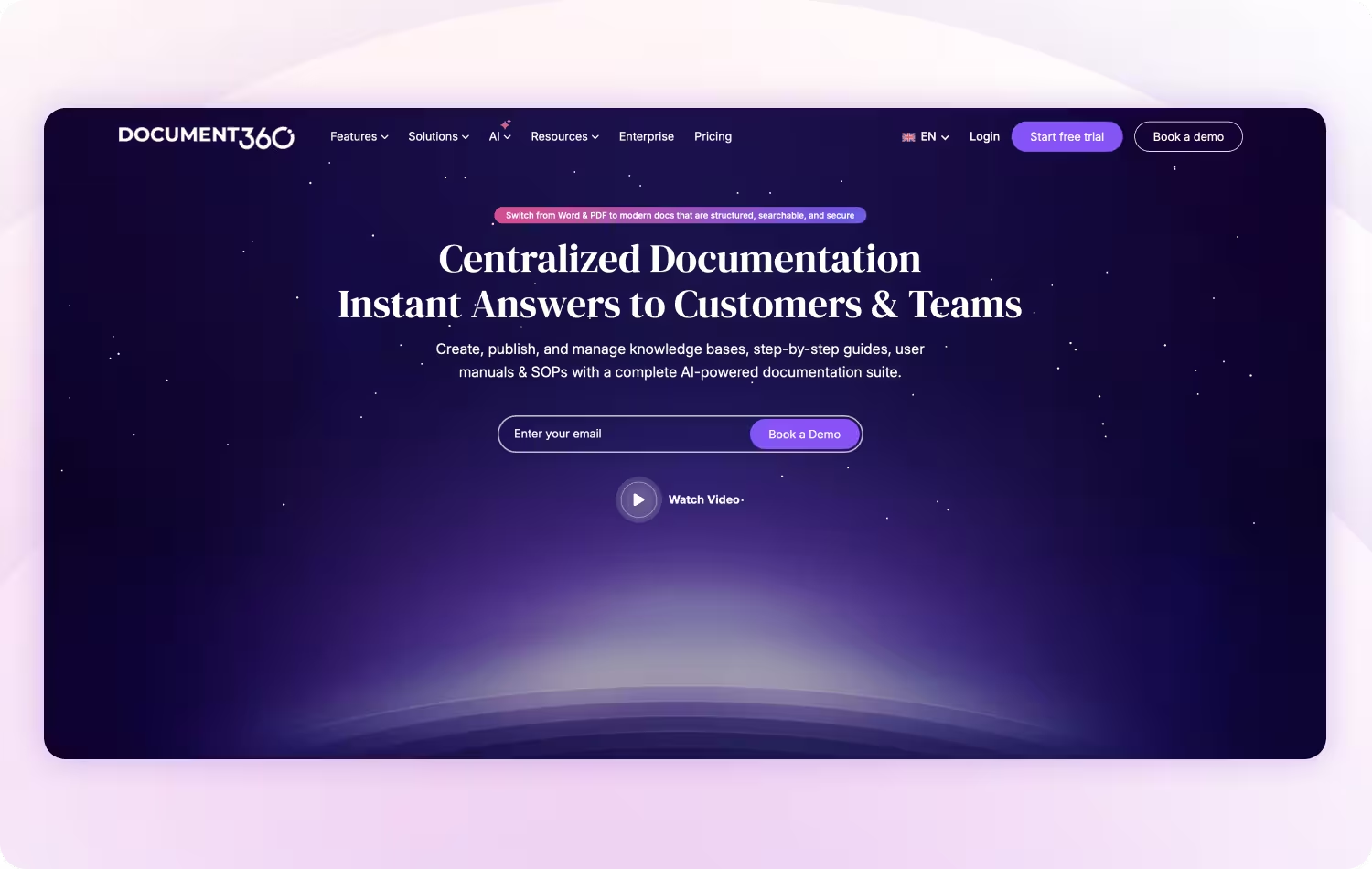
Document360 is a knowledge base platform designed for creating and managing large documentation libraries.
Key features:
- Knowledge base management with category and folder organization
- Version control and content review workflows
- SEO optimization for public-facing documentation
- AI-powered search and content suggestions
- Analytics and content performance tracking
Ideal use case: Customer-facing documentation portals and product teams building a formal knowledge base.
Compare Tango vs Document360 →
4. HelpDocs
G2 Rating: 4.3 /5 (18 reviews)
Pricing: Paid plans from $39/month
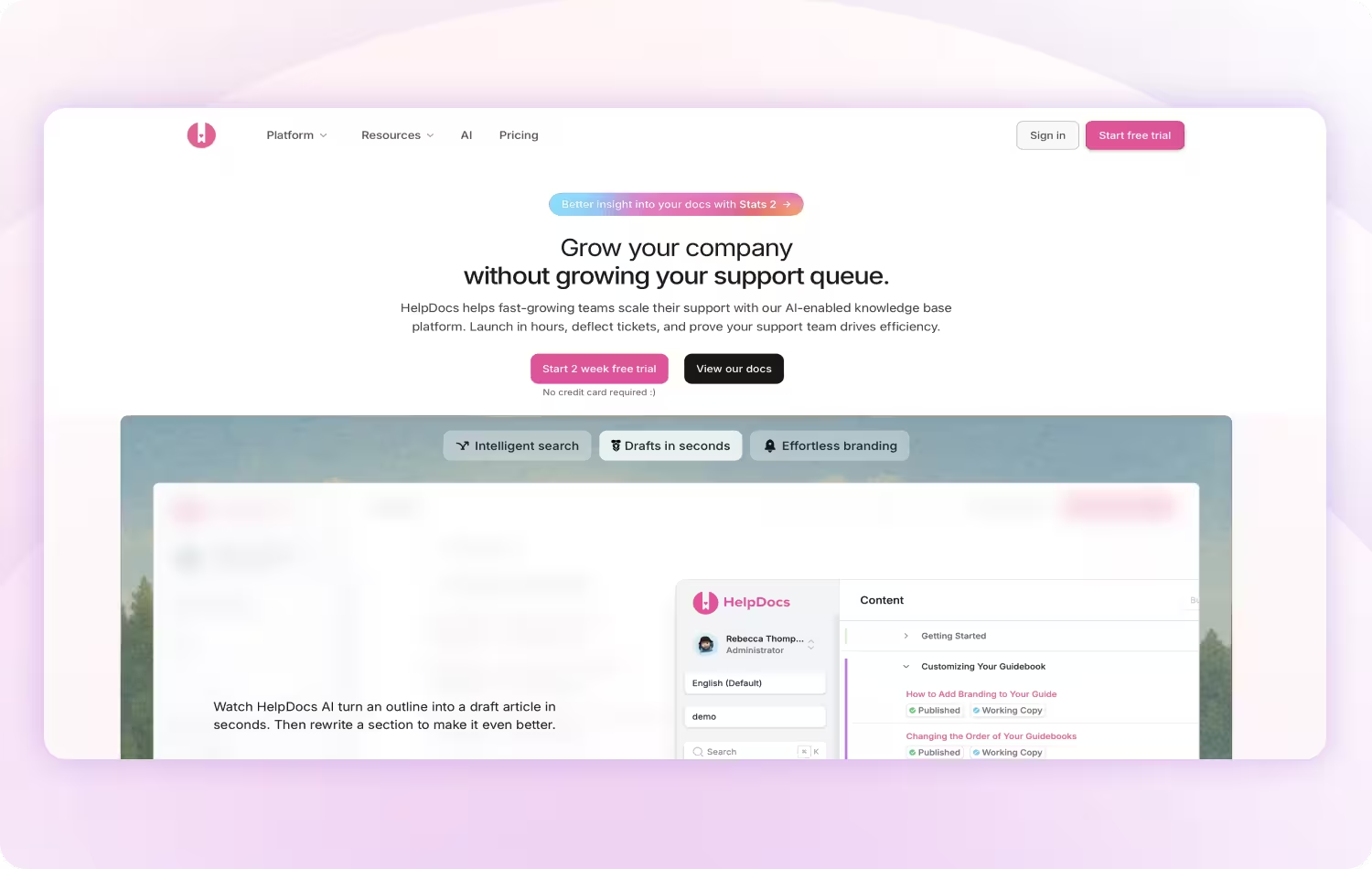
HelpDocs is a help center builder for customer-facing documentation.
Key features:
- Help center builder with custom branding
- Search functionality
- Multi-language support
- Simple article editor
Ideal use case: Small teams that need a standalone, customer-facing help center.
5. ProProfs Knowledge Base
G2 Rating: 4.6/5 (31 reviews)
Pricing: Free plan available; paid plans from $49/author/month, billed annually
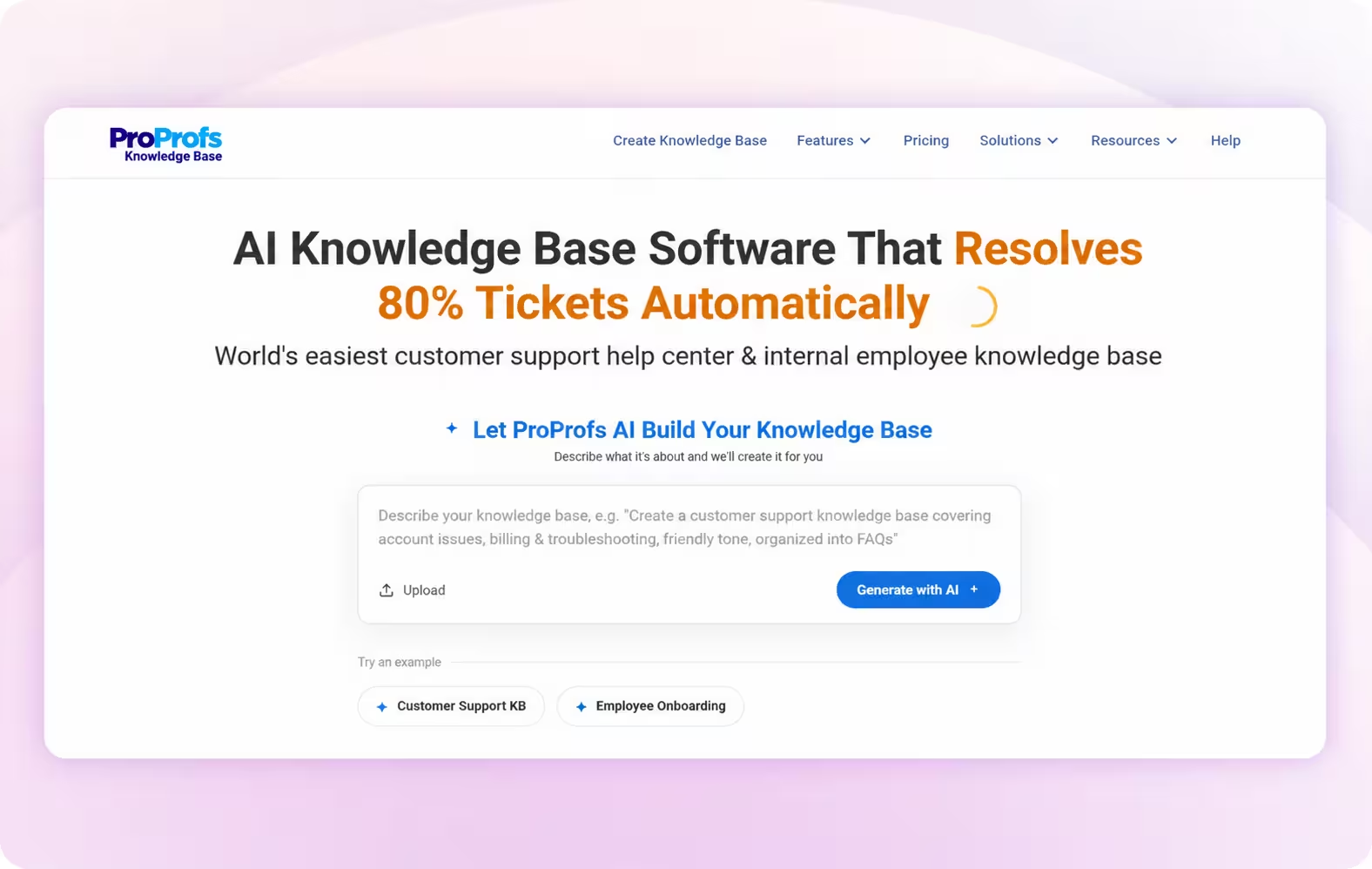
ProProfs Knowledge Base is built to be the easiest customer support help center & internal employee knowledge base in one, used for creating user manuals, product documentation, and internal SOPs.
Key features:
- AI Writer for generating, expanding, and refining documentation
- AI Step-by-Step Guide Creator for turning recorded on-screen interactions into illustrated guides on the Business plan
- Templates and a WYSIWYG editor for structuring and formatting manuals
- AI-powered search to help users find relevant information using natural-language queries
- Analytics and AI insights for identifying failed searches, broken links, and knowledge gaps
Ideal use case: Teams that need to create and manage structured user manuals alongside help centers, product documentation, or internal SOPs.
6. WalkMe
G2 Rating: 4.5/5 (571 reviews)
Pricing: Contact for pricing

WalkMe is an enterprise digital adoption platform that overlays step-by-step guidance directly on top of software applications.
Key features:
- In-app step-by-step guidance and smart walk-thrus
- Behavior-triggered tooltips and onboarding flows
- Adoption analytics and task completion tracking
- In-app automation for repetitive processes
- Enterprise integrations and SSO
Ideal use case: Large enterprises with a dedicated digital adoption team running structured software rollout programs.
7. Whatfix
G2 Rating: 4.6/5 (549 reviews)
Pricing: Contact for pricing
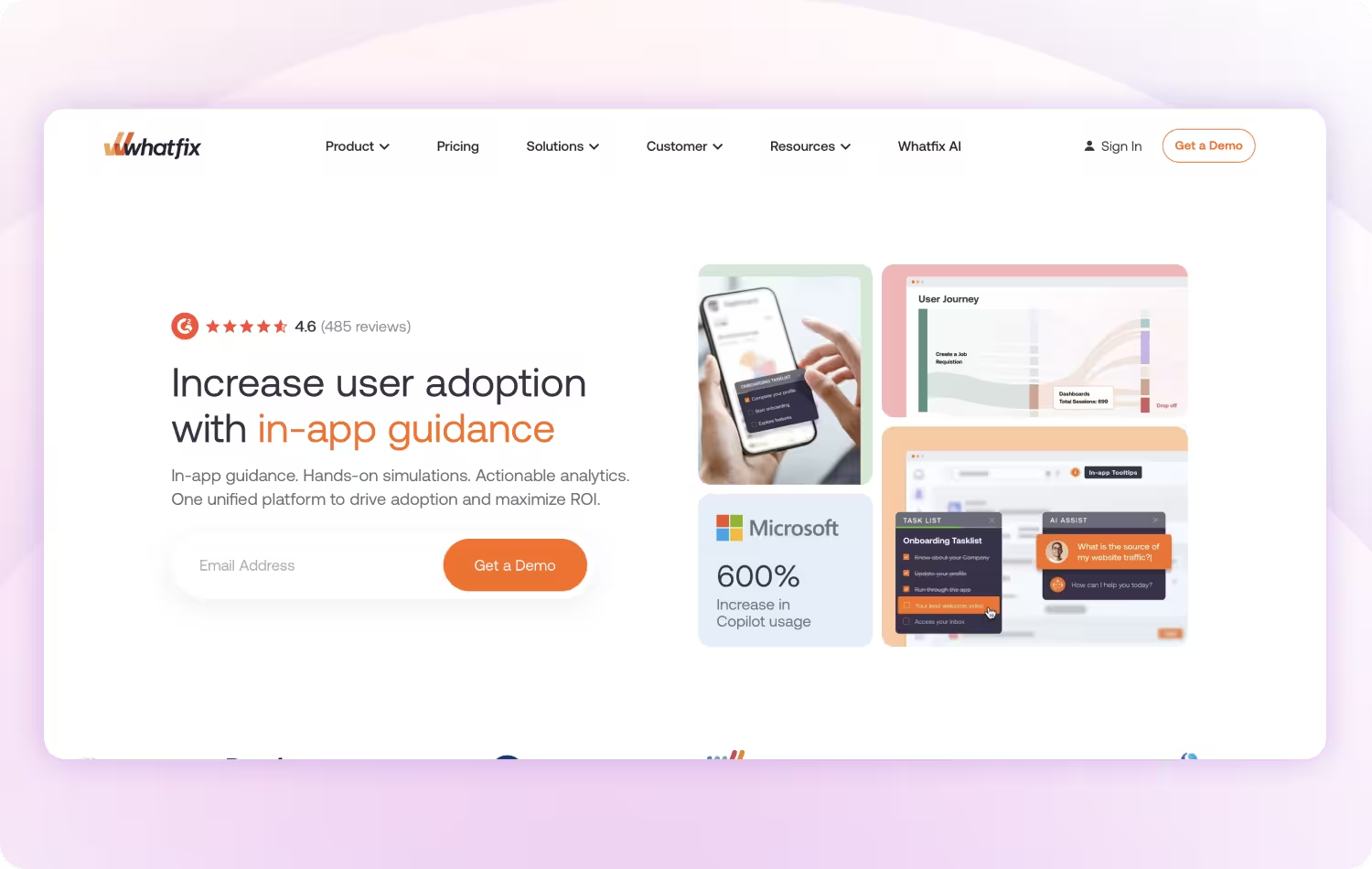
Whatfix is a digital adoption platform that delivers contextual in-app guidance and walkthroughs to support software adoption across teams.
Key features:
- Interactive in-app walkthroughs and contextual tooltips
- Self-help widget for on-demand in-app guidance
- Product analytics for adoption tracking
- Structured learning paths and task lists
- LMS and HR system integrations
Ideal use case: Mid-to-large companies with a dedicated digital adoption owner managing a formal, ongoing software rollout program.
8. UserGuiding
G2 Rating: 4.7/5 (771 reviews)
Pricing: Free plan available; paid plans from $174/month
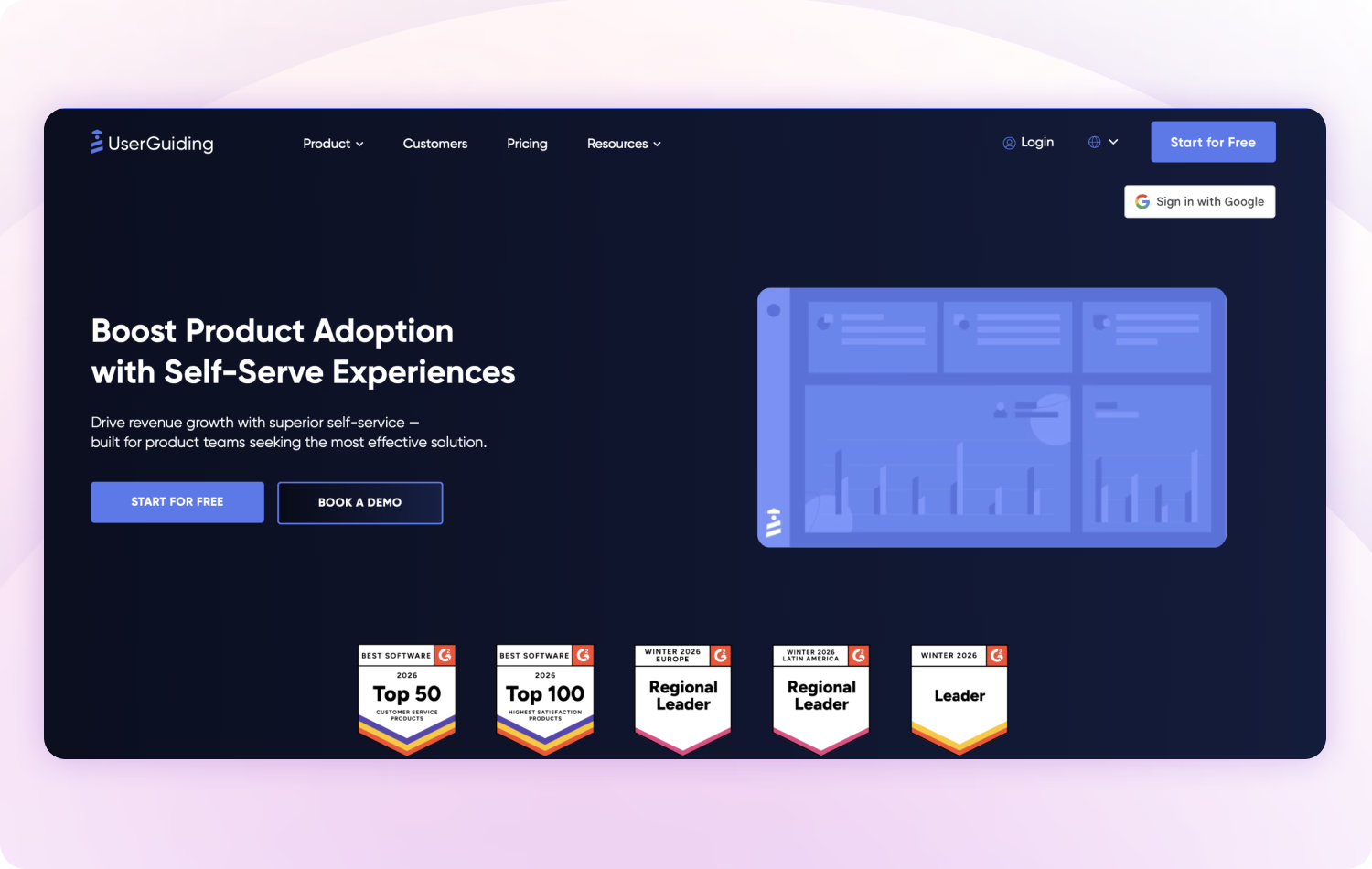
UserGuiding is a product onboarding tool that helps SaaS teams build tours, checklists, and in-app flows inside their own application.
Key features:
- Product tours and interactive onboarding flows
- In-app checklists and announcements
- User segmentation for targeting specific audiences
- Basic analytics on tour completion
Ideal use case: SaaS product teams building guided onboarding experiences inside their own application for new users.
Compare Tango vs Userguiding →
9. GitBook
G2 Rating: 4.8/5 (192 reviews)
Pricing: Free plan available; paid plans from $65/site/month + $12/user/month
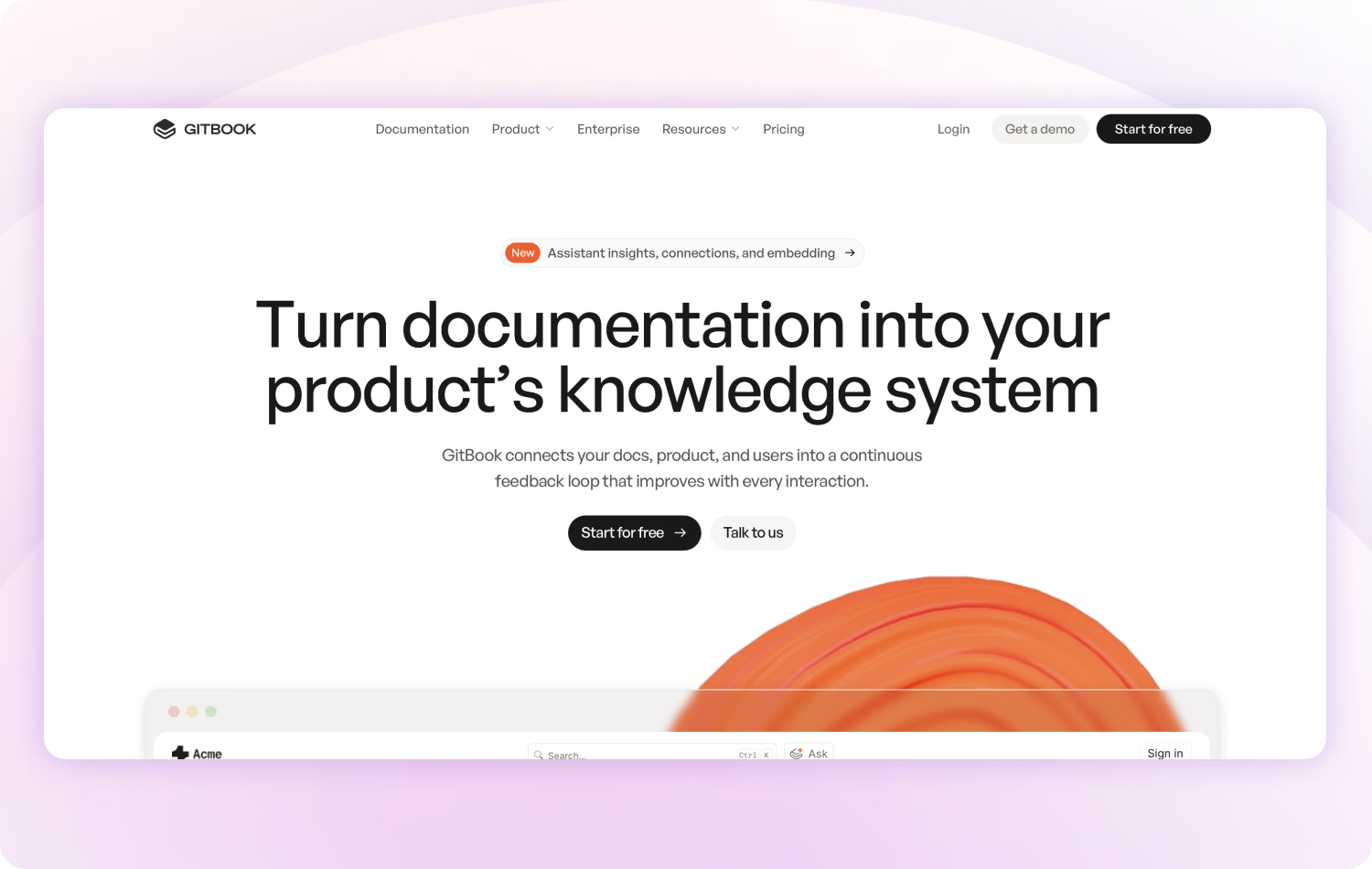
GitBook is a documentation platform built around developer workflows. It integrates with Git and supports Markdown for technical and API documentation.
Key features:
- Git-integrated documentation with version sync
- Clean, customizable public-facing docs sites
- Markdown editor with live preview
- Native API documentation support
- AI-assisted writing and search
Ideal use case: Developer teams and technical product teams building external-facing documentation.
10. Confluence
G2 Rating: 4.1/5 (4,363 reviews)
Pricing: Free plan available; paid plans from $6.70/user/month
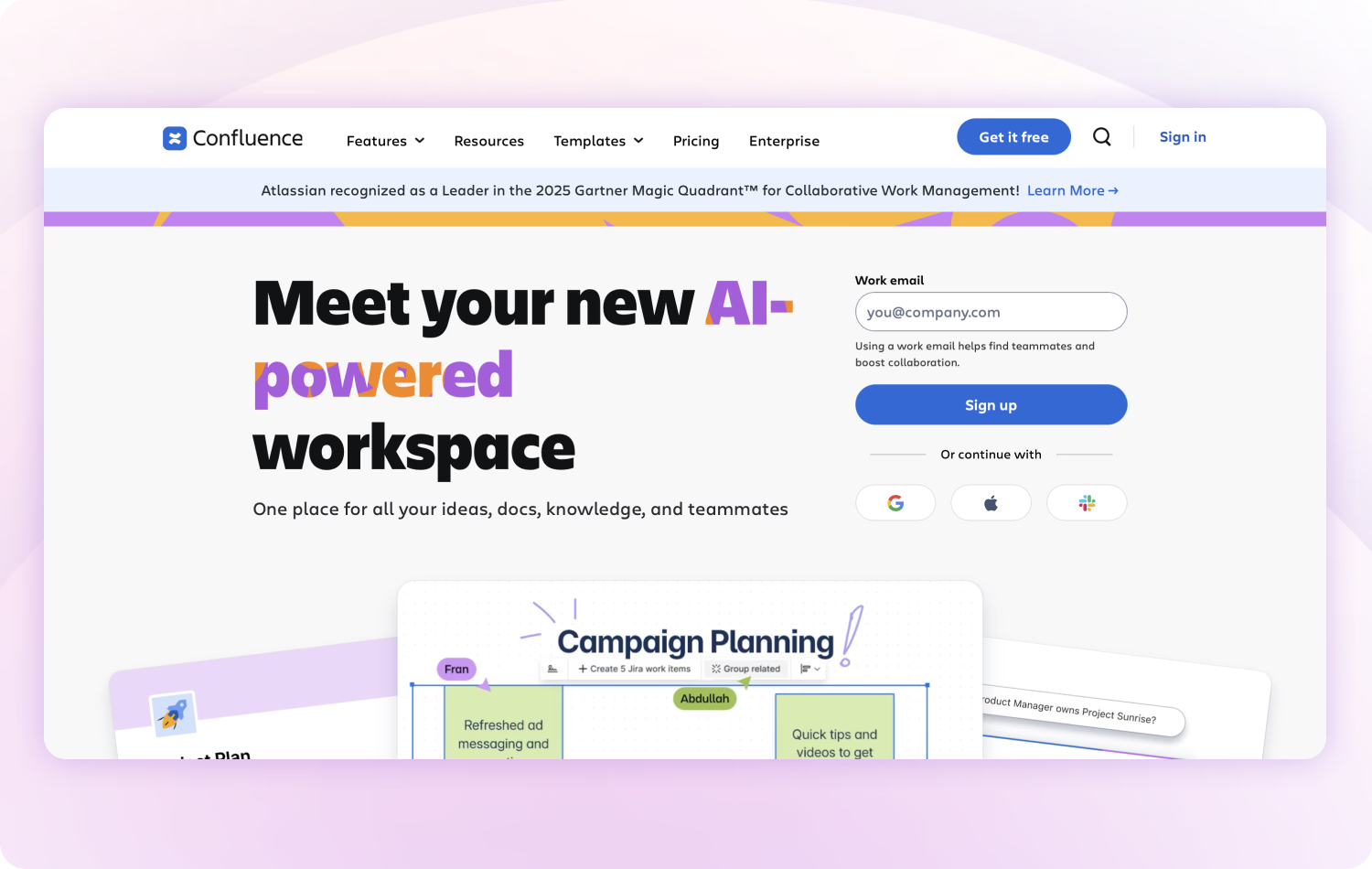
Confluence is Atlassian's team wiki for internal documentation and knowledge sharing across teams and projects.
Key features:
- Team wiki with pages, spaces, and hierarchical organization
- Deep Jira and Atlassian ecosystem integration
- Templates for common documentation types
- Inline comments and real-time co-editing
- Macros for dynamic and embedded content
Ideal use case: Engineering and product teams already using other Atlassian tools.
How to choose the right user manual creation software
A strong user manual setup typically comes down to three things:
- A way to create documentation quickly – Tools that reduce manual effort and let you capture processes as they happen.
- A way to organize and access it – So people can easily find the right information when they need it.
- A way to deliver it in the flow of work – So documentation shows up inside the tools and workflows your team is already using.
Most teams end up stitching these pieces together across multiple tools, which makes documentation harder to maintain and even harder to use consistently.
The bottom line
Every tool on this list helps teams create user manuals, but they take different approaches. Some focus on automatically capturing documentation, others organize large knowledge bases, and others deliver guidance directly inside software.
Tango brings those capabilities together by automatically capturing real workflows, turning them into step-by-step guides, and delivering them where people actually work.
The best user manual isn't the one that's written. It's the one people actually use.
FAQs
What is user manual creation software?
User manual creation software helps teams create, organize, and maintain documentation that explains how to use a product, system, or process. Depending on the platform, it may automatically generate step-by-step guides, organize content into searchable knowledge bases, or deliver guidance directly inside applications.
What is the best software for creating user manuals?
The best software depends on your documentation needs. Platforms like Tango automatically create step-by-step user manuals from real workflows, while tools like Document360, GitBook, and Confluence focus on organizing larger documentation libraries. The right choice depends on whether your priority is creating documentation, managing it, or delivering it to users.
How do I keep user manuals up to date?
The easiest way to keep user manuals current is to use a platform that makes updates quick and collaborative. Automatically captured workflows, version history, centralized documentation, and shared editing help ensure manuals stay accurate as software and processes change.
What is the best free user manual software?
Several user manual creation tools offer free plans, including Tango, Guidde, GitBook, and Confluence. The best choice depends on your needs. If you want to automatically create step-by-step user manuals from real workflows, Tango is a strong option. If you're building a documentation site or knowledge base, GitBook or Confluence may be a better fit. Free plans typically include limits on users, guides, or advanced features, but they're a good way to evaluate a platform before upgrading.
What's the difference between a user manual and a knowledge base?
A user manual provides step-by-step instructions for completing specific tasks or using a product. A knowledge base is a broader collection of documentation, FAQs, troubleshooting articles, and reference materials that users can search to find information. Many organizations use both together to support onboarding, self-service, and ongoing learning.



Next time someone asks, “how do I…?” Send a Tango.
Start capturing your first workflow today.