

Most organizations don't struggle because they lack SOPs. They struggle because employees don't use them.
Creating documentation is only the beginning. As teams grow and processes change, procedures become outdated, difficult to maintain, and disconnected from the way work actually gets done. When employees stop trusting the documentation, they rely on experienced coworkers instead, slowing onboarding, creating inconsistent work, and generating repeat questions.
Not every SOP platform solves these challenges in the same way. To help you choose the right platform, we evaluated nine of the best SOP software tools based on ease of use, documentation capabilities, collaboration, pricing, and ideal use cases.
What is SOP software?
SOP software helps teams create, organize, and maintain the step-by-step processes that guide how work gets done. Instead of relying on scattered documents or knowledge that lives only in employees' heads, it gives teams a central place to document processes and keep them up to date. Some platforms automatically capture workflows as employees complete them, while others rely on templates or manual editors to create and maintain documentation.
What features should you look for in SOP software?
The best SOP tools do more than store documents. They make it fast to create procedures, easy to keep them current, and simple for anyone to follow them without asking for help.
- Speed to documentation: Can you capture a process in minutes, or does it require hours of manual writing and formatting?
- Ease of use: If creating or updating documentation is difficult, people won't keep SOPs current.
- Low editing effort: Processes change. Updating a guide should take minutes, not a full rebuild.
- Process guidance: Does the platform simply store documentation, or does it help employees find and follow procedures while they're working?
- Scalability: Does the tool hold up when you go from 10 SOPs to 500, or from one team to ten?
- Integrations: Documentation that lives inside the tools people already use gets referenced. Documentation that doesn't, gets skipped.
- Maintainability: Version history, ownership, and update prompts keep SOPs accurate over time.
Best SOP software at a glance
The 9 best tools to create and manage SOPs
Here's how the nine leading SOP software platforms compare.
1. Tango
Best for creating and delivering SOPs in the flow of work
G2 rating: 4.7/5 (512 reviews)
Pricing: Free plan available; paid from $15/user/month
Overview:
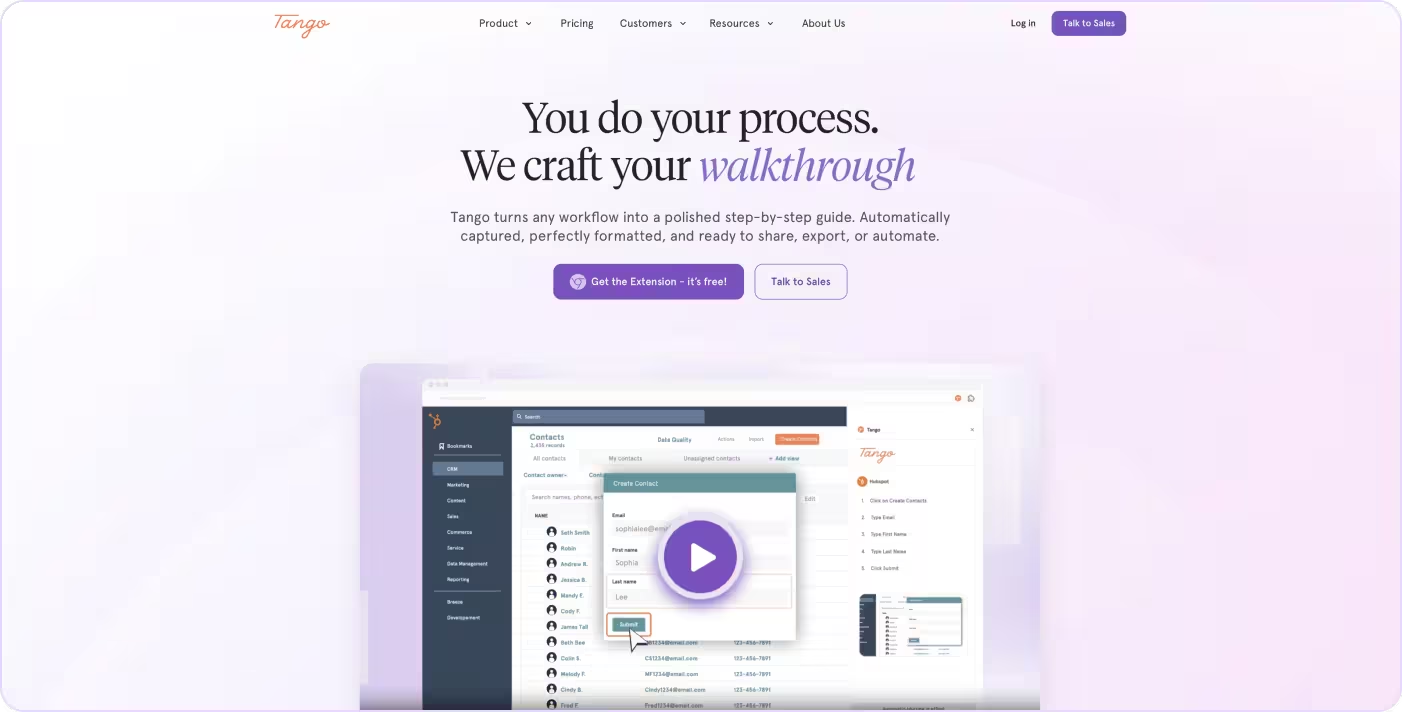
Tango captures workflows automatically as you click through them, turning real execution into structured step-by-step guides in minutes. It combines workflow capture, in-app guidance, and step-level analytics in a single platform. Tango works well for ops, enablement, IT, and L&D teams that need employees to follow processes consistently across tools and workflows.
Unlike traditional SOP tools built around static documentation, Tango keeps guidance connected to the workflow itself. Teams can create guides while they work, surface instructions directly inside applications, and support process adoption without maintaining separate systems for documentation and execution.
Create process documentation in minutes
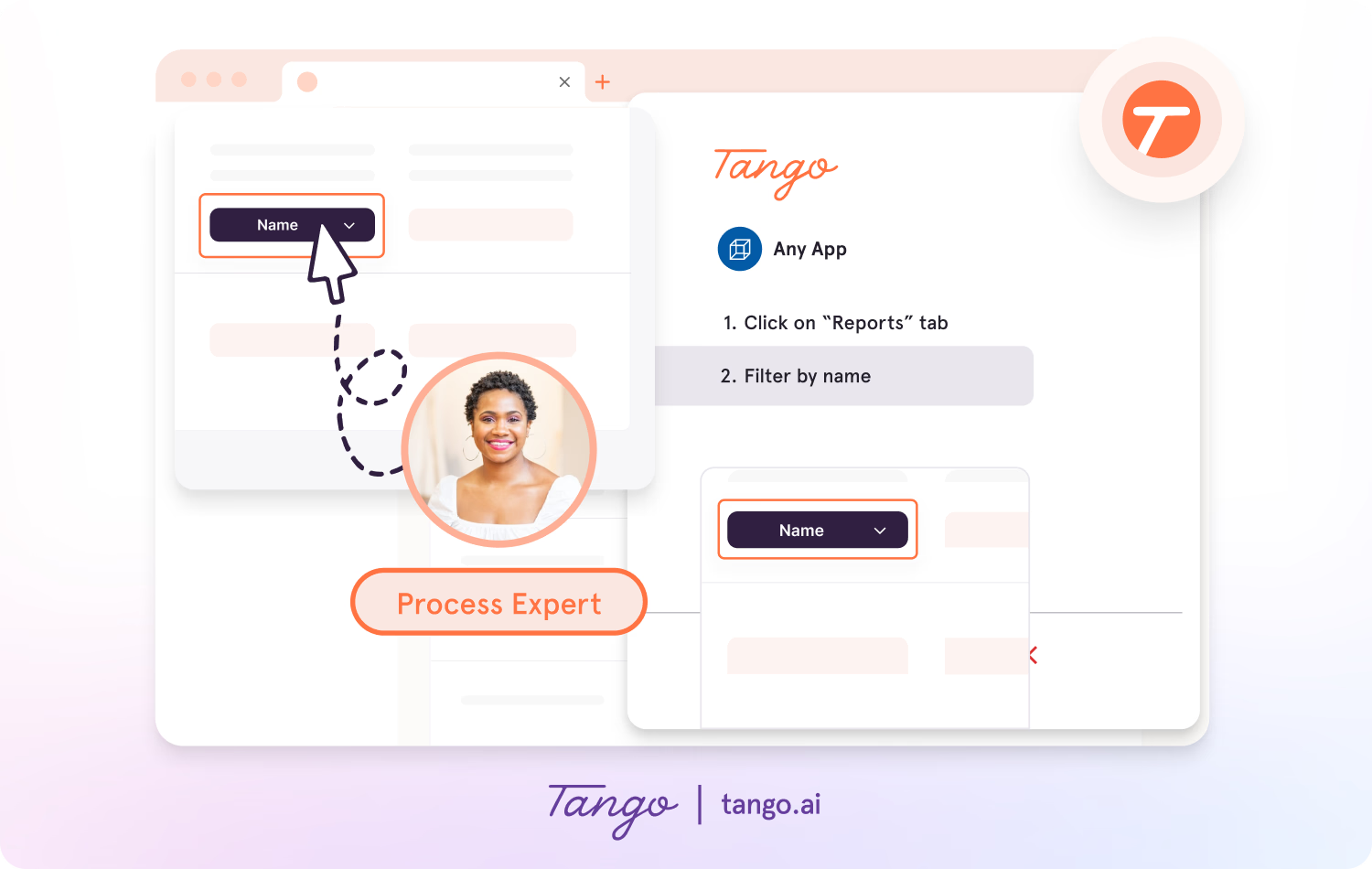
- Auto-generated step-by-step guides
- Browser and desktop workflow capture
- Workflow branching for multi-path processes
- Built-in screenshot annotations
- Shareable links and embeds
Deliver guidance directly inside workflows
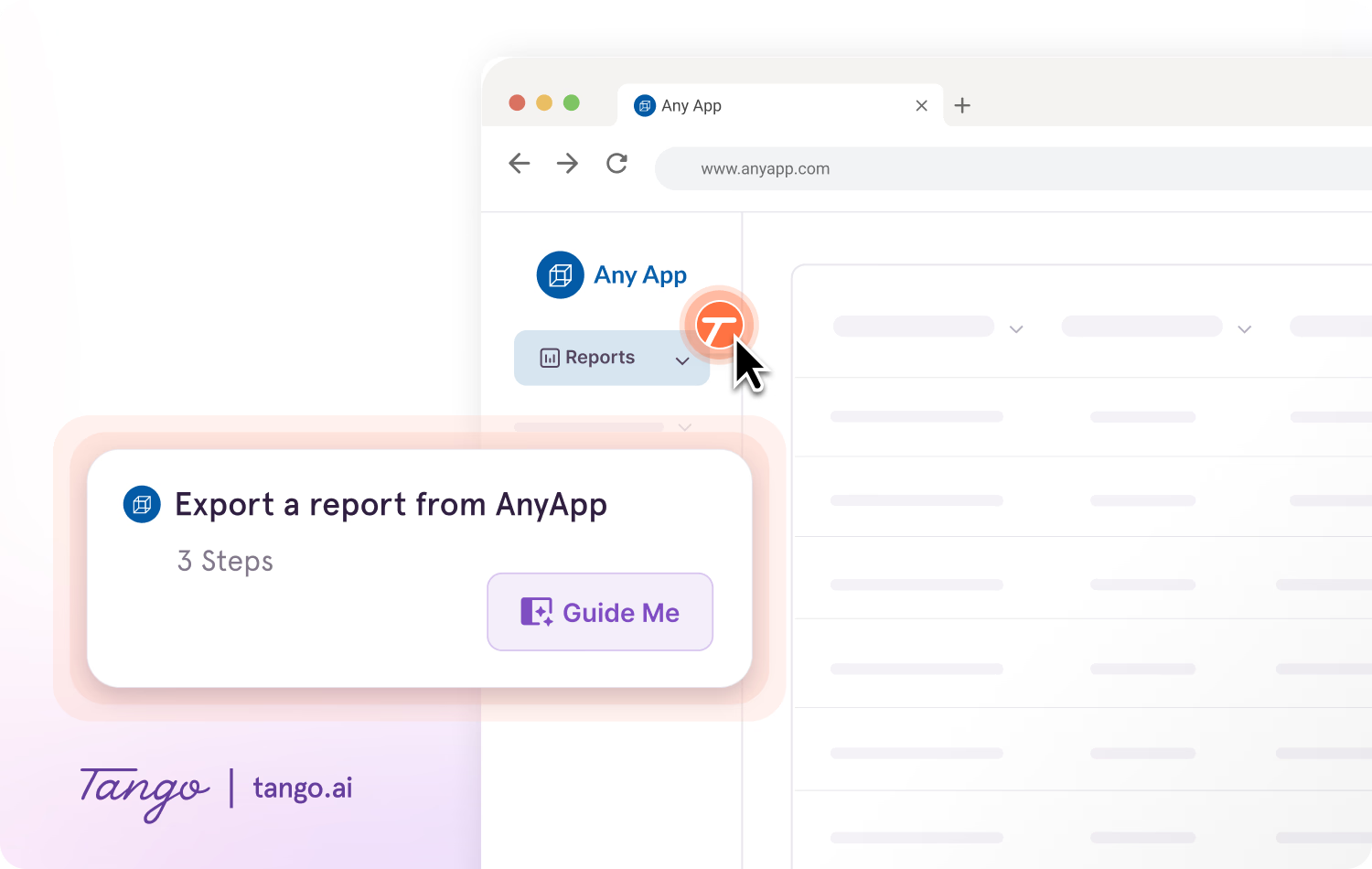
- In-app walkthroughs across web applications
- Step-by-step guidance overlays
- Real-time workflow assistance
- Reduced onboarding and support friction
Add contextual support with Pins
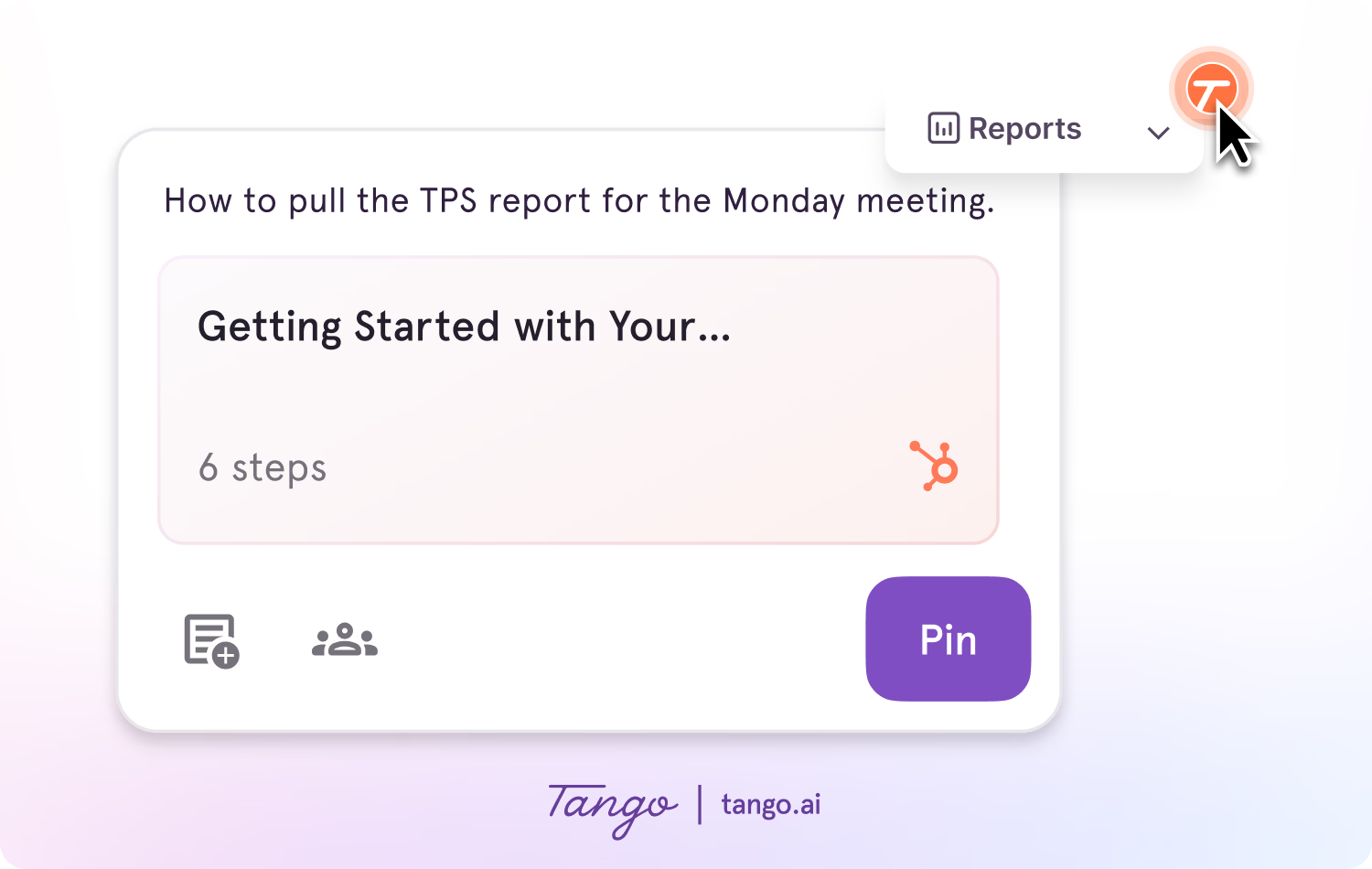
- Contextual guidance pinned inside applications
- Links, reminders, and SOP references
- Field-level instructions inside workflows
- Embedded process notes for high-friction tasks
- In-app support without switching tabs
Ideal use case: An enablement team rolling out a new CRM across hundreds of employees that needs scalable process guidance.
2. Connecteam
Best for mobile-first SOPs for frontline teams
G2 rating: 4.6/5 (3,505 reviews)
Pricing: Free plan available; paid from $29/user/month
Overview:
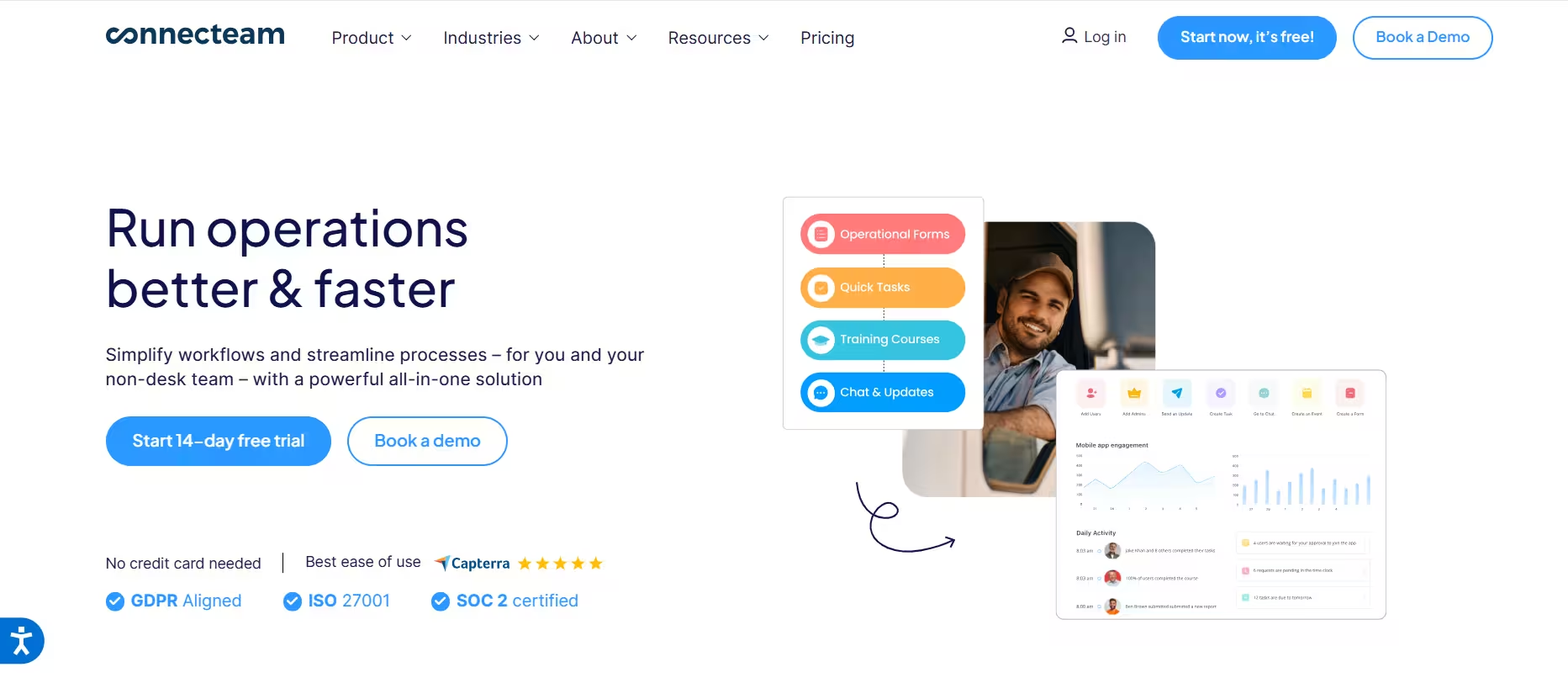
Connecteam is an all-in-one workforce management platform that helps organizations manage employee training, SOPs, tasks, scheduling, communication, and operational documentation from a mobile app.
Key features:
- Mobile SOPs: Delivers procedures and work instructions through a mobile app.
- Employee training: Creates and assigns onboarding and ongoing training.
- Task management: Assigns recurring tasks, checklists, and daily workflows.
- Team communication: Shares company announcements and messages with employees.
- Knowledge base: Centralizes policies, forms, and operational documentation.
Ideal use case: Frontline and deskless teams that manage daily operations through a mobile workforce.
3. Whale
Best for SOPs tied to employee training and verification
G2 rating: 4.8/5 (203 reviews)
Pricing: Free plan available; paid from $249/month flat, with unlimited members
Overview:
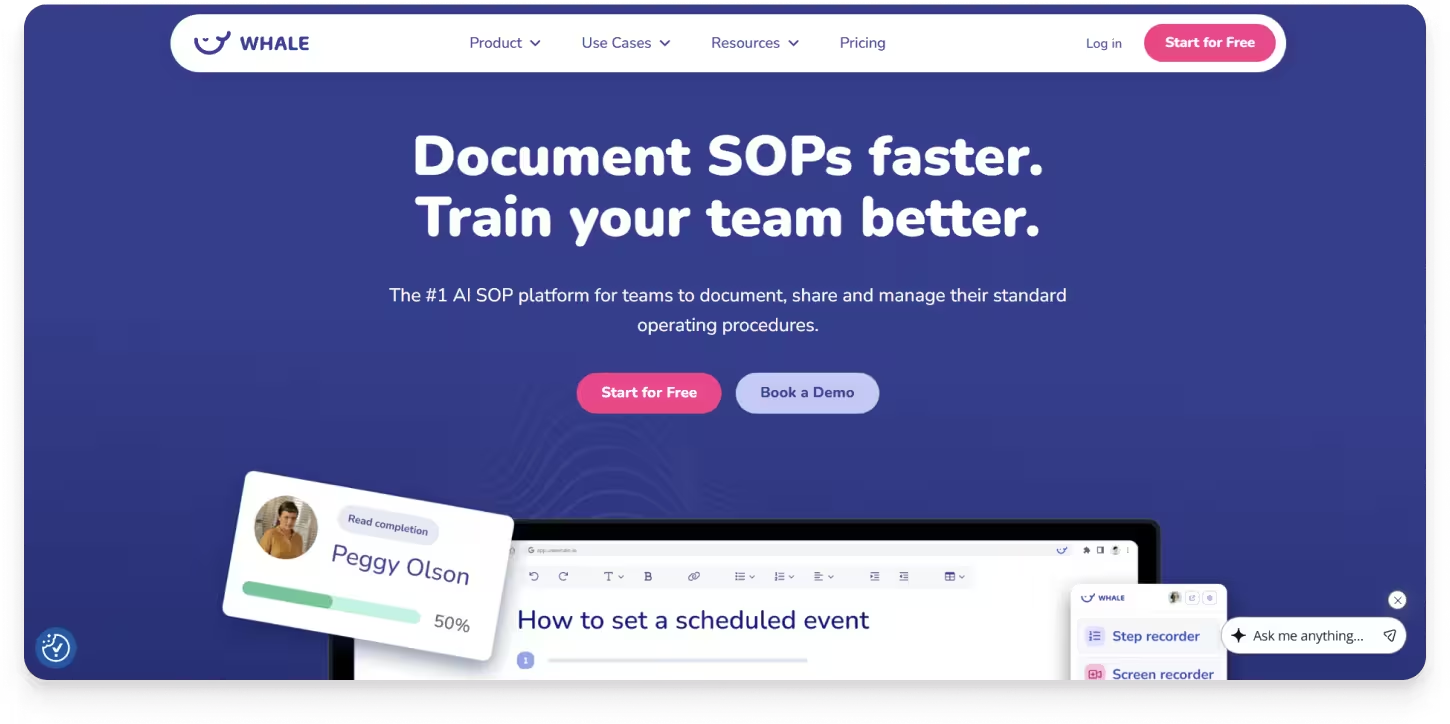
Whale combines SOP documentation with training delivery, so procedures do not just get written and stored, they get assigned, read, and tested. Teams capture a process with a screen recorder or AI writing assistant, then build it into a training flow with quizzes that confirm employees actually understood it. It works well for operations, HR, and L&D teams where the problem is not producing documentation but proving people have absorbed it. Ownership and review intervals sit on every document, so procedures get revisited on a schedule rather than quietly going stale.
Key features:
- AI-assisted capture: Turns screen recordings and video into formatted SOPs, with an AI writing assistant for drafting.
- Training flows and quizzes: Builds documentation into assigned training with AI-generated quizzes and completion tracking.
- Alice, AI assistant: Answers employee questions with sourced references back to your own documentation.
- CoPilot browser extension: Surfaces relevant SOPs inside HubSpot, Salesforce, Slack, Microsoft Teams, and Gmail.
- Ownership and review intervals: Assigns an owner and review date to each document, then prompts a review when it comes due.
Ideal use case: A growing operations or HR team that needs new hires trained and verified on procedures, not just given access to them.
4. Document360
Best for structured SOPs that need approval and review cycles
G2 rating: 4.7/5 (546 reviews)
Pricing: Contact for pricing; 14-day free trial
Overview:
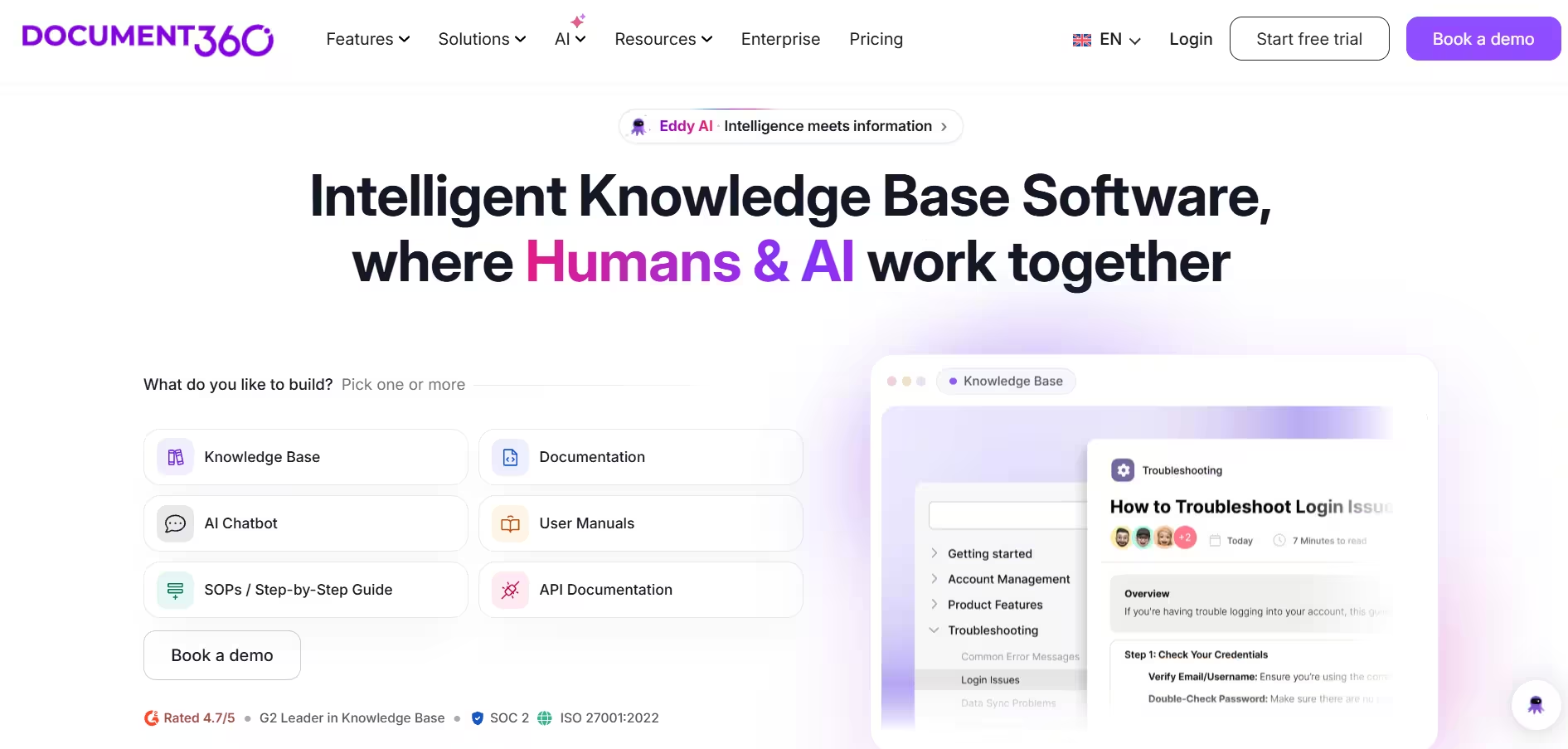
Document360 is a knowledge base platform for teams publishing large volumes of internal or customer-facing documentation. For SOPs, its strength is governance: procedures move through approval stages before publishing, carry an owner and review date, and keep a full change history. Capture is built in too. Screen recording, step-by-step guides, and interactive demos run inside the editor.
Key features:
- Workflow Designer: Defines review and approval stages, with statuses locked read-only during review.
- Review reminders: Assigns an owner and review date to each procedure and prompts a refresh when due.
- Revision history: Tracks what changed, who changed it, and when, with rollback to earlier versions.
- Step-by-step guides: Captures screens and builds interactive demos directly into versioned articles.
- Eddy AI: Answers reader questions from your documentation and flags duplicate content.
Ideal use case: An operations or compliance team maintaining a large procedure library where approval trails matter as much as the content.
See how Tango compares to Document360 →
5. Process Street
Best for checklist-driven operational workflows
G2 rating: 4.6/5 (563 reviews)
Pricing: Contact for pricing
Overview:
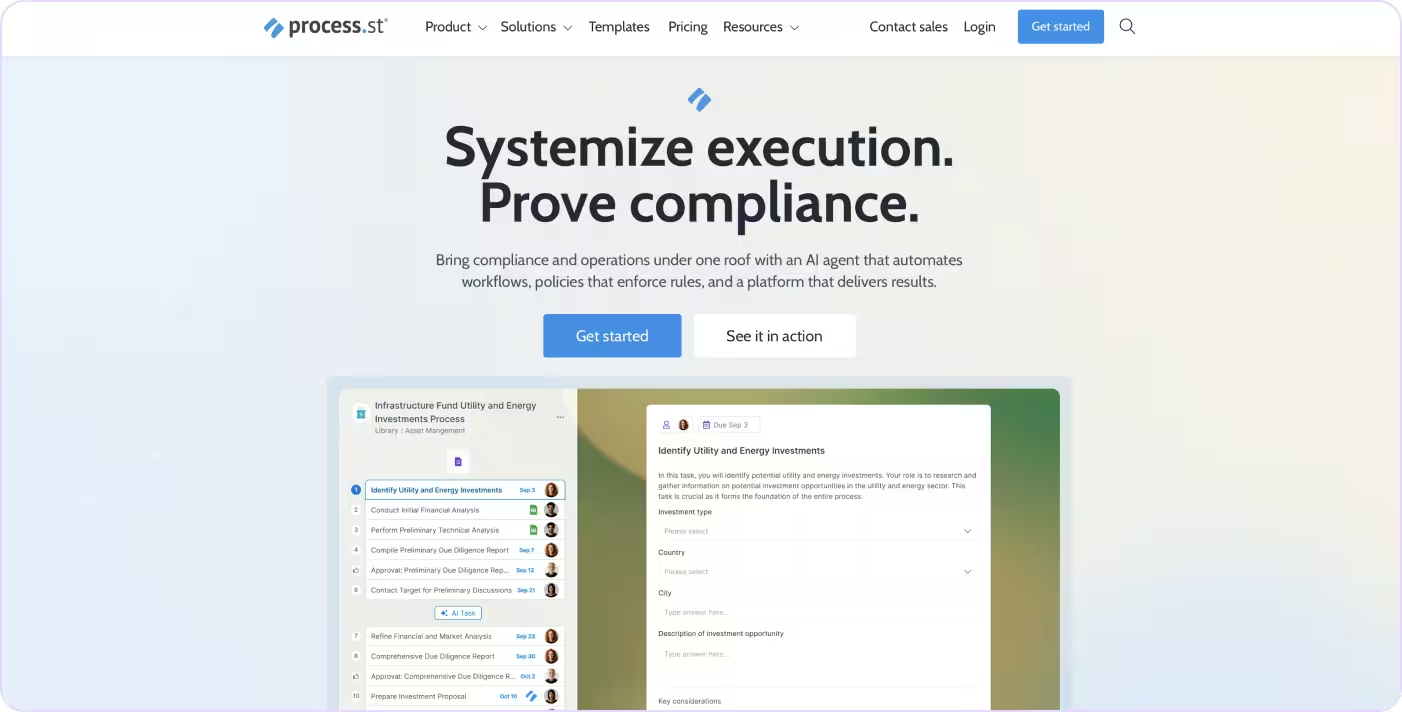
Process Street turns SOPs into trackable workflows with assignments, approvals, and recurring checklists. It works well for operational processes where accountability and completion tracking matter more than in-app software guidance.
Key features:
- Conditional logic: Supports decision-based workflow paths.
- Workflow runs: Tracks progress across recurring processes.
- Approval gates: Requires sign-off before tasks move forward.
- Integrations: Connects workflows to tools like Slack and Salesforce.
- Recurring checklists: Standardizes repeatable operational tasks.
Ideal use case: An operations team managing recurring onboarding or compliance workflows across multiple contributors.
See how Tango compares to Process Street→
6. Trainual
Best for role-based training content
G2 rating: 4.7/5 (1,041 reviews)
Pricing: Contact for pricing
Overview:
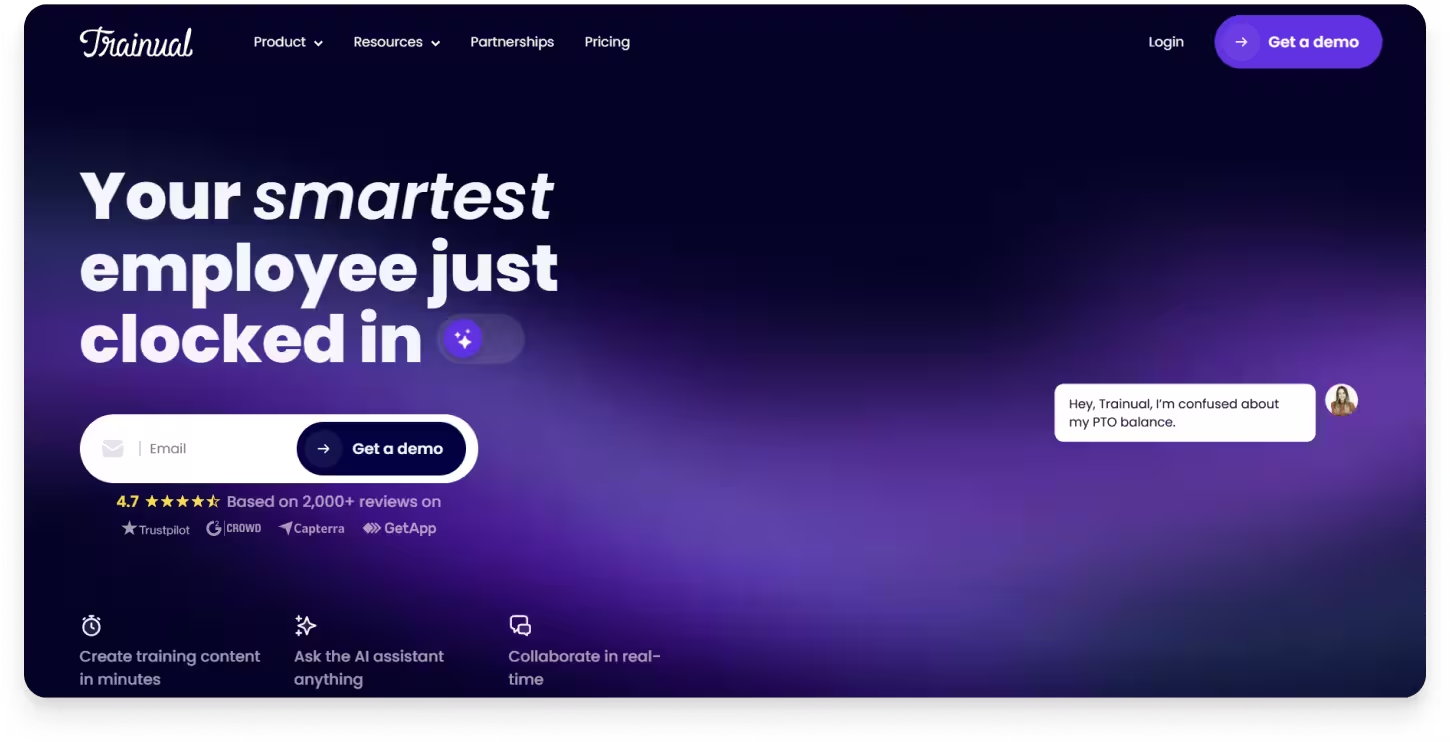
Trainual organizes company knowledge into role-based onboarding and training content. It works well for small businesses documenting policies, procedures, and employee expectations in a structured format.
Key features:
- Role-based playbooks: Organizes training by role and department.
- Completion tracking: Monitors who has reviewed assigned content.
- Quizzes: Tests employee understanding during onboarding.
- Templates: Provides pre-built onboarding and SOP structures.
- Department organization: Groups content by function and team.
Ideal use case: A growing small business building its first centralized onboarding and training library.
See how Tango compares to Trainual →
7. Guidde
Best for AI-generated video walkthroughs
G2 rating: 4.8/5 (82 reviews)
Pricing: Free plan available; paid from $19/user/month
Overview:
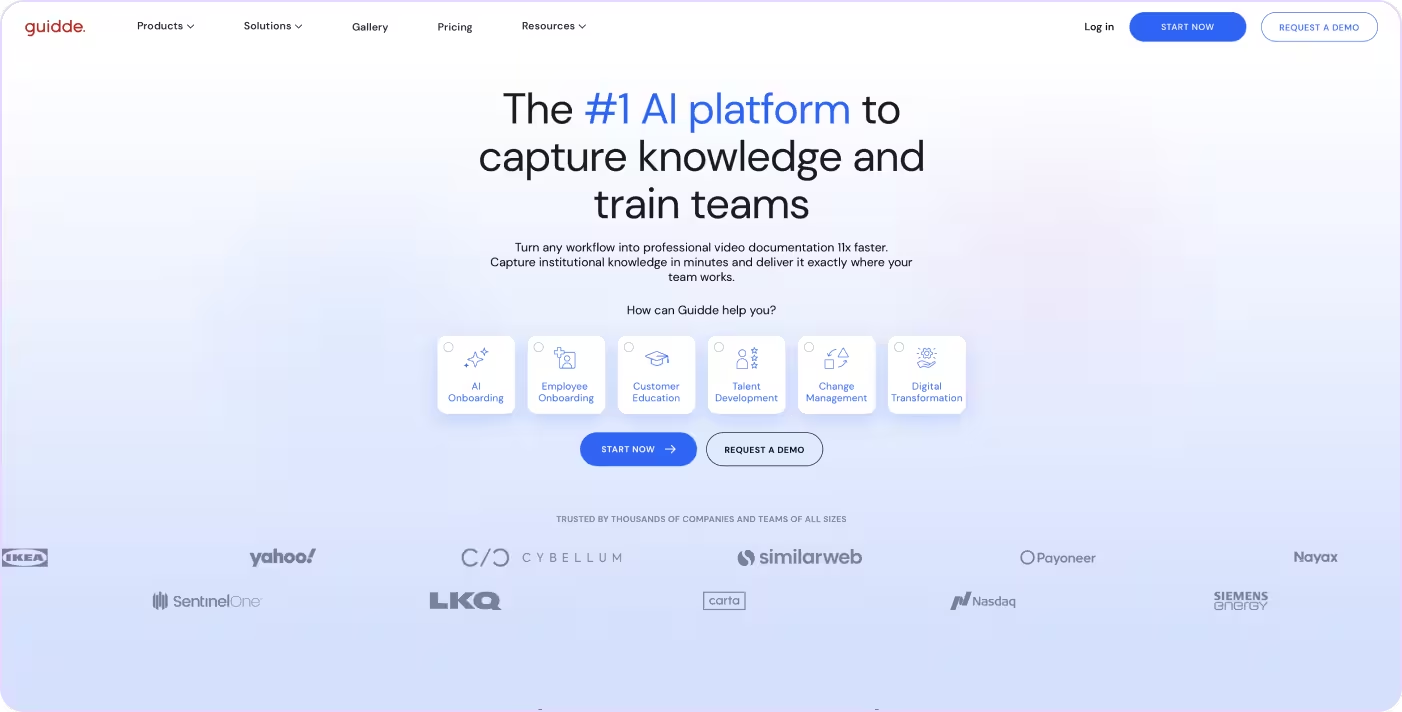
Guidde converts screen recordings into AI-generated video walkthroughs with voiceover, captions, and visual callouts. It works best for teams creating video-first onboarding and training content without a dedicated production process.
Key features:
- AI voiceover: Generates narrated walkthroughs automatically.
- Video editor: Supports trimming and editing inside the platform.
- Hybrid output: Creates both video and written summaries.
- Embeddable links: Shares guides across wikis and onboarding portals.
- Branded templates: Standardizes visual styling across videos.
Ideal use case: A customer success or training team producing onboarding walkthroughs for external users.
See how Tango compares to Guidde →
8. Notion
Best for team documentation and internal wikis
G2 rating: 4.6/5 (12,143 reviews)
Pricing: Free plan available; paid from $10/user/month
Overview:
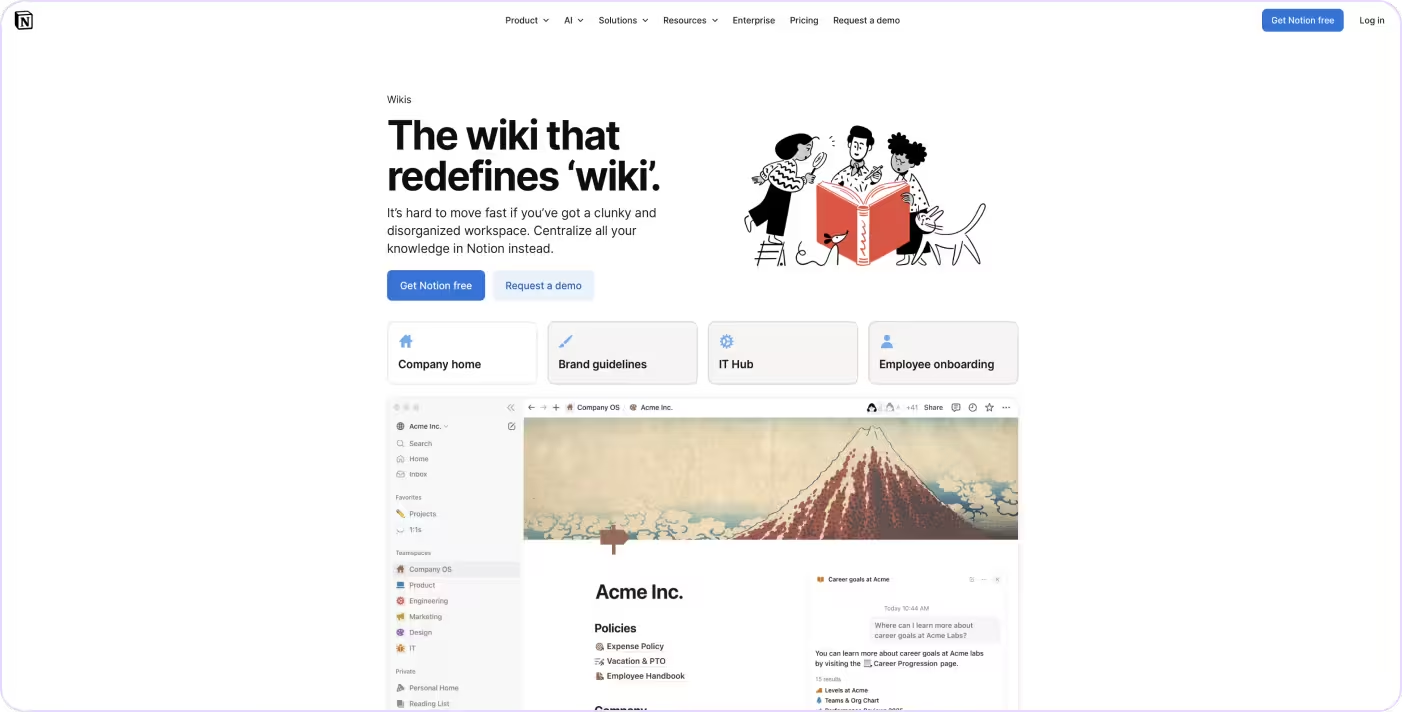
Notion combines documents, wikis, and databases in a flexible workspace. It works well for teams organizing internal knowledge and lightweight SOPs without implementing a dedicated process platform.
Key features:
- Linked databases: Connects documentation to projects and tasks.
- Wiki organization: Structures internal knowledge by team or function.
- Templates: Standardizes internal documentation creation.
- Collaborative editing: Supports real-time team collaboration.
- Integrations: Connects with Slack, Jira, GitHub, and other tools.
Ideal use case: A startup or small team organizing internal documentation and lightweight workflows in one workspace.
See how Tango compares to Notion →
9. Confluence
Best for cross-functional knowledge sharing
G2 rating: 4.1/5 (4,363 reviews)
Pricing: Free up to 10 users; paid from $6.70/user/month
Overview:
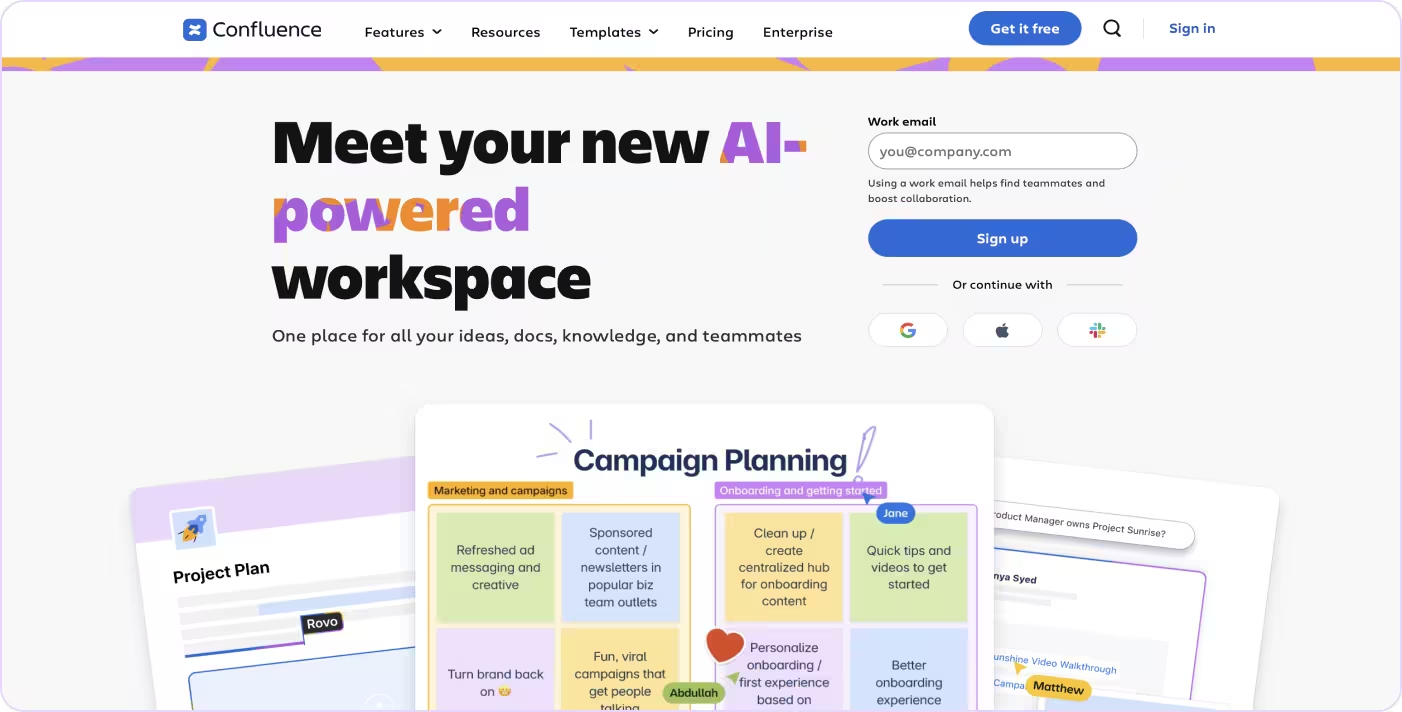
Confluence is Atlassian’s documentation platform for technical teams managing internal knowledge, project documentation, and engineering workflows. It works best as a centralized reference system inside Jira-based environments.
Key features:
- Jira integration: Connects documentation to projects and tickets.
- Team spaces: Organizes documentation by department or function.
- Page templates: Standardizes common documentation types.
- Collaborative editing: Supports shared editing and comments.
- Version history: Tracks documentation changes over time.
Ideal use case: Engineering and product teams already using Jira that need centralized technical documentation.
See how Tango compares to Confluence →
How to choose the right SOP software
Choosing SOP software comes down to how your team creates, accesses, and maintains process knowledge day to day.
Match the tool to the type of process you're documenting.
If your SOPs describe software workflows, auto-capture tools save significant time and produce more accurate documentation than manual writing. If your SOPs are policy-based or conceptual, a structured editor or wiki may be a better fit.
Consider your team's technical comfort level.
Tools that require configuration, developer support, or lengthy onboarding create friction before a single SOP is written. The faster a tool gets someone from zero to a usable guide, the more likely it is to actually get used.
Think about where SOPs need to live.
Documentation embedded inside the tools your team already uses gets referenced in the moment of need. Documentation stored in a separate platform requires people to go looking for it, and most won't.
Factor in how often your processes change.
If your workflows evolve frequently, choose a tool where updating is fast and low-effort. Tools that require rebuilding a guide from scratch every time a process changes will fall behind quickly.
Set a realistic budget for the full lifecycle.
Some tools are free to start but charge significantly at scale. Others require enterprise contracts with implementation support. Factor in not just the seat cost, but the time cost of creating, maintaining, and distributing SOPs across your team.
The Bottom Line
Every tool on this list can help you create and manage SOPs, whether your priority is employee training, frontline operations, or knowledge management. The right choice depends on how your team documents, maintains, and shares its processes.
Tango stands out by turning real workflows into step-by-step guidance that's delivered where employees are already working. Instead of treating documentation as something people have to search for, it makes following the right process part of the workflow itself.
The best SOP doesn't stop at documentation. It becomes part of the way your team works.
FAQs
What is the best SOP software for small teams?
For small teams, the best SOP software is easy to set up and doesn't require extensive configuration. Tools like Tango, Guidde, and Notion help small teams start documenting processes quickly without a dedicated operations or enablement team.
Are there free SOP software options?
Yes. Several tools on this list offer free plans, including Tango, Connecteam, Whale, Guidde, Notion, and Confluence. Free plans typically have limits on the number of guides, users, or features available. For most small teams or individuals getting started with SOP documentation, a free plan is enough to evaluate whether the tool fits.
How is SOP software different from a knowledge base?
SOP software focuses on capturing and delivering step-by-step process instructions, often with auto-capture, guided execution, or in-app delivery. A knowledge base is primarily a storage and retrieval system for written articles and documentation. Some tools, like Document360 and Confluence, function primarily as knowledge bases. Others, like Tango, are built specifically for process capture and guided execution.
How do I keep SOPs up to date?
The easiest way to keep SOPs current is to choose a platform that makes updates fast and straightforward. Features like workflow capture, version history, and clear ownership help teams keep documentation accurate as processes evolve.
Which SOP software is best for software rollouts?
For software rollouts, the most effective tools are ones that deliver guidance inside the application being rolled out, not in a separate document. Tango delivers step-by-step guidance directly inside the software employees are using, reducing the need to switch between applications while learning new workflows.