Here's a frustrating pattern that plays out at companies everywhere: you roll out a new tool, you train the team, you document everything. And a month later, half your team is still doing things the old way, asking the same questions you already answered, or just winging it.
It's not that they weren't paying attention. It's that there's a gap between knowing how something works and actually being able to do it, consistently, inside a real tool, under real pressure. That gap is what digital adoption platforms are designed to close.
But not all DAPs solve the same problem. Some help you build documentation faster. Some give you data on where users get stuck. Some show up inside your tools and walk employees through a process in real time. Choosing the right type matters just as much as choosing the right tool.
What is a digital adoption platform?
A digital adoption platform (DAP) is software that sits on top of applications and guides users in real time. Instead of pulling people into training sessions, it meets them where the work actually happens.
The most effective platforms don’t just teach users what to do. They help them do it.
The best DAPs:
- Capture workflows automatically
- Surface step-by-step guidance on demand
- Help users follow the right process without ever leaving the application they're in
The result:
- Fewer support tickets
- Less time repeating the same instructions
- Teams that can actually get work done in the tools you've given them
What are the main use cases for digital adoption platforms?
Digital adoption platforms aren’t one-size-fits-all. Most tools in this space are built to solve one part of the adoption problem, not the whole thing.
Companies approach adoption in four different ways:
1. Customer onboarding and product adoption
For SaaS companies focused on helping users activate, learn, and get value from their product faster.
Tools that support this use case typically help with:
- In-app tours, tooltips, and checklists
- Driving activation and feature adoption
- Improving retention without engineering support
Where they fall short:
They’re limited to your product experience and don’t help teams operate across internal tools.
2. Internal training and software adoption
For teams that need to help employees learn, follow, and consistently execute processes inside the tools they use every day.
Tools that support this use case typically help with:
- Capturing and sharing workflows
- Standardizing how tasks are completed
- Reducing repetitive questions and errors
Where they fall short:
Many stop at documentation, without helping employees follow processes in real time.
3. Structured training and LMS platforms
For organizations that need to deliver formal onboarding, compliance training, and role-based learning programs.
Tools that support this use case typically help with:
- Role-based onboarding and certifications
- Compliance and required training
- Tracking progress and completion
Where they fall short:
Training happens outside of real workflows, which makes it harder for employees to apply what they’ve learned in the moment they need it.
4. Enterprise-scale rollouts
For large organizations rolling out complex systems across teams, tools, and departments.
Tools that support this use case typically help with:
- ERP and CRM implementations
- Cross-team adoption across multiple tools
- Governance, analytics, and compliance
Where they fall short:
They’re slow to implement and require dedicated resources, making them difficult to scale efficiently.
Comparison table: The best digital adoption platforms
The best digital adoption platforms in 2026
Not sure which type of digital adoption platform you need? Here are the best tools in 2026. Each one solves a different part of the adoption problem.
1. Tango
Best for employee software adoption and in-app guidance
G2 Rating: 4.7/5 (506 reviews)
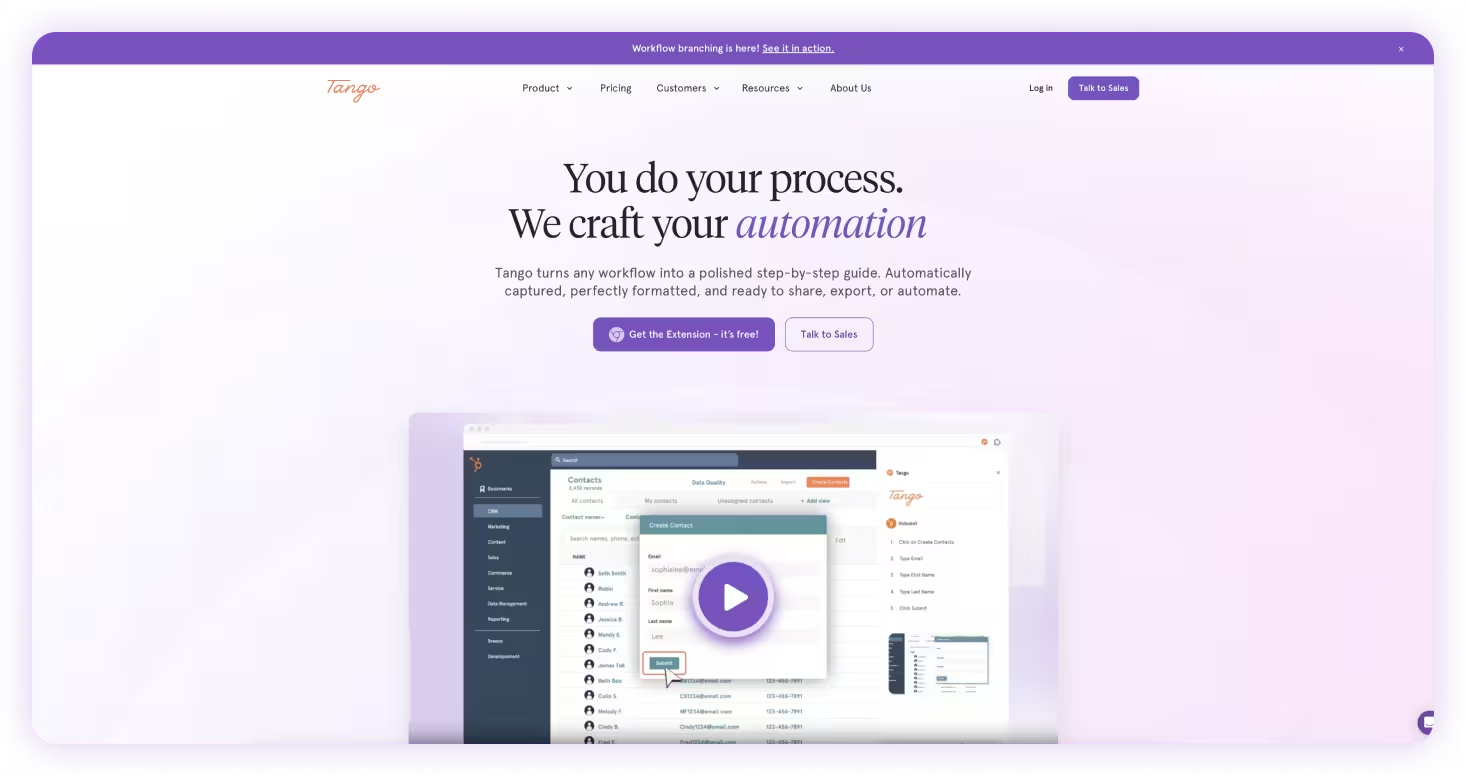
Most digital adoption platforms stop at training. Tango is built for what happens next. It helps employees actually do the work.
Instead of static SOPs or videos that go stale the moment you share them, Tango automatically captures workflows and turns them into step-by-step guides that anyone can follow instantly, right inside the tools they already use.
No tab switching. No hunting through a knowledge base. No repeating the same walkthrough for the third new hire in a row.
Whether you're a fast-growing team standardizing processes or an enterprise rolling out software across hundreds of employees, Tango helps you scale adoption across your entire tool stack without the months-long implementations or six-figure contracts of legacy DAPs.
Create process documentation in seconds
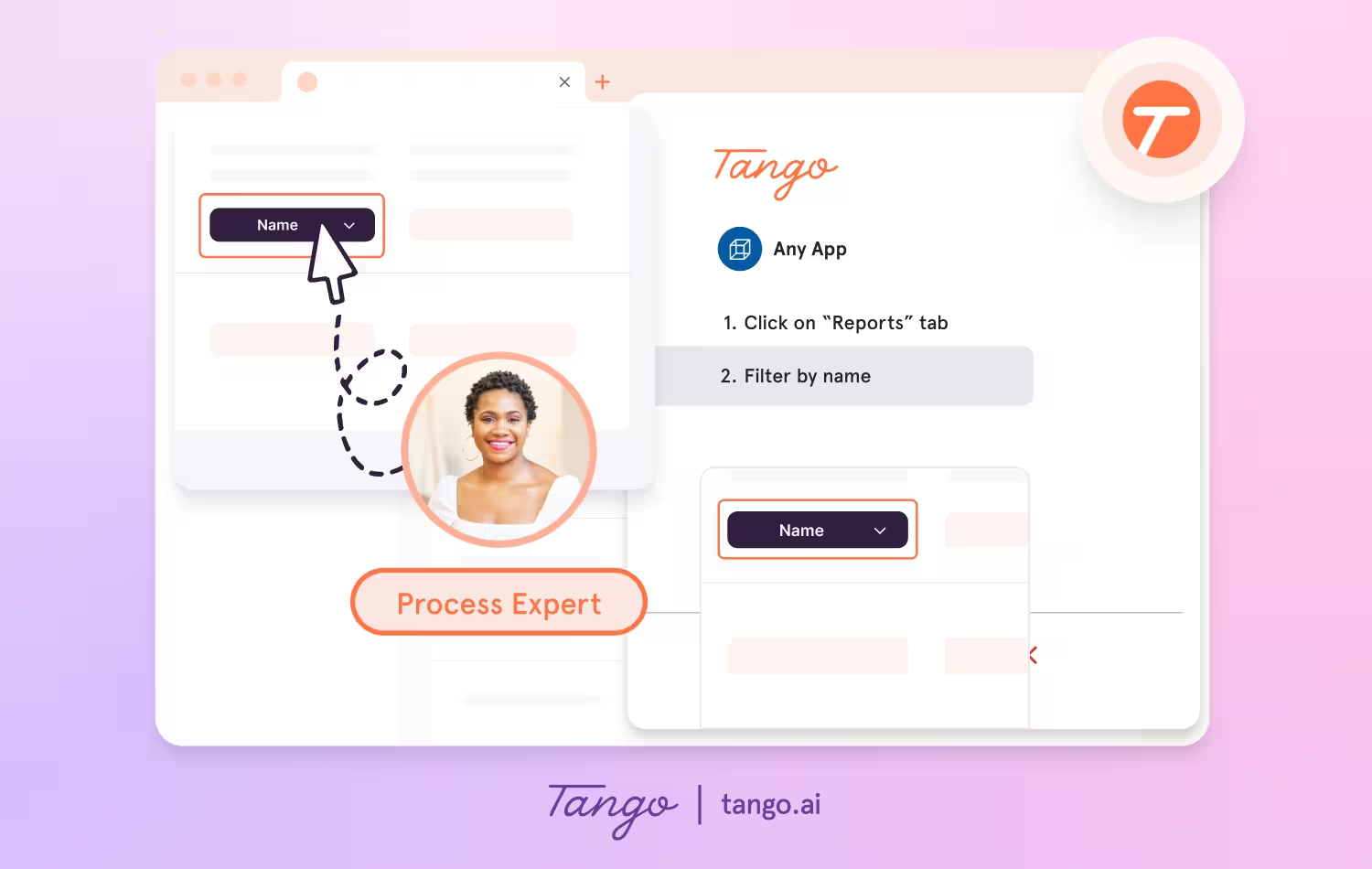
Tango makes capturing processes effortless, so you can document as you work.
- Capture guides and walkthroughs anywhere across the web with the browser extension, or use the desktop app for offline applications
- Click through your process and instantly generate a step-by-step guide with screenshots, annotations, descriptions, and links
- Update descriptions, insert additional context, and add flair to your screenshots with advanced editing tools
Enable perfect process adoption with in-app walkthroughs
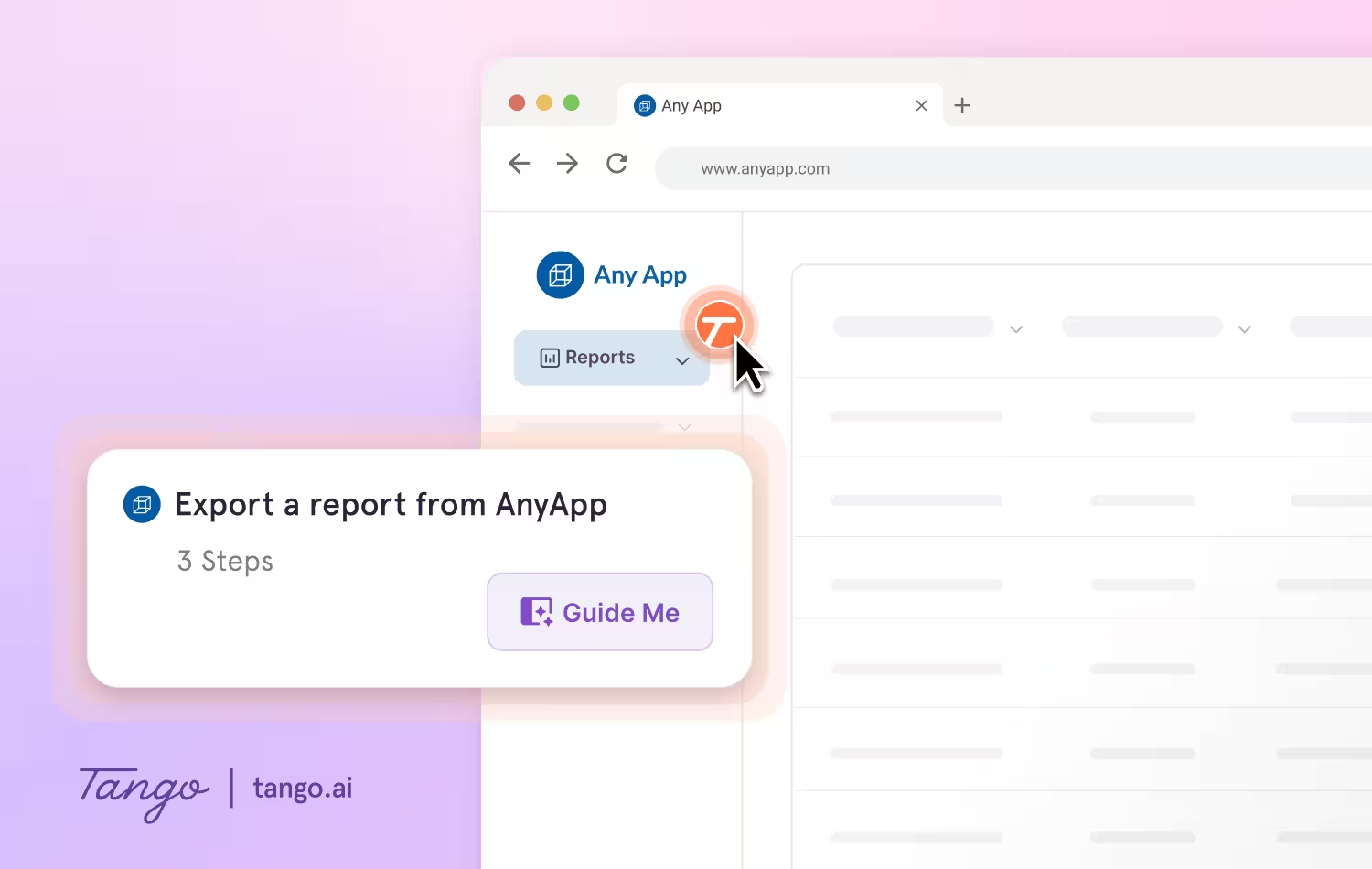
With Guide Me from Tango, documentation becomes instantly followable, right inside the tools where work happens.
- Give your team step-by-step guidance inside any tool without switching tabs
- Guide Me shows users exactly where to click so they can easily follow processes across applications
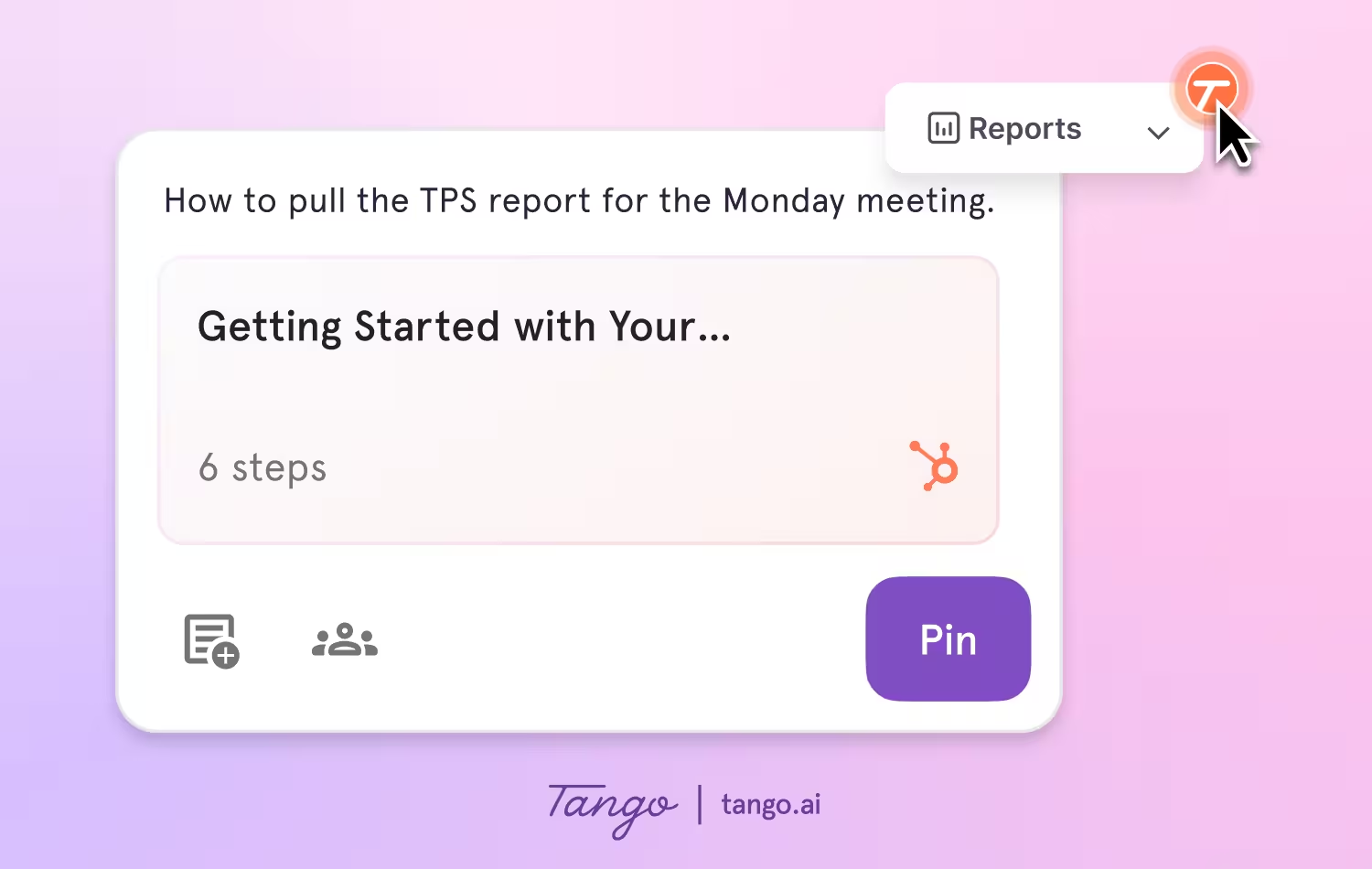
- Pin guides, tips, or links as Nuggets at any point in a process where employees may need help
Ideal Use Cases: Teams that need to unify onboarding, training, and day-to-day execution across enterprise platforms like Salesforce, SAP, Oracle, NetSuite, Microsoft Dynamics, Workday, and Epic, helping employees not just learn processes, but actually follow them in real time across any tool.
2. Guidde
Best for video-based training content
G2 Rating: 4.8/5 (82 reviews)
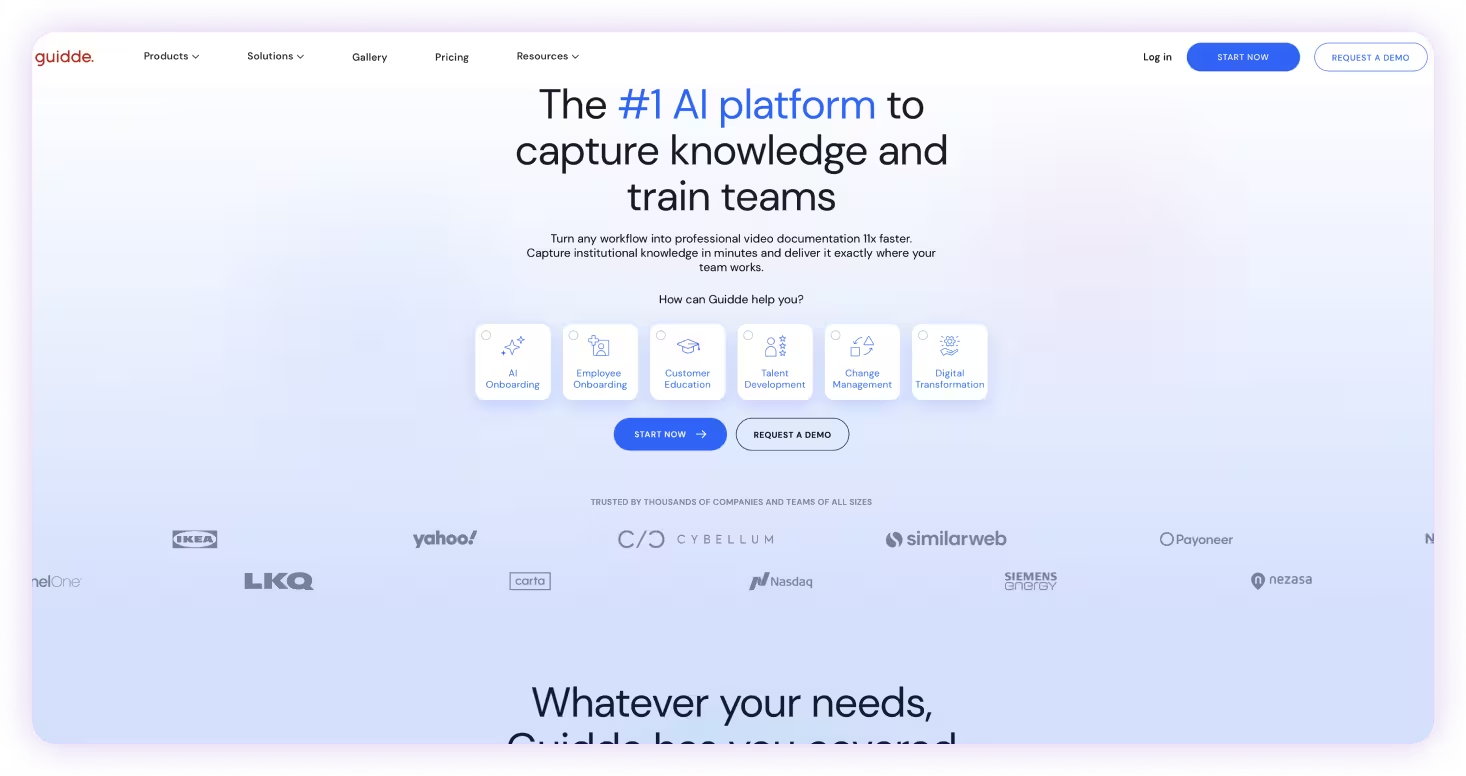
Guidde turns workflows into polished video walkthroughs with AI-generated narration and captions.
Key features:
- AI-generated video walkthroughs from screen recordings
- Automatic narration and caption generation
- Help center and LMS publishing
Ideal Use Cases: Teams creating video-based training and onboarding content for asynchronous learning.
3. UserGuiding
Best for in-app customer onboarding and product tours
G2 Rating: 4.7/5 (770 reviews)
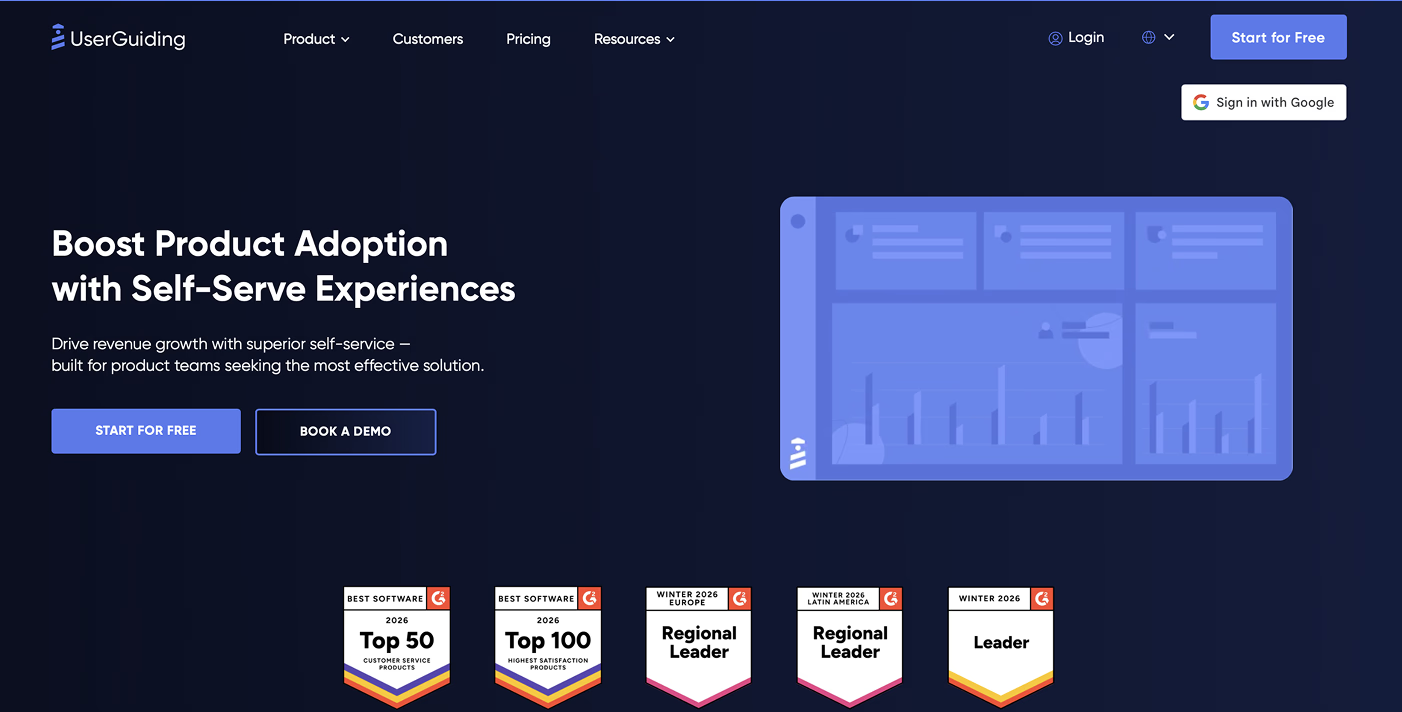
UserGuiding helps SaaS teams build in-app onboarding experiences like product tours, tooltips, and checklists without writing code.
Key features:
- No-code builder for onboarding tours, checklists, and tooltips
- MAU-based pricing with transparent plans
- In-app surveys and user feedback
- Product analytics and goal tracking
Ideal Use Cases: Product and growth teams at SaaS companies focused on improving customer onboarding and feature adoption inside their product.
Compare Tango vs Userguiding →
4. Appcues
Best for designing in-product onboarding experiences
G2 Rating: 4.6/5 (356 reviews)
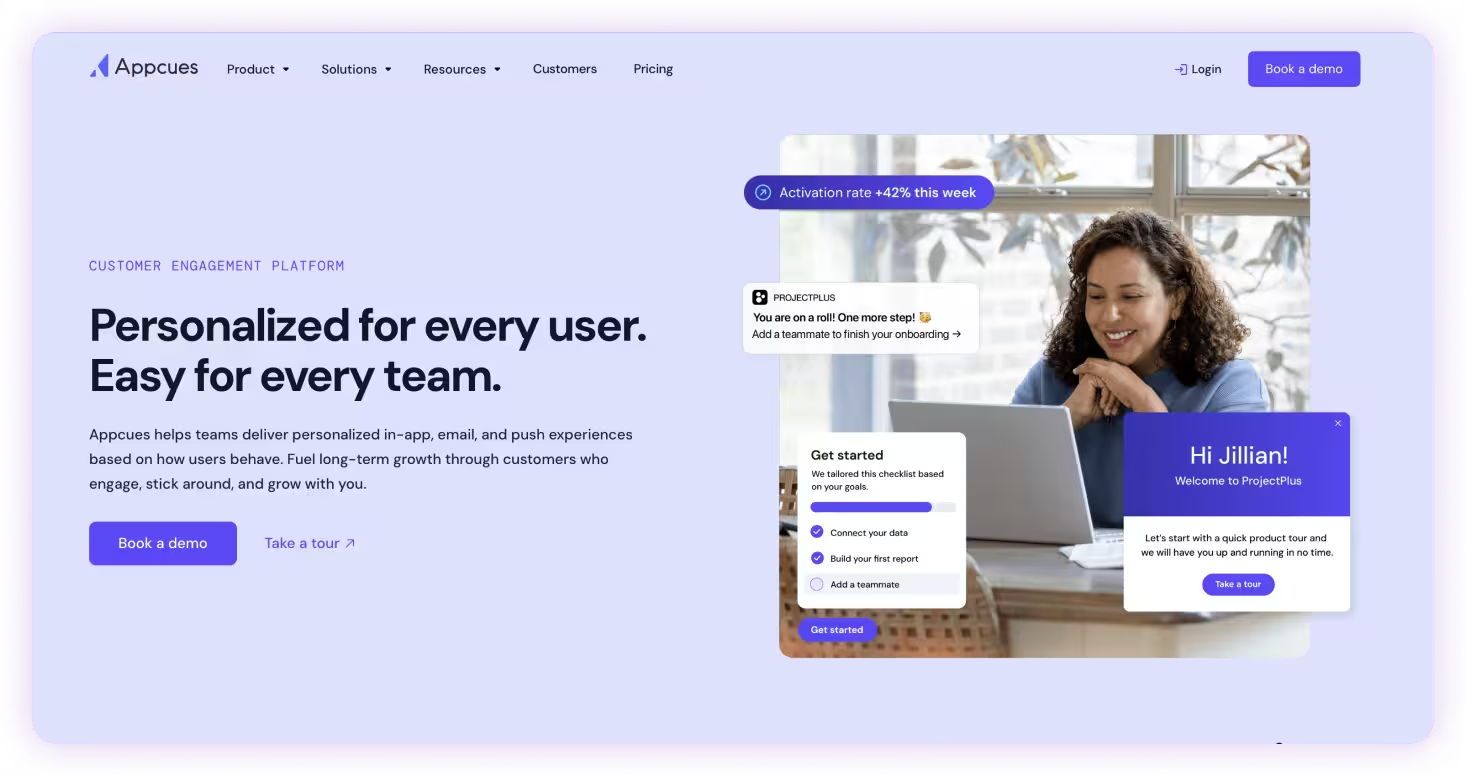
Appcues gives product and growth teams a no-code way to design in-app experiences like onboarding flows, modals, and checklists.
Key features:
- Drag-and-drop no-code flow builder
- Behavioral segmentation for personalized experiences
- In-app modals, checklists, and tooltips
- Adoption analytics and event tracking
Ideal Use Cases: Product-led teams that need to build and iterate on in-app onboarding experiences without engineering support.
Compare Tango vs Appcues (coming soon)
5. Pendo
Best for combining product analytics with user onboarding
G2 Rating: 4.4/5 (1,805 reviews)
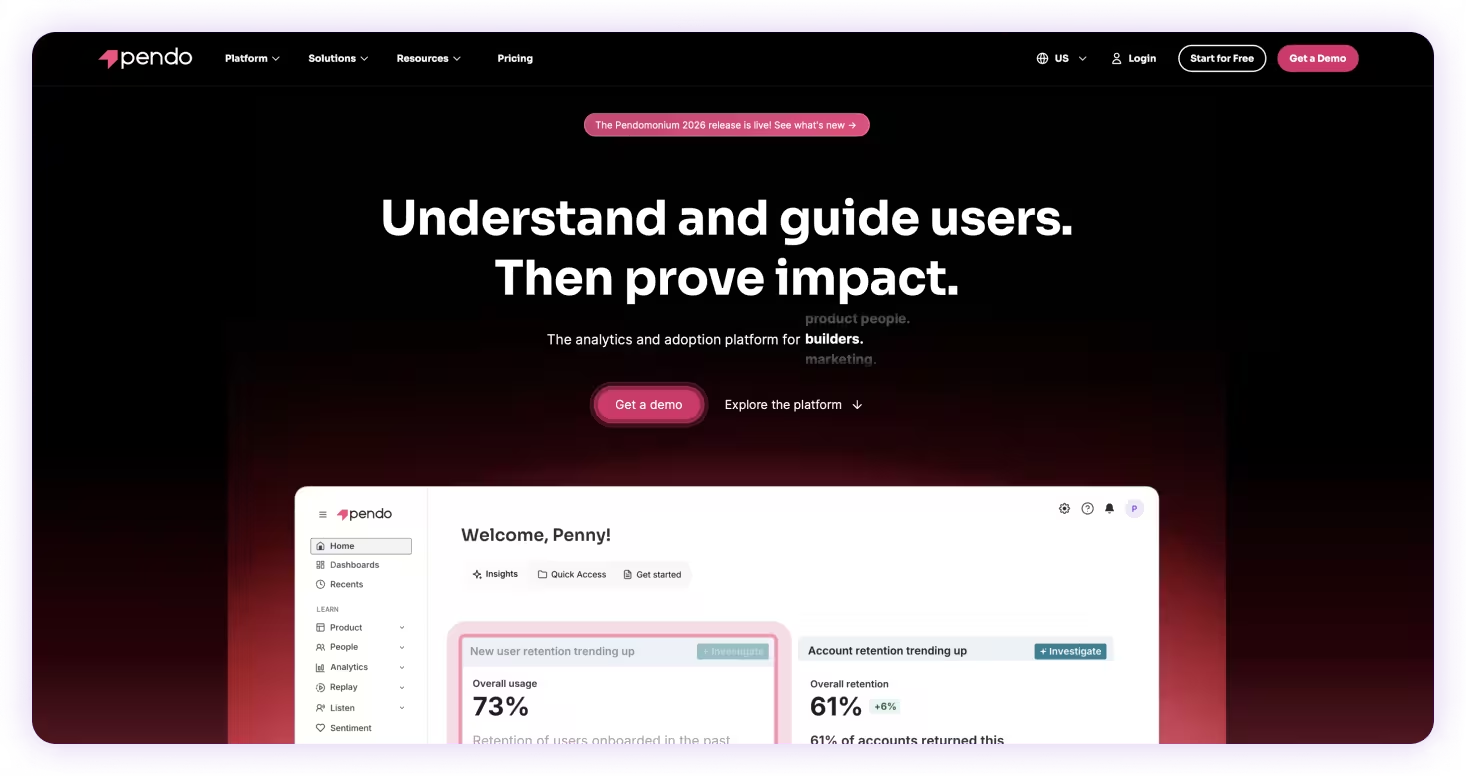
Pendo combines product analytics with in-app messaging, helping teams understand user behavior and improve feature adoption.
Key features:
- Product analytics with session replay and retroactive tracking
- In-app walkthroughs and onboarding flows
- NPS and in-app feedback collection
- Cross-functional use across product, CS, and marketing teams
Ideal Use Cases: Product and customer success teams that rely on user behavior data to inform onboarding and feature adoption strategies.
Compare Tango vs Pendo (coming soon)
6. Trainual
Best for structured employee training and compliance programs
G2 Rating: 4.7/5 (1,042 reviews)
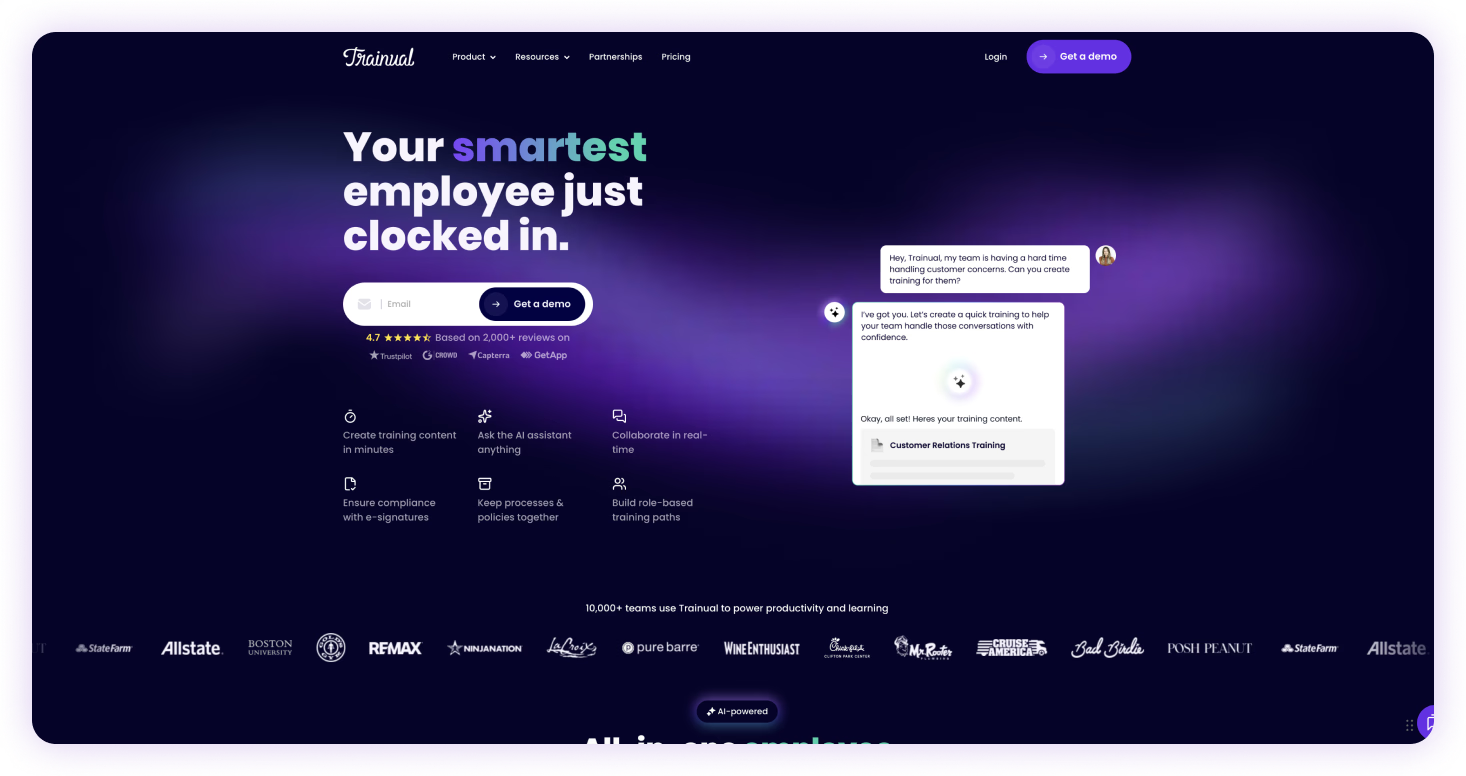
Trainual turns company knowledge into structured training programs with role-based learning paths, quizzes, and progress tracking.
Key features:
- Role-based training paths
- AI-assisted course building
- Built-in quizzes and completion tracking
- Org chart and role mapping
- Integrations with HR tools
Ideal Use Cases: Organizations that prioritize standardized, trackable onboarding and compliance training across roles.
7. WalkMe
Best for enterprise-scale software adoption and change management
G2 Rating: 4.5/5 (571 reviews)
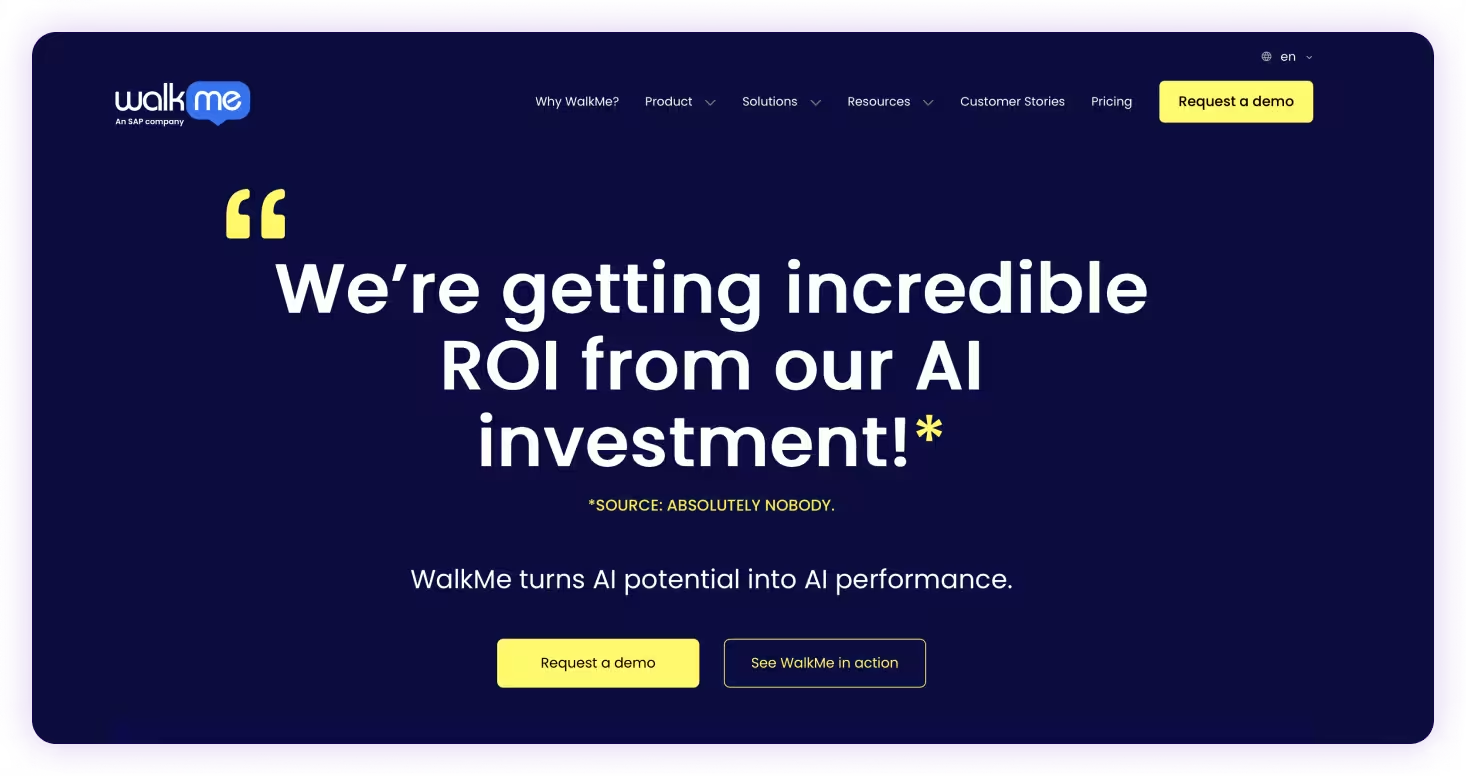
WalkMe is built for enterprise-scale digital adoption, helping organizations guide employees through complex systems and large software rollouts.
Key features:
- Overlay-based in-app guidance across web and native desktop apps
- Enterprise workflow automation
- Advanced analytics and reporting
- FedRAMP Ready for compliance-heavy industries
Ideal Use Cases: Large enterprises managing complex software rollouts across multiple systems with dedicated IT and change management resources.
8. Whatfix
Best for enterprise digital adoption with governance and automation
G2 Rating: 4.6/5 (549 reviews)
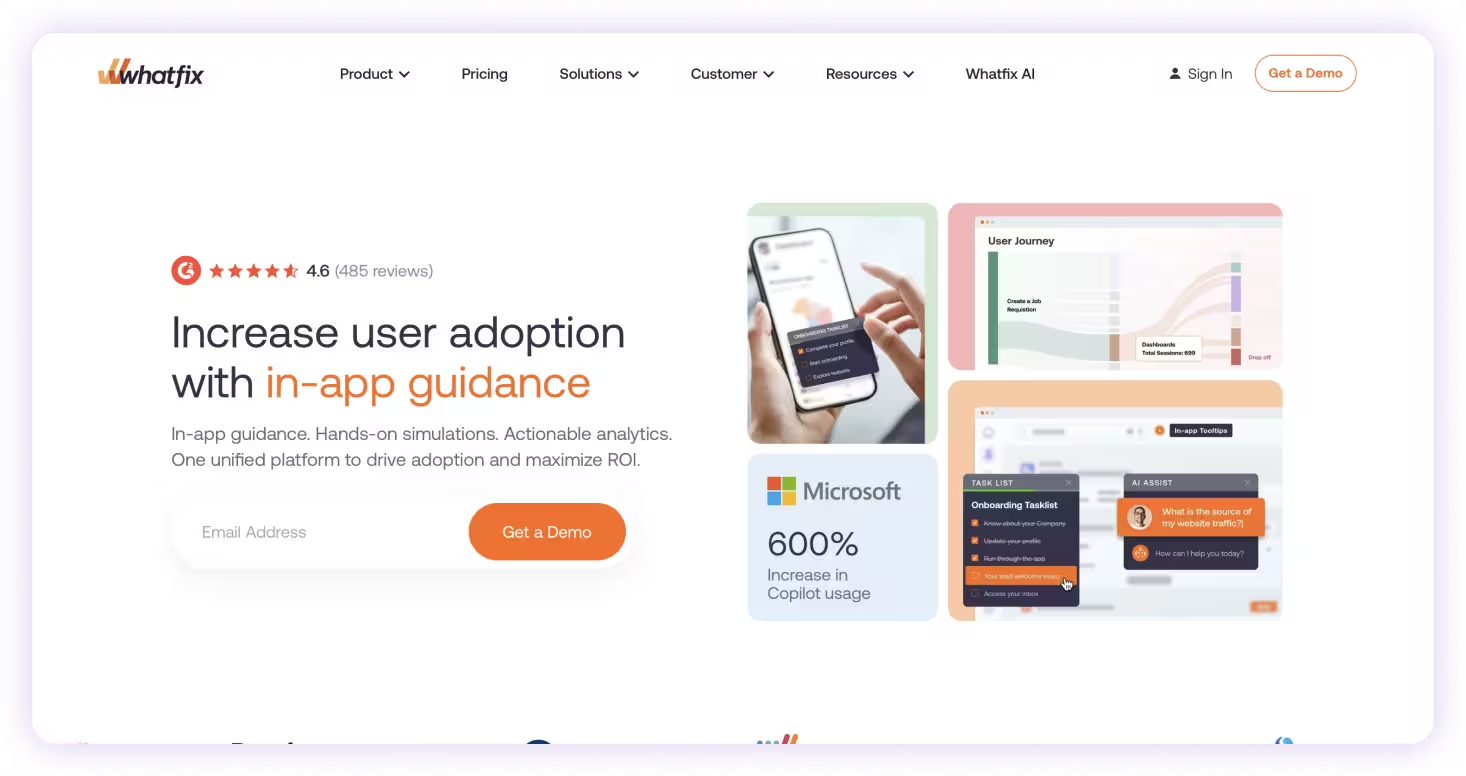
Whatfix provides in-app guidance and automation for enterprise software adoption, along with tools for governance and analytics.
Key features:
- Agentic AI for content automation and lifecycle management
- Mirror feature for pre-launch simulation training
- Web and desktop application support
- Governance and analytics for enterprise deployments
Ideal Use Cases: Enterprises that require governed, large-scale adoption across applications with advanced analytics and automation.
How to choose the right digital adoption platform
Choosing a digital adoption platform isn’t just about features. It’s about how your team actually learns and works day to day.
Most tools in this space are designed for a specific layer of adoption. Some focus on onboarding customers inside a product. Others are built for structured training or enterprise rollouts. The right choice depends on where your biggest gap is.
1. Identify where adoption is breaking down
Start by understanding where your team is struggling:
- Are customers dropping off during onboarding?
- Are employees asking the same questions repeatedly?
- Are processes documented but not consistently followed?
- Are new tools being rolled out but not fully adopted?
Different tools solve different problems. Choosing the wrong category can create more friction, not less.
2. Decide how you want people to learn
There are three common approaches to adoption:
- Training-first → learning happens in courses or documentation
- Product-first → guidance is built into your SaaS product for customers
- Workflow-first → guidance appears inside the tools where work actually happens
Most teams don’t struggle with access to information. They struggle with applying it in real time.
3. Look beyond documentation
Many tools make it easy to create guides, videos, or training content. But documentation alone doesn’t guarantee adoption.
Ask:
- Can users follow guidance directly inside their tools?
- Is help delivered at the exact moment they need it?
- Does the tool support execution, not just explanation?
The closer guidance is to the actual workflow, the more likely it is to be used.
Documentation explains what to do. The right platform helps people actually do it.
4. Consider implementation and scalability
Some platforms are built for speed. Others require months of setup.
Think about:
- How quickly can you get value?
- Will this require engineering or IT support?
- Can it scale as your team and tool stack grow?
Heavy implementations can slow down adoption before it even starts.
5. Choose a platform that connects everything
In practice, onboarding, training, and execution aren’t separate. They happen together.
The most effective digital adoption platforms don’t just focus on one layer. They connect:
- How people learn
- Where they work
- How they actually complete tasks
That’s what drives real adoption and turns knowledge into action.
The bottom line
Every digital adoption platform on this list helps solve a different part of the adoption challenge. Some are built for customer onboarding, some for employee training, and others for enterprise software rollouts. The right platform depends on where your users need the most support.
Tango brings those pieces together by helping teams capture real workflows and deliver step-by-step guidance inside the applications employees already use, turning documentation into something people can actually follow.
The best digital adoption platform doesn't just teach people what to do. It helps them do it.
FAQs
What is a digital adoption platform (DAP)?
A digital adoption platform (DAP) is software that helps employees or customers learn and use digital applications more effectively. It provides in-app guidance, walkthroughs, tooltips, and other resources that help users complete tasks successfully without leaving the application they're using.
What is the difference between a digital adoption platform and a learning management system (LMS)?
A learning management system (LMS) delivers structured training through courses, videos, and assessments. A digital adoption platform provides guidance inside the software itself, helping users apply what they've learned while completing real tasks.
Which digital adoption platform is best for employee onboarding?
The best platform depends on your onboarding goals. Organizations that need employees to learn software and internal workflows as they work often benefit from platforms like Tango, which combine workflow documentation with in-app guidance. Companies focused on compliance or formal learning may prefer a learning management system.
What's the difference between customer onboarding and employee digital adoption?
Customer onboarding helps users learn and adopt a company's product through in-app tours, checklists, and onboarding flows. Employee digital adoption focuses on helping employees learn internal software, follow business processes, and complete work consistently across the tools they use every day.
How do I choose the right digital adoption platform?
Start by identifying where adoption is breaking down. Some platforms specialize in customer onboarding, others focus on employee software adoption, structured training, or enterprise software rollouts. The best digital adoption platform is the one that aligns with your organization's adoption goals and the way your teams work.