7 Best Guidde Alternatives for Process Documentation (2026)


If you're looking for Guidde alternatives, you're probably running into the same wall: video-first documentation is hard to maintain, slow to update, and often ignored by the people who need it most.
Guidde excels at quickly creating AI-narrated video walkthroughs for training and knowledge sharing, but teams with different documentation needs may prefer another approach.
Some teams need step-by-step guides they can embed directly in their tools. Others need something their whole team can create and update without a learning curve.
This list covers 7 alternatives built for process documentation, with enough detail to help you figure out which one actually fits how your team works.
What is process documentation software?
Process documentation software helps teams capture, organize, and share how work gets done. Instead of relying on undocumented knowledge or one-off explanations, these tools turn real workflows into structured, repeatable guides that anyone can follow.
At a basic level, they let you record a process and produce something usable: a step-by-step guide, a video walkthrough, a checklist, or an annotated screenshot sequence.
The best tools go further. They make documentation easy to update as processes change, deliver guidance inside the tools where work actually happens, and give you visibility into whether people are following the process correctly.
The core problem they solve: knowledge trapped in people's heads doesn't scale.
What features should you look for in process documentation software?
The difference between documentation that gets used and documentation that gets ignored usually comes down to how easy it is to create, find, and follow in the moment of need.
- Speed to documentation: The tool should let you capture a process in minutes, not hours.
- Low editing effort: Auto-generated steps and screenshots should require minimal cleanup before sharing.
- Non-technical usability: Anyone on the team should be able to create a guide without training.
- Workflow visibility: You should be able to see the full process, not just individual steps in isolation.
- In-context delivery: Guides should be accessible inside the tools where the work happens, not buried in a separate knowledge base.
- Scalability: The tool should work for one person documenting a single process and for a team managing hundreds.
- Maintainability: Updating a guide when a process changes should take minutes, not a full rebuild.
The 8 Best Guidde alternatives for process documentation
Compare the top Guidde alternatives for process documentation, employee training, and in-app guidance to find the best fit for your team.
1. Tango
Best for scalable workflow documentation and process adoption across the tools your team uses every day
G2 Rating: 4.7/5 (506 reviews)
Pricing: Free plan available; paid plans from $15/user/month
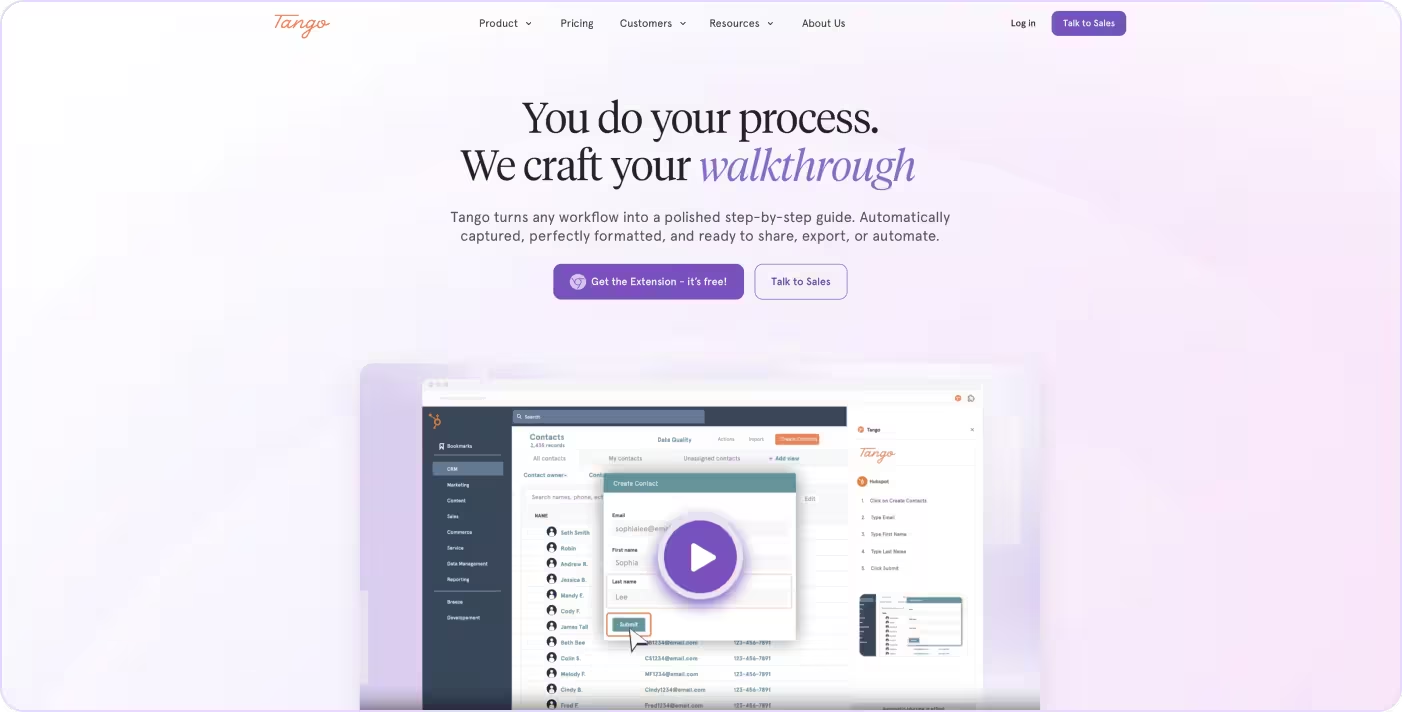
Most process documentation stops at creation. A guide gets made, stored, and never actually used. Tango picks up where that falls short.
Instead of static docs or videos that go stale the moment they're published, Tango automatically captures your workflow as you click through it and turns it into a step-by-step guide anyone can follow, right inside the tools they use every day.
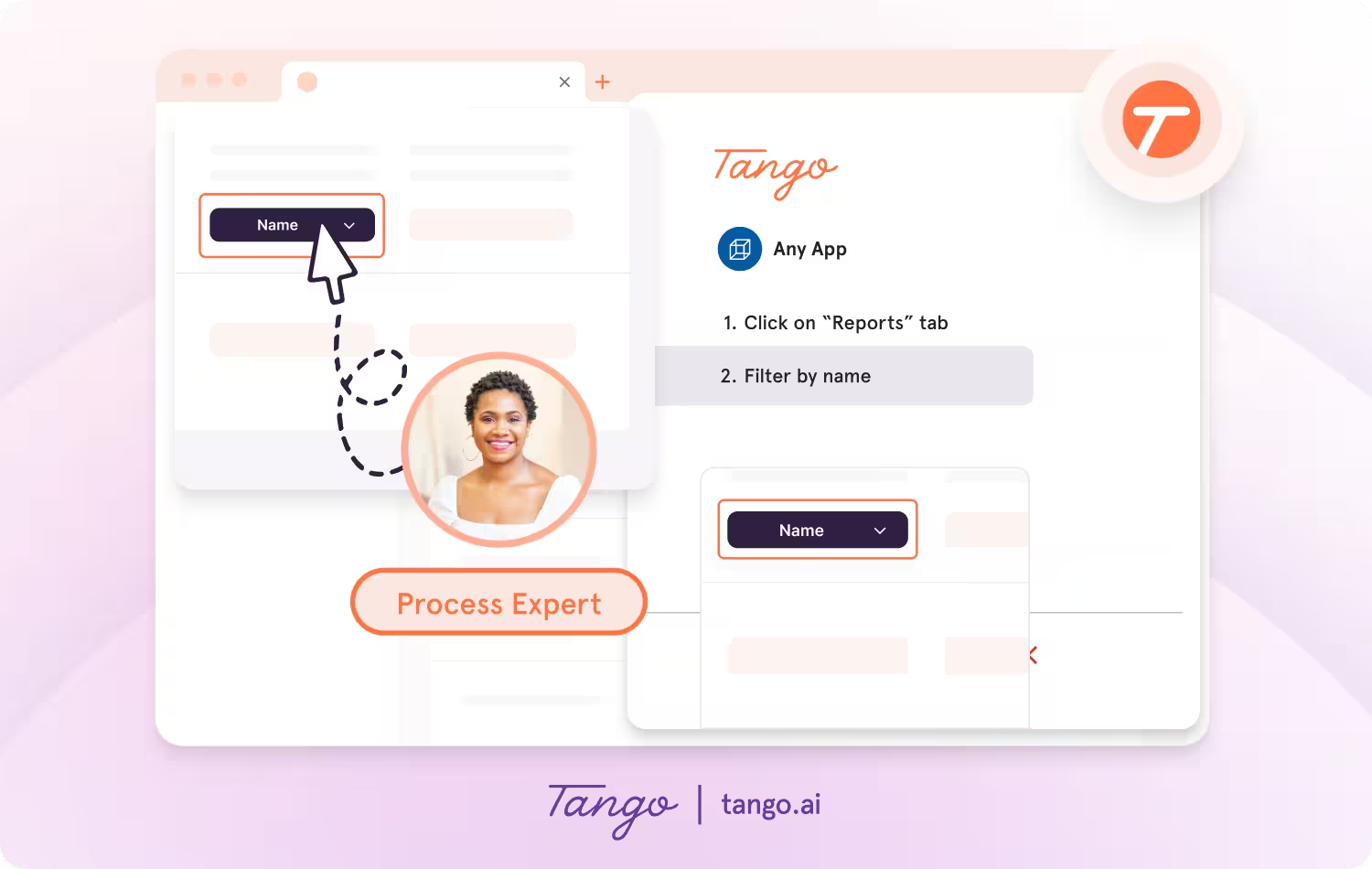
Tango makes capturing processes effortless, so you can document as you work.
- Capture guides and walkthroughs anywhere across the web with the browser extension, or use the desktop app for offline applications.
- Click through your process and instantly generate a step-by-step guide with screenshots, annotations, descriptions, and links.
- Update descriptions, insert additional context, and add flair to your screenshots with advanced editing tools.
Enable perfect process adoption with in-app walkthroughs
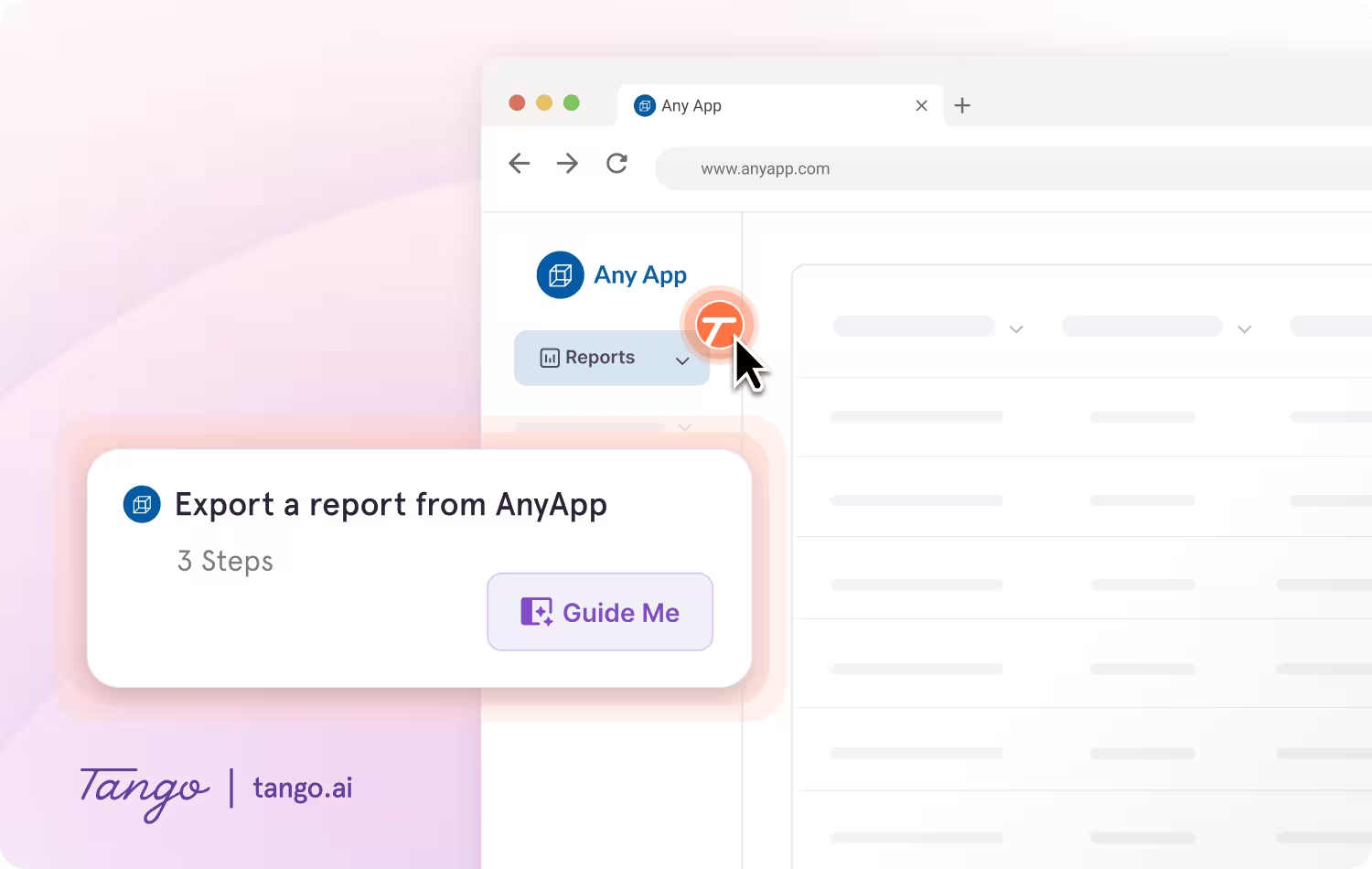
With Guide Me from Tango, documentation becomes instantly followable—right inside the tools where work happens.
- Give your team step-by-step guidance inside of any tool without switching tabs.
- Guide Me shows users exactly where to click so they can easily follow processes across applications.
- Pin guides, tips, or links as Nuggets at any point in a process where employees may need help.
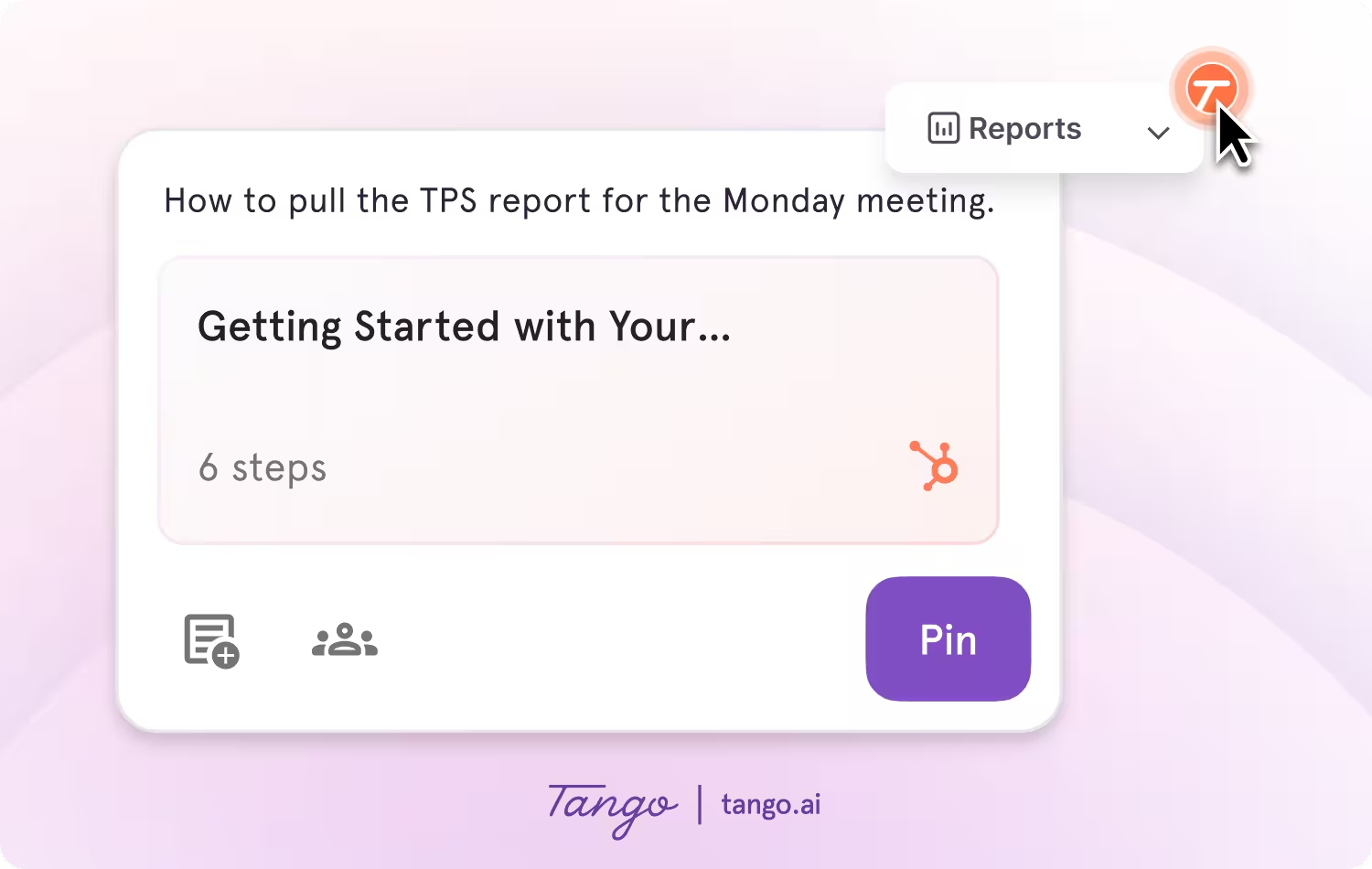
Ideal use case: Teams that need to create, deliver, and maintain process documentation directly inside the tools where work happens.
2. Loom
Best for async video communication and informal workflow explanations
G2 Rating: 4.7/5 (2,409 reviews)
Pricing: Free plan available; paid plans from $18/user/month
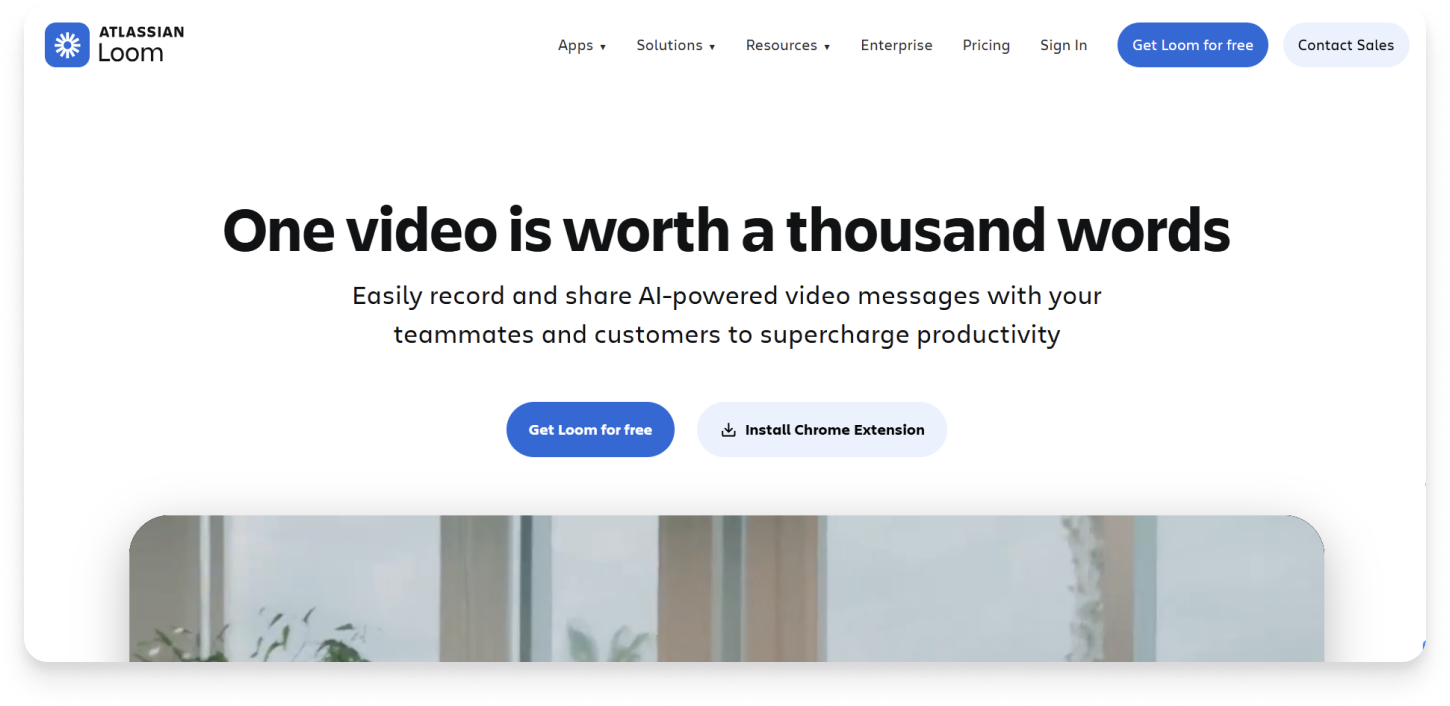
Loom is a screen recording tool built for async video communication. It lets anyone record their screen and voice, then share the video instantly via link. It works well for explaining something quickly without scheduling a meeting.
Key features:
- Screen and camera recording with no editing required
- Instant shareable links to drop into Slack, email, or docs
- Automatic transcripts and AI-generated titles, summaries, and chapters
- Viewer engagement data showing who watched and how much
- Timestamped comments and reactions for async feedback
Ideal use case: Teams that need to explain a process, share feedback, or walk through a decision quickly without writing it out.
3. Trainual
Best for structured employee training and compliance programs
G2 Rating: 4.7/5 (1,034 reviews)
Pricing: Paid plans from $249/month
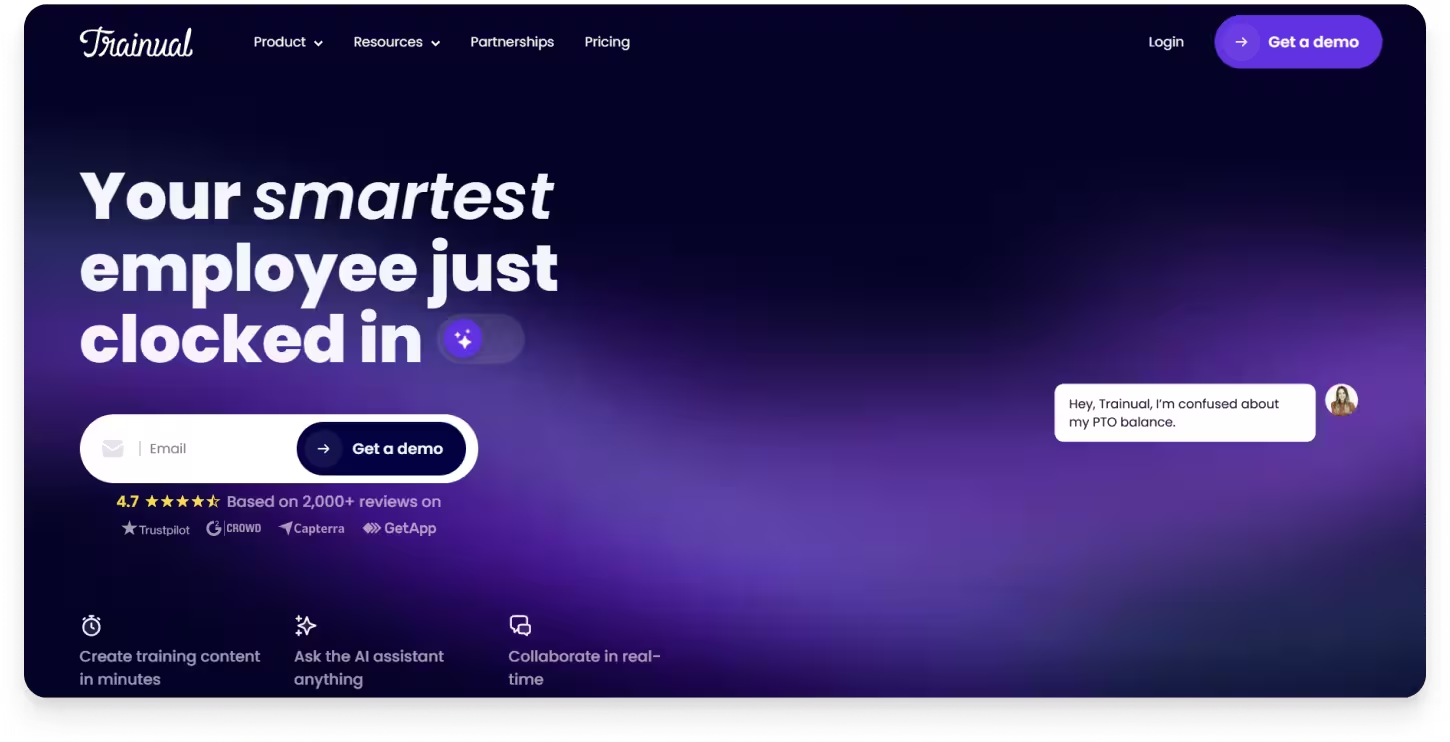
Trainual is a training and onboarding platform built for small businesses that need to organize company knowledge into structured, role-based content. It handles policies, handbooks, and onboarding sequences well, giving owners and HR teams a central place to assign and track training completion. It fits teams whose primary problem is getting institutional knowledge out of people's heads and into a format new hires can follow.
Key features:
- Role-based training paths
- AI-assisted course building
- Built-in quizzes and completion tracking
- Org chart and role mapping
- Integrations with HR tools
Ideal use case: Organizations that prioritize standardized, trackable onboarding and compliance training across roles.
4. Flowshare
Best for documenting processes inside Windows desktop applications
G2 Rating: 4.8/5
Pricing: Free plan available; paid plans from $44/user/month
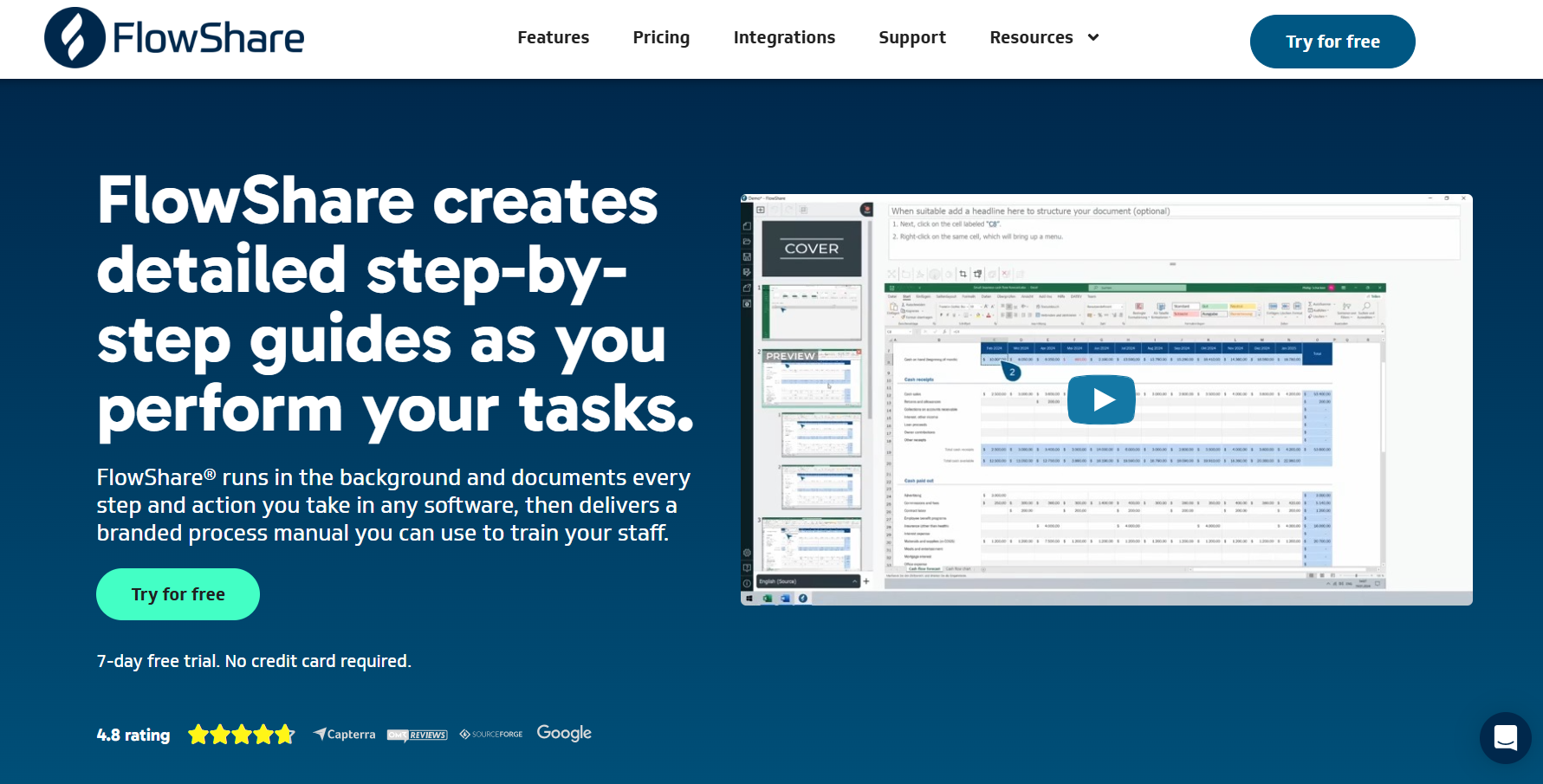
Flowshare is a Windows desktop application that captures clicks and keystrokes as you work through a process, then auto-generates annotated, screenshot-based guides in PDF or HTML format. It is purpose-built for IT teams, system administrators, and technical trainers who document legacy or on-premise Windows software.
Key features:
- Automatic step capture from clicks in any Windows app
- Formatted guides recipients open without installing anything
- Multiple export formats including PDF, Word, PowerPoint, HTML, SCORM, and xAPI
- Local, offline operation for air-gapped or restricted-network environments
- Automatic screenshot annotation
Ideal use case: IT and technical trainers in regulated industries who document Windows software and distribute guides as PDF or HTML.
5. Userguiding
Best for in-app customer onboarding and product tours
G2 Rating: 4.7/5 (767 reviews)
Pricing: Free plan available; paid plans from $174/month
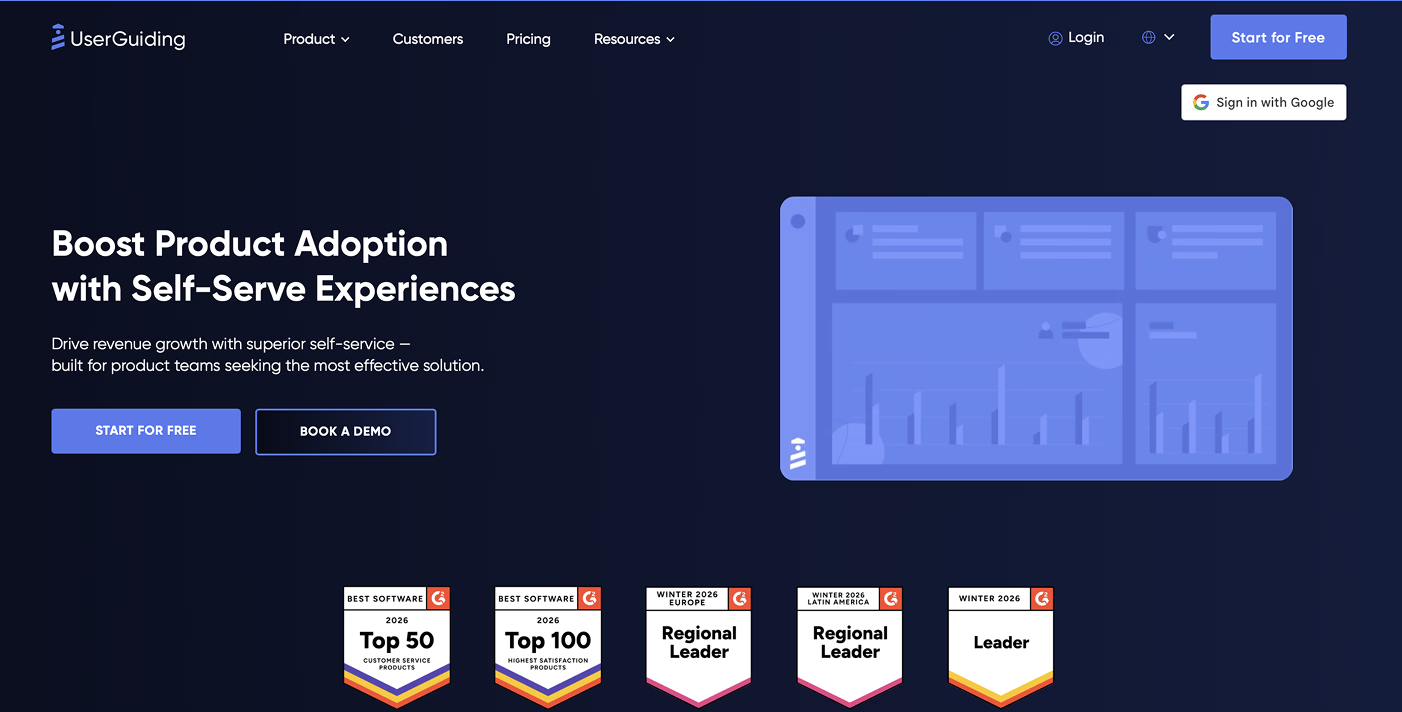
UserGuiding is a no-code product onboarding tool built for SaaS companies that want to guide their own customers through a product with tours, checklists, and tooltips. It requires no engineering support to deploy basic flows, which makes it accessible for lean product and growth teams. The tool is designed for external user onboarding inside a single web application.
Key features:
- No-code product tours and onboarding flows that launch at first login
- In-app checklists and announcements triggered at defined points
- User segmentation by role, plan, or behavior
- NPS and micro-surveys collected inside the product
- Resource center widget for on-demand self-serve help
Ideal use case: SaaS product teams building guided onboarding experiences inside their own application for new users.
Compare Tango vs Userguiding →
6. Snagit
Best for capturing and annotating screenshots for one-off visual documentation
G2 Rating: 4.7/5 (5,877 reviews)
Pricing: Free plan available; paid plans from $39/user/month
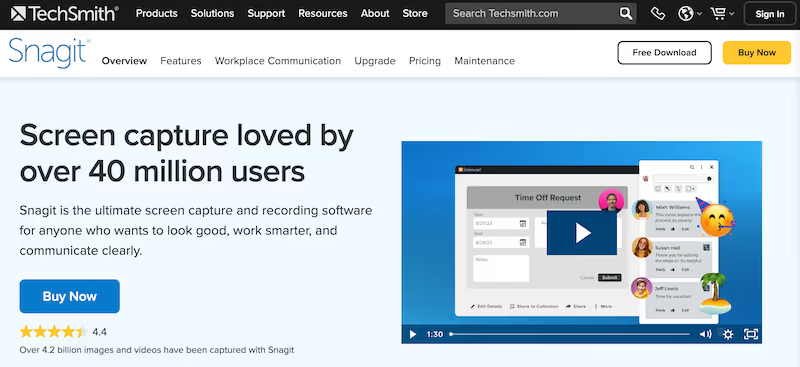
Snagit is a screen capture and image annotation tool used by individuals and technical writers to create visual documentation manually. It gives users precise control over what they capture and how they mark it up, making it a dependable utility for ad hoc visual communication. It works best when the goal is producing a polished screenshot or short recording to drop into a Word doc, slide deck, or email.
Key features:
- Precise screenshot capture with framing controls
- Annotation toolkit for arrows, callouts, text, and highlights
- Screen recording for short process clips and walkthroughs
- Scrolling capture for full pages beyond the visible screen
- Direct output to Word, PowerPoint, and Google Docs
Ideal use case: Individual contributors and technical writers who need a reliable screen capture and annotation tool for one-off visual documentation.
7. Process Street
Best for recurring process management and checklists
G2 Rating: 4.6/5 (463 reviews)
Pricing: Contact for pricing
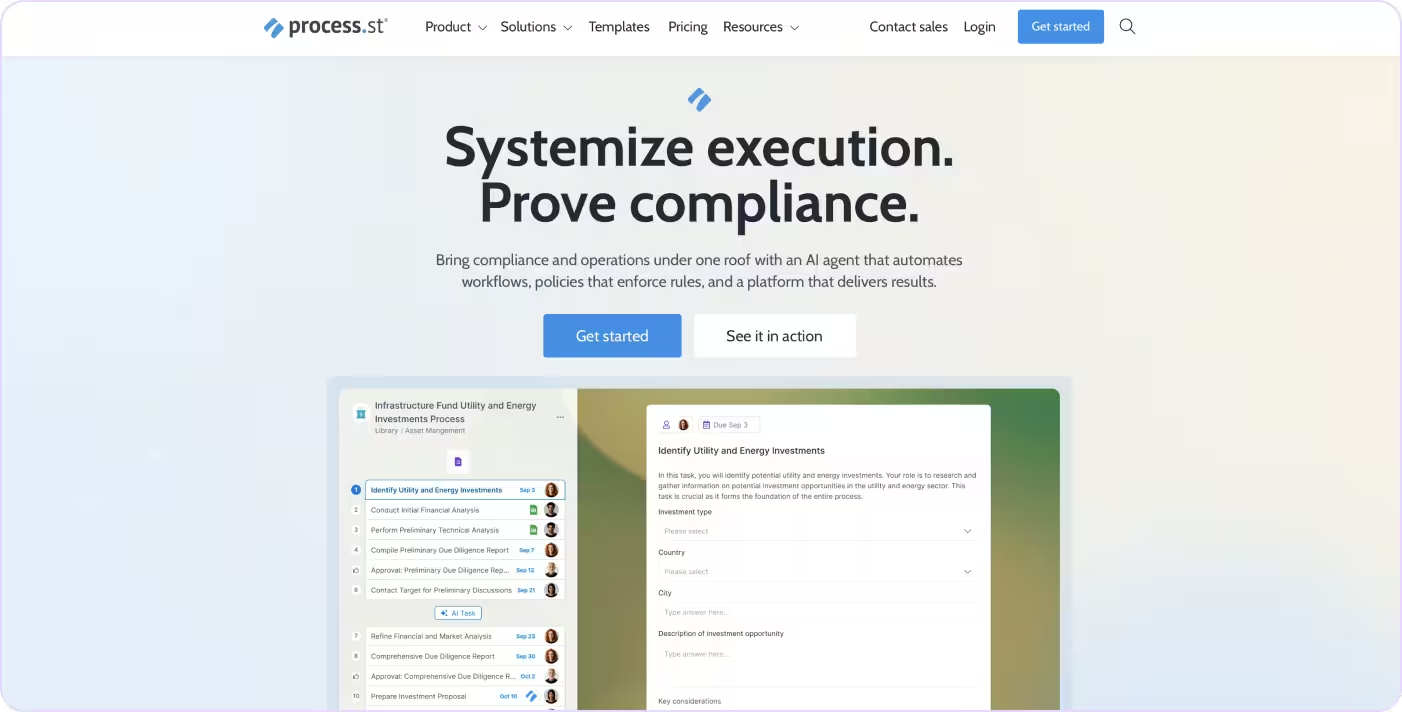
Process Street is a workflow management tool built around structured checklists and recurring process templates. It works well for teams that run the same operational sequences repeatedly, like onboarding checklists, compliance reviews, or weekly audits, and need a way to assign tasks and track completion. It is best suited for teams whose workflows are mostly human tasks and decisions.
Key features:
- Reusable checklist templates for recurring processes
- Conditional logic that adapts checklist paths to user inputs
- Task assignment and due dates for accountability
- Pre-built HR, finance, and operations template library
- Integrations with Slack, Zapier, and Salesforce
Ideal use case: Teams running recurring multi-step processes like employee offboarding, compliance reviews, or client onboarding, where nothing can be missed and managers need visibility into where each instance stands.
Compare Tango vs Process Street →
How to choose the right process documentation tool
Not every tool on this list will fit your situation. Here's how to narrow it down.
Use case fit. Start with what you actually need the output to do. If you need guides that live inside your software tools and walk people through processes in real time, that's a different requirement than a video library or a training manual. Be specific about the end state before evaluating features.
Team size and scale. Some tools are built for individual contributors documenting their own workflows. Others are designed for ops or enablement teams managing documentation across hundreds of processes and multiple departments. A tool that works well for one person may become hard to manage at scale.
Ease of adoption. If creating a guide requires more than a few clicks, most people won't do it consistently. Look for tools where the capture process is fast enough that documentation becomes a habit, not a project.
Workflow complexity. Some processes are linear. Others branch depending on conditions or user roles. If your workflows have multiple paths, make sure the tool can represent that accurately, not just capture a single sequence.
Maintenance over time. Documentation that's hard to update gets ignored. Evaluate how easy it is to edit a guide when a process changes, and whether the tool gives you any signal that a guide may be outdated.
The bottom line
Most process documentation problems aren't about having the wrong tool. They're about documentation that gets created once, stored somewhere, and never actually used. The guides are there, but they're not where people need them, and they're not easy enough to follow in the moment.
Tango is built around that gap. You capture a workflow once and it becomes a step-by-step guide with screenshots, annotations, and descriptions. That guide can be shared, embedded, or delivered as a live walkthrough directly inside the tools your team uses every day. With Guide Me, users see exactly where to click as they work through a process. With Nuggets, you can pin guidance to any point in any tool where someone might get stuck.
The best documentation isn't the guide you create, it's the one people actually follow.
FAQs
What is the best Guidde alternative for process documentation?
The best alternative depends on what you need the documentation to do. If you need step-by-step guides that can be delivered inside your software tools, Tango is a strong fit. If you need video walkthroughs with narration, Loom is a closer comparison to Guidde. If you need structured training content, Trainual is worth evaluating.
What are the main differences between Guidde and its alternatives?
Guidde focuses on AI-generated video walkthroughs from screen recordings. Most alternatives take a different approach: tools like Tango produce screenshot-based step-by-step guides, while tools like Process Street focus on checklists and workflow management. The right format depends on how your team actually consumes documentation.
What are the best free Guidde alternatives?
Tango, Loom, Flowshare, and UserGuiding all offer free plans. The free tiers vary in terms of guide limits, features, and sharing options, so it's worth testing a few before committing to one.
Why do teams look for a Guidde alternative?
Teams usually move off Guidde for three reasons: it's video-first, so guides are slow to update when a process changes; single guides are capped at around 100 steps, which is limiting for complex workflows; and key integrations sit behind higher-priced tiers. Most alternatives on this list take a lighter-weight, step-by-step approach that's faster to maintain.




Next time someone asks, “how do I…?” Send a Tango.
Start capturing your first workflow today.