The best Snagit alternative for process documentation


Tango vs Snagit
Both tools help teams document and share processes. Here's where each one stands out.


You care about people following processes as much as documenting them.
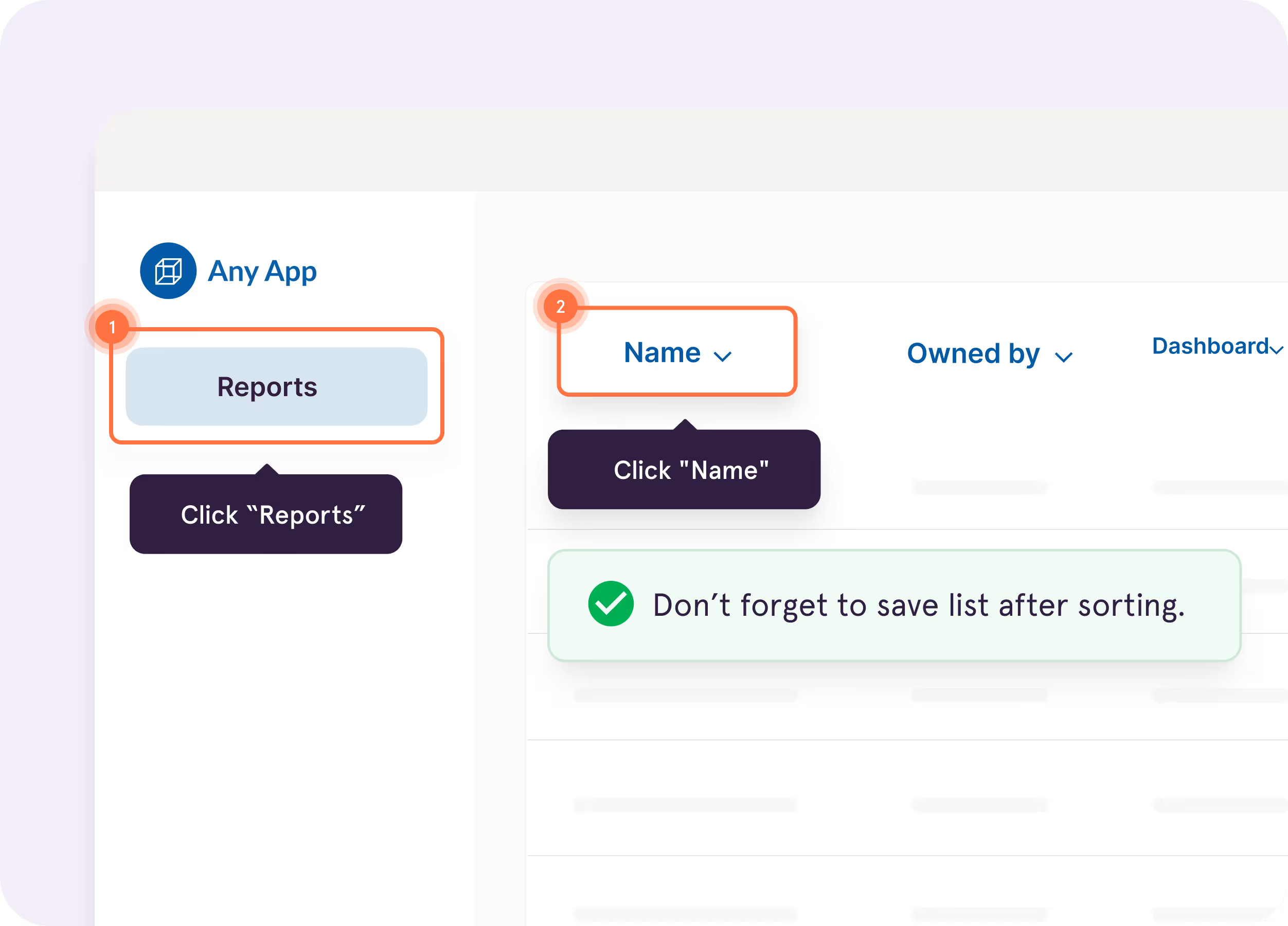
Guide Me

Show users exactly where to click so they can complete every process with confidence


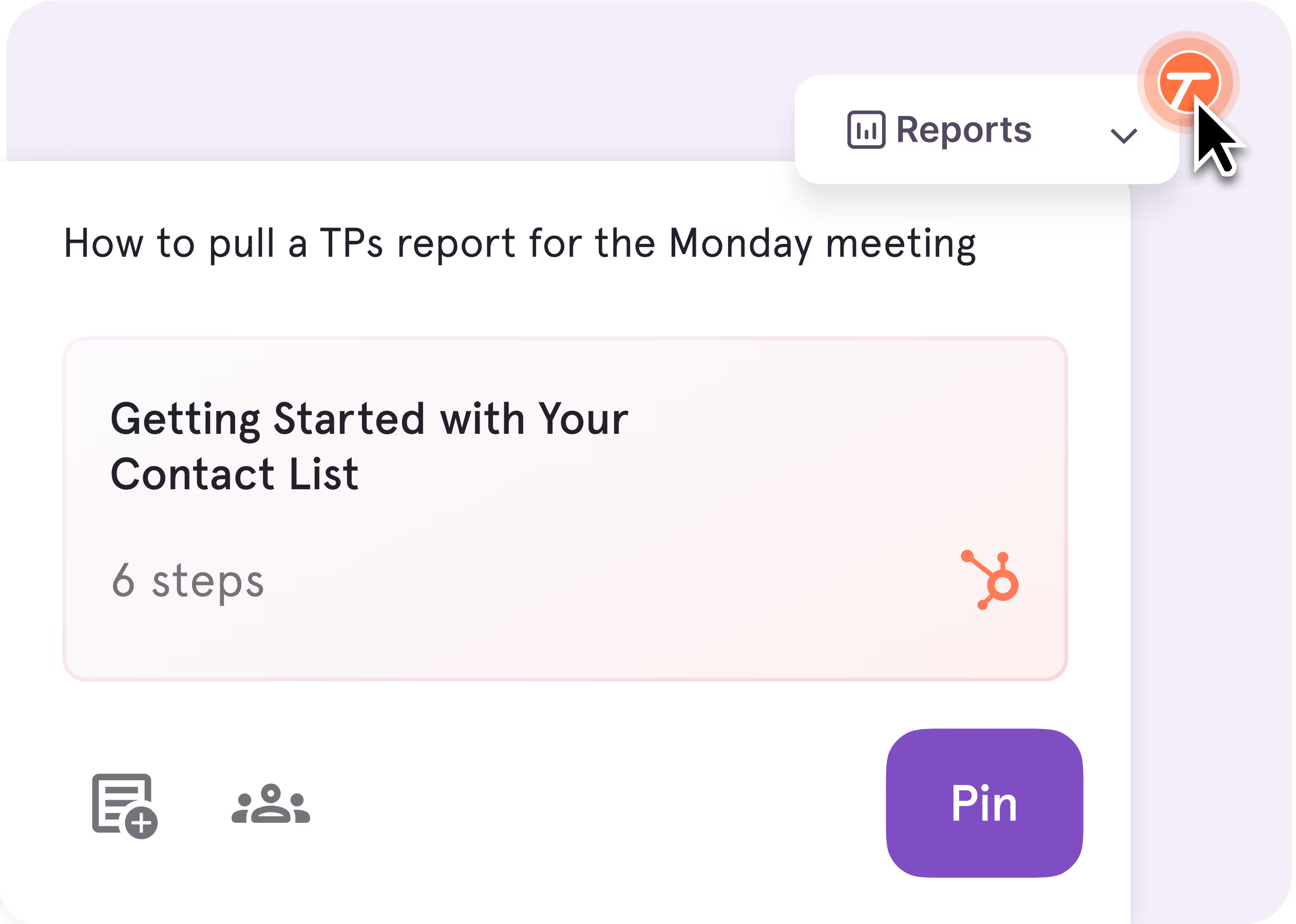
Pins
Pin guides, tips, and resources right where employees get stuck, so help is there without anyone searching for it
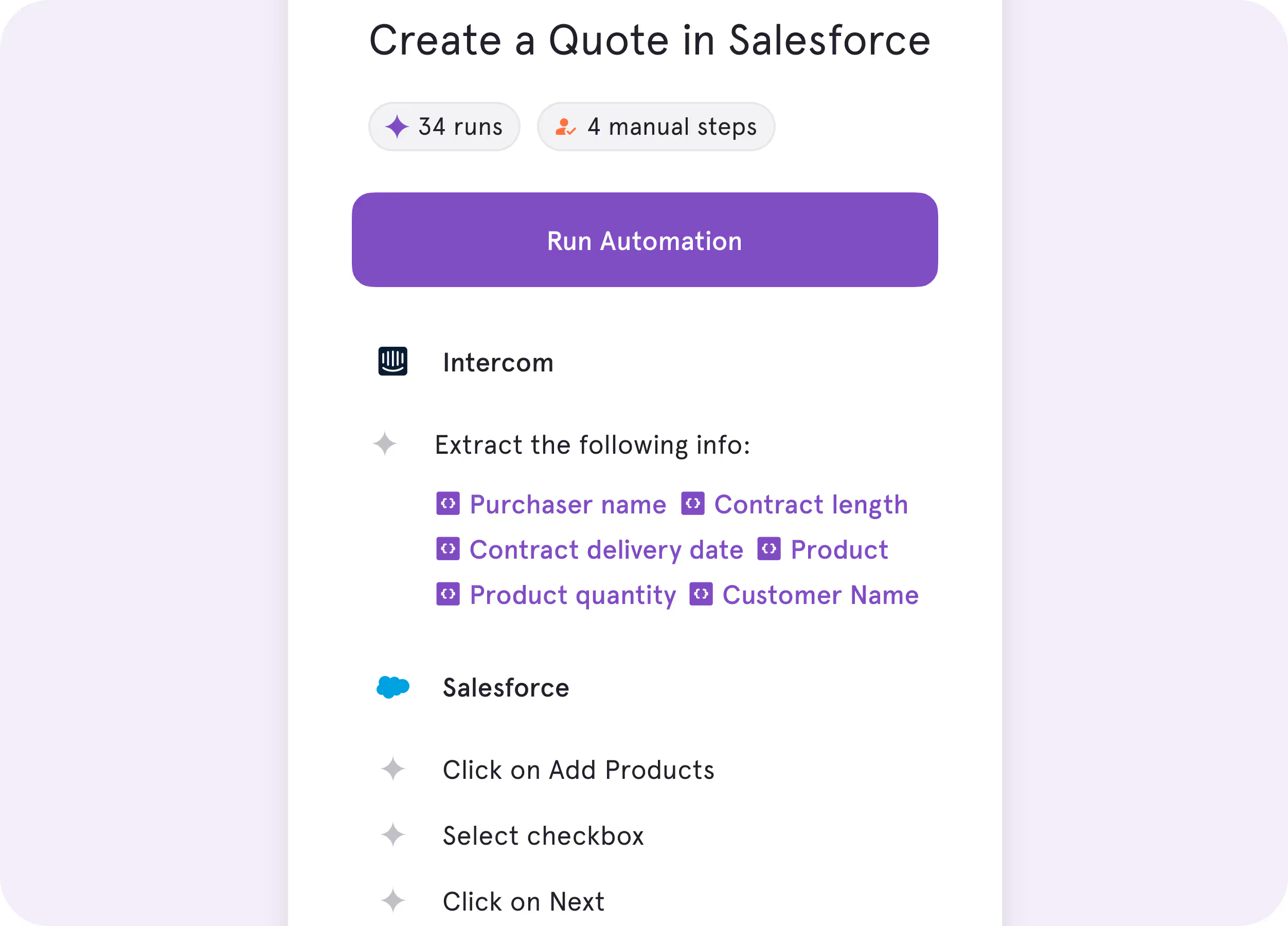
Tango Agents
Turn repetitive processes into real-time automations, so work gets done faster and more consistently


See for yourself
You need to capture and explain what's on your screen.
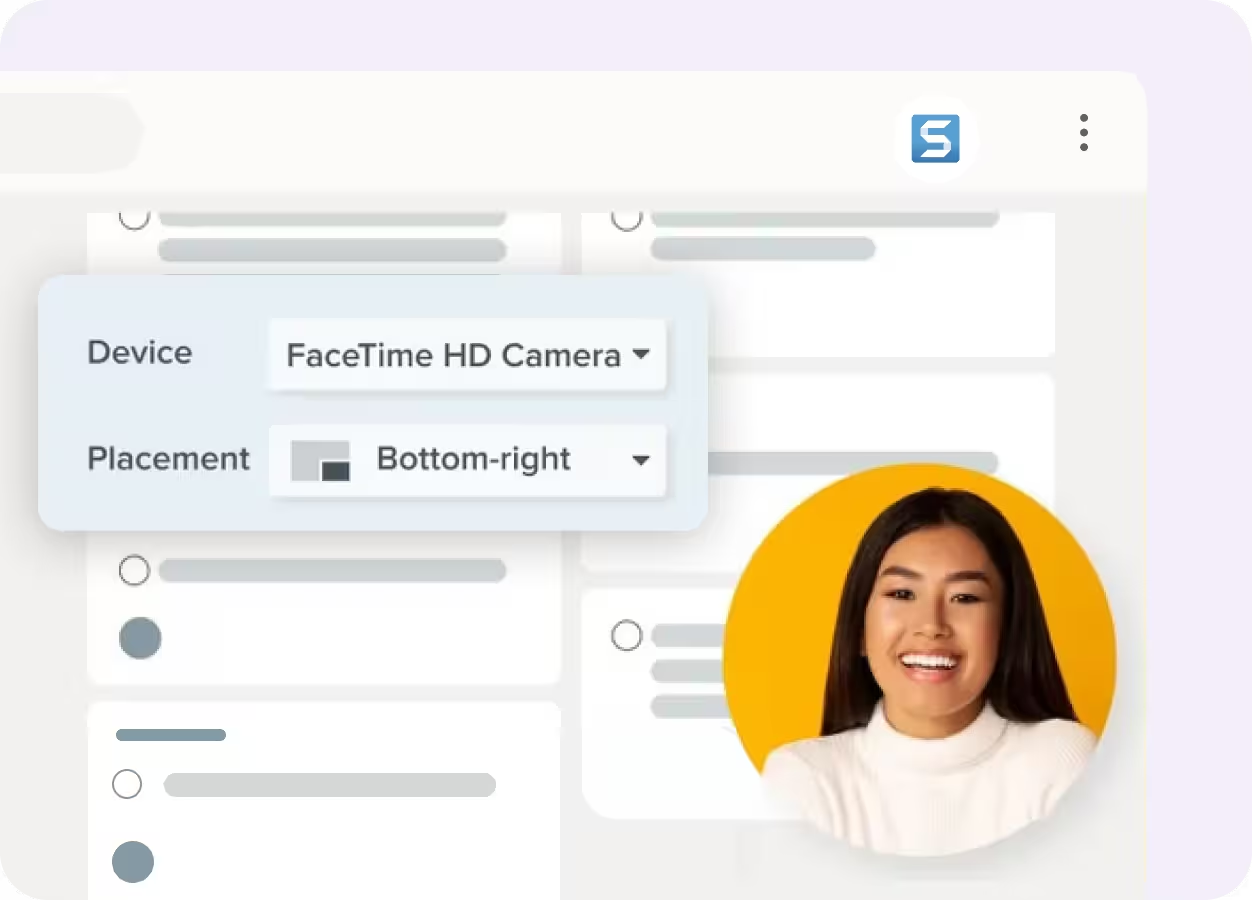
Picture-in-Picture Recording

Record your screen with an optional webcam overlay for presentations, tutorials, and demos
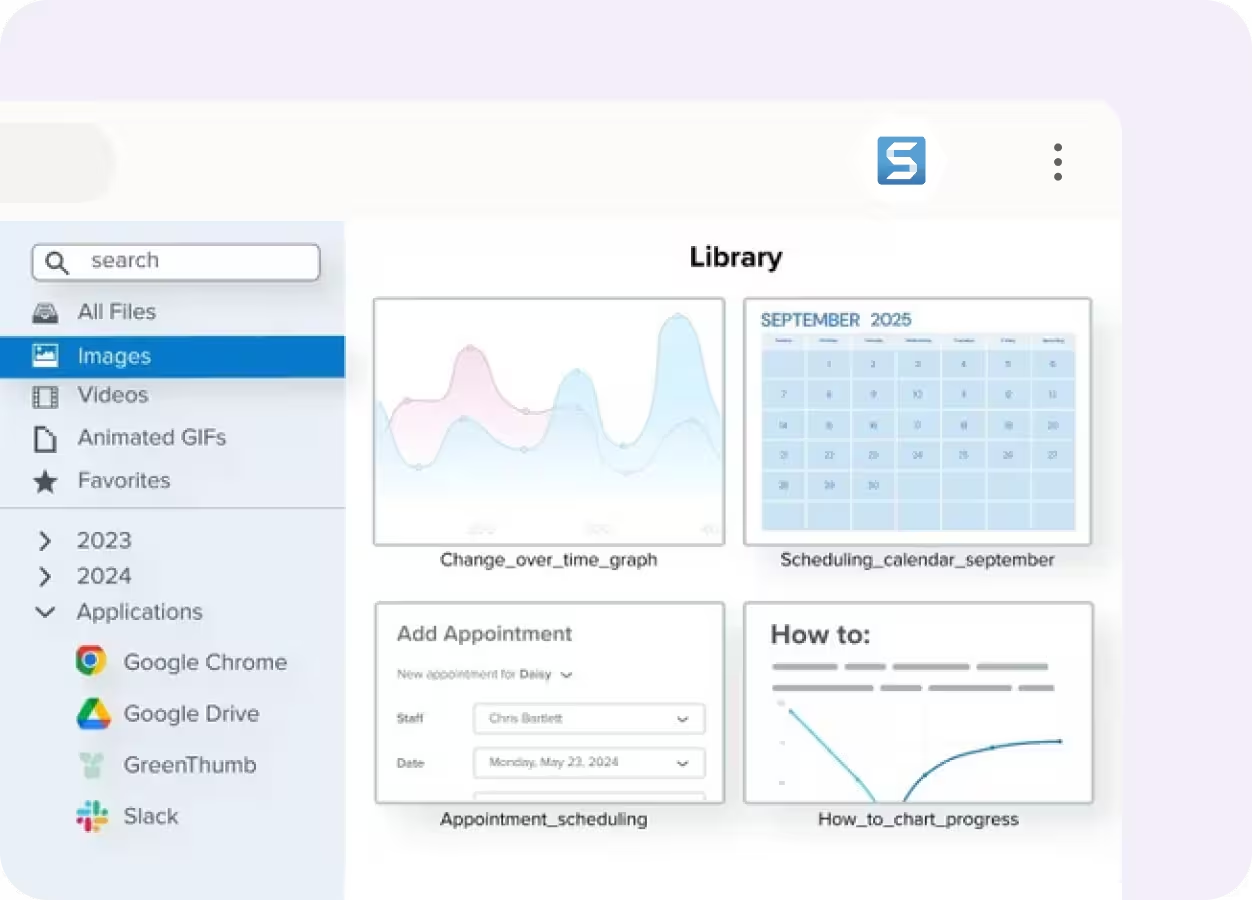
Content Library
Organize, search, and share screenshots and recordings from one central library
Key Differences

Unique features
Screenshots and recordings are stored in a searchable library or shared by link for employees to reference when they need help
Turn documentation into in-app guidance employees can follow while they work

End user experience
Users switch between screenshots or recordings and the application to complete the task
In-app walkthroughs guide employees through every step without interrupting their workflow

Product roadmap
AI-assisted screen capture, image editing, and visual communication
AI-powered in-app guidance, workflow automation, and software adoption

What’s in it for you
Improve communication with clearer visual documentation
Improve process adoption, accelerate onboarding, maximize software ROI, and boost productivity
to knowledge by 20% and employee satisfaction by 25%.
What do Tango and Snagit have in common?
Capturing Documentation
Auto-generate step-by-step how-to guides with screenshots
AI-powered features to speed up documentation creation and editing
Get help via in-app support, help center, and email
Editing Tools
Edit and enhance guides with step editing, annotations, tips, and alerts
Automatically blur and redact sensitive information
Customize documentation to follow your brand guidelines
Sharing
Organize documentation in a central workspace
Share documentation via link and PDF exports
Protect your data with SOC 2 Type II compliance
.png)

processes on their first day with Tango—much faster than previous
cohorts without it.
The GPS for processes


With Tango, I get to make learning software feel like the Cadillac experience.
Chad, Customer Success Leader
See Tango’s
Software Knowledge Layer in action









