Create training videos in minutes
No screen recording or script writing required
Click through your process as you work
Tango automatically creates a visual step-by-step guide
Turn your guide into a video in one click and embed it in the tools your team uses
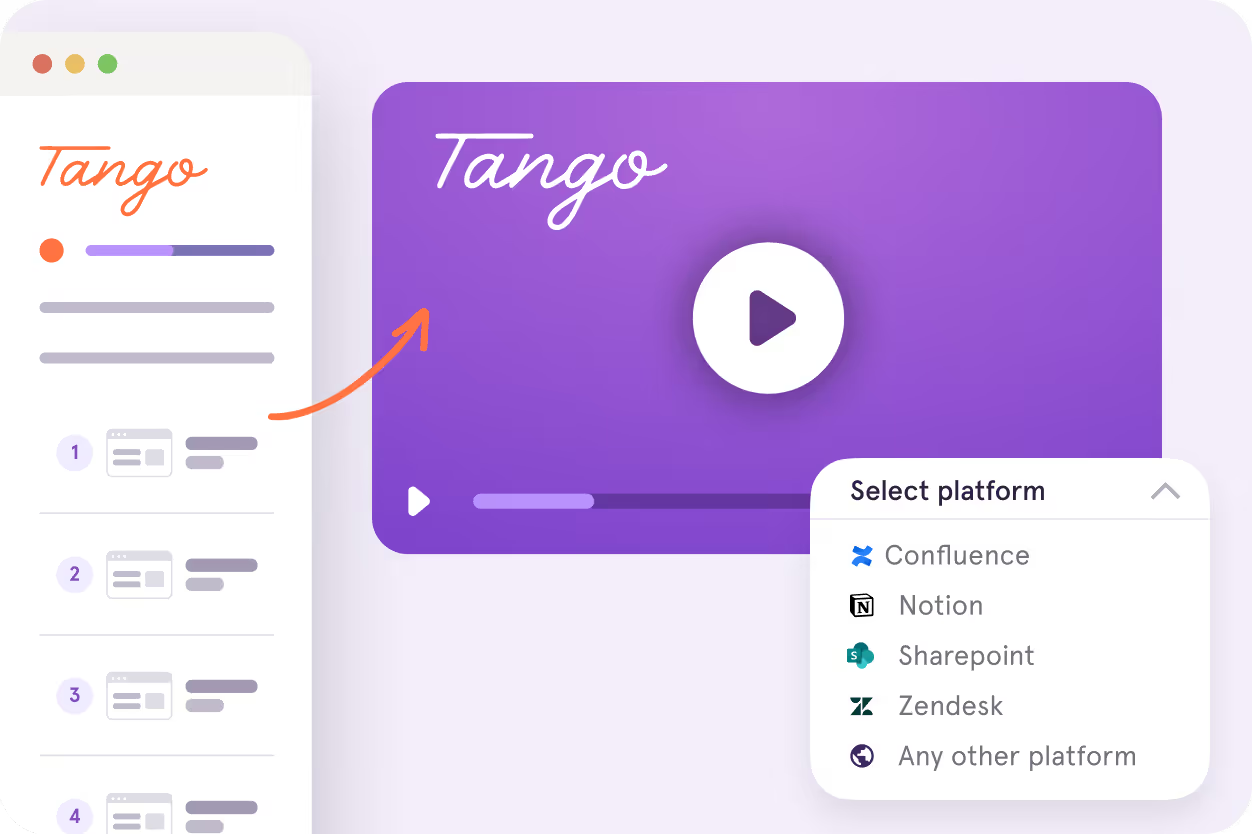

Teams use Tango to turn process knowledge into training that sticks





Training videos shouldn't take hours to create
L&D, Enablement, and Operations teams

Hours spent scripting, recording, and editing training videos

Re-recording videos whenever a workflow or interface changes

Starting from scratch for every new training video
Organizations

Outdated videos teach employees old or incorrect processes

Training gaps lead to repeated questions and inconsistent execution

Slow updates leave teams working from outdated information
Instant training video maker
Tango captures your workflow as a step-by-step guide you can customize and share. Turn it into a training video, pin knowledge in-app, and guide employees through processes as they work.
Document your process step-by-step
Click through your process and Tango instantly creates a how-to guide with screenshots, annotations, and descriptions you can customize.
Pin knowledge
Pin your guide exactly in the spots where employees need help. Pro tip: also pin tips, reference info, and knowledge base links.

Guide your team
Enable team members to complete your process perfectly by following on-screen highlights and instructions.
Integrate walkthroughs
Embed your walkthrough into your knowledge base, learning management, ticketing, and chat systems.

Analyze adoption
See who's completing processes, who's utilizing content, and the specific steps they're getting stuck on.

Tango's browser extension works across CRM, ERP, & HRIS systems, as well as thousands of web-based tools. No integrations or API setup needed.


%201.avif)








See how Jasco Manufacturing cut 90% of errors
Frequently asked questions
How do I make a training video?

With Tango, you can create a training video by clicking through the process you want to teach. Tango automatically captures each step and creates a visual guide, which you can turn into a watchable video in one click.
How is Tango different from traditional training video makers?
Unlike traditional training video makers, Tango captures a process once and lets you use it in multiple ways. The same Tango Workflow can be shared as a step-by-step guide, turned into a watchable video, pinned inside software, or used to guide employees through a process as they work.
Do I need to record my screen to create a training video with Tango?
No, Tango creates training videos without separate screen recording or script writing. Tango captures your clicks as you complete the process and automatically creates the visual steps for your video.
What happens when I update a Tango training video?
Tango automatically regenerates your training video when you update the underlying Workflow. Your existing Video Embed serves the updated version once it's ready, so there's no need to re-record the video or replace the embed code.
Can I embed Tango training videos in an LMS or knowledge base?
Yes, Tango training videos can be embedded in an LMS, knowledge base, or other tool that supports iframes. Copy the Video Embed code and paste it where your team already accesses training and process documentation.
Is Tango's training video maker free?
Free Tango users can preview the video editor, while generating and embedding training videos is available on Pro and Enterprise plans. Pro and Enterprise users can turn captured Workflows into Video Embeds with optional AI narration.
Next time you get asked to “hop on a quick call,” send them a Tango instead.
There’s two ways to get started:
Get a demo 😍
Watch a self-service video or connect with our sales team.
Make your first Tango 💃
It's completely free, no credit card required, and takes literally 3 minutes.