Created with Tango Gallery
Sales & Success

Adding a note to a contact record

Table of Contents
Author
Created with Tango by:
Colby Morgan
i
Last Updated:
July 24, 2026
Software
Use case
Sales & Success

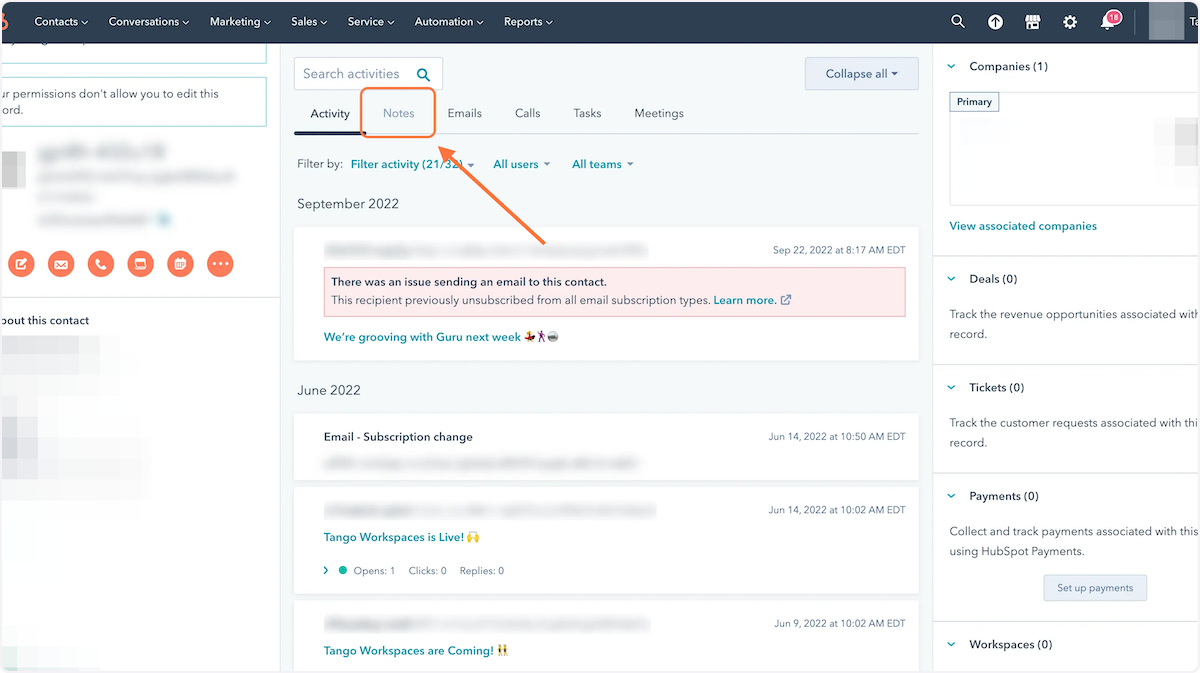
1. Click on Notes

Click on Notes

2. Click on "Create Note" in feed

Click on "Create Note" in feed

3. Click on Start typing to leave a note...…
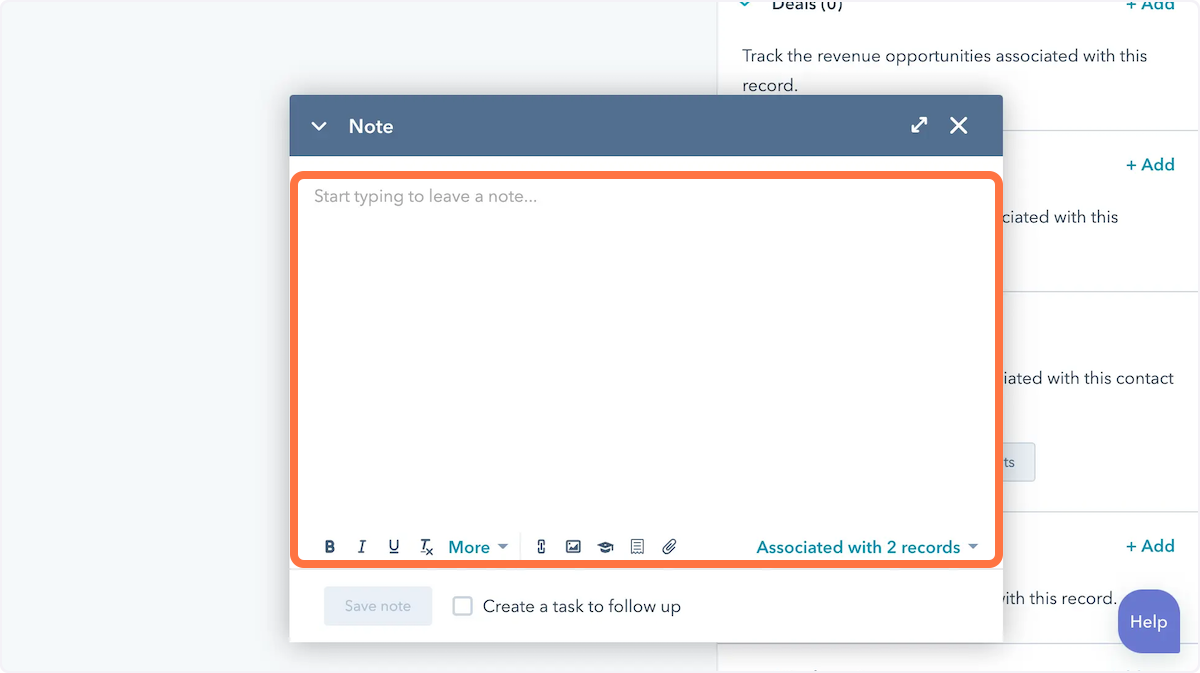
Click on Start typing to leave a note...…

4. Type something! "This is me! At my old company"
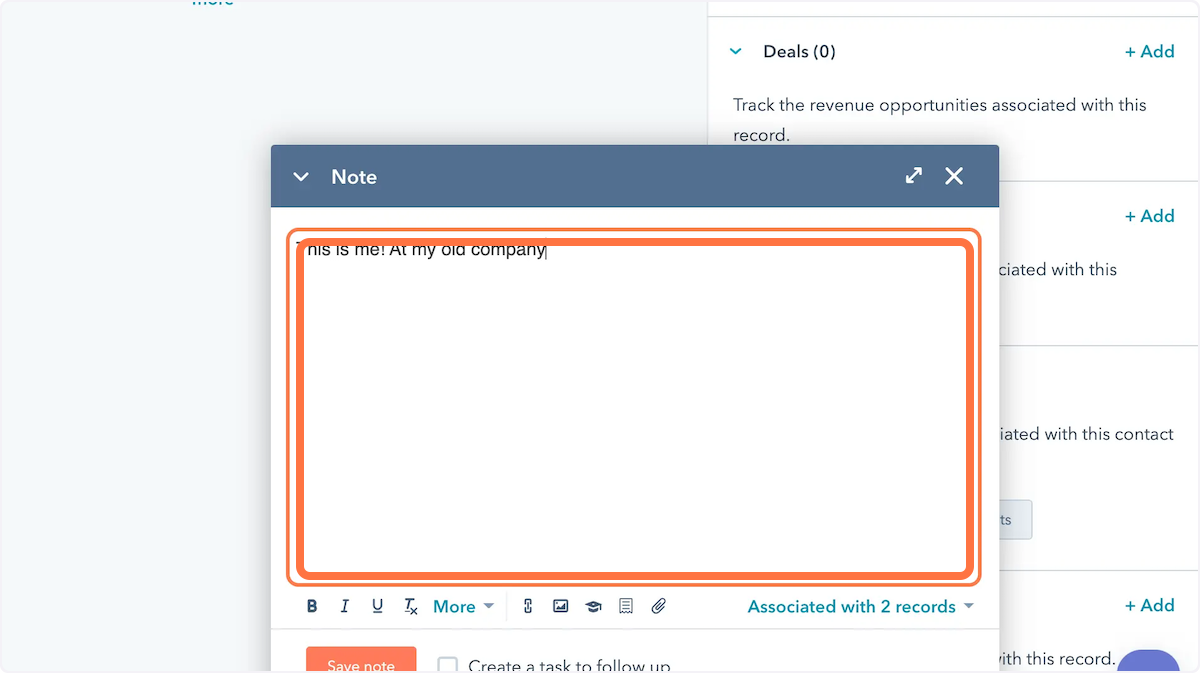
Type something! "This is me! At my old company"

5. Click on Save note
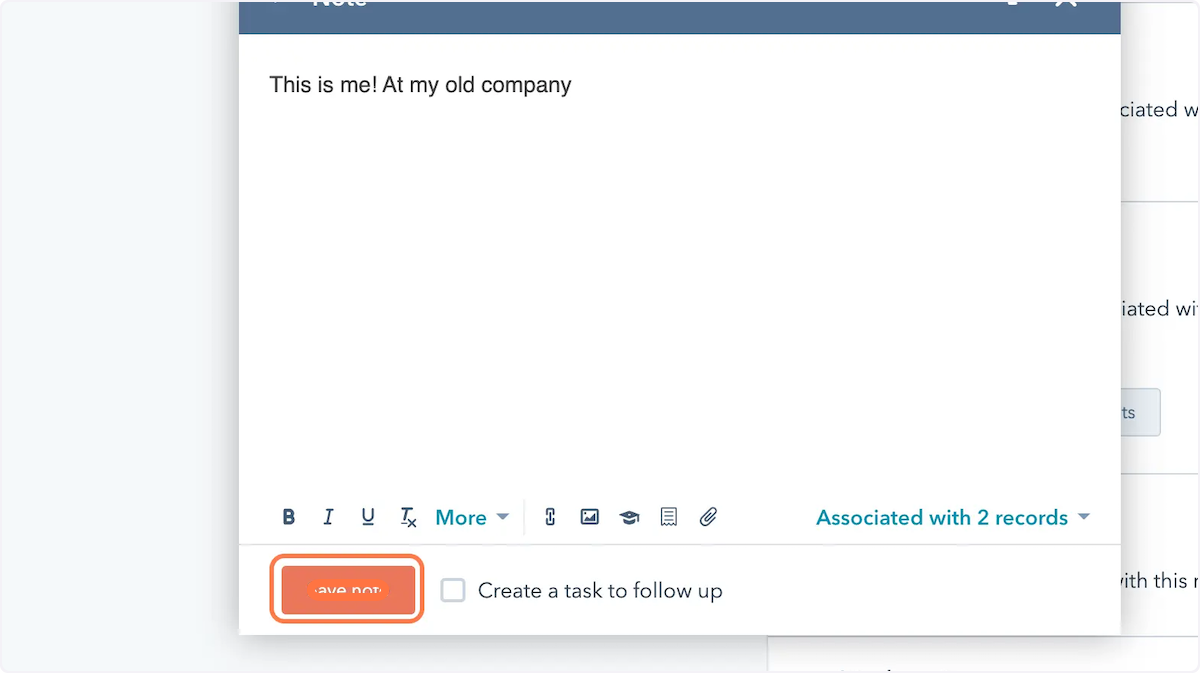
Click on Save note

‍

Friends don't let friends learn the hard way.
Create how-to guides, in seconds.
Try Tango for Free
This is some text inside of a div block.