Scribe vs Guidde?
Try Tango instead.


Tango vs Scribe vs Guidde
All three platforms help teams document and share how work gets done. Here's where each one stands out.






You care about people following processes as much as documenting them.
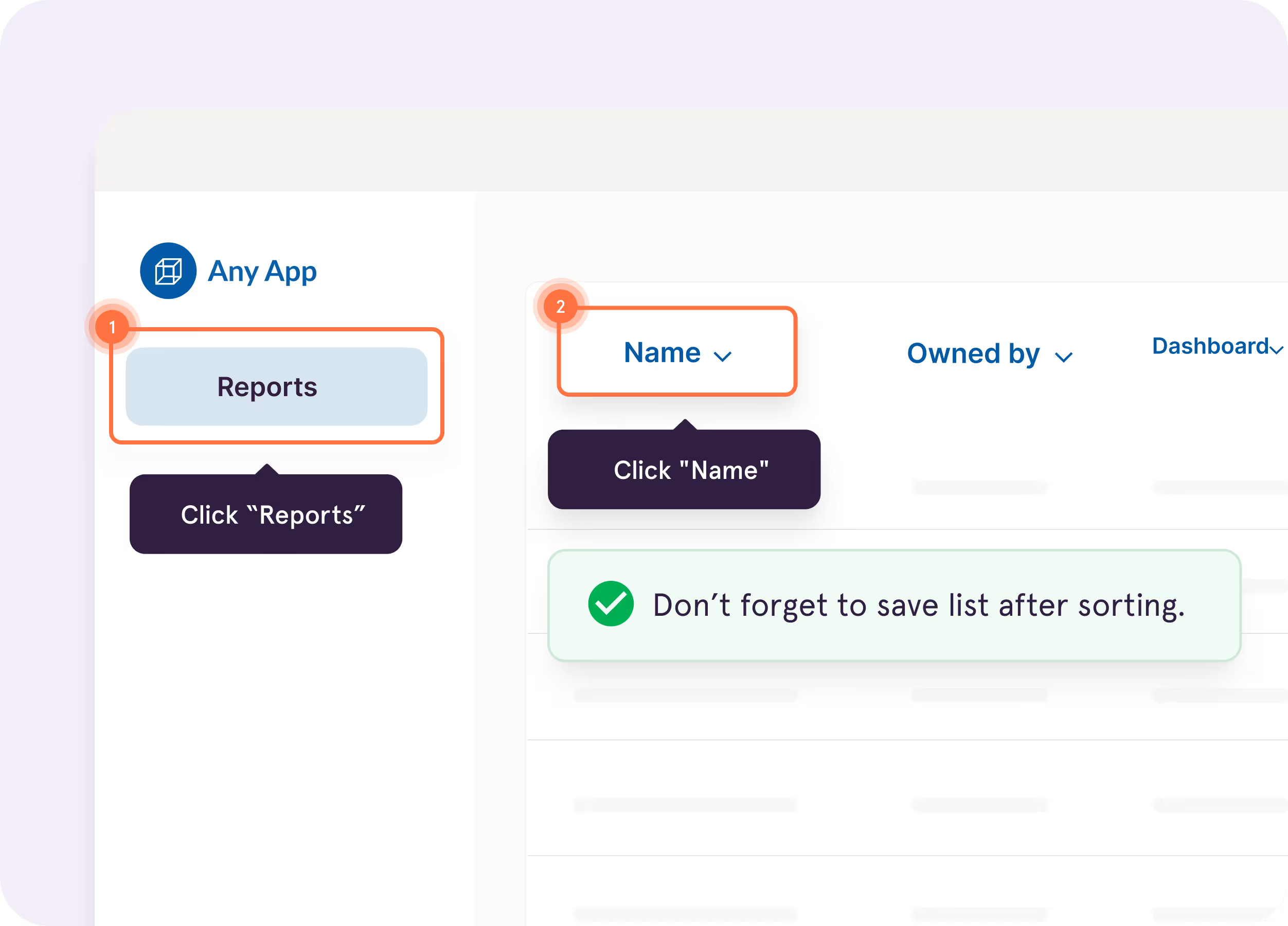
Guide Me

Show users exactly where to click so they can complete processes faster and more accurately


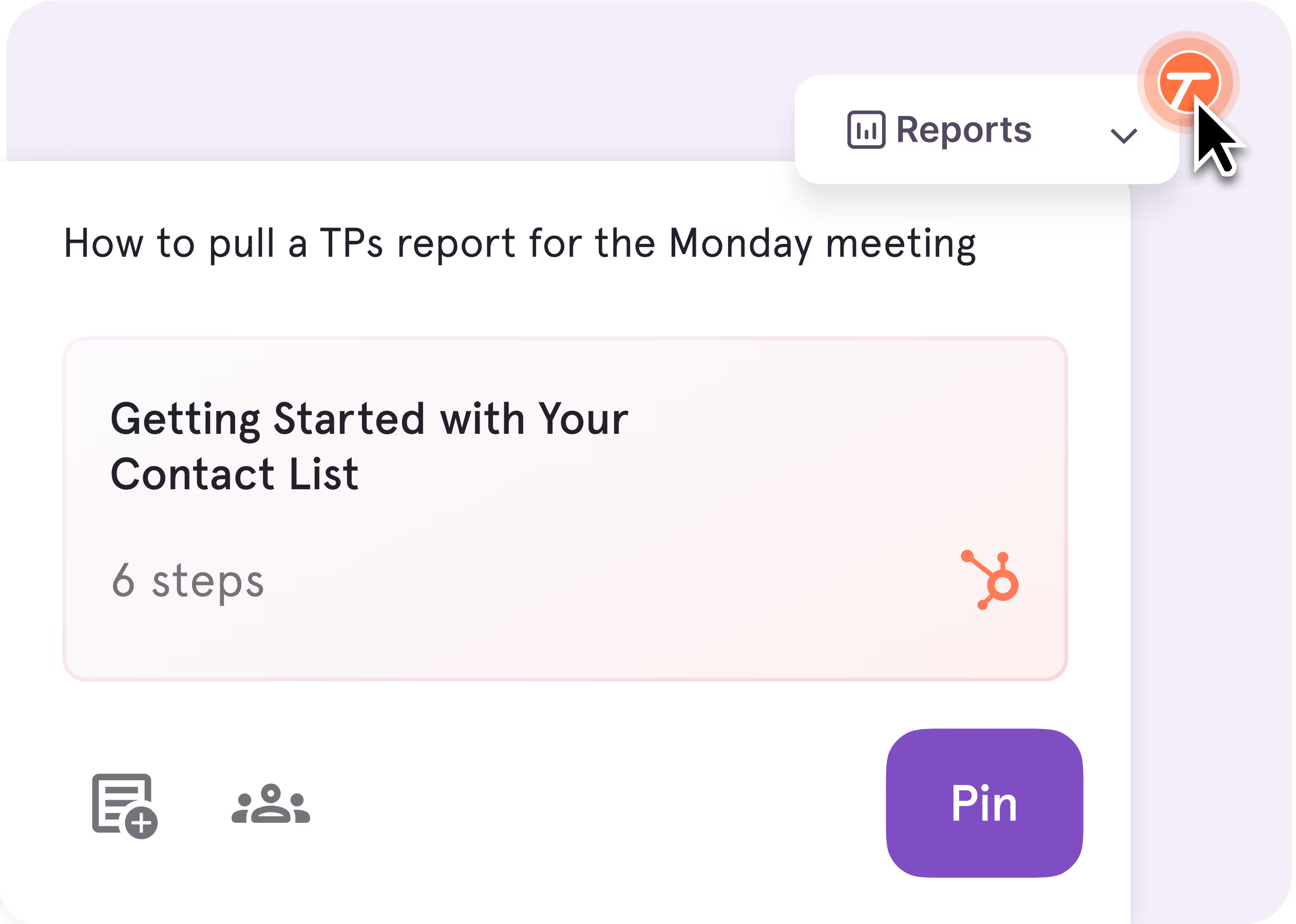
Pins
Pin guides, tips, reminders, and resources exactly where employees need help in the tools they're already using
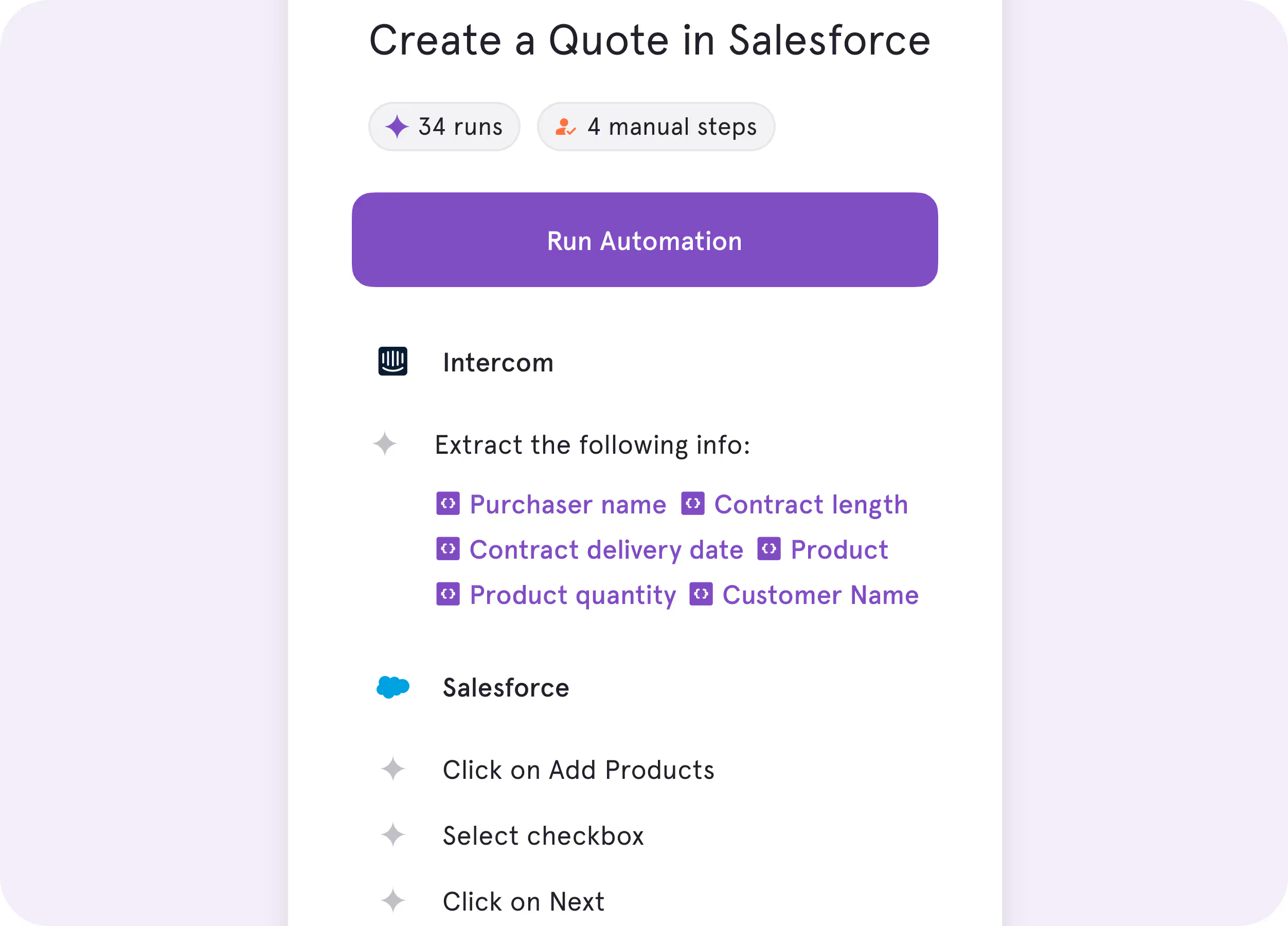
Tango Agents
Turn repetitive processes into real-time automations so work gets done faster and more consistently


See for yourself

You need a dedicated platform for creating and organizing process documentation.
Scribe Capture
Create step-by-step guides quickly with automatic screenshots and instructions

Scribe AI
Use AI to draft, edit, and refine SOPs and process documentation

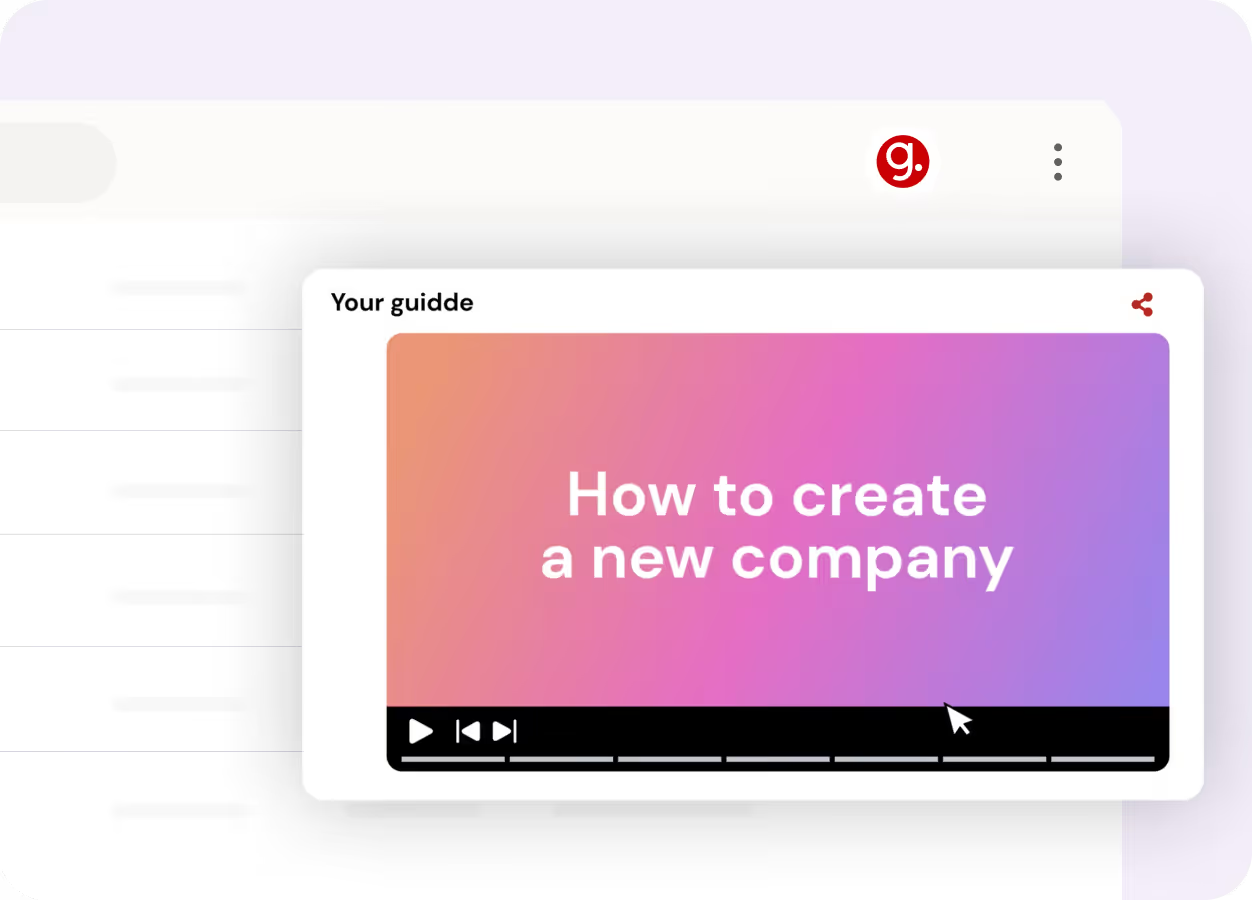
You need a fast way to create and share process videos.
AI Video Creation

Turn workflows into narrated video walkthroughs with minimal editing
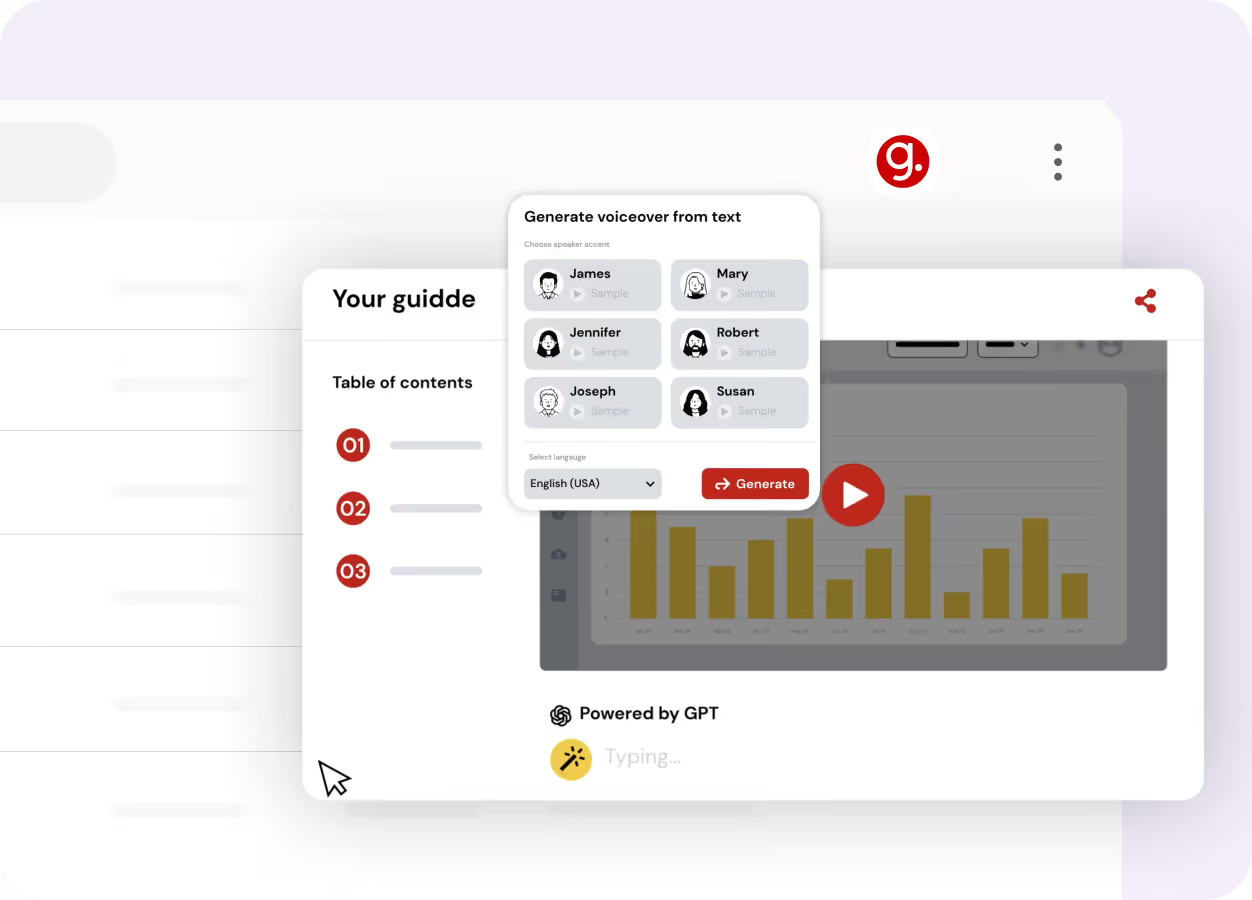
Video Distribution
Share onboarding, training, and support content through short instructional videos
Key Differences

Unique features
Build a searchable knowledge base of guides and SOPs that employees can access or follow in-app

AI-generated video walkthroughs and narrated tutorials that help teams explain processes visually

In-app guidance, contextual help, and step-level analytics that help teams move beyond documentation to process adoption

End user experience
Step-by-step guides and in-app walkthroughs employees can follow or reference when they need help
Video tutorials employees can watch to learn processes, onboarding tasks, and software workflows
In-app walkthroughs, tips, and embedded guidance that help employees complete processes without switching tools

Product roadmap
Knowledge management, process discovery, and AI-assisted documentation
AI-powered video creation, editing, and content distribution
In-app guidance, process intelligence, and real-time automations

What’s in it for you
Document processes faster and centralize reference material
Create instructional videos faster and scale knowledge sharing across teams
Reduce repetitive questions, accelerate onboarding, and help employees follow processes more consistently
to knowledge by 20% and employee satisfaction by 25%.
What do Tango, Scribe and Guidde have in common?
Workflow Capture & Customization
Capture and share workflows across web and desktop applications
AI-powered features to enhance captured content
Add context, descriptions, and annotations to each step
Automatically blur and redact sensitive information
Customize shared content with brand logos and colors
Sharing & Analytics
Share knowledge via links, embeds, and exports
Embeddable content for knowledge bases, help centers, and internal tools
Access analytics to track views and engagement
Integrate your guides with 100s of tools (Confluence, Notion, SharePoint, etc.)
Security & Privacy
Protect your data with SOC 2 Type II compliance
Role-based permissions and access controls for viewing and editing
Streamline access with single sign-on (SSO)
processes on their first day with Tango—much faster than previous
cohorts without it.
The GPS for processes


With Tango, I get to make learning software feel like the Cadillac experience.
Chad, Customer Success Leader
See Tango’s
Software Knowledge Layer in action









