6 Best UserGuiding Alternatives in 2026

If you're evaluating UserGuiding alternatives, you're likely looking for a platform that's a better fit for your onboarding goals. Some teams need stronger process documentation, others need advanced analytics, enterprise digital adoption, or employee onboarding across multiple applications.
UserGuiding is a popular no-code onboarding platform for SaaS companies, but it's not the right fit for every organization. This guide compares six leading UserGuiding alternatives based on features, pricing, implementation, and ideal use cases to help you choose the right solution.
What is UserGuiding?
UserGuiding is a no-code user onboarding platform that helps SaaS companies improve product adoption through in-app guidance. It enables teams to create interactive product tours, checklists, tooltips, resource centers, and announcements without requiring engineering resources, helping users discover features and complete tasks inside the product.
Why teams evaluate UserGuiding alternatives
Whether you're replacing UserGuiding or evaluating it alongside other platforms, these are the four factors most organizations consider.
Implementation
No-code onboarding platforms are generally quick to deploy, but creating and maintaining onboarding experiences still requires ongoing effort. Many teams look for platforms that make it easy to capture, update, and scale guidance as products and processes evolve.
Primary use case
Not every organization has the same goal. Some need customer onboarding and feature adoption, while others prioritize employee training, process documentation, enterprise digital adoption, or product analytics.
Content ownership
The people creating guidance matter just as much as the platform itself. Some solutions are built primarily for product teams, while others enable operations, customer success, IT, and business users to capture and maintain guidance without relying on developers.
Budget
Pricing models range from free plans for growing SaaS teams to enterprise contracts with advanced capabilities. When evaluating alternatives, consider not only cost, but also how much time and effort your team will spend creating and maintaining content over the long term.
At a glance: Best UserGuiding alternatives
The 6 best UserGuiding alternatives
Compare the top UserGuiding alternatives for customer onboarding, product adoption, process documentation, and in-app guidance to find the best fit for your team.
1. Tango
G2 Rating: 4.7/5 (506 reviews)
Pricing: Free plan available; paid plans from $15/user/month
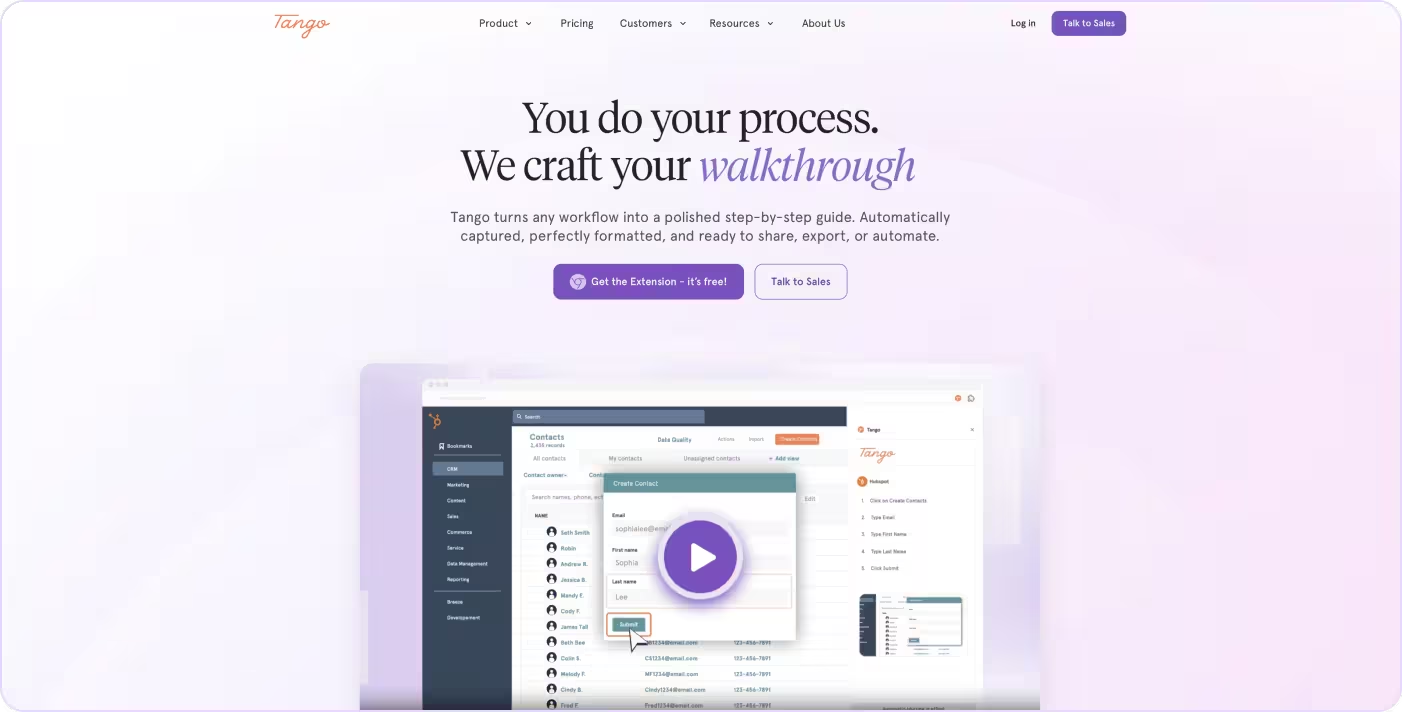
Tango is a digital adoption platform built on one core belief: guidance only works if it's easy to create, maintain, and follow.
Instead of manually building walkthroughs or maintaining separate documentation, Tango automatically captures workflows and turns them into step-by-step guides with screenshots. Those same guides can then be delivered as interactive in-app guidance, helping employees complete tasks without leaving the applications they already use.
Create process documentation in seconds
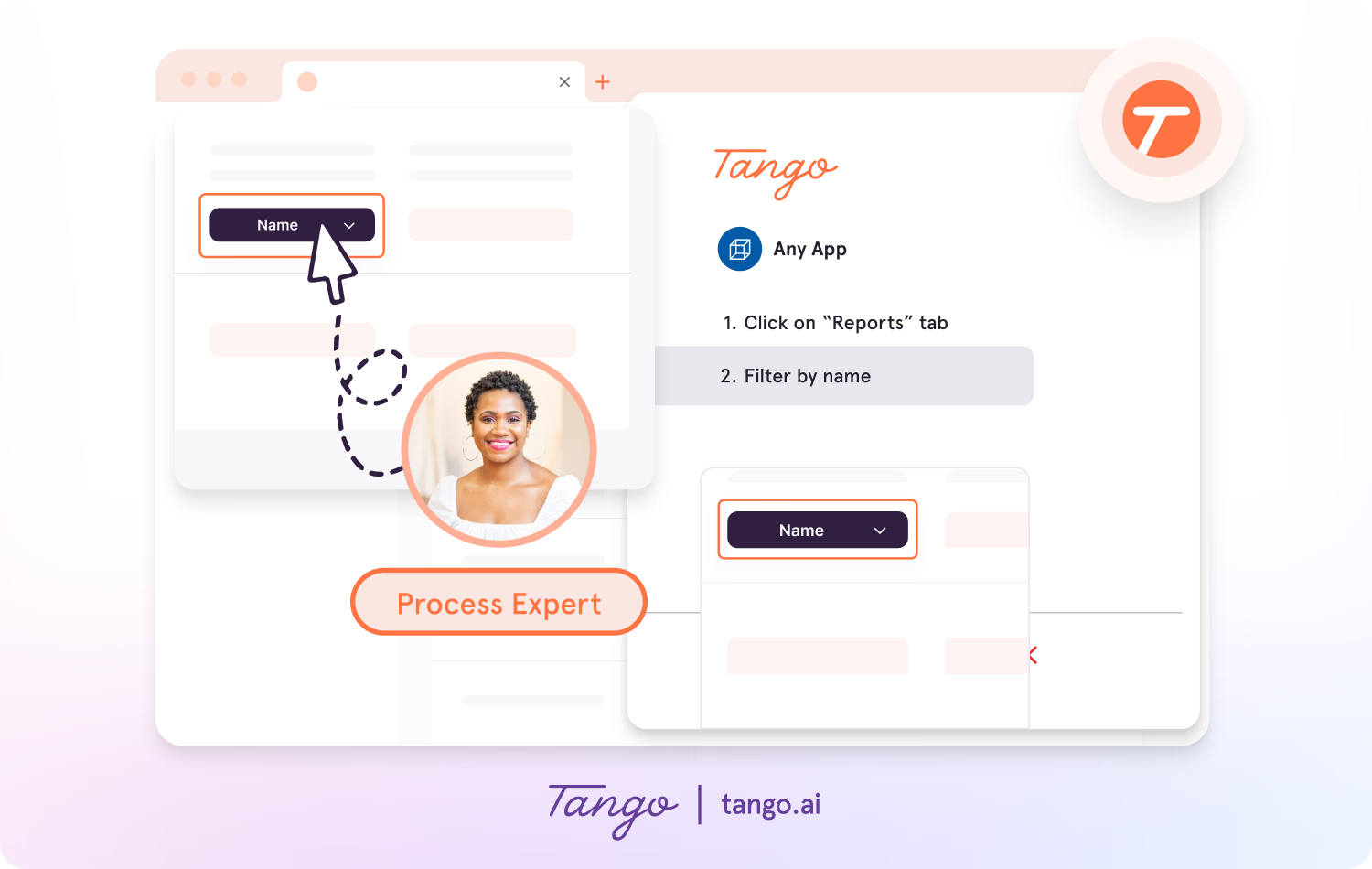
Tango makes capturing processes effortless, so you can document as you work.
- Capture guides and walkthroughs anywhere across the web with the browser extension, or use the desktop app for offline applications.
- Click through your process and instantly generate a step-by-step guide with screenshots, annotations, descriptions, and links.
- Update descriptions, insert additional context, and add flair to your screenshots with advanced editing tools.
Enable perfect process adoption with in-app walkthroughs
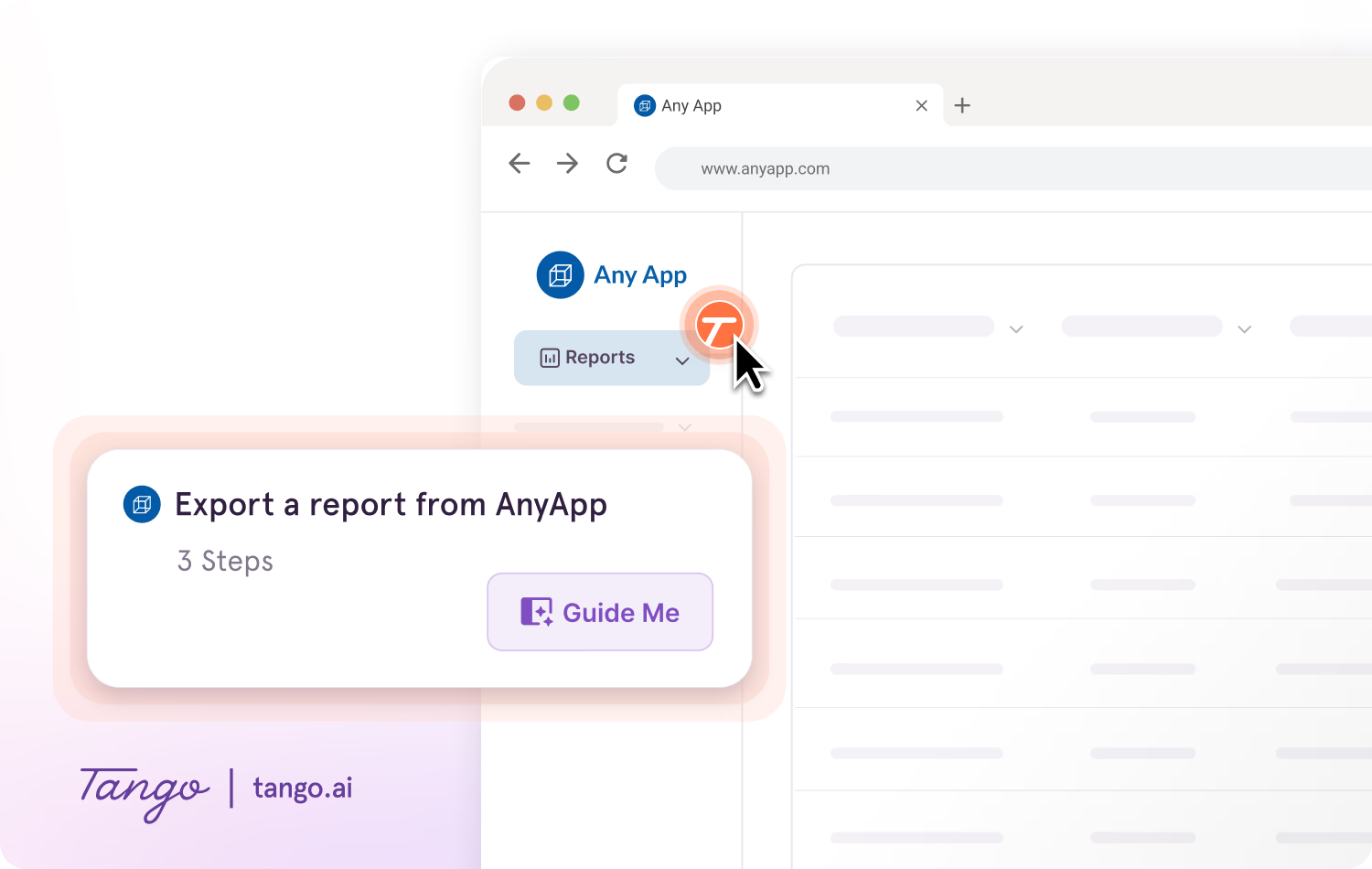
With Guide Me from Tango, documentation becomes instantly followable, right inside the tools where work happens.
- Deliver interactive step-by-step guidance inside any web application
- Guide users through workflows without leaving their current task
- Show employees exactly where to click to complete processes confidently
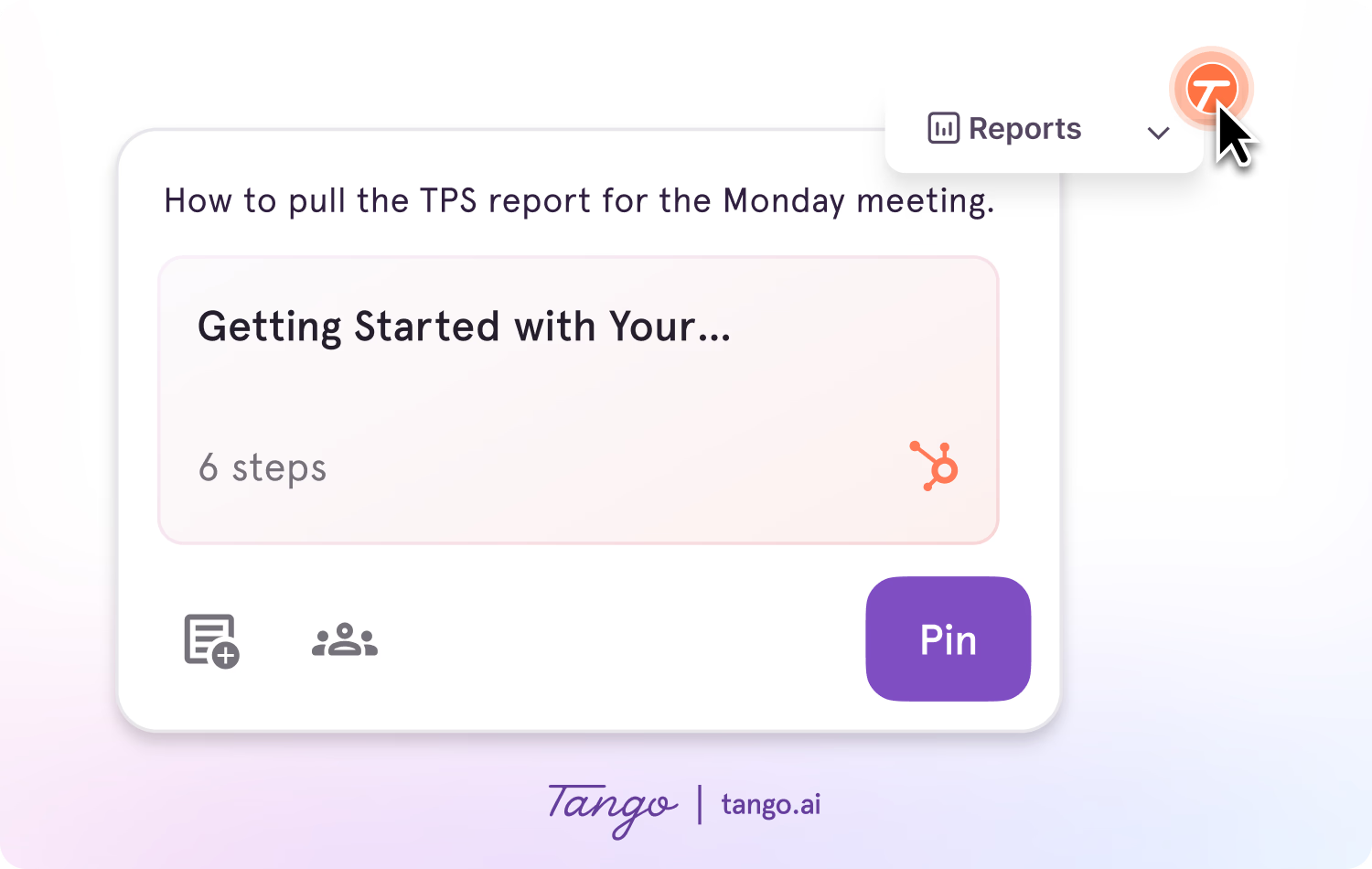
Provide contextual help with Nuggets
Nuggets let you pin guides, tips, links, and other resources directly inside the applications employees already use, making help available exactly when it's needed.
- Pin guides, links, and resources anywhere within supported web applications
- Surface contextual help without interrupting users' workflows
- Reduce repeat questions by making answers easy to find in context
Ideal use case: Teams standardizing processes and driving software adoption by combining automatic process documentation with in-app guidance across enterprise applications.
Compare Tango vs UserGuiding →
2. Appcues
G2 Rating: 4.6/5 (350 reviews)
Pricing: Free trial available; contact for pricing
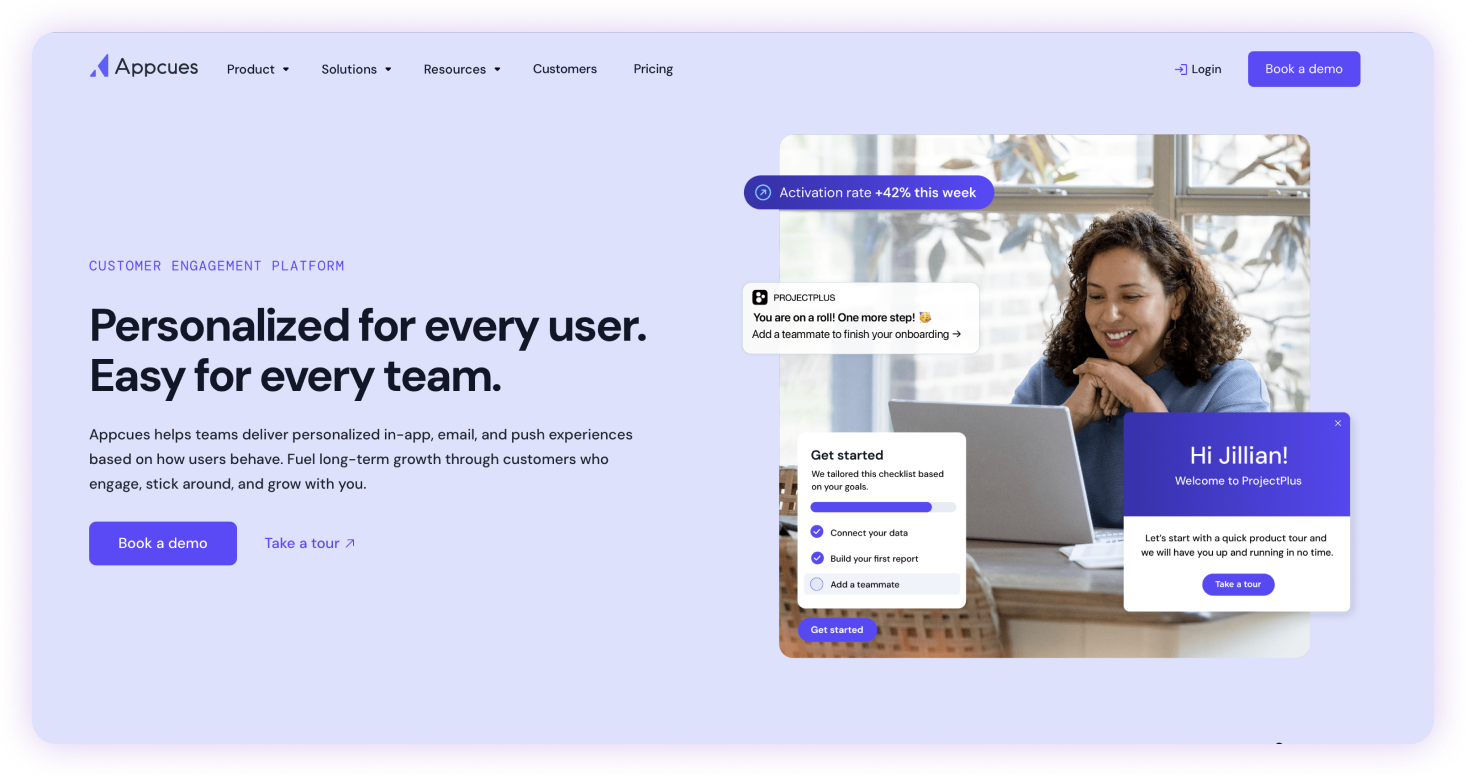
Appcues gives product and growth teams a no-code way to create in-app onboarding experiences, including product tours, modals, checklists, and tooltips. It's designed to help SaaS companies onboard new users, introduce features, and improve product adoption without engineering support.
Key features:
- Drag-and-drop no-code flow builder
- Behavioral segmentation for personalized experiences
- In-app modals, checklists, and tooltips
- Adoption analytics and event tracking
- NPS surveys and in-app feedback
Ideal use case: SaaS product and growth teams creating onboarding experiences that help new users adopt features and reach value faster.
3. Userpilot
G2 Rating: 4.6/5 (997 reviews)
Pricing: Free trial available; paid plans from $299/month
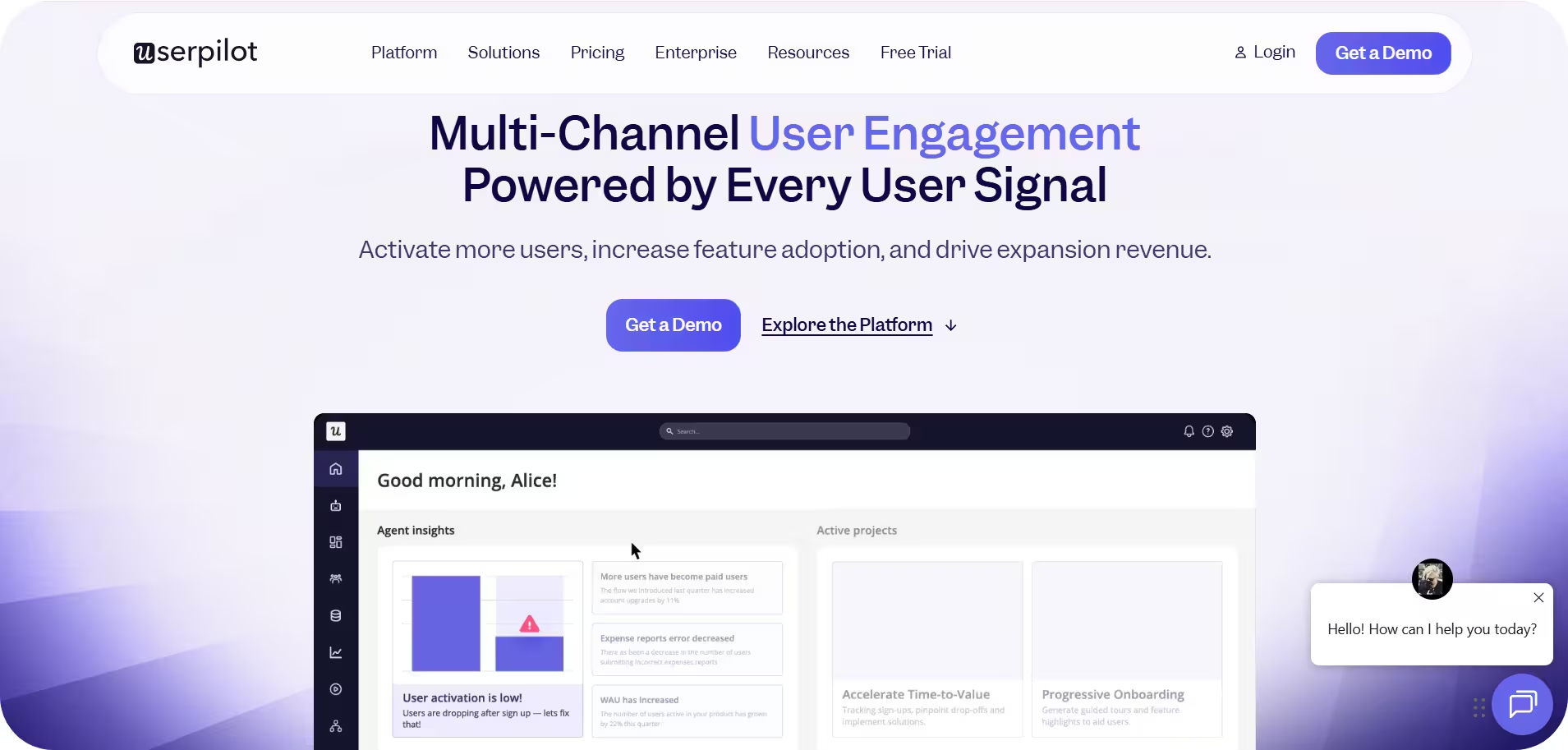
Userpilot is a product-led growth platform designed for SaaS companies that want to onboard new users and improve feature adoption inside their own product. It helps product and growth teams create personalized in-app tours, checklists, tooltips, and onboarding flows without engineering support.
Key features:
- In-app onboarding flows
- User segmentation for personalized experiences
- Feature adoption tracking
- NPS surveys and in-app feedback
- Resource center widget
Ideal use case: Product, growth, and customer success teams at SaaS companies creating personalized onboarding experiences to improve customer activation and feature adoption.
4. Pendo
G2 Rating: 4.4/5 (1,801 reviews)
Pricing: Free plan available; contact for pricing
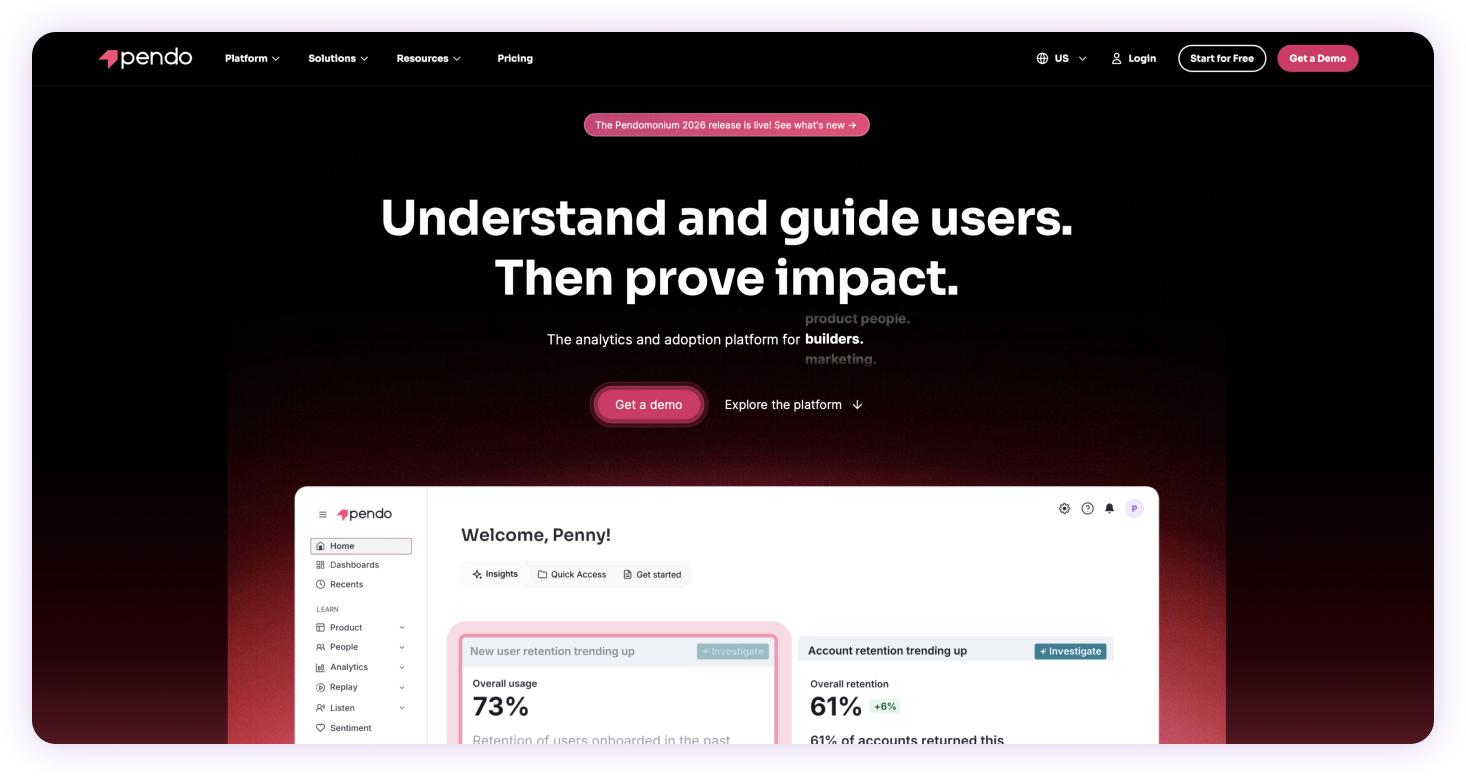
Pendo is a product experience platform that combines product analytics with in-app guidance. It's designed for SaaS companies that want to understand how customers use their software, identify friction points, and improve feature adoption through data-driven onboarding experiences.
Key features:
- Product analytics with session replay and retroactive event tracking
- In-app guides, walkthroughs, and onboarding flows
- NPS surveys and in-app feedback collection
- Feature usage analytics and adoption reporting
- Product roadmap planning and customer feedback management
Ideal use case: B2B SaaS product, customer success, and product marketing teams that use behavioral analytics to improve customer onboarding, feature adoption, and user engagement.
5. Whatfix
G2 Rating: 4.6/5 (549 reviews)
Pricing: Free trial available; contact for pricing

Whatfix is an enterprise digital adoption platform designed to help organizations drive software adoption across complex enterprise applications. It delivers in-app guidance, task automation, and self-service support to help employees complete workflows more efficiently while giving IT and digital adoption teams centralized control over guidance at scale.
Key features:
- Interactive in-app walkthroughs, tooltips, and Smart Tips
- Task automation and workflow guidance
- Self Help widget for on-demand support and knowledge access
- Analytics and user behavior reporting
- Support for web, desktop, and mobile applications
Ideal use case: Large enterprises with dedicated IT, digital adoption, or change management teams managing software rollouts across multiple enterprise applications.
6. WalkMe
G2 rating: 4.5/5 (570 reviews)
Pricing: Free trial available; contact for pricing
WalkMe is an enterprise digital adoption platform designed for organizations managing complex software rollouts across multiple applications. It emphasizes centralized administration, governance, and interactive guidance for enterprise environments.
Key features:
- Interactive Smart Walk-Thrus for in-app guidance
- Contextual tooltips and in-app messaging
- Enterprise workflow automation
- Analytics and user behavior reporting
- Support for web, desktop, and legacy applications
The bottom line
Choosing a user onboarding platform isn't about finding the platform with the most features. It's about choosing one your team can successfully implement, maintain, and rely on as your product, processes, and users evolve.
If your goal is helping employees document processes and confidently complete work inside the tools they already use, Tango helps you do both from the same workflow. Capture a process once, keep it up to date as it evolves, and deliver guidance exactly where people need it.
Because the best guidance isn't the guide you create. It's the guide people actually follow.
Frequently asked questions
What is the best UserGuiding alternative?
Tango is a strong UserGuiding alternative for teams that need process documentation alongside in-app guidance. Unlike UserGuiding, which focuses on product tours and onboarding checklists inside a SaaS application, Tango automatically captures workflows as employees perform them and turns them into step-by-step guides that can also be delivered as in-app guidance across the tools your team uses.
What is the difference between UserGuiding and Tango?
UserGuiding is built for SaaS companies onboarding external customers inside a product using no-code tours, checklists, and tooltips. Tango is built for process documentation, employee onboarding, and in-app guidance across multiple applications, automatically capturing workflows instead of requiring teams to build guidance manually.
Is there a free UserGuiding alternative?
Yes. Tango offers a free plan with paid plans starting at $15 per user/month. Pendo also offers a free plan, while other alternatives typically offer free trials or custom pricing. Pricing and plan availability may change over time, so it's worth checking each vendor's website for the latest information.
Which UserGuiding alternative is best for employee onboarding?
Tango is a strong choice for employee onboarding because it documents real internal workflows and delivers them as in-app guidance inside the tools employees already use. UserGuiding, Appcues, and Userpilot primarily focus on onboarding external customers within SaaS products rather than documenting internal business processes.
Which UserGuiding alternative is best for enterprise software rollouts?
WalkMe and Whatfix are designed specifically for enterprise software rollouts with centralized administration and governance. Teams looking for faster implementation and easier content maintenance may prefer Tango, where the people doing the work can create and maintain guidance without relying on dedicated administrators.



Next time someone asks, “how do I…?” Send a Tango.
Start capturing your first workflow today.

