8 Best Trainual Alternatives in 2026


Trainual gives teams one place to document processes, organize company knowledge, and train employees. But what happens when employees need that knowledge while they're actually doing the work?
Training can help someone learn a process. But learning what to do and getting guidance while doing it aren't always the same thing.
And in-the-flow guidance isn't the only reason teams look beyond Trainual. Some need faster process documentation, more robust learning management features, easier documentation maintenance, or tools built specifically for frontline teams.
In this guide, we'll compare eight of the best Trainual alternatives in 2026, including what each tool does best, where it differs from Trainual, and which use cases it's best suited for.
What is Trainual?
Trainual is an employee training and knowledge management platform for documenting processes, SOPs, policies, and company knowledge. Teams can use it to create and organize training content, build role-based onboarding paths, assign training, test employee knowledge, and track completion.
Why teams look for Trainual alternatives
Trainual works well for employee onboarding, training, and knowledge management, but some teams need different ways to document processes, maintain SOPs, or support employees while they work. Here are some of the most common reasons teams consider Trainual alternatives.
Faster process documentation
Creating detailed process documentation can take time, especially for software workflows. Some alternatives automatically capture processes as they're performed, reducing the work required to turn what someone knows into step-by-step documentation.
Easier documentation maintenance
Processes change over time, and documentation needs to change with them. Teams managing a large library of SOPs may prioritize tools that make documentation easier to update and maintain as workflows evolve.
Guidance in the flow of work
Training can teach employees how a process works, but they may still need help when it's time to complete the task themselves. Some alternatives make step-by-step guidance available directly inside the applications where work happens, so employees can follow a process without leaving the task to search for instructions.
More specialized training
Teams with formal learning requirements may need deeper LMS capabilities for courses, assessments, certifications, compliance training, and learning management. In those cases, a dedicated training platform may be a better fit.
Different knowledge and workforce needs
Frontline workers may need mobile-first training and workforce management, while knowledge workers may benefit more from searchable company knowledge, SOPs, or contextual answers inside the tools they already use.
Pricing and scalability
As teams grow, pricing can vary significantly depending on the number of users, features, and training or documentation needs. Compare what each plan includes, how pricing scales with your team, and whether you're paying for capabilities you actually need.
At a glance: Best Trainual alternatives
The 8 best Trainual alternatives for process documentation and employee training
Compare the top Trainual alternatives for process documentation, SOP management, employee training, knowledge management, and in-app guidance to find the best fit for your team.
1. Tango
G2 Rating: 4.7/5 (513 reviews)
Pricing: Free plan available; paid plans from $15/user/month
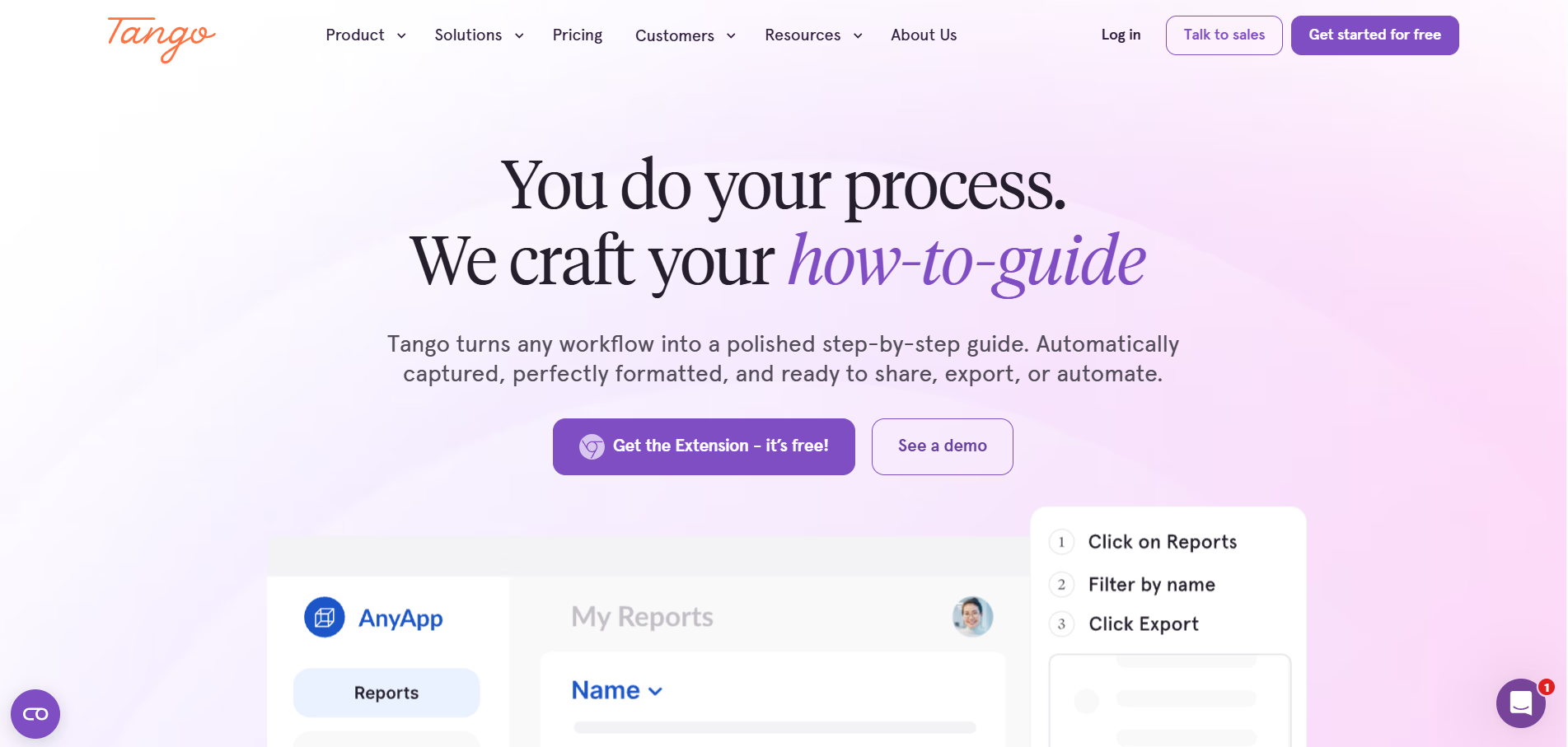
Tango takes process knowledge beyond training and puts it into practice.
Tango helps teams capture processes as they work and turn them into step-by-step documentation employees can reference when they need it. Instead of manually documenting every click, teams can capture a workflow once and turn it into SOPs, how-to guides, videos, and in-app guidance.
Create process documentation as you work
Tango makes capturing and documenting repeatable processes effortless.
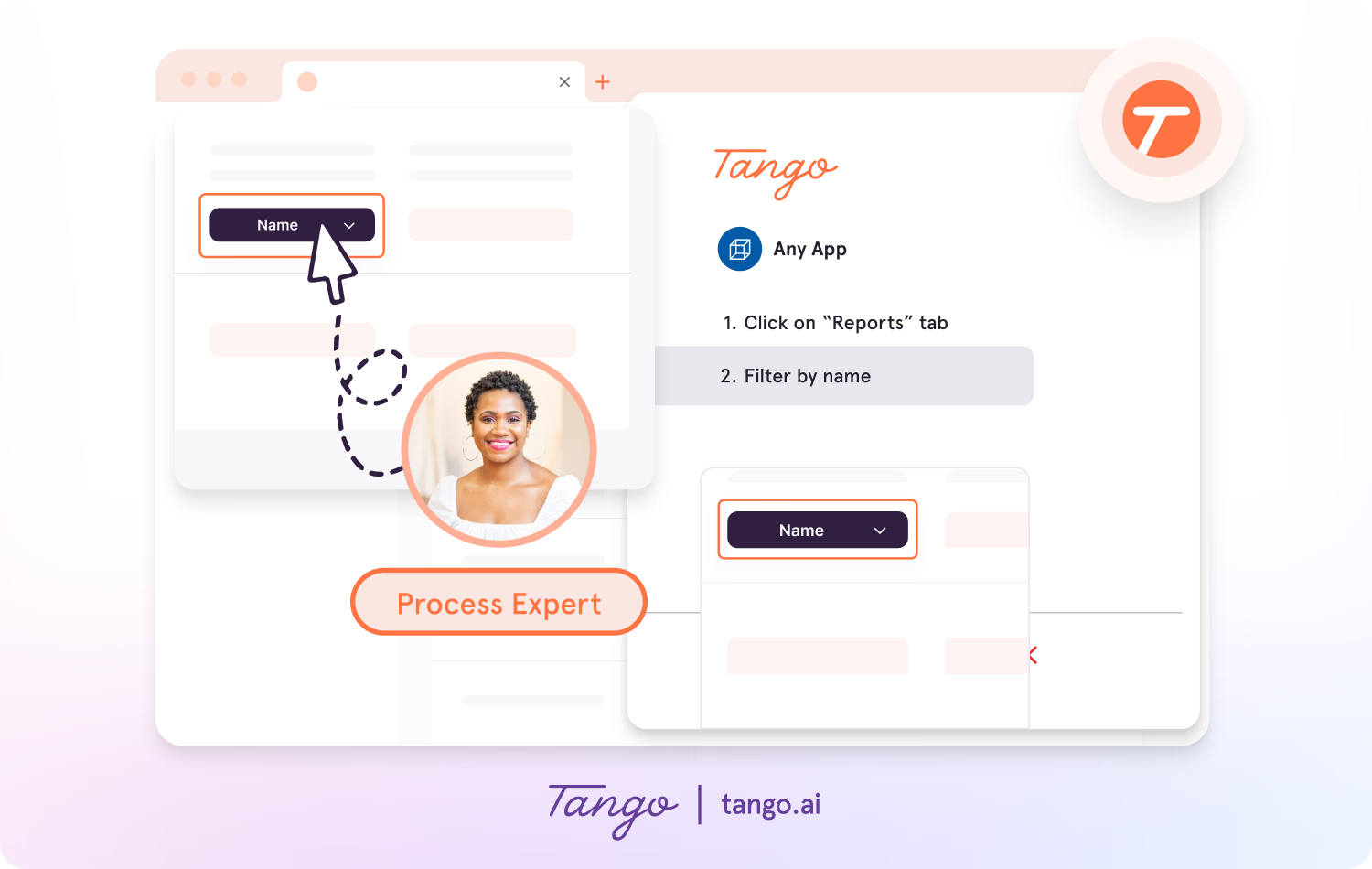
- Capture guides and SOPs across the web with the browser extension, or use the desktop app for offline applications.
- Click through a process and automatically generate step-by-step instructions with screenshots, annotations, descriptions, and links.
- Add context, update descriptions, and edit screenshots to turn captured workflows into polished documentation.
- Share Workflows as step-by-step guides or video embeds for onboarding, training, and ongoing process support.
Put process guidance where employees work
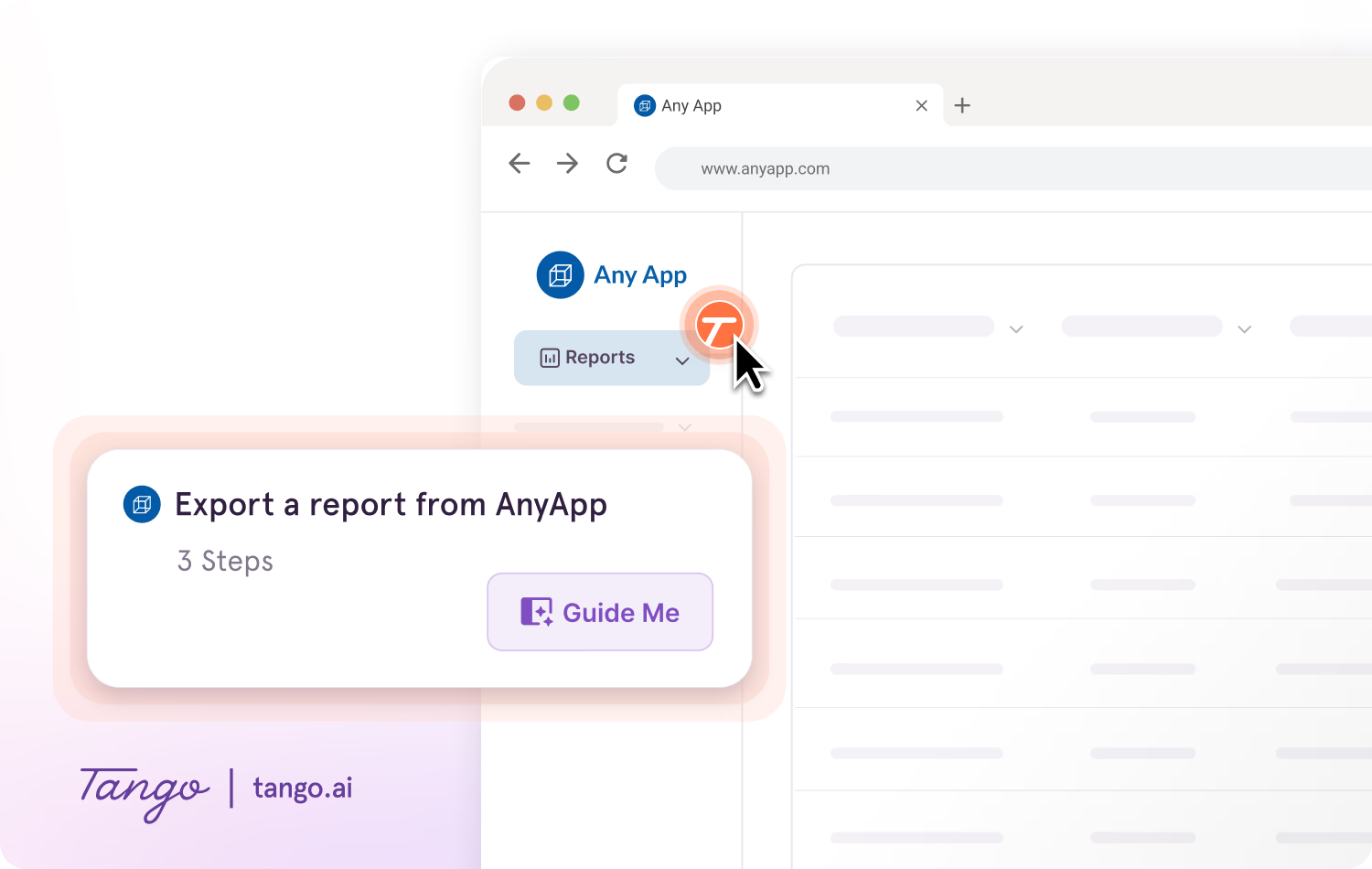
With Guide Me, employees can follow processes step by step inside the tools they're already using.
- Give employees guidance without requiring them to switch between a training platform and the task they're completing.
- Show users exactly where to click as they work through processes across applications.
- Pin SOPs, tips, resources, and links as Nuggets wherever employees may need additional help.
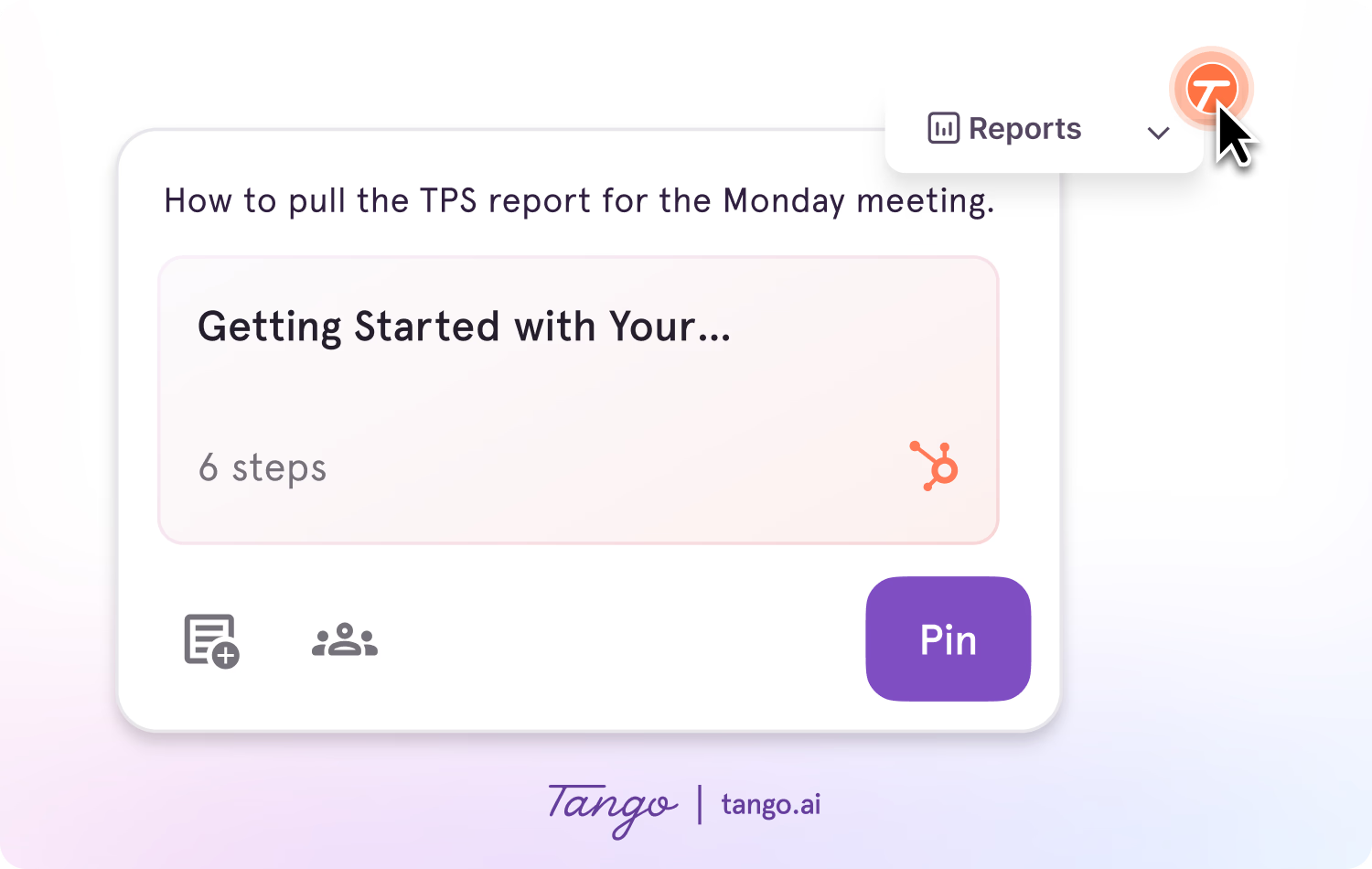
Ideal use case: Teams that need to create and maintain process documentation and SOPs while giving employees guidance inside the tools where work happens.
2. Whale
G2 Rating: 4.8/5 (208 reviews)
Pricing: Free plan available; paid plans from $99/month
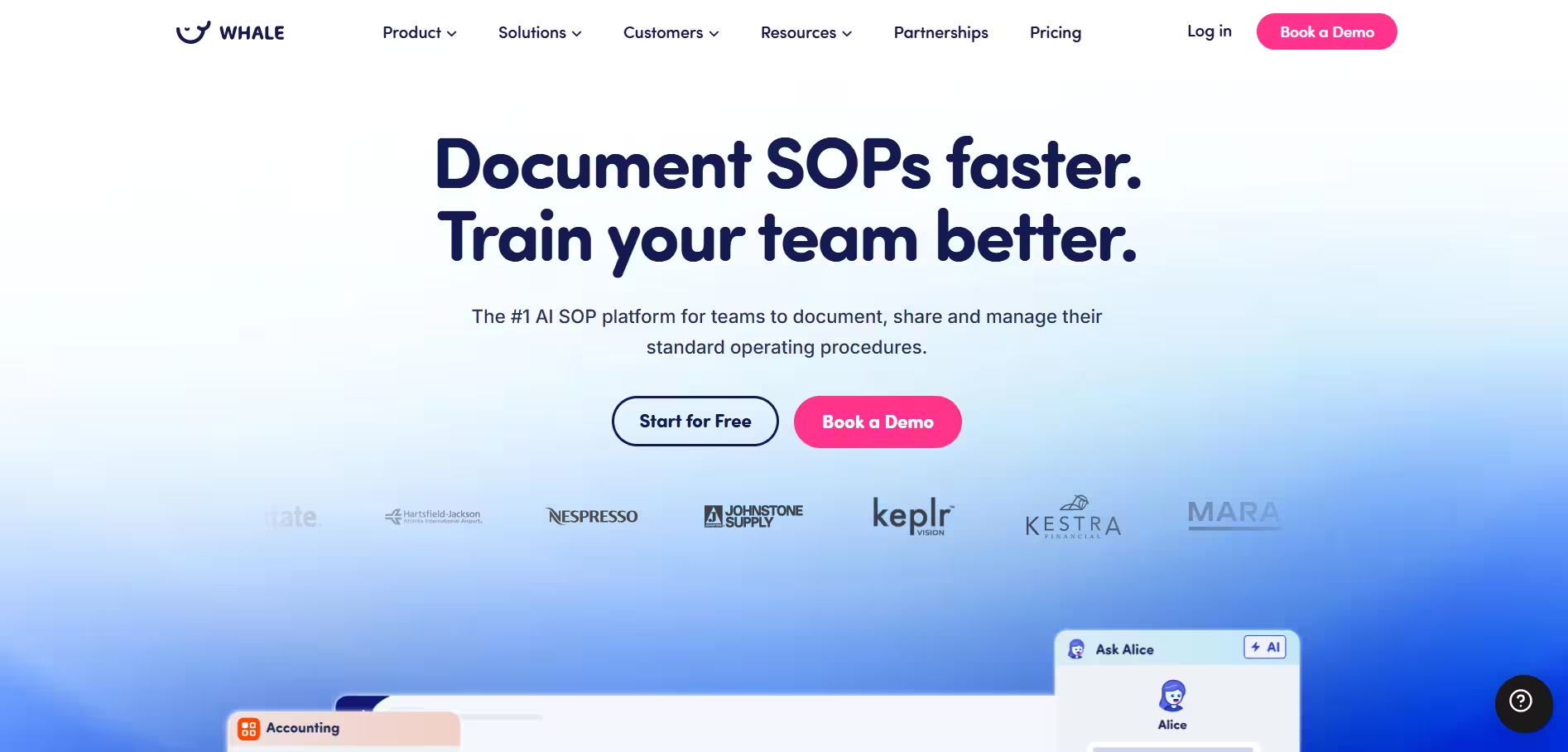
Whale is a knowledge and training platform for documenting processes, organizing company knowledge, and supporting employee onboarding and training. Teams can create SOPs and process documentation, organize resources in a centralized knowledge base, and assign training content to employees.
Key features:
- AI-assisted process and SOP documentation
- Centralized knowledge base
- Employee training flows
- Quizzes and knowledge checks
- Search and knowledge access
- Training and content analytics
Ideal use case: Teams looking for a centralized platform to manage company knowledge, process documentation, and employee training.
3. Process Street
G2 Rating: 4.6/5 (463 reviews)
Pricing: Free trial available; contact for pricing
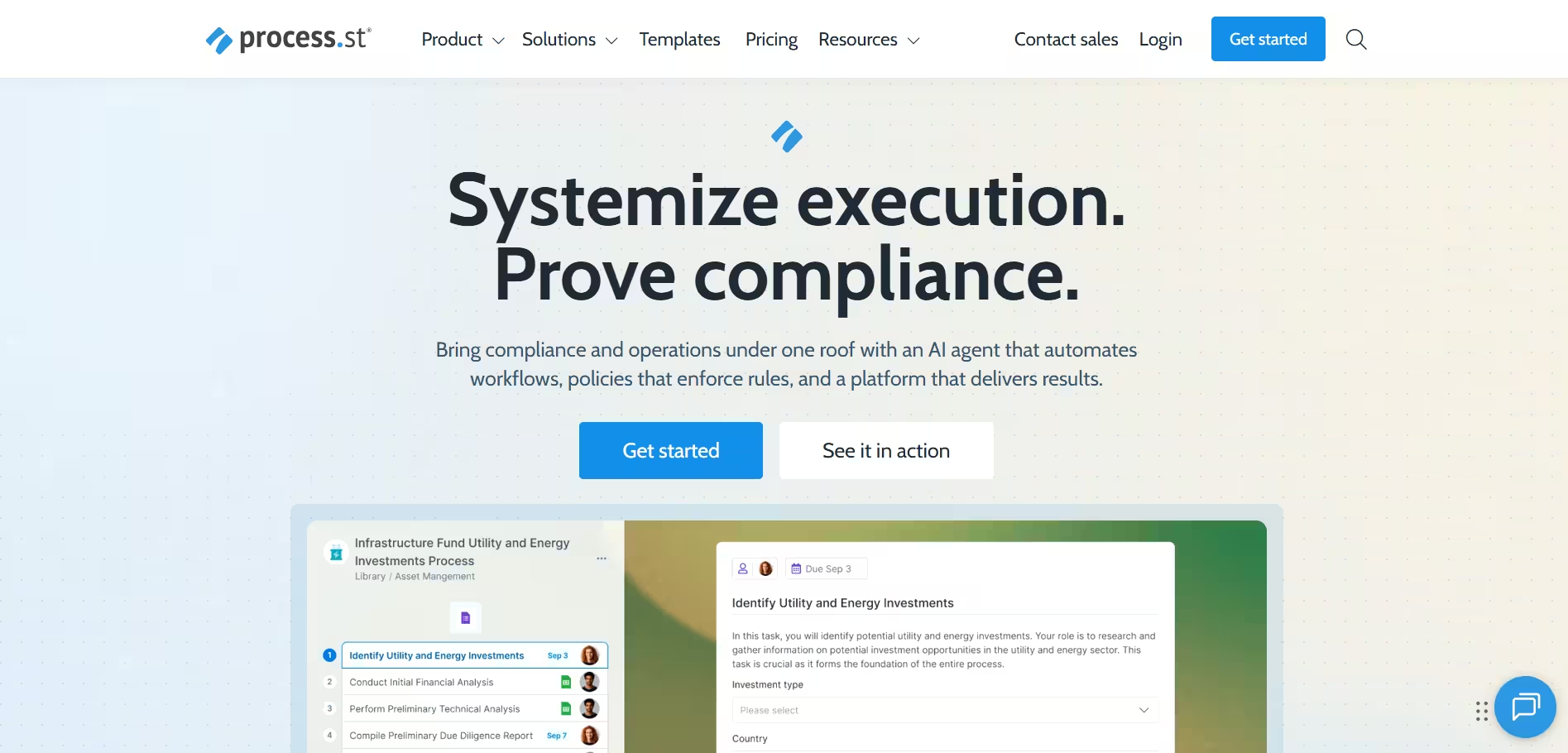
Process Street is a process management and compliance platform for turning repeatable business processes into structured workflows. Teams can document procedures, assign tasks, collect information, and track process completion.
Key features:
- Structured workflows and recurring processes
- Task assignments and approvals
- Forms and data collection
- Conditional logic for workflow steps
- Process tracking and audit trails
Ideal use case: Operations and compliance teams that need to standardize and track the execution of repeatable business processes.
Compare Tango vs Process Street →
4. TalentLMS
G2 Rating: 4.6/5 (806 reviews)
Pricing: Free plan available; paid plans from $119/month
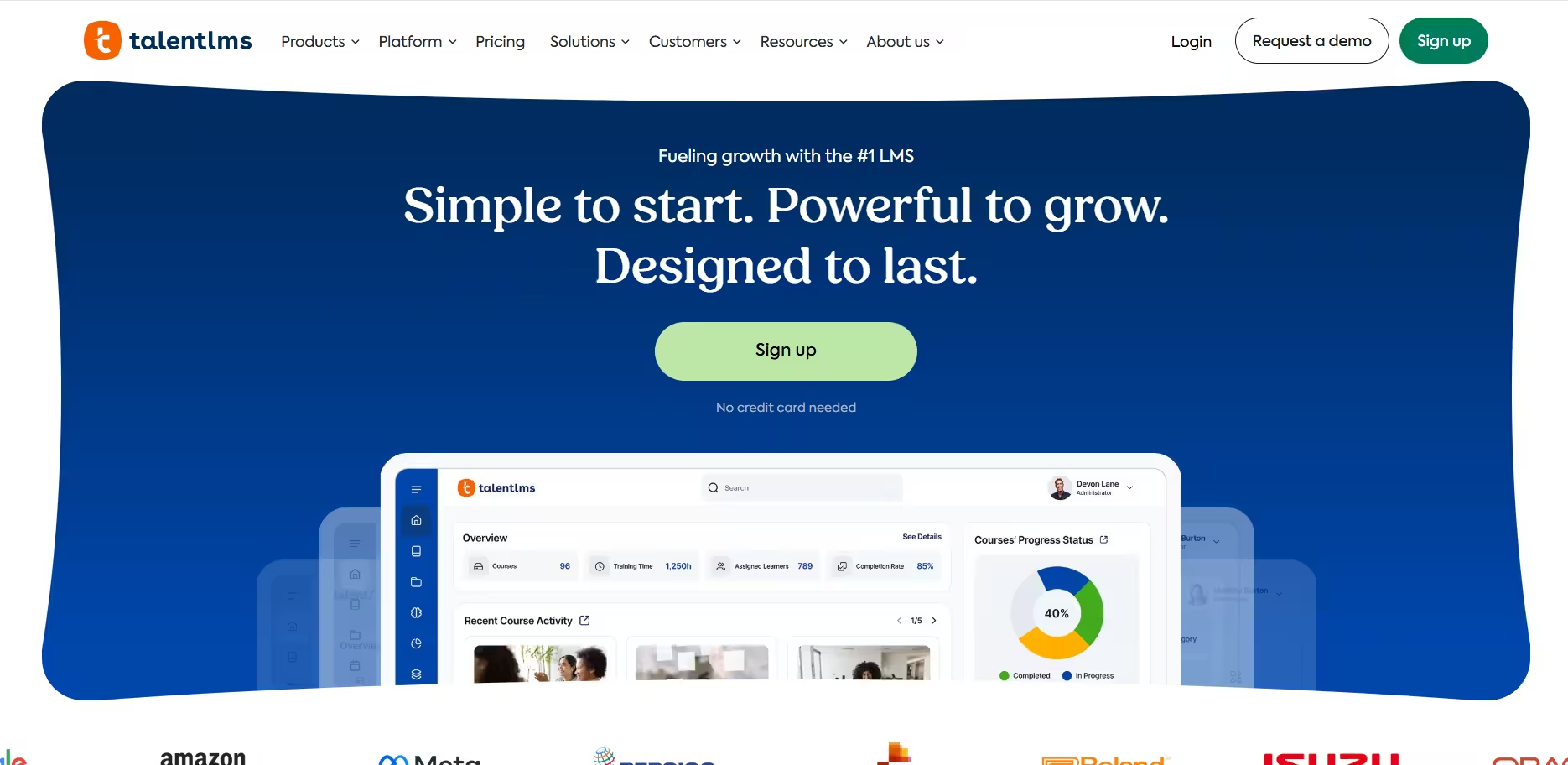
TalentLMS is a learning management system (LMS) for creating, delivering, and tracking employee training. Unlike tools focused primarily on process documentation, TalentLMS is built around structured learning experiences, including courses, learning paths, assessments, and certifications.
Key features:
- Course creation and management
- Learning paths and course assignments
- Assessments and certifications
- Training progress and reporting
- Mobile learning
- Gamification
Ideal use case: Teams that need a dedicated LMS for structured employee training, certifications, and learning programs.
5. Waybook
G2 Rating: 3.5/5 (1 review)
Pricing: Free trial available; paid plans from $99/month
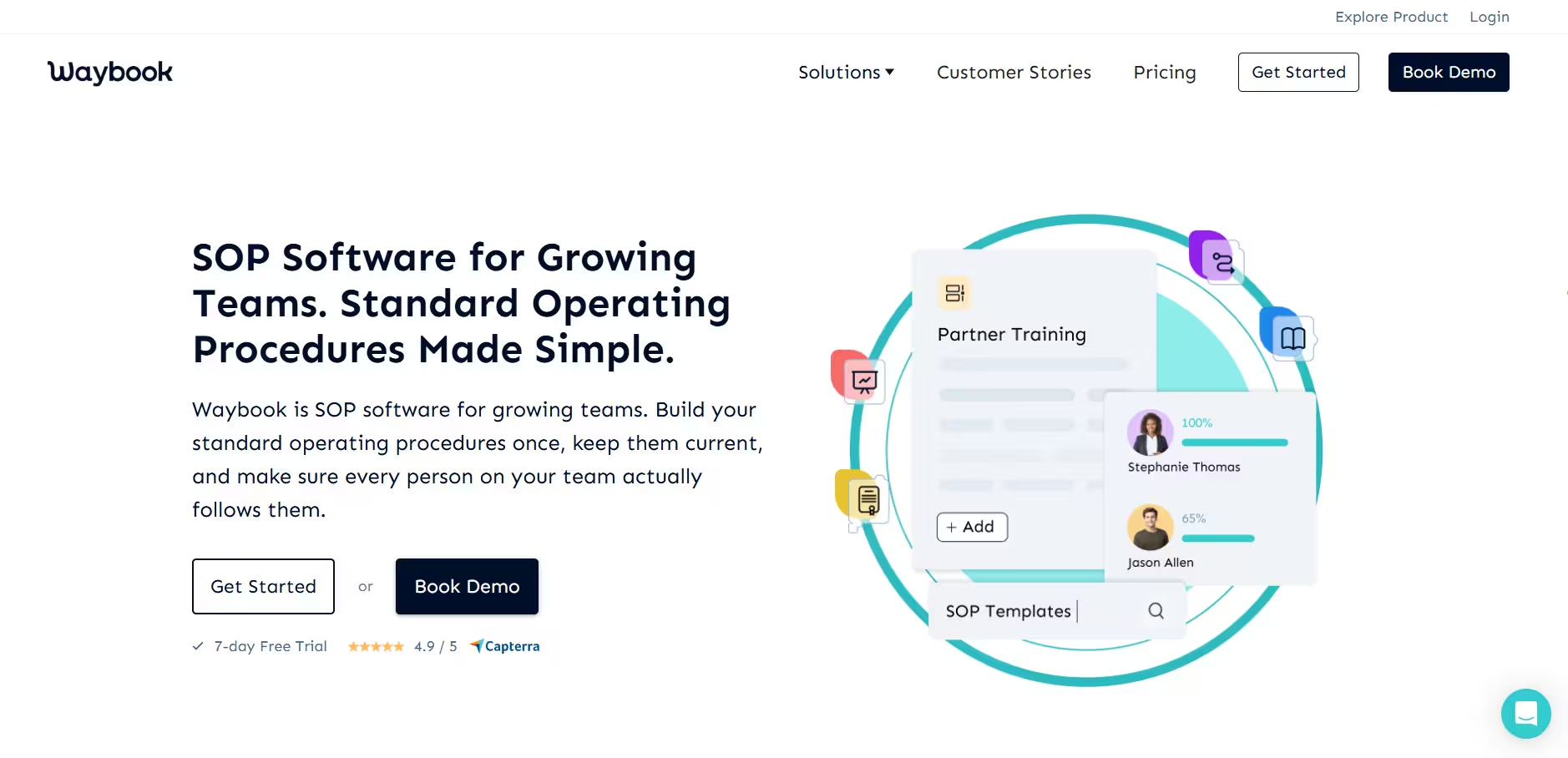
Waybook is a knowledge management and training platform for centralizing company processes, policies, and training materials. Teams can organize documentation into a structured knowledge base and assign content to employees for onboarding and ongoing training.
Key features:
- Centralized company knowledge base
- Process and policy documentation
- Content assignments and deadlines
- Tests and assessments
- Training progress tracking
- Search and content organization
Ideal use case: Teams that want a structured knowledge base for organizing company processes, policies, and employee training.
6. Guru
G2 Rating: 4.7/5 (2,322 reviews)
Pricing: Contact for pricing
Guru is an AI-powered knowledge management platform that helps organizations connect and organize information across their existing tools. Employees can search company knowledge and get answers based on information from connected sources.
Key features:
- AI-powered enterprise search
- Centralized knowledge base
- Knowledge verification and maintenance
- Integrations with workplace tools
- Permission-based knowledge access
- Knowledge usage and search analytics
Ideal use case: Organizations that need to centralize and search company knowledge across multiple tools and information sources.
7. Connecteam
G2 Rating: 4.6/5 (3,505 reviews)
Pricing: Free plan available; paid plans from $29/month
Connecteam is an employee management platform designed primarily for frontline and deskless teams. It combines employee training with workforce management tools for scheduling, time tracking, communication, and day-to-day operations.
Key features:
- Mobile employee training and courses
- Quizzes and training progress tracking
- Employee scheduling and time tracking
- Task management and digital forms
- Team communication tools
- Knowledge base and employee documents
Ideal use case: Frontline and deskless teams that want employee training alongside scheduling, communication, and workforce management.
8. SweetProcess
G2 Rating: 4.3/5 (5 reviews)
Pricing: Free trial available; paid plans from $99/month
SweetProcess is a process management platform for documenting and organizing procedures, policies, and repeatable business processes. Teams can centralize operational documentation, assign processes as tasks, and track whether work has been completed.
Key features:
- Procedure, process, and policy documentation
- Centralized knowledge base
- Task assignments and progress tracking
- Process maps and conditional steps
- Forms and data collection
- Version history and document review scheduling
Ideal use case: Teams that want a centralized system for managing company policies, procedures, and recurring operational processes.
The bottom line
Trainual alternatives solve different needs. Some are built for formal learning, others for centralized knowledge or workforce management, and others for documenting and standardizing repeatable processes.
If your team needs more than a place to store knowledge or complete training, consider how employees will use that information when it's time to get work done.
With Tango, teams can capture processes as they happen, turn them into clear step-by-step guidance, and make that guidance available when and where employees need it.
Frequently asked questions
What is the best alternative to Trainual?
Tango is a strong Trainual alternative for teams that need process documentation, SOPs, and guidance in the flow of work. Tango captures workflows as they're performed and turns them into step-by-step guides and in-app guidance employees can use while completing tasks. For other use cases, TalentLMS focuses on formal employee training, Guru on knowledge management and search, and Connecteam on frontline workforce management.
Is there a free alternative to Trainual?
Tango, Whale, TalentLMS, and Connecteam offer free alternatives to Trainual. Tango's free plan is designed for teams that want to capture and share step-by-step process documentation, while the other platforms serve different training, knowledge management, and workforce needs. Free-plan limits vary by product.
What is the best Trainual alternative for SOPs and process documentation?
Tango is a strong Trainual alternative for creating SOPs and documenting repeatable processes, particularly software-based workflows. Teams can capture a process as they complete it and automatically turn the workflow into step-by-step instructions with screenshots, annotations, descriptions, and links. Workflows can then be edited and shared for onboarding, training, and ongoing process support.
What is the difference between Tango and Trainual?
Tango focuses on capturing, documenting, and guiding repeatable processes, while Trainual focuses on employee training and knowledge management. Trainual helps teams organize company knowledge, create training content, assign learning, and track completion. Tango captures workflows as they're performed and turns them into step-by-step documentation and in-app guidance employees can use while they work.



Next time someone asks, “how do I…?” Send a Tango.
Start capturing your first workflow today.

