8 Best Haiku Alternatives for Process Documentation (2026)


If you're evaluating Haiku by WalkMe alternatives, you're likely looking for a tool that's a better fit for how your team documents processes and helps employees put them into practice. Some teams need in-app guidance without relying on a separate WalkMe deployment, while others need more specialized tools for video, training, or knowledge management.
The right alternative depends on what you need beyond basic process capture. This guide compares eight leading Haiku by WalkMe alternatives based on features, pricing, and ideal use cases to help you find the right option.
What is Haiku by WalkMe?
Haiku by WalkMe is a process documentation tool that captures workflows and automatically turns them into step-by-step guides. As users work through a process, Haiku generates written instructions and annotated screenshots that teams can edit, organize, share, and export.
Why teams evaluate Haiku alternatives
Whether you're replacing Haiku or evaluating it alongside other process documentation tools, these are four factors to consider.
In-app guidance
Creating documentation is one part of supporting a process. Teams looking to guide employees directly inside the applications where they work may need more than process documentation alone. Haiku provides in-app walkthroughs through WalkMe, while other platforms combine process documentation and in-app guidance within the same product.
Primary use case
Not every team is trying to solve the same problem. Some prioritize documenting repeatable processes and SOPs, while others focus on employee training, knowledge management, customer education, or managing recurring workflows.
Process complexity
Not every process follows the same path. Teams documenting processes with different decisions or outcomes may prioritize tools that can support multiple paths within a single workflow rather than creating separate guides for every variation.
Content format
Step-by-step guides aren't the only way to share process knowledge. Depending on the use case, teams may prioritize screenshots, video, interactive tutorials, courses, or other formats that fit how employees learn and work.
At a glance: Best Haiku alternatives
The 8 best Haiku alternatives for process documentation
Compare the top Haiku alternatives for process documentation, in-app guidance, interactive tutorials, employee training, video, and knowledge management to find the best fit for your team.
1. Tango
G2 Rating: 4.7/5 (515 reviews)
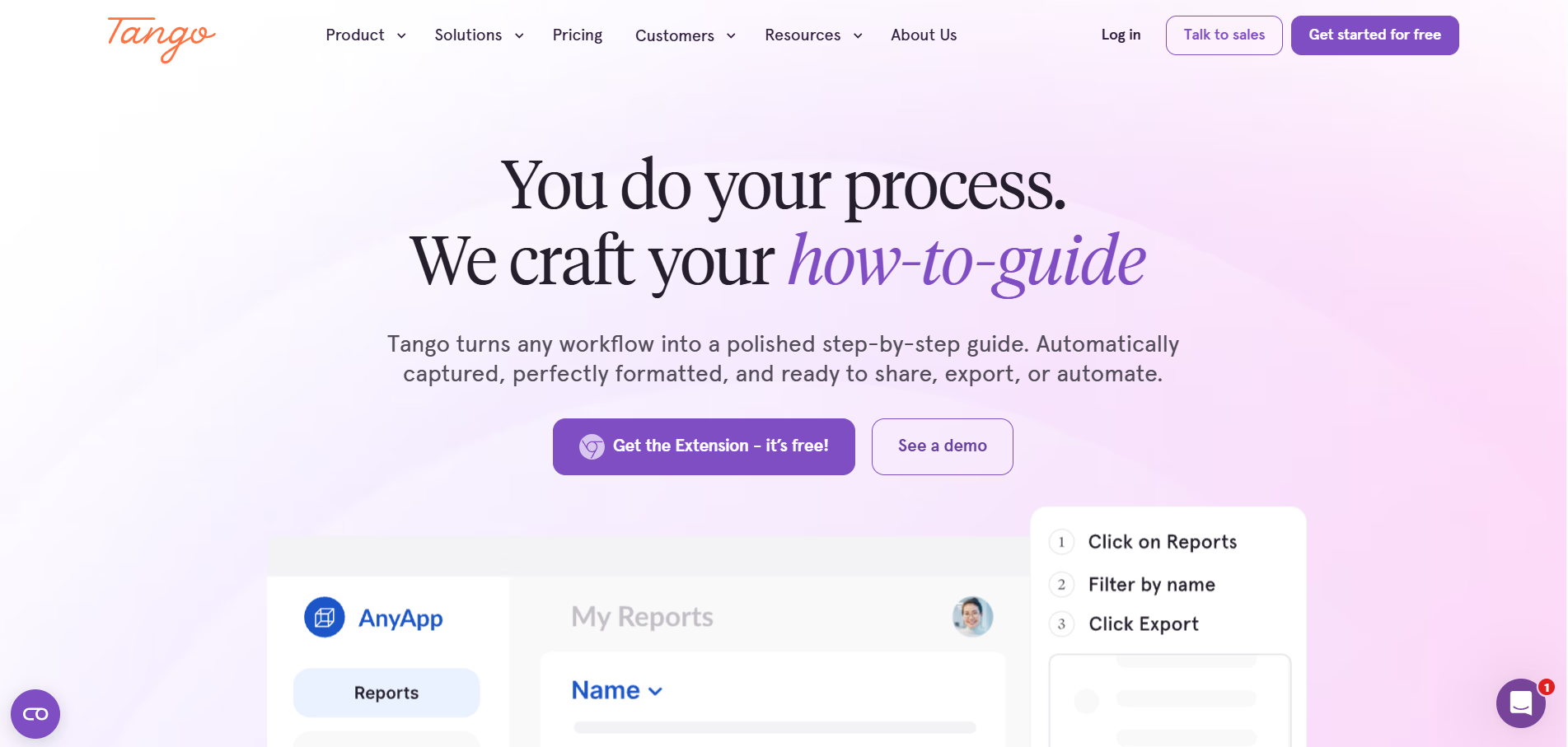
Tango takes process documentation beyond creation and puts it into practice.
Capture a process once and Tango automatically turns it into step-by-step documentation your team can use wherever work happens. Create SOPs, how-to guides, and videos from the same captured workflow, then bring that knowledge directly into the flow of work with in-app guidance.
Create process documentation in seconds
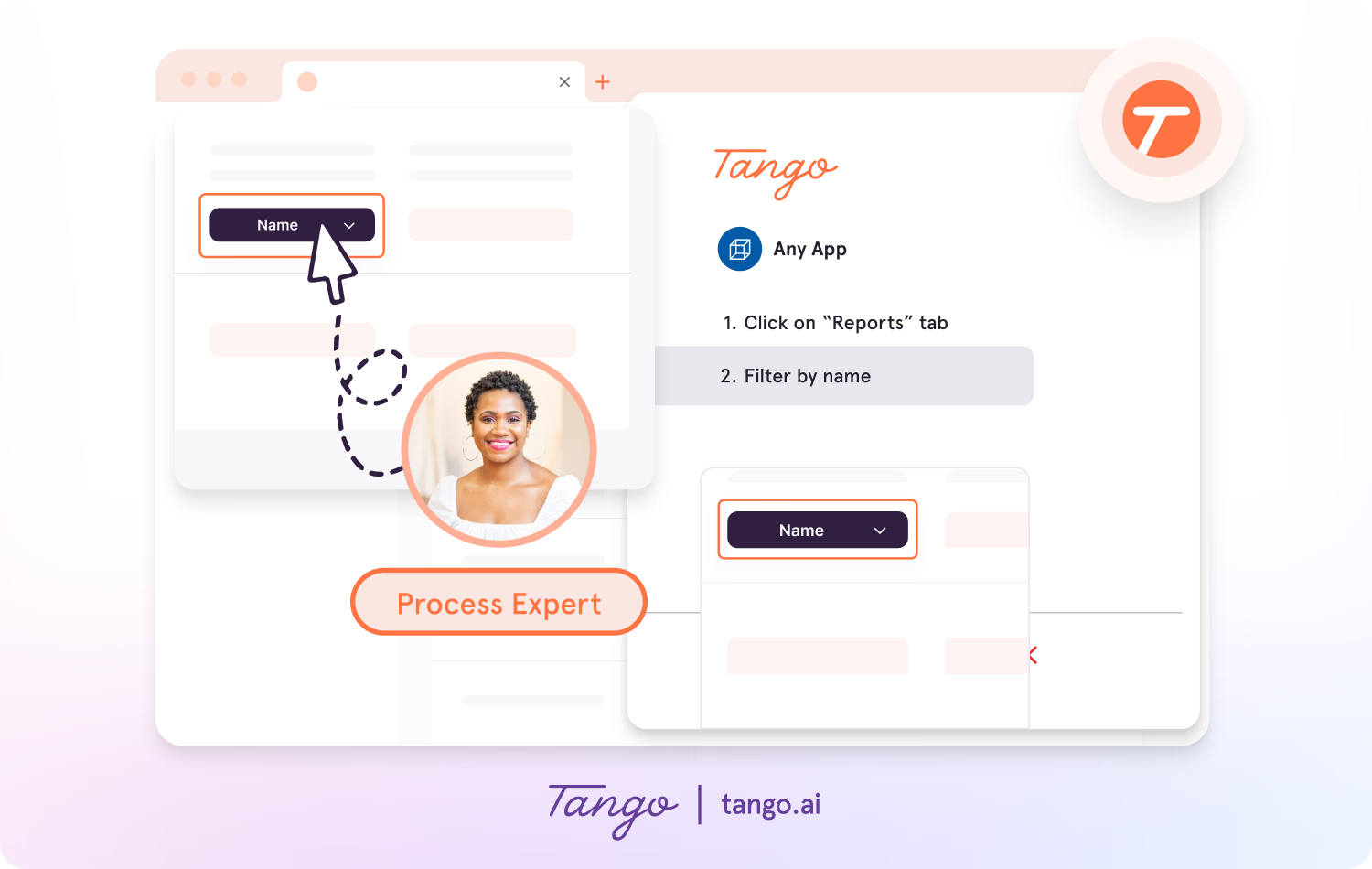
Tango makes capturing processes effortless, so you can document as you work.
- Capture guides and walkthroughs anywhere across the web with the browser extension, or use the desktop app for offline applications.
- Click through your process and instantly generate a step-by-step guide with screenshots, annotations, descriptions, and links.
- Update descriptions, insert additional context, and add flair to your screenshots with advanced editing tools.
Put process knowledge into action
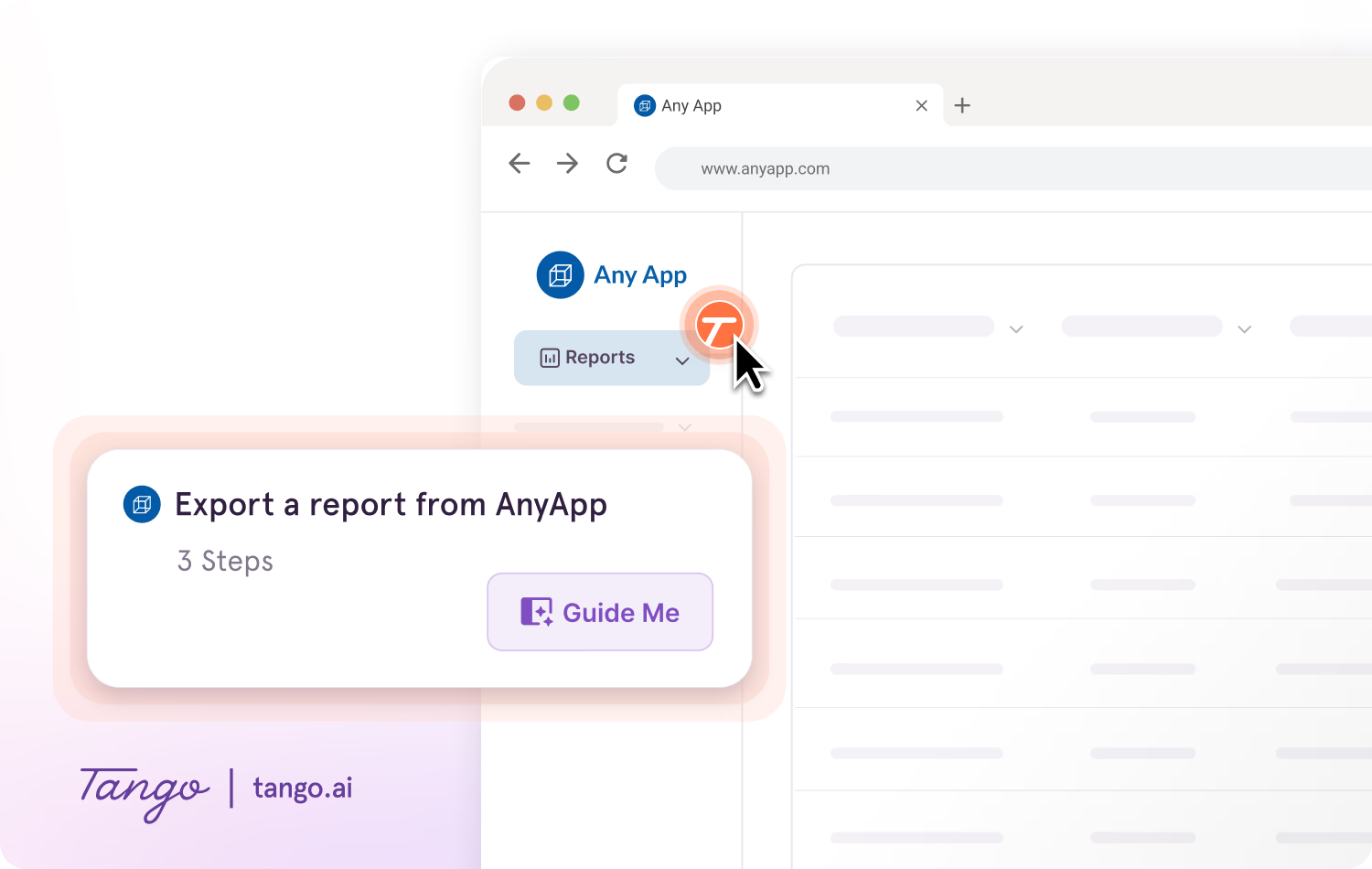
With Guide Me, the same process knowledge becomes instantly followable, right inside the tools where work happens.
- Give your team step-by-step guidance inside any tool without switching tabs.
- Show users exactly where to click so they can easily follow processes across applications.
- Pin guides, tips, or links at any point in a process where employees may need help.
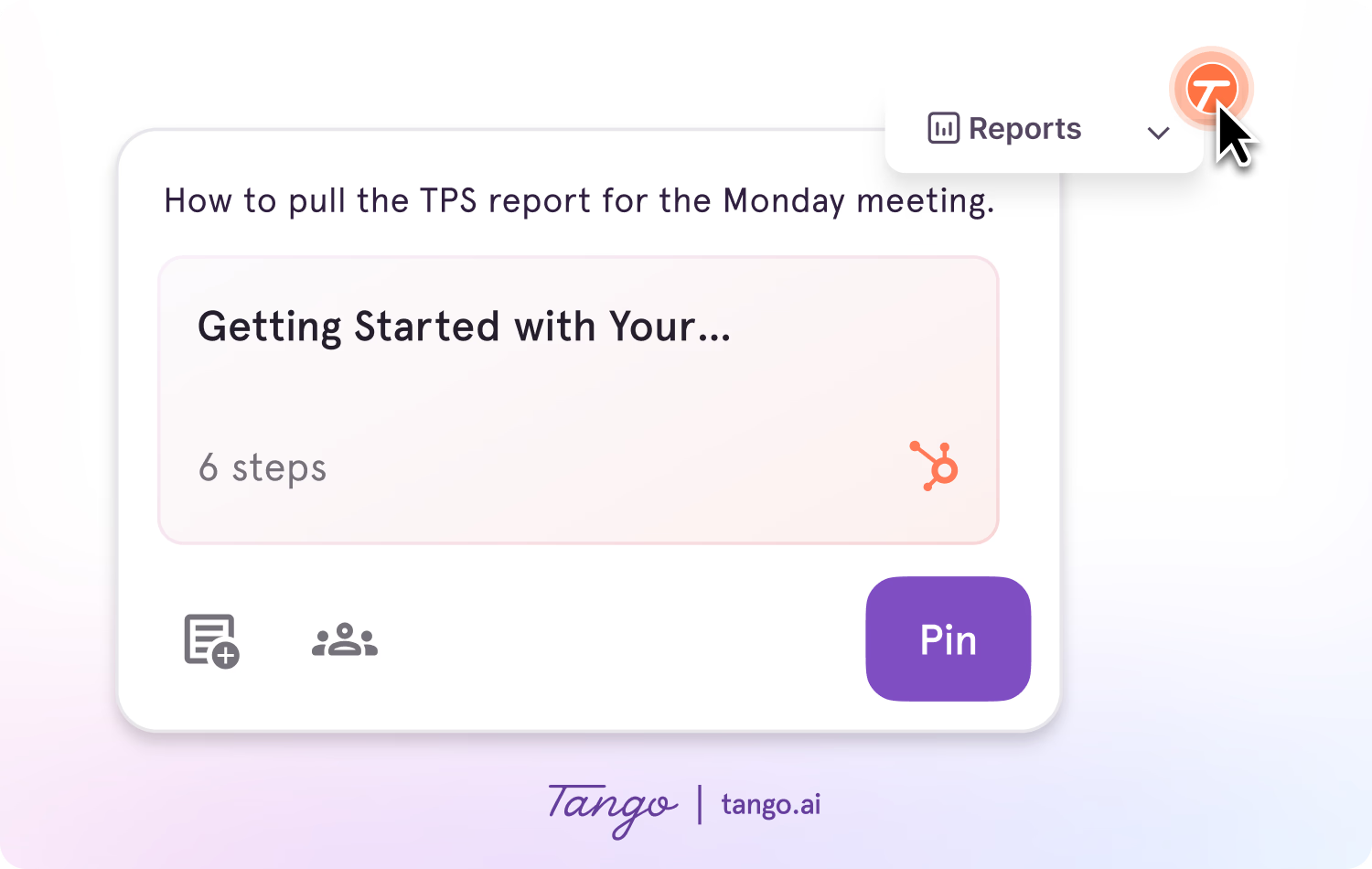
Ideal use case: Teams that want to quickly document processes and guide employees through them directly inside the tools where they work.
2. iorad
G2 Rating: 4.7/5 (51 reviews)
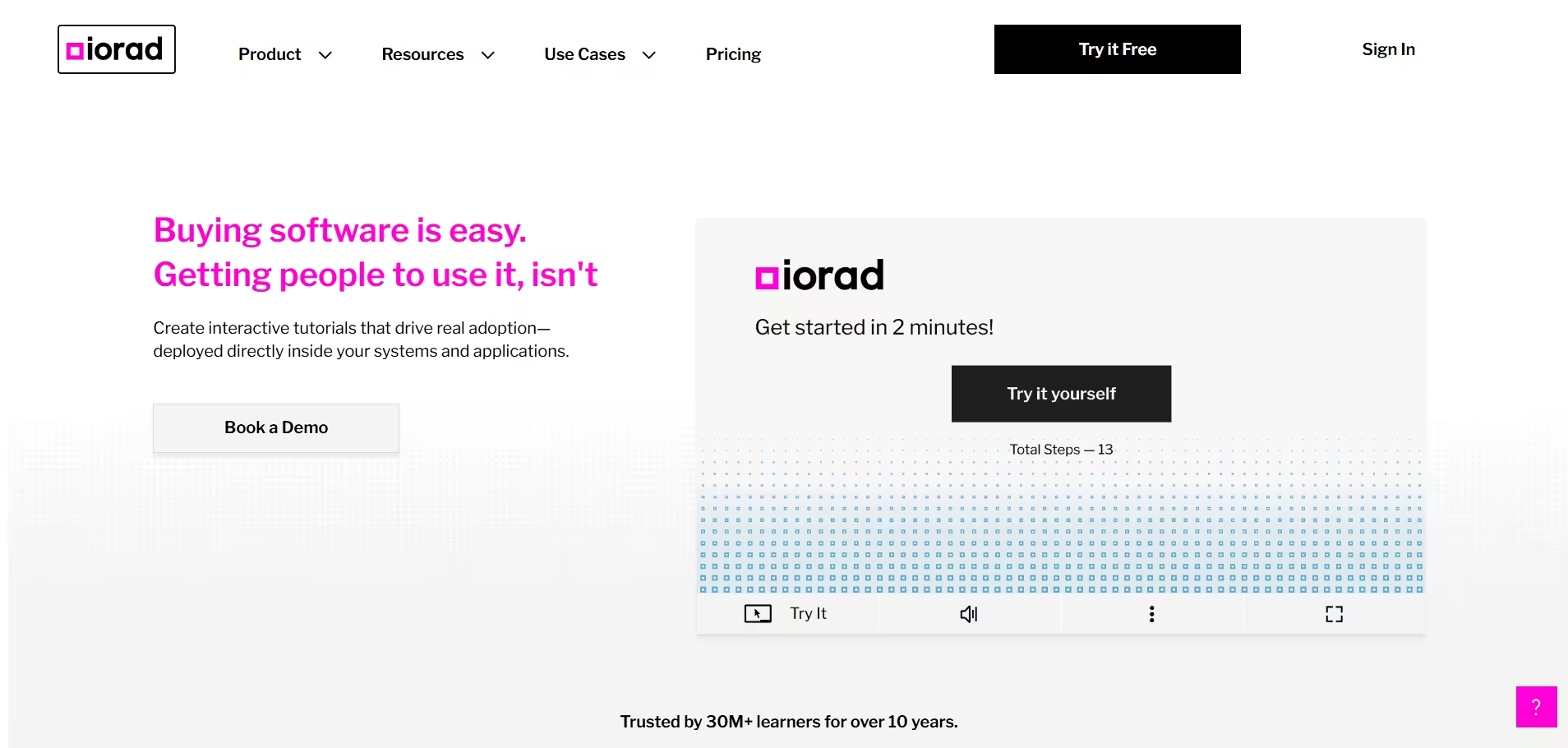
iorad is an interactive tutorial platform for capturing software processes and turning them into guided learning experiences. Teams can record a workflow and create step-by-step tutorials that learners click through and practice rather than simply watch. It works well for structured software onboarding and training where users benefit from practicing a process before completing it independently.
Key features:
- Automatic process capture: Records actions as you complete a software workflow
- Interactive tutorials: Lets learners click through a process step by step
- Multiple output formats: Creates interactive tutorials, video, and written instructions from a capture
- Embedding: Adds tutorials to learning platforms, help centers, and other resources
Ideal use case: L&D teams creating interactive software tutorials for structured onboarding and training.
3. Trainual
G2 Rating: 4.7/5 (1,075 reviews)
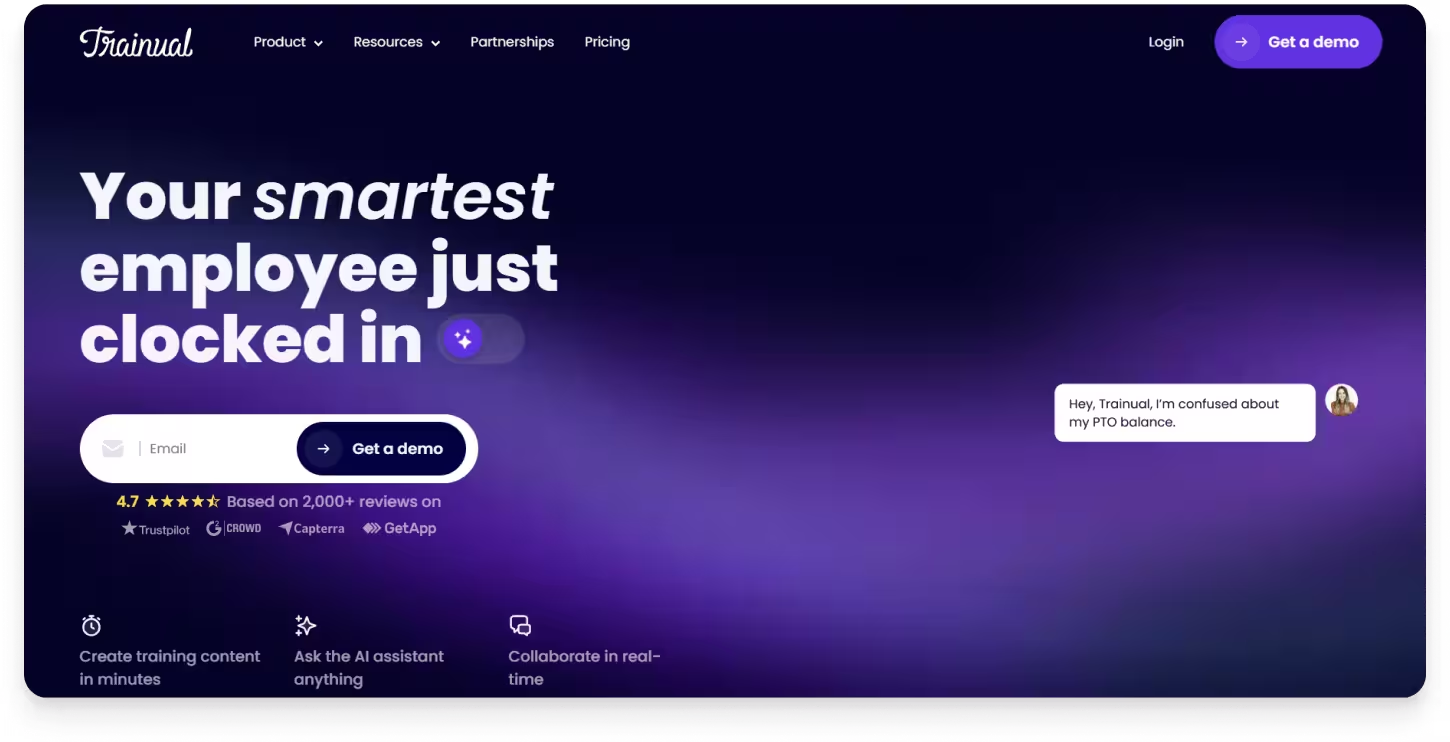
Trainual is an employee training and knowledge management platform for documenting processes and turning them into structured training. Teams can organize SOPs, policies, and company knowledge in one place, then assign role-based training to employees and track their progress.
Key features:
- Process and SOP documentation: Creates and organizes step-by-step processes, policies, and how-to content
- Onboarding and training paths: Assigns structured training based on an employee's role
- Knowledge search: Helps employees find information and answers across company content
- Tests and quizzes: Checks employee understanding of training material
- Completion tracking: Tracks training progress and completion across employees and teams
- Templates: Provides ready-made templates for common processes, policies, and training content
Ideal use case: Teams looking for a centralized platform to document company processes and deliver structured employee onboarding and training.
4. Loom
G2 Rating: 4.7/5 (2,414 reviews)
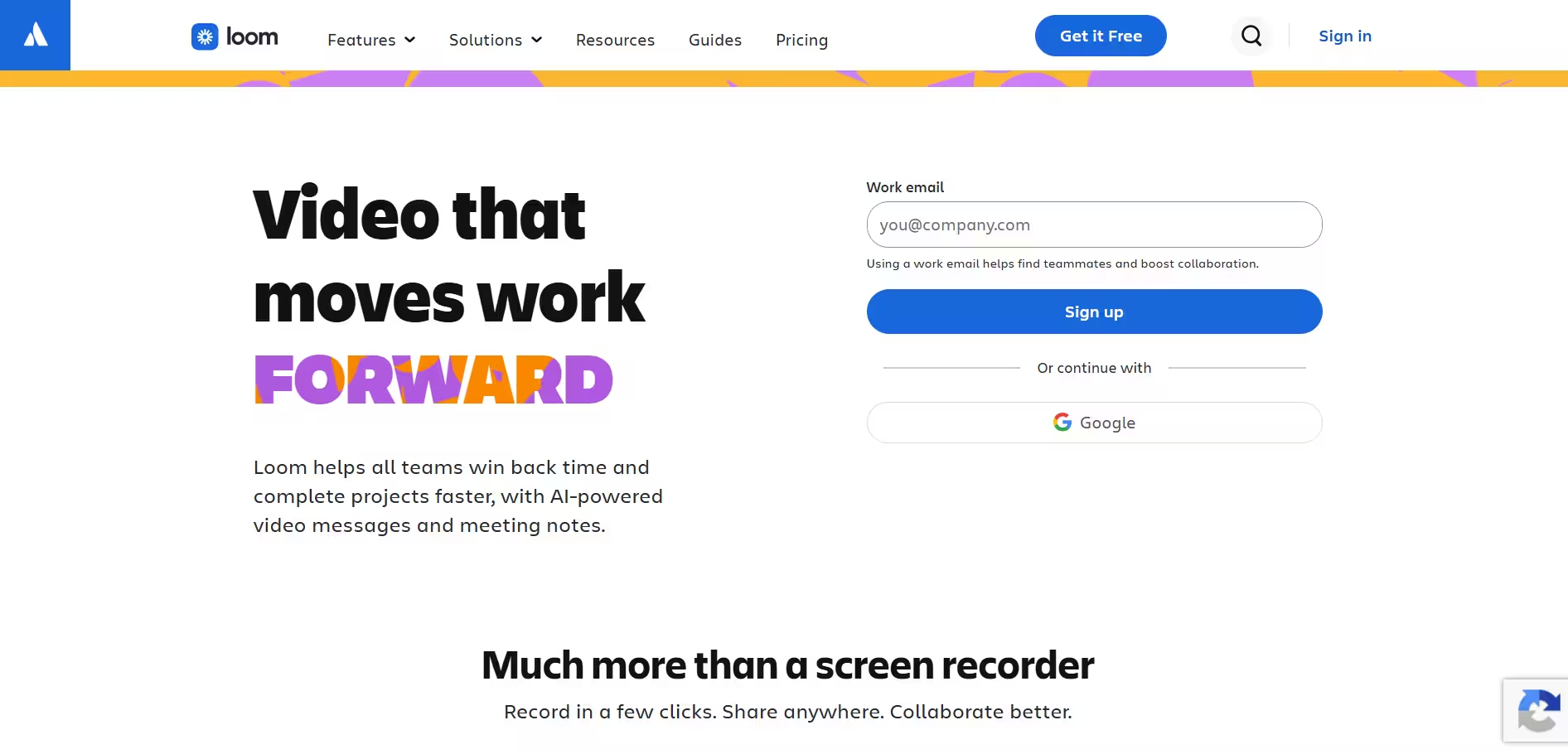
Loom is a video messaging platform for recording and sharing screen-based tutorials, walkthroughs, and explanations. Teams can record their screen, camera, and voice to demonstrate a process from start to finish, making it useful when a visual explanation is more helpful than written step-by-step documentation.
Key features:
- Screen and camera recording: Records your screen, webcam, and audio
- Video editing: Trims recordings, stitches clips together, and adds visual annotations
- Transcripts and captions: Automatically creates transcripts and closed captions for recordings
- AI tools: Generates titles, summaries, chapters, and other content from recordings
- Sharing and embedding: Shares videos through a link or embeds them in other tools and resources
- Viewer insights: Tracks how viewers engage with shared videos
Ideal use case: Teams creating screen-recorded tutorials, walkthroughs, and async explanations that are easier to show than document step by step.
5. SweetProcess
G2 Rating: 4.3/5 (5 reviews)
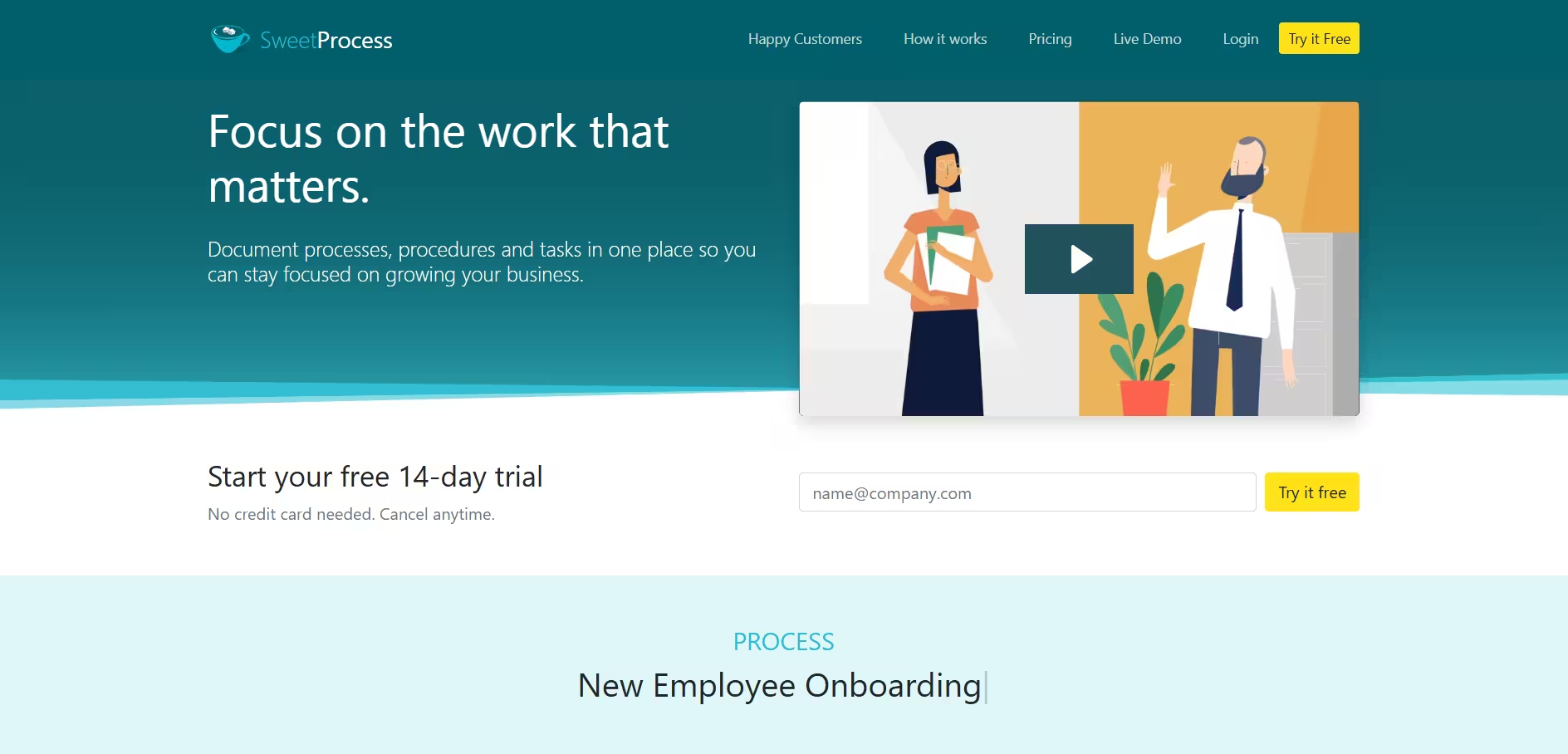
SweetProcess is a process documentation platform for creating and managing SOPs, procedures, and company policies. Teams can document how work gets done, organize processes in one place, and turn procedures into actionable tasks employees can follow.
Key features:
- Process and procedure documentation: Creates step-by-step procedures and repeatable processes
- Workflow capture: Records software workflows and turns them into procedures
- Policy management: Creates, organizes, and shares company policies
- Knowledge bases: Turns existing procedures and policies into searchable internal or public resources
- Task management: Assigns procedures and processes as tasks and tracks completion
- Process maps: Visualizes processes, decisions, and steps in a flowchart-style format
Ideal use case: Teams looking for a centralized platform to document and manage SOPs, policies, and repeatable business processes.
6. Guru
G2 Rating: 4.7/5 (2,322 reviews)
Guru is a knowledge management platform for centralizing company information and helping employees find answers while they work. Teams can bring knowledge from different sources together, search across company content, and use AI to surface relevant answers without digging through multiple tools.
Key features:
- Centralized knowledge base: Organizes company knowledge in one place
- Enterprise search: Searches across connected apps and company content
- AI-powered answers: Provides answers based on information from connected knowledge sources
- Knowledge verification: Helps teams keep important information accurate and up to date
- Integrations: Connects knowledge across the tools employees already use
- In-context knowledge: Makes company information accessible within employees' existing workflows
Ideal use case: Teams looking to centralize company knowledge and help employees quickly find trusted answers while they work.
7. Guidde
G2 Rating: 4.8/5 (97 reviews)
Guidde is an AI-powered video documentation platform for turning workflows into step-by-step video guides. Teams can capture a process, automatically generate visual instructions, and add AI voiceovers and other editing elements to create polished how-to and training content.
Key features:
- Workflow capture: Records on-screen actions to create step-by-step guides
- AI video creation: Turns captured processes into video-based documentation
- AI voiceovers: Adds text-to-speech narration to video guides
- Video editing: Adds transitions, animations, branding, and other visual elements
- Translations: Localizes video content for multilingual teams
- Sharing and embedding: Shares guides by link or embeds them in help centers, wikis, and other resources
Ideal use case: Teams looking to create polished, video-based process documentation and training content from captured workflows.
8. Process Street
G2 Rating: 4.6/5 (463 reviews)
Process Street is a process management platform for documenting and running repeatable workflows. Teams can build step-by-step processes, assign tasks and responsibilities, add approvals and conditional logic, and track work as employees complete each workflow.
Key features:
- Workflow builder: Creates structured, step-by-step processes for recurring work
- Task assignments: Assigns tasks and responsibilities to specific team members
- Conditional logic: Adjusts workflow steps based on different inputs or outcomes
- Approvals: Adds review and approval steps to processes
- Forms: Collects information and files as employees complete a workflow
- Workflow automation: Automates repetitive tasks and connects processes with other business tools
Ideal use case: Teams looking to standardize and manage recurring processes that require tasks, approvals, and multiple steps.
The bottom line
Haiku alternatives solve different needs. Some are built for interactive tutorials or video, while others focus on knowledge management, employee training, or managing repeatable processes.
If your team needs more than a way to capture and share process documentation, consider how employees will use that guidance when it's time to get work done.
With Tango, teams can capture processes as they happen, turn them into clear step-by-step documentation, and guide employees through those processes directly inside the tools where they work.
Because the best process documentation isn't just easy to create. It's easy to follow.
Frequently asked questions
What is the best Haiku alternative?
Tango is a strong Haiku alternative for teams that want to create process documentation and guide employees through those processes directly inside the tools where they work. Other alternatives may be a better fit for specialized needs, such as Trainual for structured employee training, Loom for video tutorials, or Guru for knowledge management.
What is the difference between Tango and Haiku by WalkMe?
Both Tango and Haiku by WalkMe can capture workflows and turn them into step-by-step process documentation. Tango extends that documentation with native in-app guidance through Guide Me and Pins, while Haiku focuses on creating and sharing process guides in multiple formats, including links, PDF, HTML, Markdown, Word, PPT, and SCORM.
Does Haiku by WalkMe offer in-app guidance?
Yes, but Haiku's in-app walkthroughs require WalkMe. Without a WalkMe deployment, Haiku guides are shared through links rather than delivered as walkthroughs directly inside the application. Teams that aren't already using WalkMe would therefore need WalkMe in addition to Haiku to provide in-app walkthroughs. Tango includes native in-app guidance through Guide Me, so teams can create process documentation and guide employees through those processes within the same platform.
What should you look for in a Haiku alternative?
When comparing Haiku alternatives, consider how your team plans to create and use process documentation. Look at workflow capture, content formats, support for complex processes, in-app guidance, integrations, analytics, and how easily documentation can be updated as processes change.




Next time someone asks, “how do I…?” Send a Tango.
Start capturing your first workflow today.

