8 Best Loom Alternatives in 2026


Loom makes it easy to record your screen, explain a process, and share it with your team. But what happens when those recordings start piling up?
A quick walkthrough can work well in the moment. Over time, though, important information can get buried in video libraries, processes can change, and employees may have to scrub through recordings to find the one step they need.
And process documentation isn't the only reason teams outgrow Loom. Some need more advanced video editing, better sales personalization, or training features built for their specific use case.
In this guide, we'll compare eight of the best Loom alternatives in 2026, including what each tool does best, where it differs from Loom, and how to choose the right option for your team.
What is Loom?
Loom is an asynchronous video communication tool that lets users record and share their screen, camera, and voice. Teams use it to create quick video walkthroughs, explain processes, give feedback, share updates, and communicate without scheduling a meeting.
Why teams look for Loom alternatives
Loom works well for quick async video communication, but some use cases require other ways to capture, share, and maintain knowledge. Here are some of the most common reasons teams consider Loom alternatives.
Process documentation
Video can show someone how to complete a process, but it isn't always easy to reference while doing the work. For longer or more complex workflows, step-by-step instructions can be easier to follow at your own pace and revisit when you need them.
Video editing
Loom is designed to make recording and sharing videos fast. Teams creating polished tutorials, training materials, or customer-facing content may need more advanced editing, audio, branding, and post-production capabilities.
Specialized use cases
Sales outreach, employee training, customer support, and process documentation all have different requirements. Tools built specifically for these use cases may offer capabilities like sales engagement analytics, interactive training, or in-app guidance that go beyond general-purpose screen recording.
Pricing and scalability
As more people create and manage content, teams may need to consider storage, administrative controls, analytics, security, and AI features alongside per-user pricing.
At a glance: Best Loom alternatives
The 8 best Loom alternatives for video and process documentation
Compare the top Loom alternatives for process documentation, async communication, video editing, sales outreach, and training to find the best fit for your team.
1. Tango
G2 Rating: 4.7/5 (513 reviews)
Pricing: Free plan available; paid plans from $15/user/month
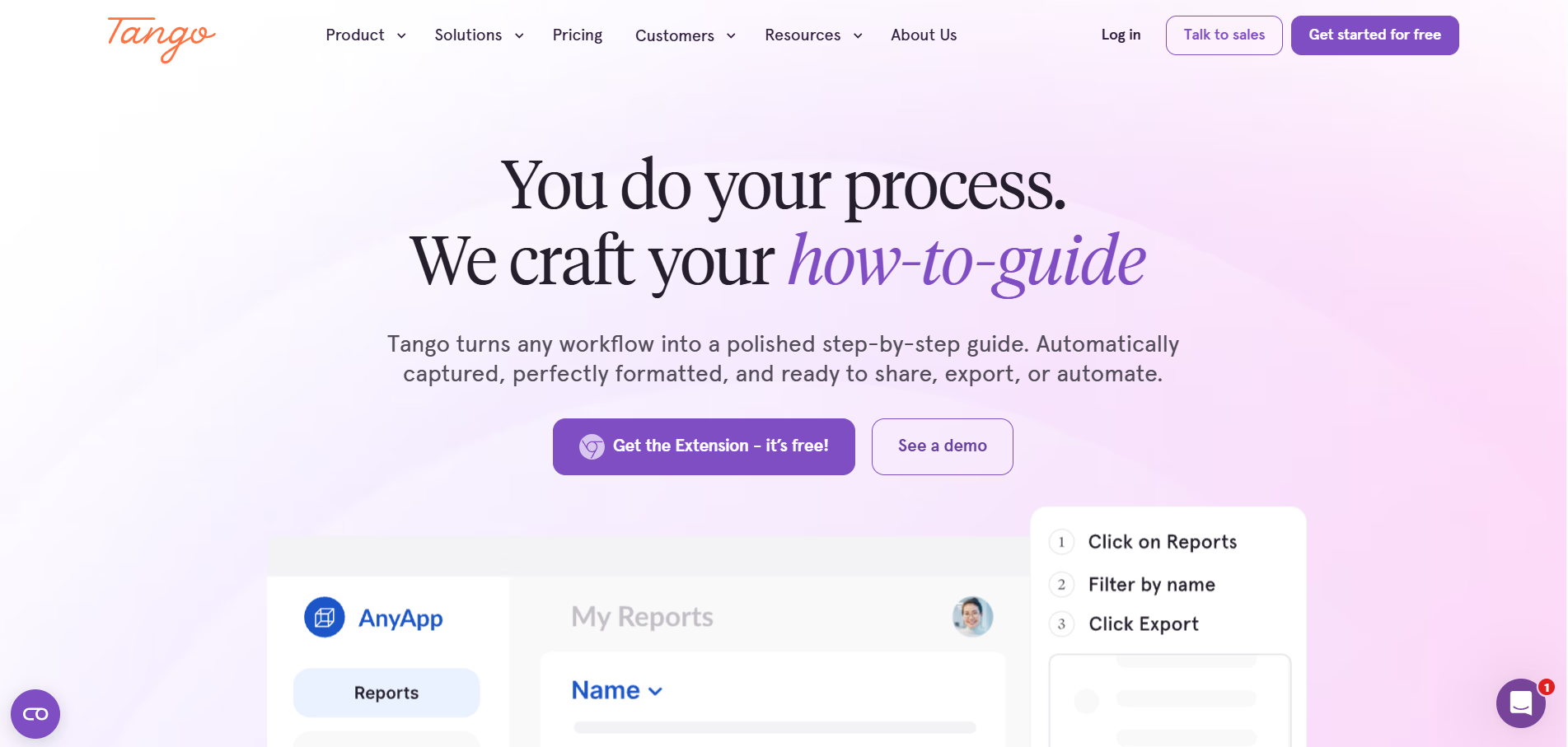
Most process documentation stops at creation. A guide gets made, stored, and never actually used. Tango picks up where that falls short.
Tango automatically captures your workflow as you click through it and turns it into a step-by-step guide anyone can follow. Workflows can also be shared as video embeds, so teams don't have to choose between step-by-step documentation and video.
Create process documentation as you work
Tango makes capturing processes effortless, so you can document as you work.
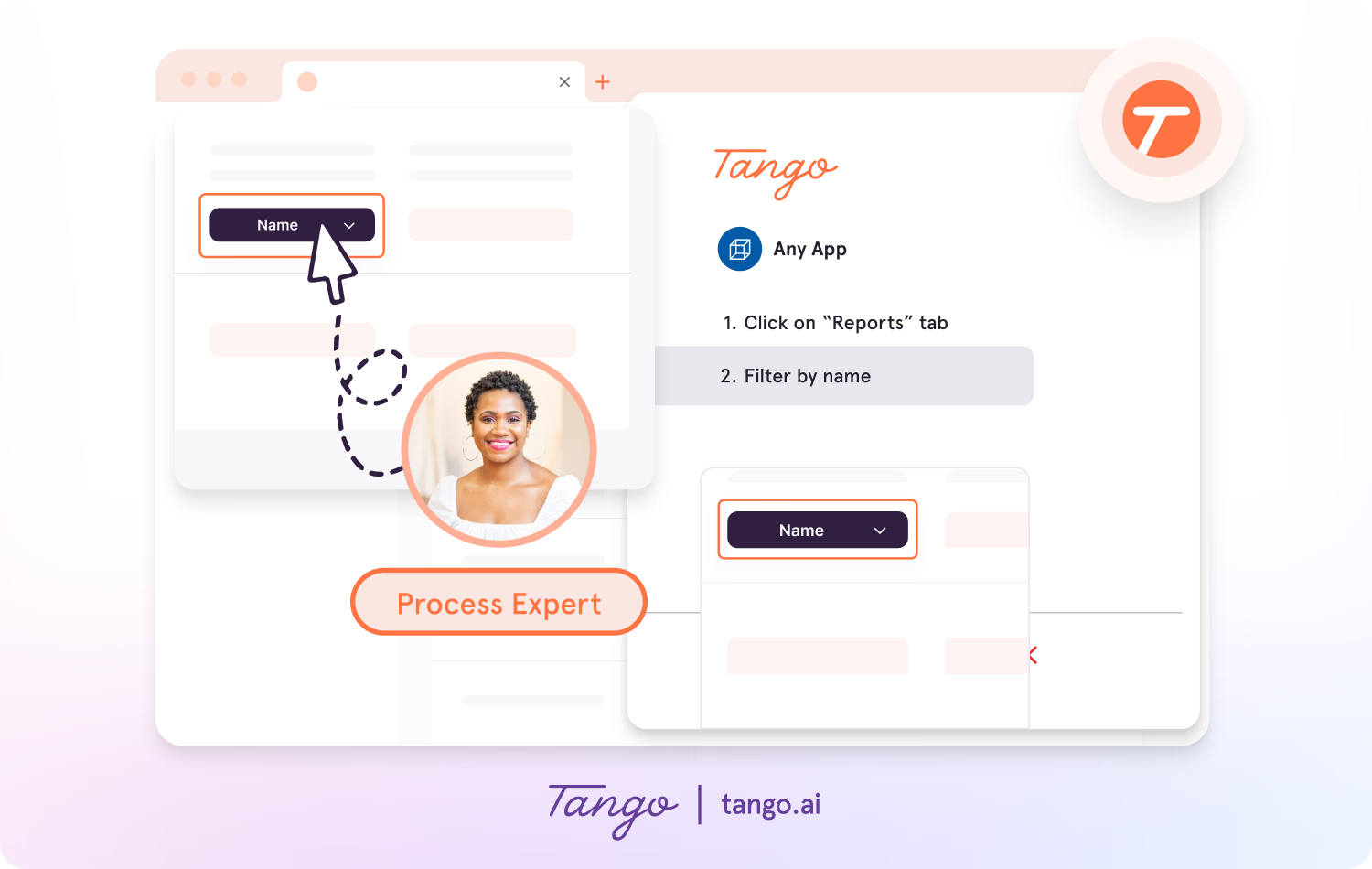
- Capture guides and walkthroughs anywhere across the web with the browser extension, or use the desktop app for offline applications.
- Click through your process and instantly generate a step-by-step guide with screenshots, annotations, descriptions, and links.
- Update descriptions, insert additional context, and add flair to your screenshots with advanced editing tools.
- Share Workflows as step-by-step guides or video embeds based on how your audience prefers to learn.
Enable process adoption with in-app walkthroughs
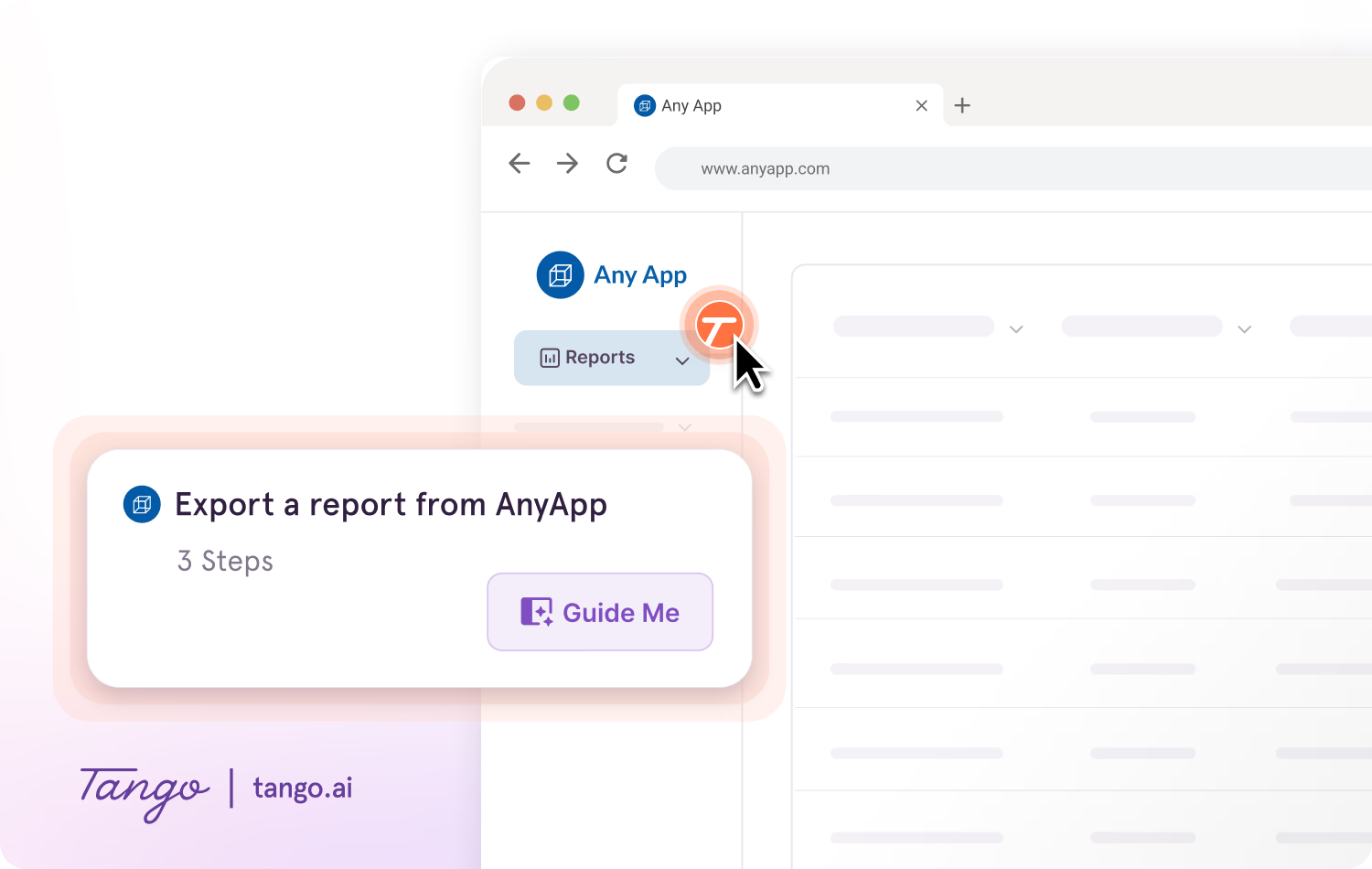
With Guide Me from Tango, documentation becomes instantly followable, right inside the tools where work happens.
- Give your team step-by-step guidance inside any tool without switching tabs.
- Guide Me shows users exactly where to click so they can follow processes across applications.
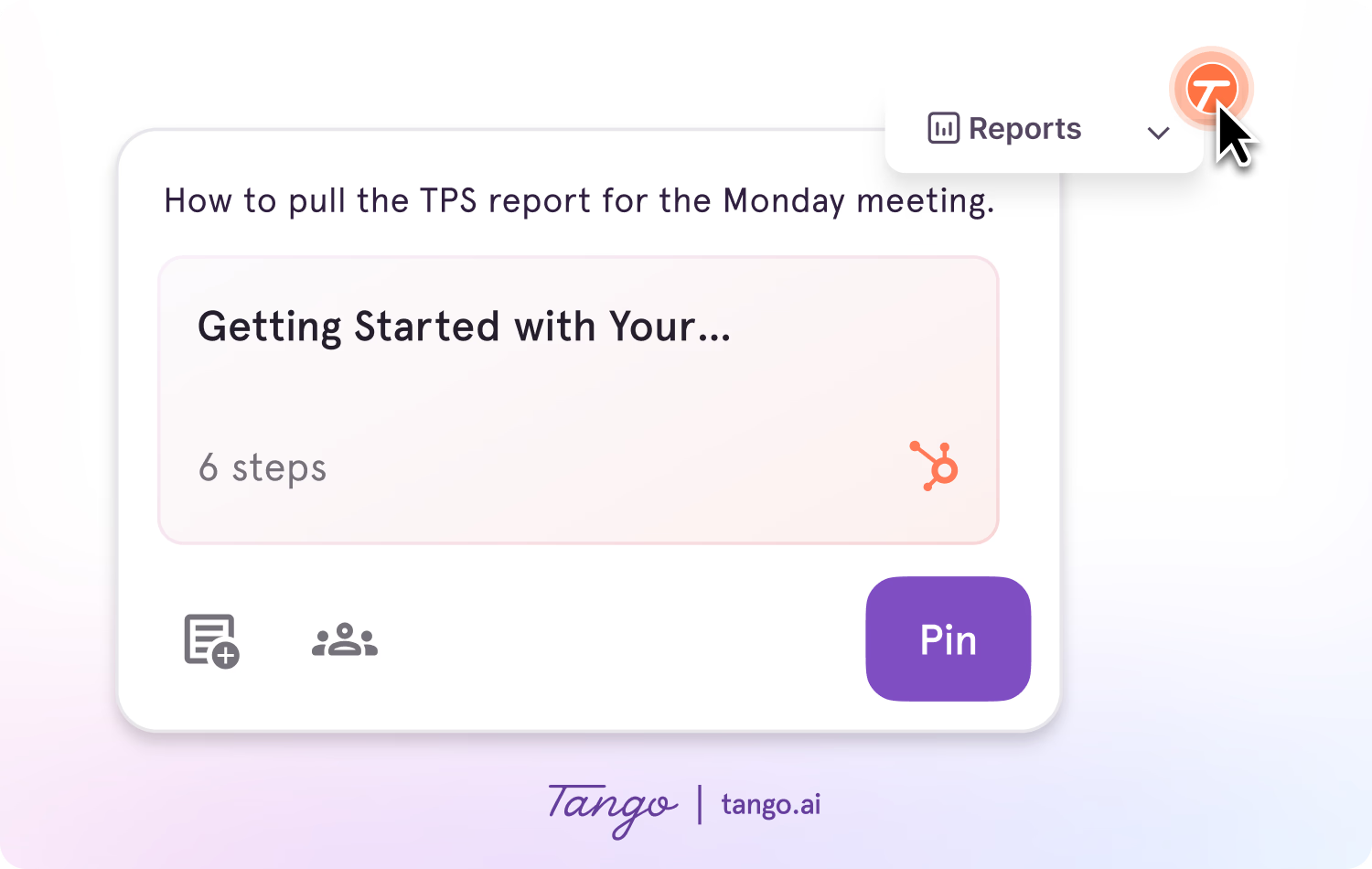
- Pin guides, tips, or links as Nuggets at any point in a process where employees may need help.
Ideal use case: Teams that use screen recordings to explain repeatable processes and want to turn that knowledge into step-by-step guides, how-to content, and in-app guidance.
2. Zight
G2 Rating: 4.6/5 (1,234 reviews)
Pricing: Free plan available; paid plans from $9.95/user/month
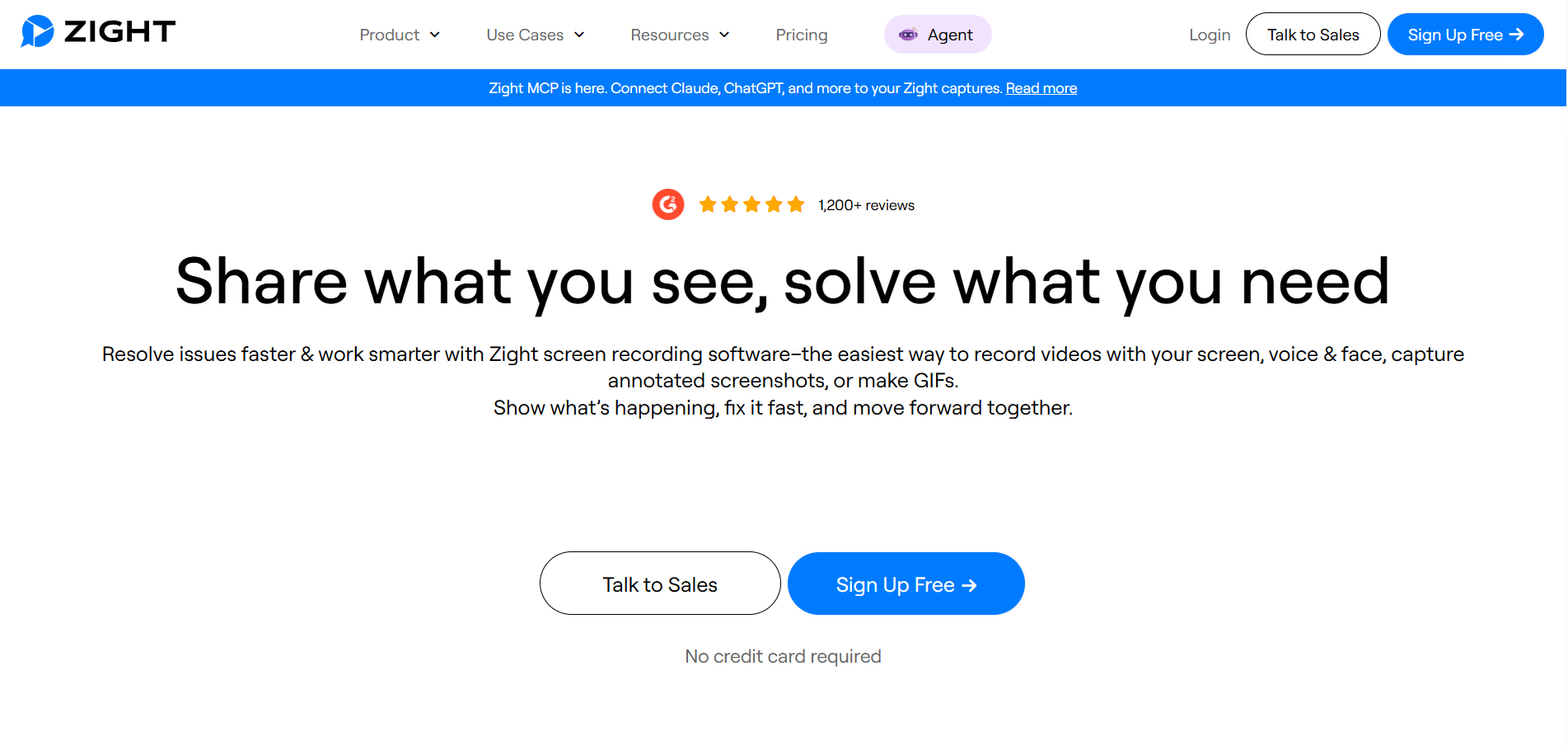
Zight, formerly CloudApp, combines screen recordings with screenshots, GIFs, and annotations. It gives teams more ways to communicate visually without turning every explanation into a full video.
Like Loom, Zight is built for fast async communication. But its broader capture options make it especially useful when a screenshot, GIF, or short recording can get the point across faster than a narrated walkthrough.
Key features:
- Screen and webcam recording
- Screenshot and GIF capture
- Built-in annotation and redaction tools
- AI-generated transcripts, captions, titles, and summaries
- Video request links for collecting recordings from others
- Shareable links and team workspaces
Ideal use case: Support, product, and engineering teams that need to quickly share visual explanations, feedback, or bug reports.
3. Descript
G2 Rating: 4.6/5 (918 reviews)
Pricing: Free plan available; paid plans from $16/user/month
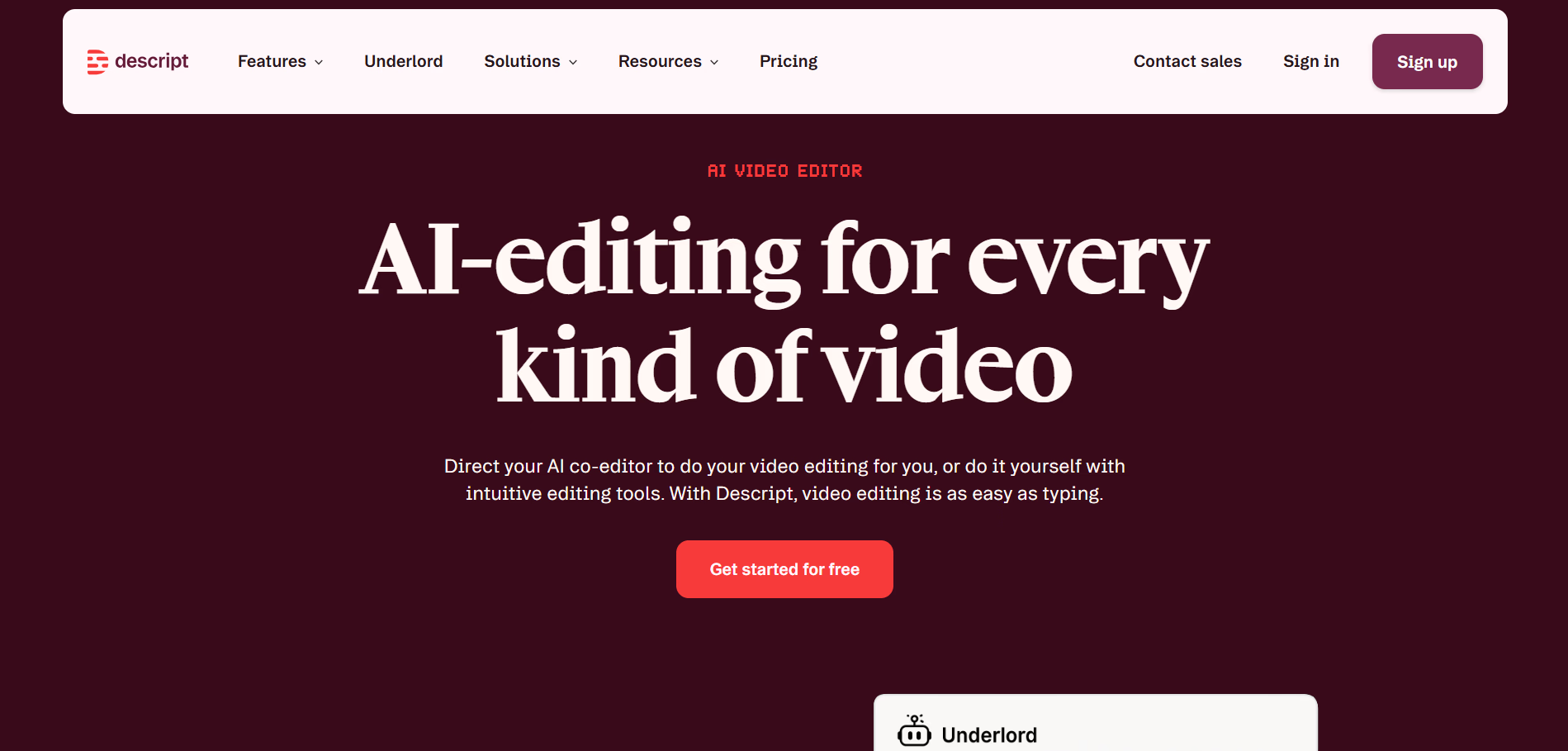
Descript combines screen recording with AI-powered video and audio editing. Its text-based editor lets you edit a recording by changing the transcript, giving teams more control over the finished video without relying entirely on a traditional video-editing workflow.
It's a strong Loom alternative when recording is only the first step and your team needs more control over editing and post-production.
Key features:
- Screen and webcam recording
- Text-based video and audio editing
- Automatic transcription and captions
- AI-assisted editing
- Studio Sound for improving recorded audio
- AI tools for removing filler words, creating clips, and regenerating speech
Ideal use case: Marketing, enablement, and content teams that need more editing and post-production control than Loom provides.
4. Vidyard
G2 Rating: 4.5/5 (833 reviews)
Pricing: Free plan available; paid plans from $59/user/month
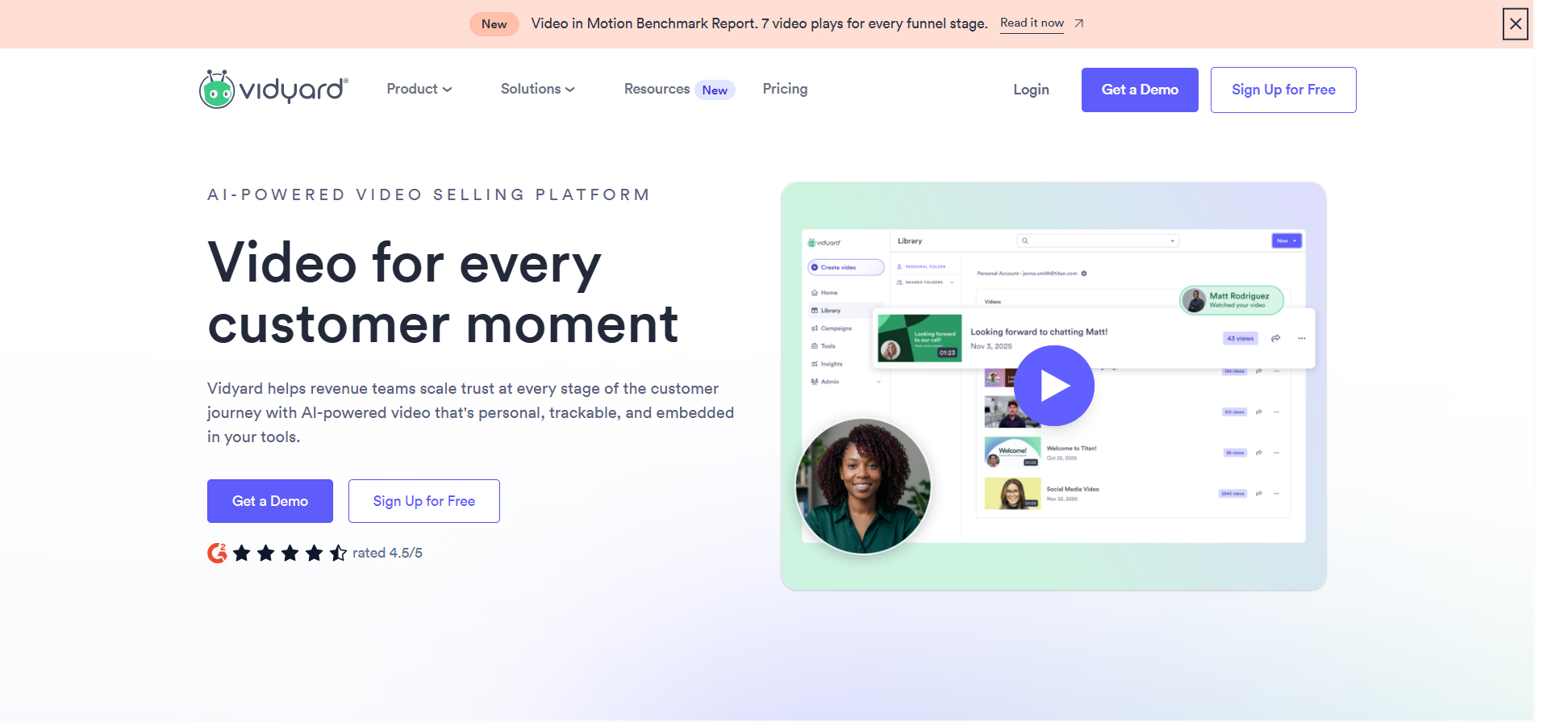
Vidyard is built for sales and revenue teams using video to prospect, follow up with buyers, and move deals forward.
It combines screen and webcam recording with sales-focused features like personalized AI video, viewer analytics, calls to action, and integrations with sales tools. That makes it a better fit than a general-purpose screen recorder when video is part of a larger prospecting or sales workflow.
Key features:
- Screen and webcam recording
- Personalized AI video and custom avatars
- Viewer and video engagement analytics
- Branded video sharing pages
- Calls to action
- Integrations with tools like Salesforce, HubSpot, Salesloft, and Marketo
Ideal use case: Sales and revenue teams using video for personalized prospecting, demos, and buyer follow-up.
5. Camtasia
G2 Rating: 4.6/5 (1,763 reviews)
Pricing: Free plan available; paid plans from $39/year
Camtasia combines screen recording with advanced video editing for teams creating polished tutorials, software demos, and training content.
Where Loom prioritizes speed, Camtasia gives creators more control over the finished video. You can add animations, callouts, cursor effects, transitions, and other visual elements that make instructional content easier to follow.
Key features:
- Screen, camera, and audio recording
- Advanced video editing
- Cursor effects and callouts
- Animations and transitions
- Templates and reusable assets
- AI-assisted video creation tools
Ideal use case: Instructional designers, trainers, and content creators producing polished tutorials that require more editing control.
6. Guidde
G2 Rating: 4.8/5 (96 reviews)
Pricing: Free plan available; paid plans from $19/user/month
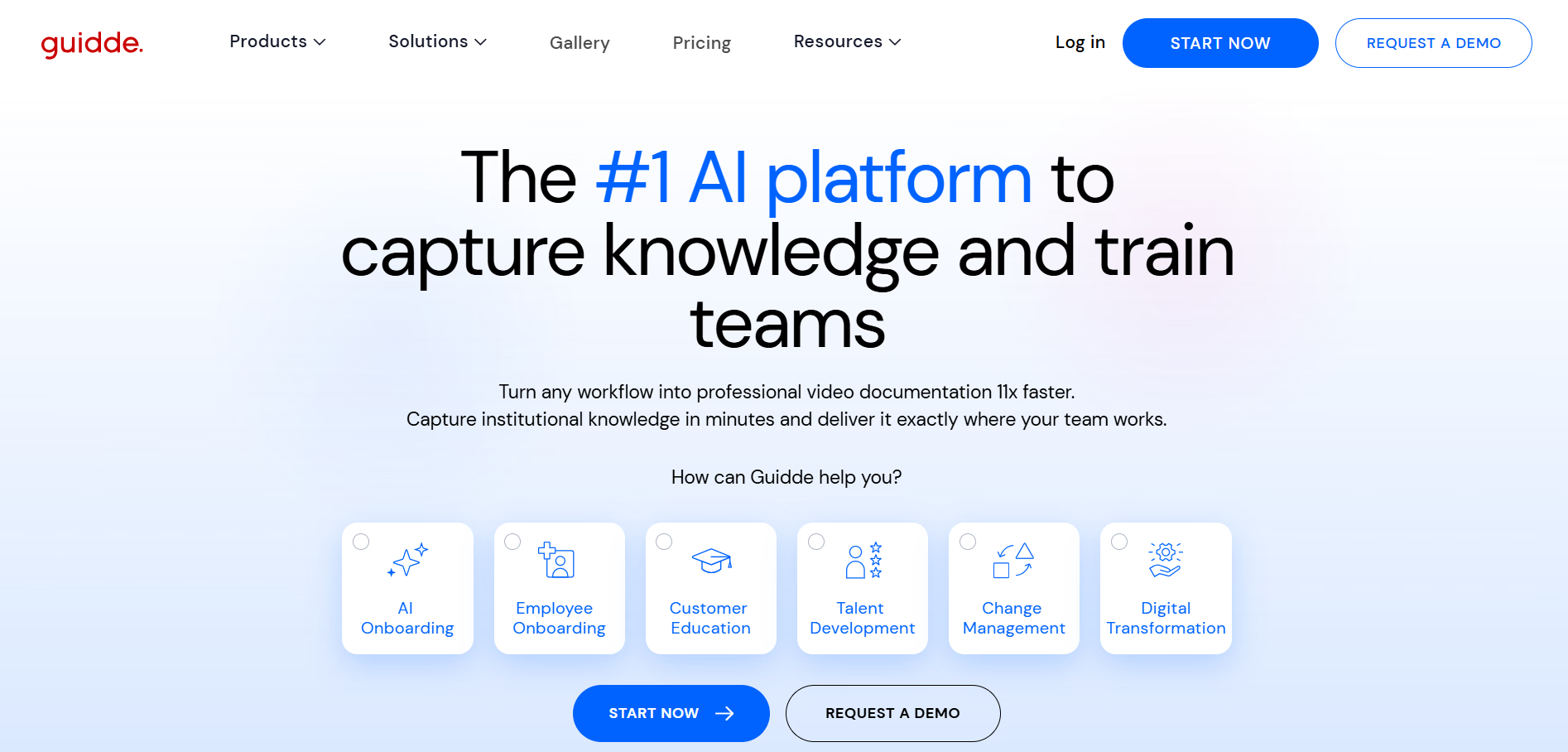
Guidde is a video documentation platform that turns captured workflows into narrated walkthroughs.
Instead of manually recording and editing every explanation, teams can capture a process and use AI-generated voiceovers, captions, and other tools to create instructional videos. Guidde is a strong Loom alternative for teams that want to stay video-first but automate more of the production process.
Key features:
- Workflow-based video capture
- AI-generated voiceovers
- Automatic captions
- AI audio generation in 50+ languages
- Brand customization
- Video, PDF, and PowerPoint exports on paid plans
- Analytics and engagement insights on higher-tier plans
Ideal use case: Support, enablement, and training teams that want to create narrated video walkthroughs without manually recording and editing every video.
7. ScreenPal
G2 Rating: 4.5/5 (138 reviews)
Pricing: Free plan available; paid plans from $4/month
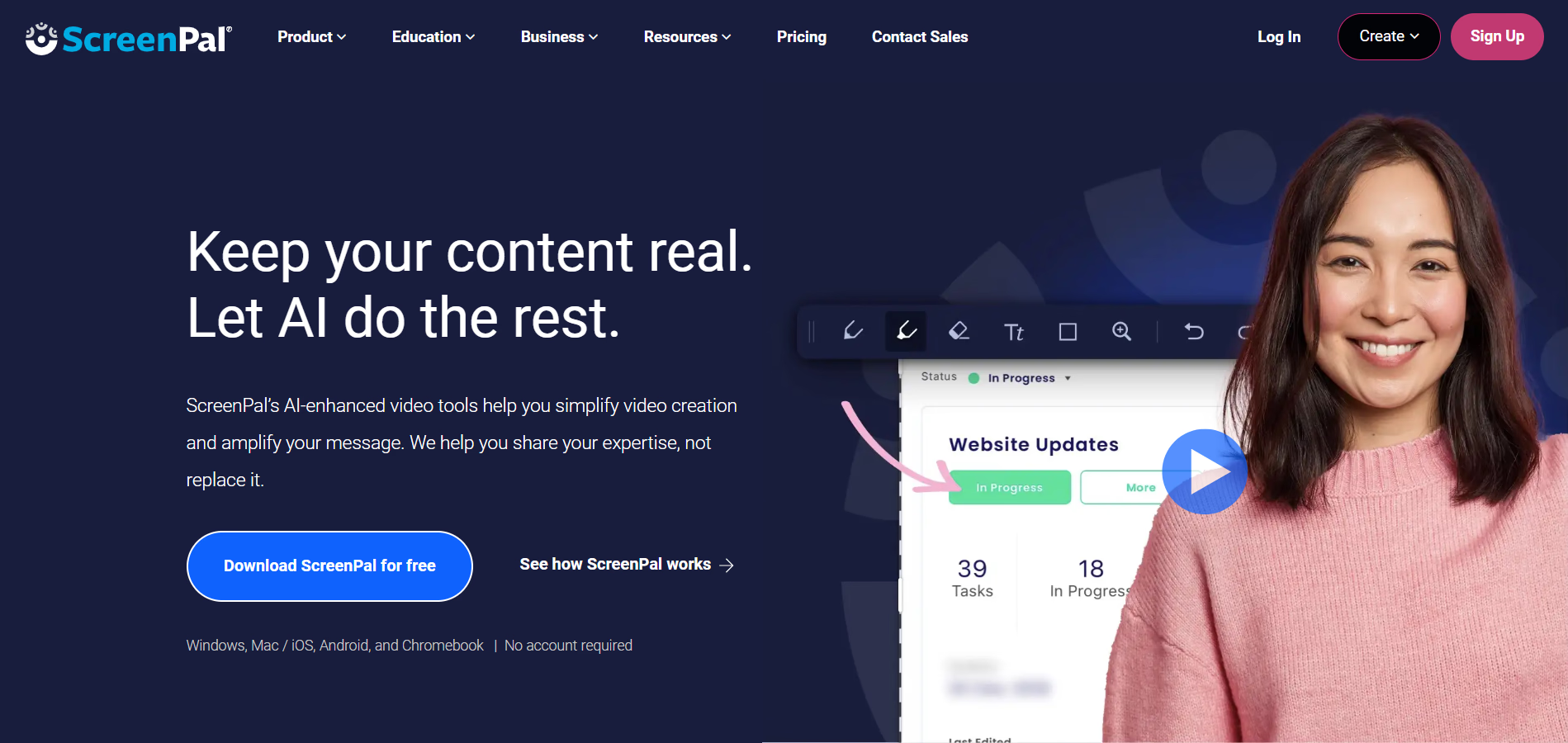
ScreenPal, formerly Screencast-O-Matic, combines screen recording, video editing, hosting, and interactive video tools at a relatively accessible price point.
It covers many of the same core use cases as Loom while offering additional editing and training features, making it a practical option for individuals and smaller teams that want more creation tools without paying for a larger video platform.
Key features:
- Screen and webcam recording
- Video editing
- Text-based editing
- AI-powered captions and text-to-speech
- Cloud hosting
- Interactive video features
- AI background removal and filler-word removal on select plans
Ideal use case: Individuals, educators, and smaller training teams looking for affordable screen recording, editing, and hosting in one platform.
8. Clipchamp
G2 Rating: 4.1/5 (52 reviews)
Pricing: Free plan available; premium features available through select Microsoft plans
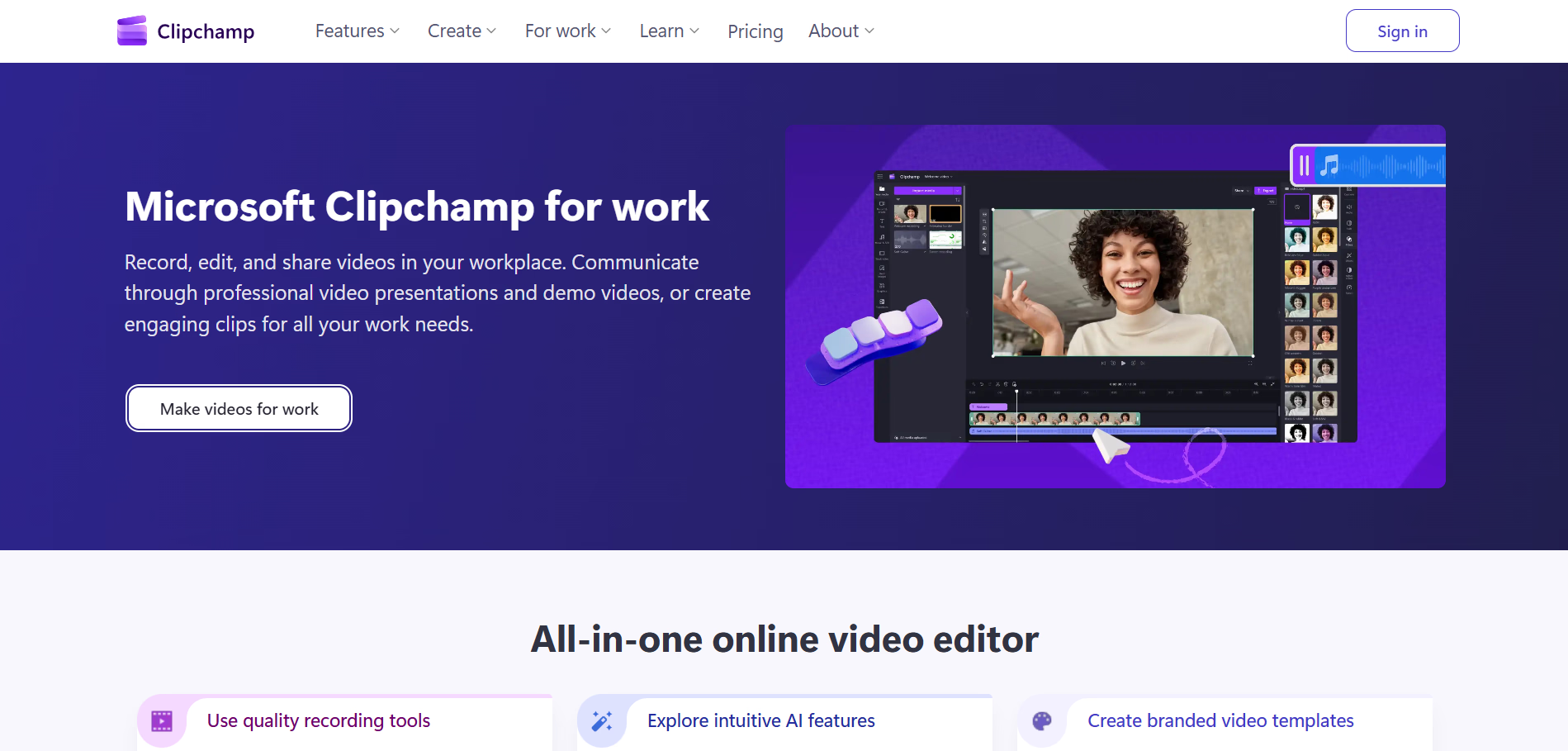
Microsoft Clipchamp is a browser-based video editor with built-in screen and webcam recording.
It's less focused on async workplace communication than Loom, but it gives teams a straightforward way to record, edit, and export videos within the Microsoft ecosystem. That makes it particularly useful for organizations already relying heavily on Microsoft tools.
Key features:
- Screen and webcam recording
- Browser-based video editing
- Automatic captions
- AI text-to-speech
- Templates and stock media
- Video effects and transitions
- Integration with the Microsoft ecosystem
Ideal use case: Teams already using Microsoft tools that need straightforward screen recording and editing without adding a specialized video platform.
How to choose the right Loom alternative
The best Loom alternative should solve what happens after you hit record. Consider how your team will create, edit, share, maintain, and use that content over time.
- Process documentation: If video walkthroughs are difficult to search, update, or maintain, look for a tool that turns captured workflows into step-by-step documentation.
- Video recording and editing: If you still want video but need more production control, prioritize editing tools, annotations, captions, and recording quality.
- Sales communication: For prospecting and customer outreach, look for personalization, viewer analytics, calls to action, and integrations with your sales tools.
- Training and knowledge sharing: If you're creating repeatable training resources, consider how easily employees can find, follow, and revisit the content they need.
- Ease of maintenance: Think beyond creating the first recording. Consider how quickly your team can update content when a process or interface changes.
- Sharing and integrations: Check whether the tool works with the apps your team already uses and supports the formats and sharing options you need.
- Pricing and scalability: Compare what each plan includes, along with user limits, storage, recording limits, and features that become paid as your team grows.
If your main challenge with Loom is documenting repeatable processes, prioritize tools built for workflow capture and ongoing documentation. If video itself is still the right format, focus instead on the recording, editing, or personalization capabilities Loom is missing for your use case.
The bottom line
Loom is a strong choice for quick screen recordings and async video communication. But the best Loom alternative depends on what your team needs to do beyond recording.
If you're creating polished videos, personalized sales outreach, or training content, tools built for those use cases may offer more specialized capabilities. If you're using Loom to document processes, consider how easily employees can find, follow, and use that information when they need it.
Tango lets you capture a workflow once and turn it into step-by-step documentation, a video embed, or in-app guidance employees can follow as they work. That way, process knowledge doesn't just get recorded. It gets put to use.
Frequently asked questions
What is the best alternative to Loom?
Tango is a strong Loom alternative for teams that need process documentation, how-to content, and in-app guidance. For other use cases, Descript and Camtasia offer more advanced video editing, Vidyard focuses on sales video, and Zight supports visual communication through recordings, screenshots, and GIFs.
Is there a free alternative to Loom?
Yes. Tango, Zight, Descript, Vidyard, Camtasia, Guidde, ScreenPal, and Clipchamp offer free alternatives to Loom.
What is the best Loom alternative for process documentation?
Tango is a strong Loom alternative for teams that need to document repeatable processes. Instead of relying only on a video recording, Tango captures a workflow as you complete it and turns it into step-by-step documentation. Workflows can also be shared as video embeds or followed with in-app guidance.
What is the difference between Tango and Loom?
Tango focuses on capturing, documenting, and guiding repeatable processes, while Loom primarily focuses on asynchronous video communication. Loom records your screen, camera, and voice as a video. Tango captures the steps of a workflow and turns them into documentation that can be shared as a guide or video embed, or followed with in-app guidance.



Next time someone asks, “how do I…?” Send a Tango.
Start capturing your first workflow today.

