CRM implementation: 8 steps for a successful rollout

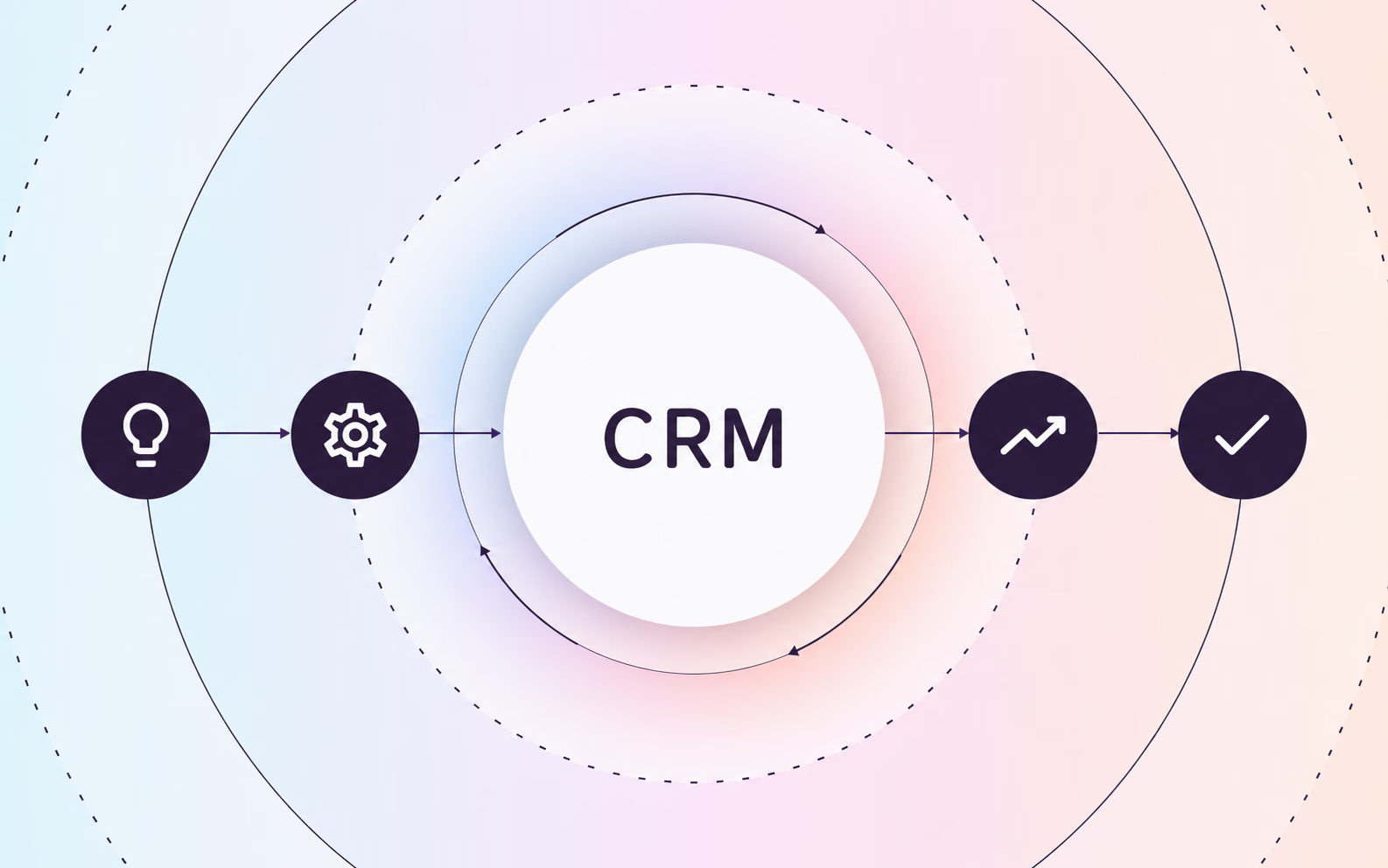
Choosing a CRM is only the beginning. A successful CRM implementation requires careful planning, clean data, well-defined processes, and a strategy for helping employees adopt the new system.
From configuring the platform and migrating customer data to training employees and supporting adoption after go-live, each stage of implementation affects how effectively your organization can use its CRM.
In this guide, we'll walk through how to plan and implement a CRM, common challenges to avoid, and how to measure success after launch.
What is CRM?
First things first: what exactly is a CRM? Customer relationship management (CRM) is a system for managing a company’s interactions with current and potential customers. CRM software centralizes customer information and helps teams manage sales, marketing, customer service, and other customer-facing processes.
What is CRM implementation?
CRM implementation is the process of setting up and rolling out a CRM system across an organization. It typically includes defining business requirements, configuring the CRM, migrating customer data, integrating other systems, testing workflows, training employees, and supporting users through go-live.
But implementation isn't just about getting the technology up and running. The goal is to make sure the CRM supports how teams actually work, with clear processes employees can follow consistently in their day-to-day work.
The 8 steps of CRM implementation
While every CRM rollout is different, these are the core steps for implementing a CRM successfully:
1. Define your goals, requirements, and processes
Start by defining what you want the CRM to improve, such as lead management, pipeline visibility, customer data, or handoffs between teams. Map how these processes work today, identify gaps or inconsistencies, and use those findings to define the workflows, data, reporting, integrations, and functionality your CRM needs to support.
If you plan to use AI capabilities, decide which use cases are part of the initial rollout and which can be phased in later. Consider data readiness, permissions, testing, and governance requirements early so they can be accounted for in your implementation scope.
2. Build your CRM implementation team and plan
Identify the people who will sponsor, manage, configure, and use the CRM. Then define your scope, timeline, resources, milestones, and responsibilities so everyone understands what needs to happen and who owns it.
Depending on the size and complexity of your implementation, your team may include:
3. Configure the CRM and set up integrations
Configure the CRM around the requirements and processes you’ve defined. This may include setting up fields, pipelines, permissions, workflows, automations, dashboards, and reports.
Then connect the CRM with the other systems your teams rely on, such as marketing automation, customer support, communication, or analytics tools. Prioritize the configurations and integrations needed for your core processes before adding unnecessary complexity.
4. Clean and migrate your data
Before migrating data into your new CRM, review what you already have. Remove duplicate or outdated records, correct inconsistent information, and decide which data actually needs to move to the new system.
Then map your existing data to the appropriate CRM fields and test the migration before moving everything over. Once the migration is complete, validate the data to make sure records are accurate, complete, and accessible to the right users.
5. Test the CRM with real workflows
Before go-live, test the CRM using the actual workflows employees will perform day to day. Have end users complete common processes, such as creating and updating records, moving opportunities through pipeline stages, or handing customers off between teams.
Test permissions, automations, integrations, and migrated data along the way. Involving end users helps uncover confusing steps, process gaps, or technical issues before the CRM is rolled out more broadly.
6. Train employees and document CRM processes
Train employees on both how to use the CRM and how your organization expects them to use it. Focus training on the workflows each role will actually perform, rather than trying to teach every feature in the system.
Document common CRM processes so employees have clear, step-by-step guidance they can reference after training. Keep that documentation easy to access and update it as workflows, requirements, or the CRM itself change.
7. Go live and support adoption
Once testing and training are complete, roll out the CRM and make sure employees know where to get help. Monitor recurring questions, workflow issues, and areas where employees struggle as they begin using the system in their day-to-day work.
Go-live isn't the end of implementation. Continue reinforcing key processes, addressing gaps, and updating training and documentation as teams become more familiar with the CRM.
8. Measure and optimize
After go-live, measure CRM performance against the goals you established at the beginning of the implementation. Track metrics that reflect those goals, such as user adoption, data quality, process completion, sales performance, or customer outcomes.
Don't rely on logins or feature usage alone to determine whether the rollout is working. Measuring process adoption helps you understand whether employees are actually completing important CRM workflows correctly. Process analytics can identify where employees are getting stuck or dropping off, giving you more insight into where workflows or guidance need improvement. Use those insights, along with employee feedback, to continue improving the CRM and its processes over time.
Looking for platform-specific guidance? See our guides to Salesforce implementation, HubSpot implementation, and Microsoft Dynamics implementation.
Common CRM implementation challenges
Even with a solid implementation plan, CRM rollouts can run into problems that delay launch, increase complexity, or make the system harder to adopt.
The most common challenges include:
- Scope creep: Adding new requirements, teams, features, or use cases during implementation can expand the project beyond its original timeline and resources.
- Over-customization: Excessive fields, workflows, automations, and custom configurations can make the CRM harder to test, maintain, and update.
- Complex integrations: Connections between the CRM and other business systems can introduce data, compatibility, and testing issues that weren't apparent during initial planning.
- Resistance to change: Employees may fall back on familiar tools or processes if they don't understand why workflows are changing or how the new CRM fits into their work.
- Unclear ownership after go-live: Without clear responsibility for CRM administration, data quality, documentation, and process changes, problems can accumulate after the initial rollout.
How Tango supports CRM implementation
Implementing a CRM means introducing new sales and customer processes, not just new software. Teams need a way to document those processes, guide employees through them, and keep guidance up to date as workflows evolve.
Tango helps teams capture CRM processes and turn them into step-by-step documentation employees can reference throughout implementation and after go-live. With Guide Me and Pins, teams can also deliver guidance directly inside the CRM, helping employees follow new processes without leaving their workflow.
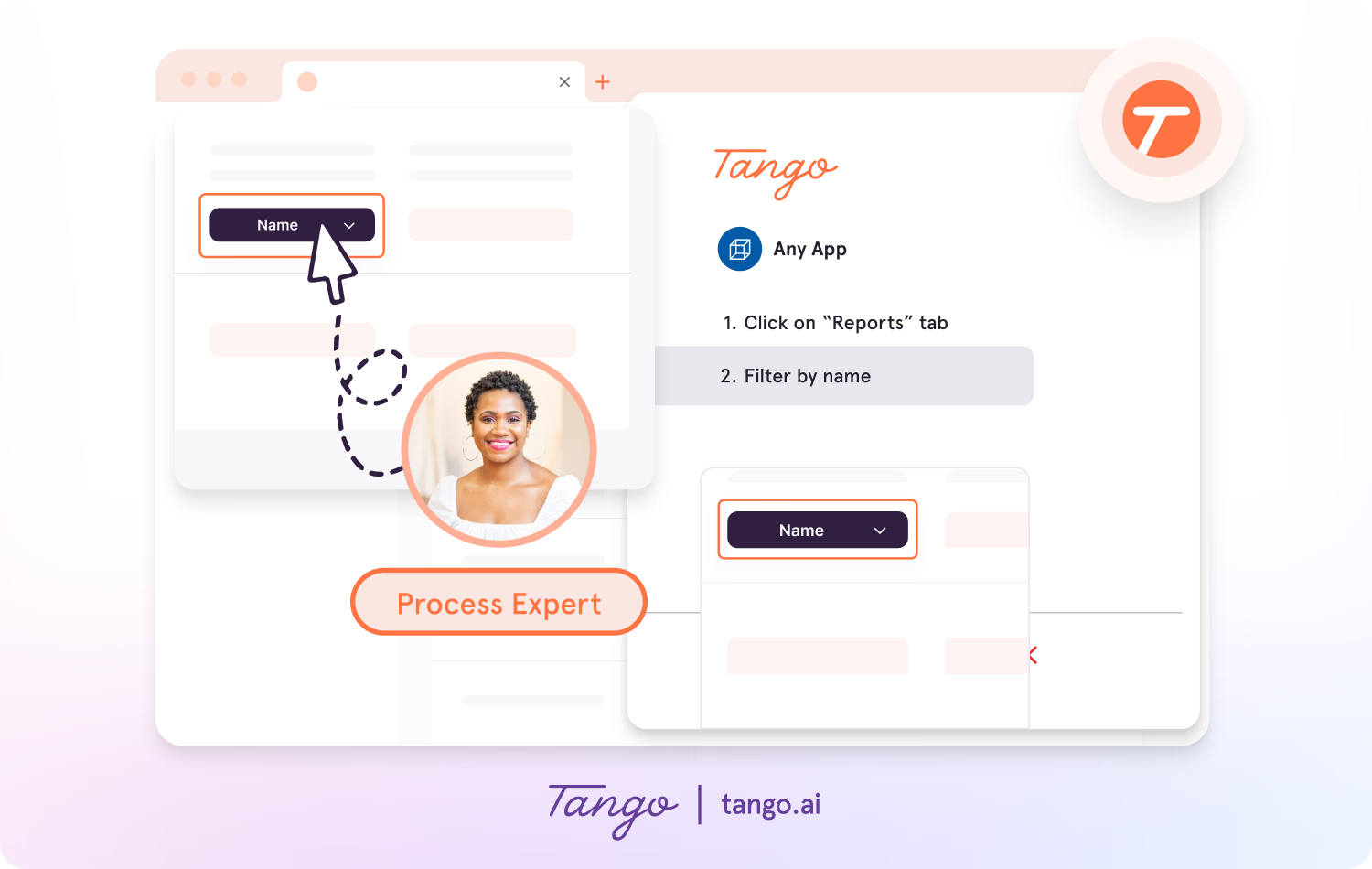
Teams can use Tango to:
- Document CRM workflows: Automatically capture processes and turn them into step-by-step guides with screenshots and instructions.
- Guide employees through new processes: Use Guide Me to provide interactive, step-by-step guidance as employees complete CRM workflows.
- Surface help in the CRM: Use Pins to place relevant guides, tips, and resources where employees need them.
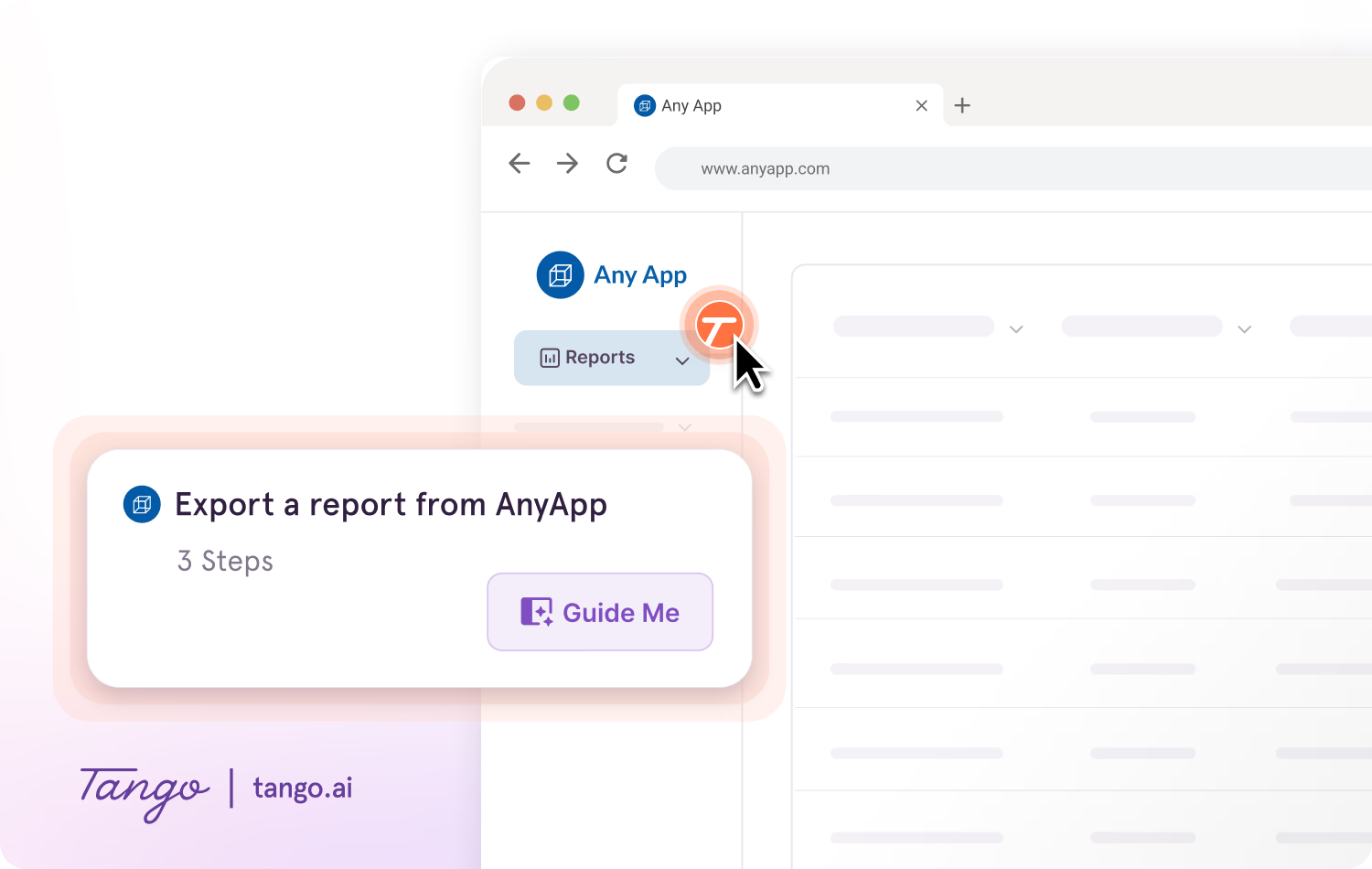
Tango supports process documentation and adoption across CRM platforms including Salesforce, HubSpot, and Microsoft Dynamics.
As CRM processes change, teams can update their guidance so documentation stays aligned with how work is actually done.
CRM implementation FAQs
How long does CRM implementation take?
CRM implementation can take anywhere from a few weeks to several months. The timeline depends on factors such as the size of the organization, the amount of data being migrated, the complexity of integrations and customizations, the number of teams involved, and the time required for testing and training.
How much does CRM implementation cost?
CRM implementation costs vary based on the CRM platform, number of users, implementation complexity, and resources required for the rollout. In addition to software licensing, costs may include implementation services, data migration, integrations, customization, testing, employee training, process documentation, and ongoing support.
Should I hire a CRM implementation partner?
You don't always need a CRM implementation partner. Organizations with straightforward requirements and sufficient internal CRM, IT, and project management expertise may be able to manage the rollout internally. For more complex implementations, a CRM implementation partner can help configure the platform around your business processes, migrate data, set up integrations, train employees, and manage the transition through go-live. A partner may be especially useful when your team has limited internal expertise or your implementation involves extensive customization, large data migrations, or multiple systems.
How can you improve CRM user adoption after implementation?
You can improve CRM user adoption by giving employees clear processes, role-specific training, and ongoing guidance after go-live. Document common CRM workflows, make instructions easy to access while employees work, and monitor where users struggle or abandon processes. Tango supports CRM adoption by turning workflows into step-by-step documentation and delivering guidance directly inside the CRM with Guide Me and Pins, so employees can get help while completing the process.




Next time someone asks, “how do I…?” Send a Tango.
Start capturing your first workflow today.

