

Every team has that one person who knows how everything works. When they're on vacation, or worse, when they leave, everyone else scrambles to figure out how work gets done.
That's what process documentation is meant to solve. But keeping documentation accurate and up to date is easier said than done. Processes change, documentation becomes outdated, and critical knowledge ends up scattered across documents, wikis, and people's inboxes.
Modern process documentation software helps teams capture and standardize business processes more efficiently. We compared the eight best process documentation software tools based on documentation capabilities, ease of maintenance, collaboration, integrations, pricing, and ideal use case to help you find the right fit for your team.
What is process documentation software?
Process documentation software is designed to capture, organize, and maintain the knowledge behind how work gets done. Whether you're documenting employee workflows, standard operating procedures, or cross-functional business processes, these tools create a centralized source of truth that's easier to update and share than static documents.
There are three main types:
- Auto-capture tools: Record clicks and screens as you work, then generate step-by-step guides automatically.
- Manual documentation tools: Require you to write and structure processes yourself.
- Hybrid platforms: Combine workflow capture with wiki-style editing and knowledge management.
Most teams underestimate how quickly documentation becomes outdated. The easier it is to capture and update workflows, the more likely teams are to keep documentation accurate over time.
What features should you look for in process documentation software?
- Does it capture automatically or require manual work? Auto-capture tools save time and produce more accurate documentation.
- Does it work inside the tools your team already uses? Documentation that lives where work happens gets used. Documentation that lives somewhere else doesn't.
- How easy is it to update? Processes change. If updating takes effort, documentation goes stale.
- Does it scale beyond a single SOP? Some tools are great for one-off guides but struggle when you need a system.
- What does the output actually look like? Step-by-step structured guides are more usable than unformatted notes.
- Can it handle processes that aren't linear? Some workflows change based on a user's role, response, or situation. If your process can follow different paths, look for software that supports branching and conditional steps within the same workflow.
At a glance: The best process documentation software
8 Best process documentation software
1. Tango
G2 rating: 4.7/5 (515 reviews)
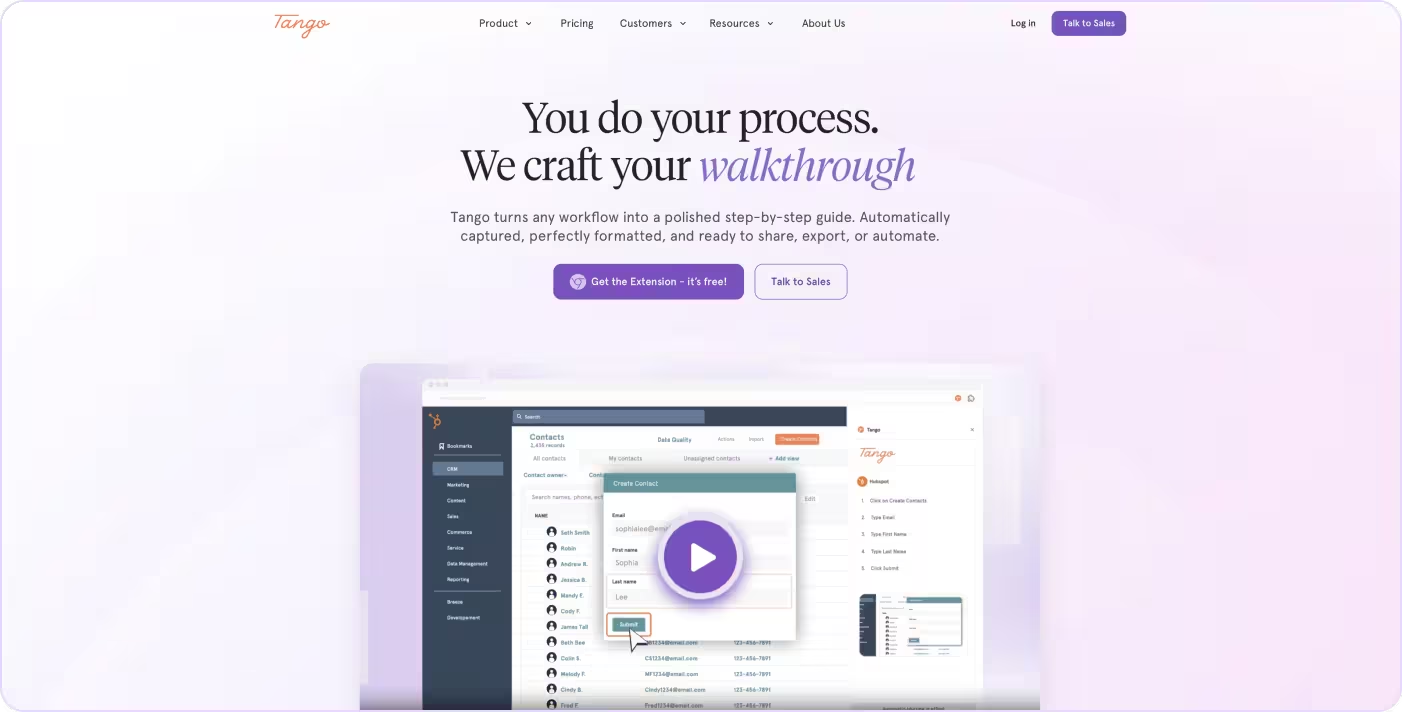
Most process documentation tools require teams to manually write, organize, and maintain workflows themselves. Tango removes that friction by automatically capturing processes as work happens and turning them into step-by-step guides employees can actually follow.
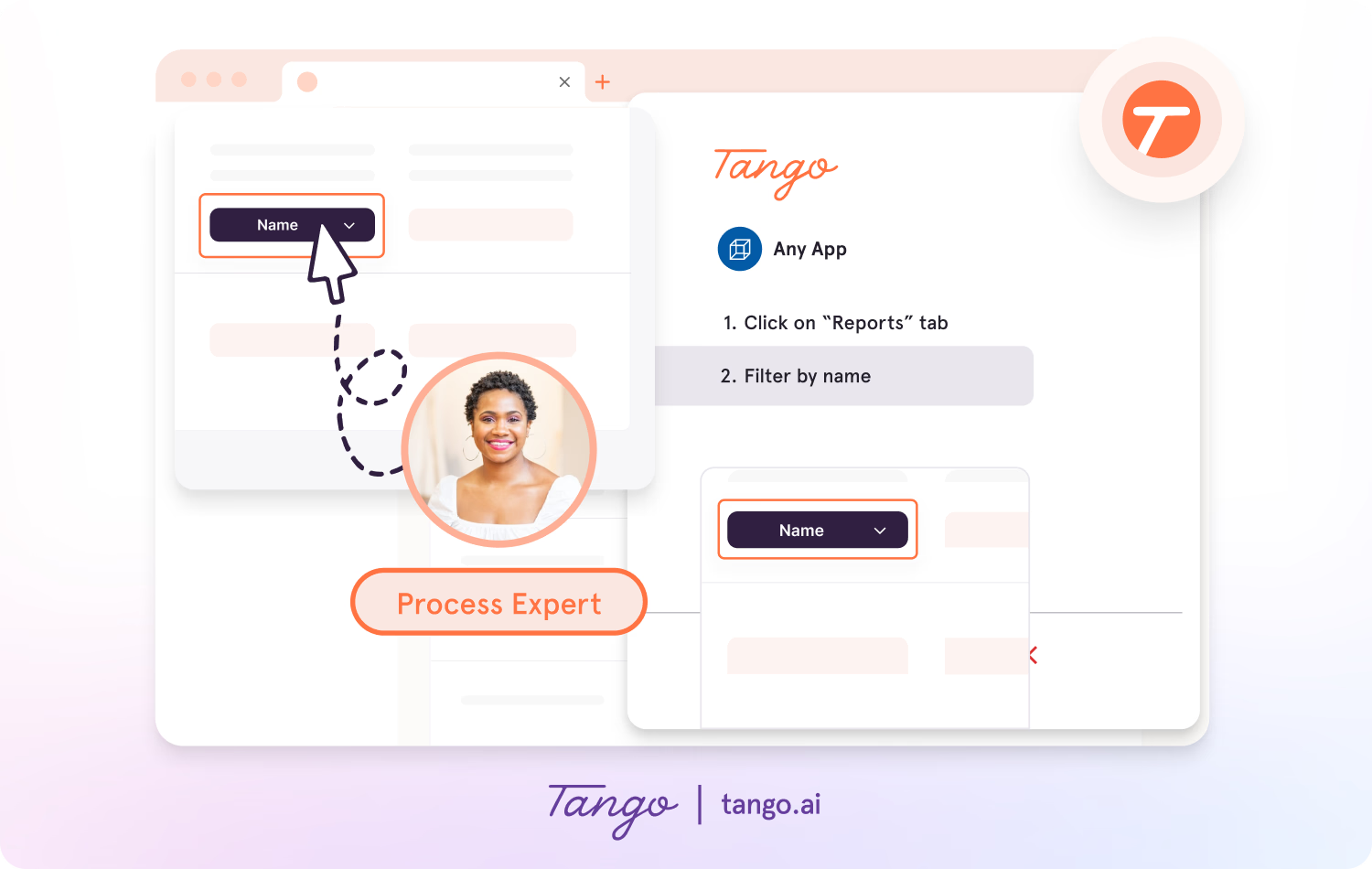
Instead of relying on static SOPs, disconnected knowledge bases, or videos that become outdated over time, Tango creates structured workflow documentation with screenshots, annotations, and in-app guidance directly inside the tools teams already use.
Key features:
- Automatic workflow capture → click through a process once to generate a step-by-step guide
- Workflow Branching → capture conditional paths in a single workflow so people can follow the steps that apply to their specific situation.
- Structured, annotated output → immediately usable for onboarding, SOPs, and training
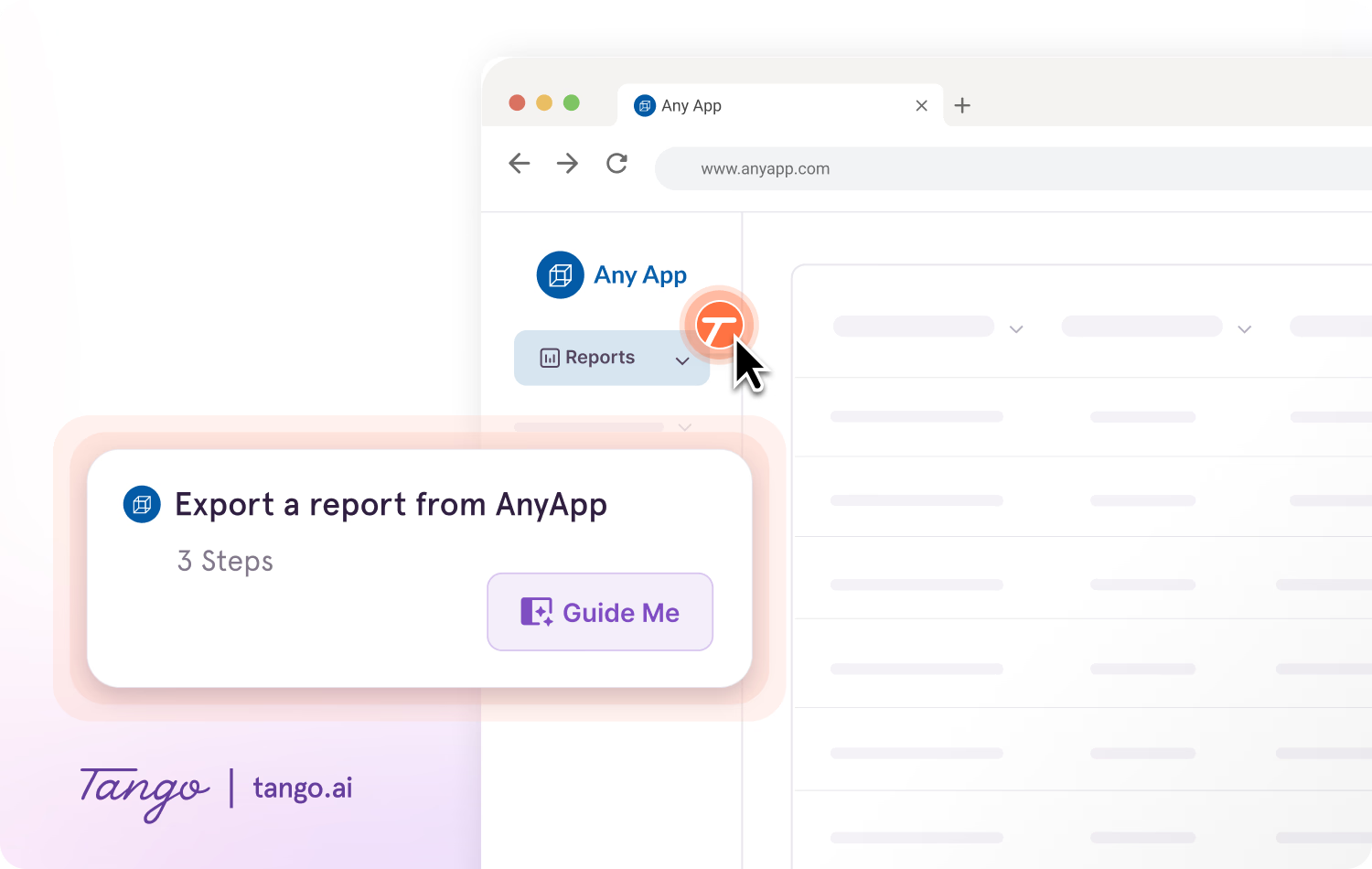
- In-app workflow guidance → helps employees follow processes without leaving their workflow
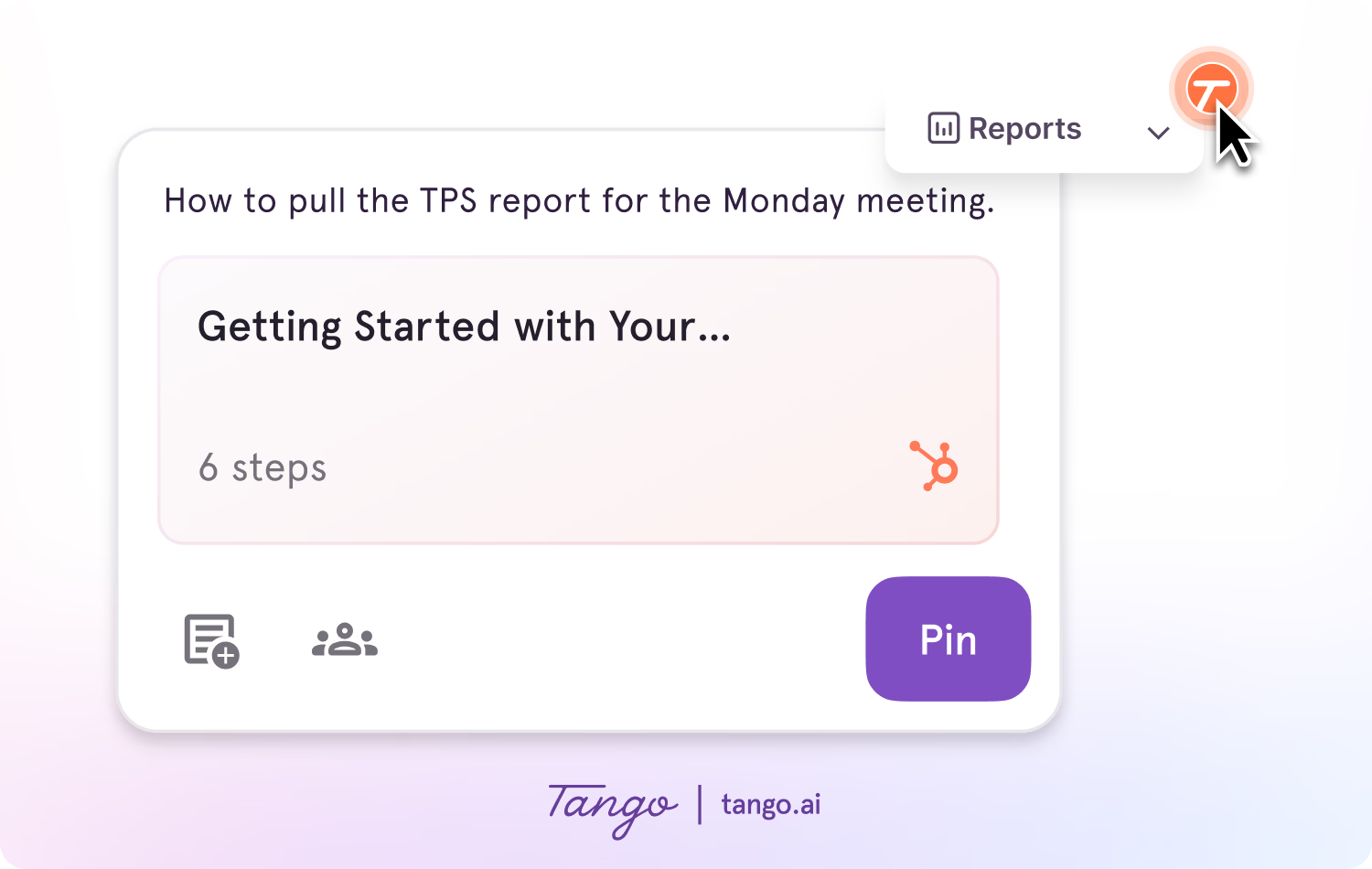
- Shareable guides → distribute documentation via links, embeds, or knowledge bases
- Easy updates → edit and maintain workflows as processes evolve
Ideal use case: Teams standardizing workflows across a growing headcount, where documentation needs to reflect how work actually happens in the tools people use every day.
2. Process Street
G2 rating: 4.6/5 (563 reviews)
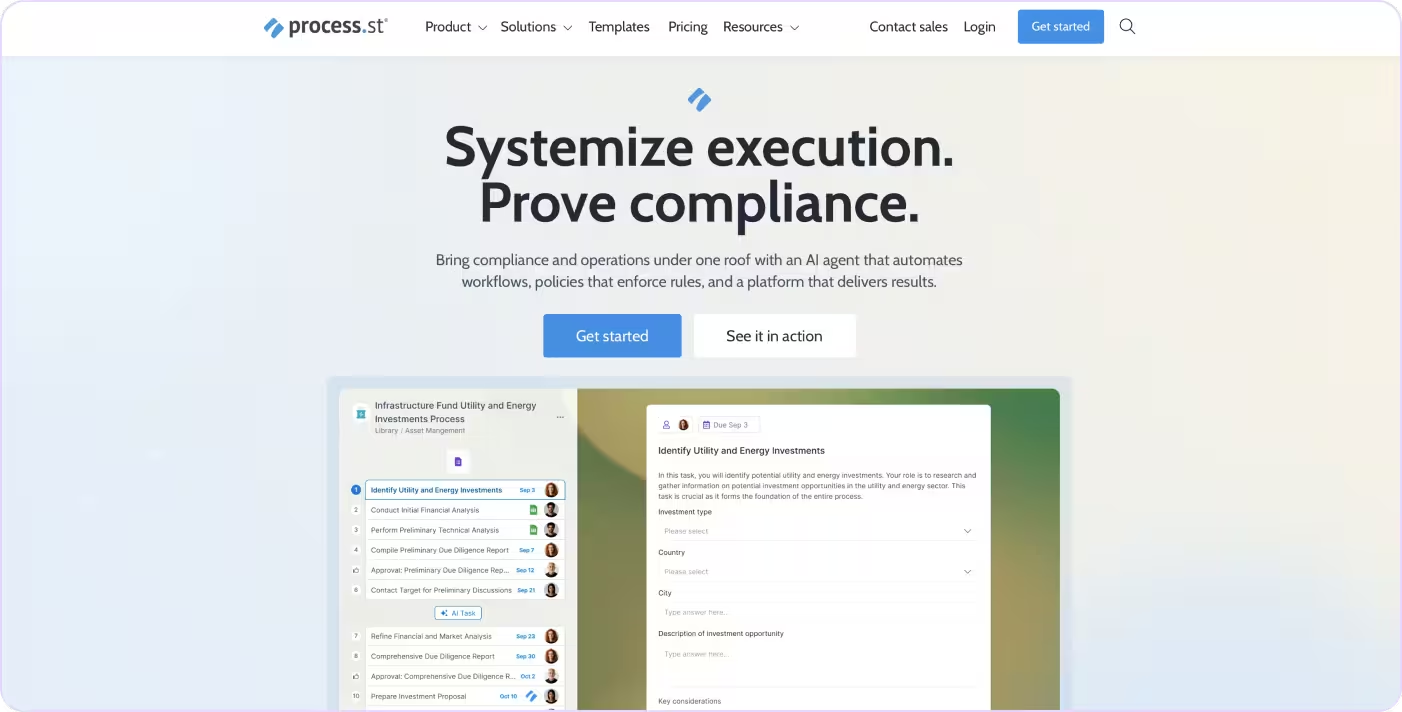
Process Street turns SOPs into interactive, trackable checklists with conditional branching, assignments, due dates, and approvals. It works well for recurring processes like onboarding, compliance reviews, and audits, but is more rigid than most teams need for exploratory or unstructured workflows.
Key features:
- Conditional logic → shows or hides steps based on earlier answers
- Workflow runs → each instance of a process is tracked independently
- Approval gates → requires sign-off before a checklist can progress
- Zapier and API integrations → connects process completion to downstream tools
Ideal use case: Teams running the same multi-step process repeatedly, like employee offboarding, compliance reviews, or client onboarding, where nothing can be missed and managers need visibility into where each instance stands.
See how Tango compares to Process Street→
3. Trainual
G2 rating: 4.7/5 (1,041 reviews)
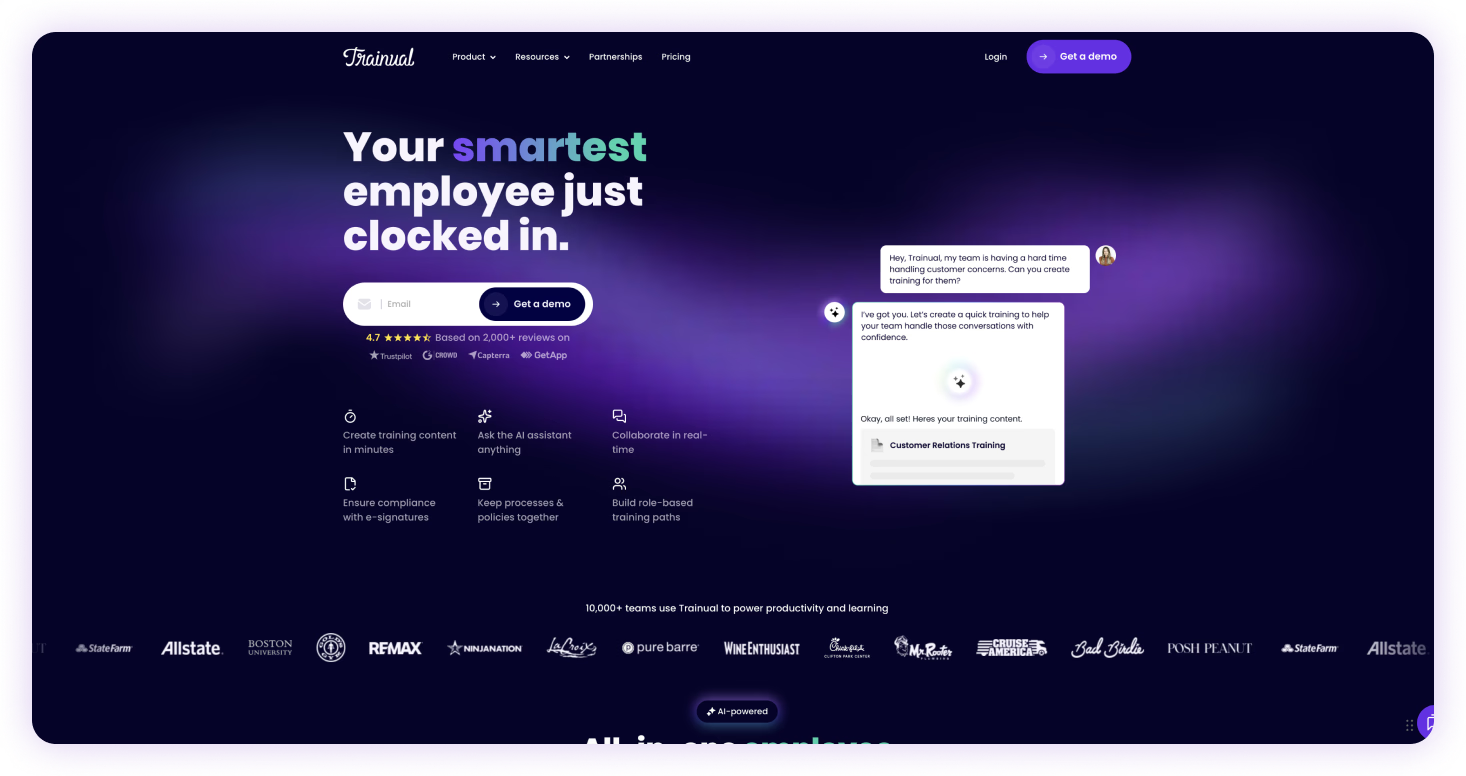
Trainual organizes operational knowledge into role-based playbooks and tracks whether employees have read and acknowledged them, adding accountability that generic documentation tools don't provide.
Key features:
- Role-based playbooks → organizes SOPs and training by role and department
- Progress tracking → shows who has completed what and when
- Test and assessment tools → verifies comprehension, not just completion
- Template library → pre-built structures for common business processes
Ideal use case: Growing companies trying to scale onboarding without losing consistency, where new hires need a single place to learn how the company operates and managers need visibility into whether they actually did.
See how Tango compares to Trainual →
4. Document360
G2 rating: 4.7/5 (525 reviews)

Document360 is built for managing knowledge bases at scale, with versioning, publishing workflows, analytics, and access controls. Teams typically write processes elsewhere and publish into Document360. It's a destination, not a creation tool.
Key features:
- Version history → tracks changes and allows rollbacks to previous documentation states
- Category manager → organizes documentation into structured hierarchies
- Analytics → tracks article views, search queries, and gaps in coverage
- Custom domain and branding → delivers a branded knowledge portal to customers or employees
Ideal use case: Teams that need a self-serve help center or internal knowledge base with structured articles, version control, and visibility into what people search for but can't find.
See how Tango compares to Document360 →
5. Notion
G2 rating: 4.6/5 (12,143 reviews)
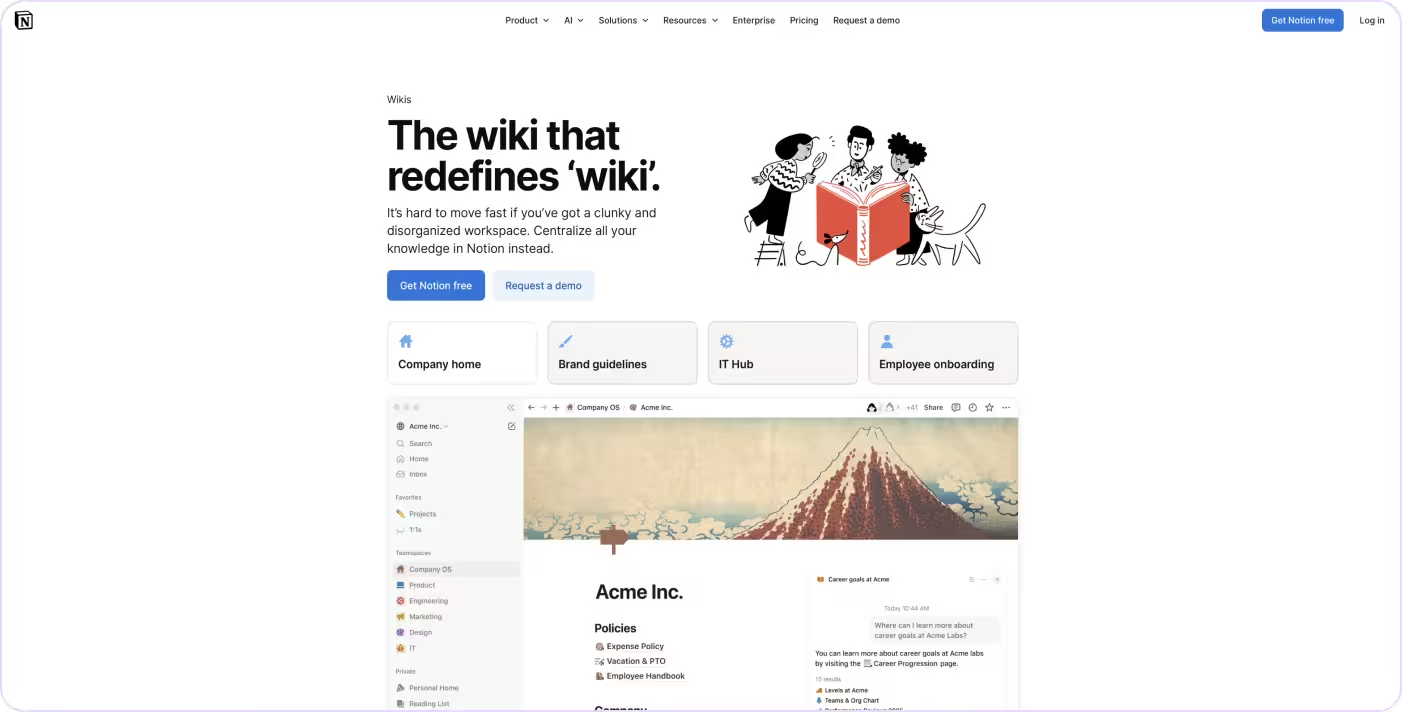
Notion is a flexible workspace for documents, wikis, databases, and project tracking in one place. It's fast to set up and works well for teams that want a single place to organize knowledge alongside their other work.
Key features:
- Linked databases → connects documentation to projects, tasks, and records
- Page nesting and wikis → organizes content into hierarchical knowledge bases
- Templates → standardizes how documentation is created across teams
- Integrations → connects with Slack, GitHub, Jira, and other tools
Ideal use case: Teams building a first internal wiki and combining project documentation, team processes, and company knowledge in one place. Works best early on, before documentation volume and workflow complexity outgrow the flexibility.
See how Tango compares to Notion →
6. Confluence
G2 rating: 4.1/5 (4,363 reviews)

Confluence is Atlassian's team wiki, deeply integrated with Jira so pages link directly to tickets, sprints, and project boards. It's best used as a knowledge repository for teams already in the Atlassian ecosystem.
Key features:
- Jira integration → links documentation directly to issues, sprints, and projects
- Team spaces → organizes content by team or department
- Page templates → standardizes common document types
- Macros → embeds dynamic content like roadmaps, reports, and calendars
Ideal use case: Engineering and product teams that need runbooks, architecture decisions, and on-call procedures to live alongside the Jira projects they're already managing. The integration is the product.
See how Tango compares to Confluence →
7. Guidde
G2 rating: 4.8/5 (82 reviews)

Guidde records your screen and generates a narrated video walkthrough with voiceover, captions, and step-by-step callouts. It's well suited for customer-facing content and product demos, less so for internal workflows that change often, since updating video takes more effort than editing text.
Key features:
- AI-generated voiceover → narrates steps automatically without recording audio
- Multi-language support → generates documentation in multiple languages
- Branded templates → consistent visual output across guides
- Embeddable player → works inside knowledge bases and portals
Ideal use case: Teams building a library of video walkthroughs for customer onboarding or a self-serve help center, where showing the process is clearer than writing it out.
See how Tango compares to Guidde →
8. Haiku by WalkMe
G2 rating: N/A (no reviews yet)
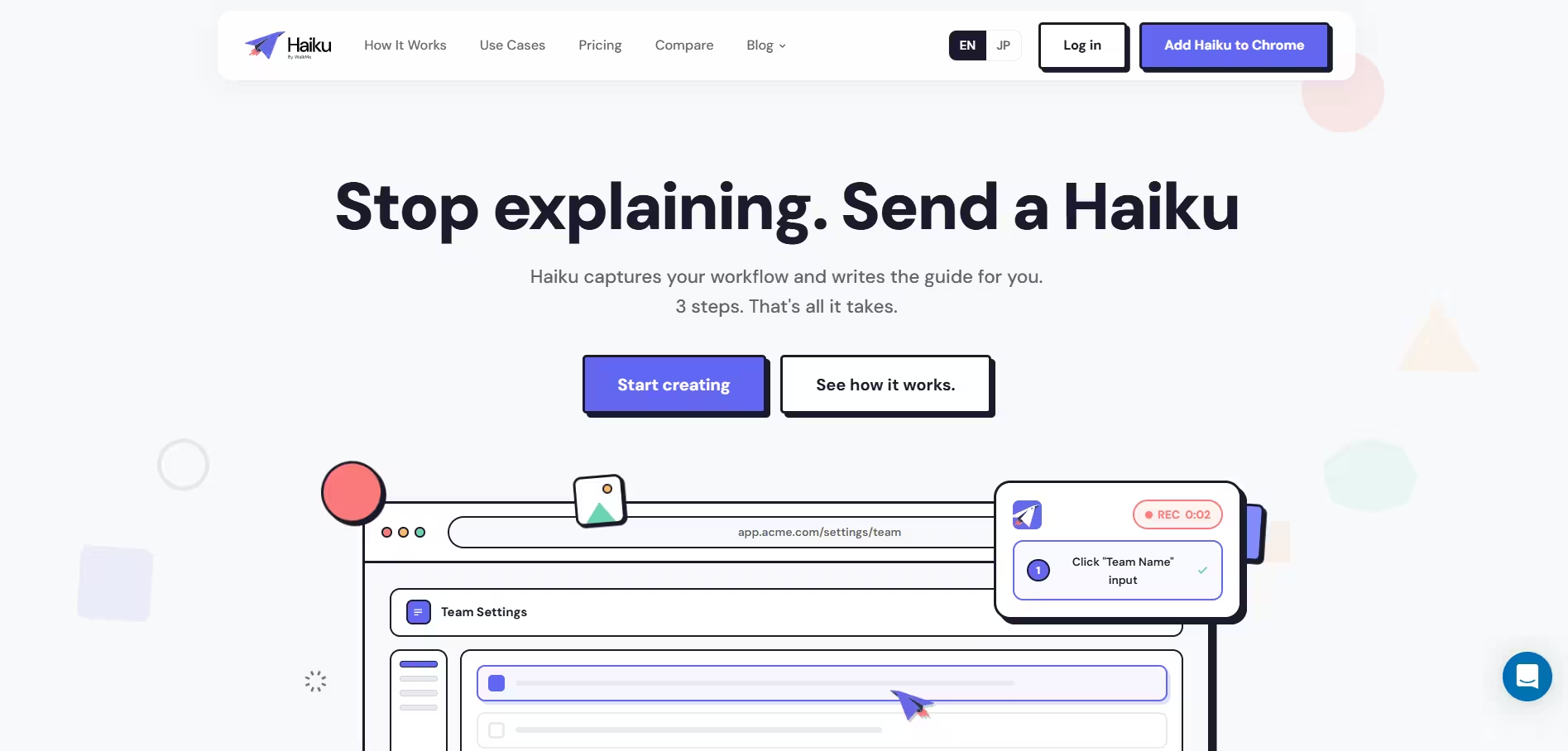
Haiku by WalkMe is a process documentation tool that captures workflows as users complete them and turns them into step-by-step guides with screenshots and automatically generated descriptions. Guides can be edited, shared by link, embedded in knowledge bases, or exported in multiple formats. Teams that need in-app guidance directly inside their software would also need WalkMe, as Haiku does not offer this capability natively.
Key features:
- Workflow capture → records clicks and interactions and turns them into step-by-step guides
- AI-generated descriptions → automatically creates descriptions for captured steps
- Screenshot editing and redaction → supports annotations, highlights, and sensitive-data blur
- Sharing and exports → share by link or export guides to formats including PDF, HTML, and Markdown
- Guide analytics → paid plans track views and completions
Ideal use case: Teams that need a lightweight way to capture software workflows and create step-by-step documentation for training, onboarding, and internal processes.
See how Tango compares to Haiku →
How to choose the right process documentation software
Choosing the right tool comes down to how your team actually works.
Match the tool to your tech stack.
- Tools that work inside your existing software get used more
- Browser-based tools that support multiple apps reduce integration overhead
Decide between auto-capture and manual authoring.
- Auto-capture tools → faster, more accurate for software workflows
- Manual tools → better for policies, frameworks, or conceptual content
Budget for maintenance and updates.
- Processes change constantly
- If updating documentation takes effort, it won't stay accurate
Plan for sharing, permissions, and governance.
- Consider who needs access: internal teams, customers, or both
- Enterprise teams may require SSO, permissions, and governance controls
The bottom line
Every tool on this list helps teams document processes, but they take different approaches. Some focus on capturing workflows automatically, others organize documentation into searchable knowledge bases, and others help teams manage recurring processes.
Tango stands out by automatically capturing real workflows and turning them into step-by-step documentation that teams can share, maintain, and follow where work happens.
The best process documentation doesn't just explain the work. It helps people do it consistently.
Frequently asked questions
What is the best process documentation software?
Tango is the best process documentation software for teams that need to automatically capture workflows and guide employees through processes directly inside their software. Process Street is better suited for recurring process management, while Notion, Confluence, and Document360 focus more on organizing and sharing documentation.
What is the difference between process documentation and SOP software?
Process documentation captures how work is performed, while SOP software focuses on standardized procedures employees are expected to follow. Process documentation can cover tasks, decisions, responsibilities, and broader business workflows. Many organizations use the same platform for both.
How do I keep process documentation up to date?
The easiest way to keep process documentation up to date is to use software that makes workflows quick to capture and edit. Automatic workflow capture, version history, collaborative editing, and centralized documentation can help prevent processes from becoming outdated.
What is the best free process documentation software?
Tango is a strong free process documentation option for teams that want to automatically capture software workflows as they work. Haiku by WalkMe, Notion, Confluence, and Guidde also offer free plans. Notion and Confluence are better suited for teams primarily looking for collaborative documentation or knowledge management.
How is Tango different from Haiku?
Tango differs from Haiku by combining automatic process documentation with native in-app guidance. Both tools capture software workflows and turn them into step-by-step documentation, but Tango also lets employees follow documented processes directly inside their software. Teams using Haiku that need in-app guidance would also need WalkMe.