Why your process documentation needs more than just the steps

You can document every step of a process and still have coworkers coming back to you with questions.
The instructions might show which fields to fill out and which buttons to click. But they don't always explain why you choose one option over another, what you check before moving forward, or what to do when something doesn't go as expected.
Those are the details you've learned through experience. And when they're missing from the documentation, someone else still needs you to explain them.
Why important process knowledge goes undocumented
When you've completed a task hundreds of times, you know which rules apply, what to double-check, and how to handle situations that don't follow the usual process. You make these decisions almost automatically, so when it's time to document the process, you may not realize how much you're leaving out.
This is implicit knowledge: knowledge you can explain, but might not think to explain because it's become second nature.
For example, imagine you're documenting how to create a new vendor in an accounting system. You capture the steps for opening the vendor management page, entering the company's information, and submitting the record.
But you might not think to explain that you always search for an existing vendor first, or that certain vendor types require additional approval.
Those details are part of how the work actually gets done, even if they aren't obvious from the steps alone.
What does a process step look like with context?
Here's the difference between documenting an action and documenting the knowledge behind it.
Without context:
Enter the vendor's company information and click Submit.
With context:
Before creating a new vendor, search for an existing record to avoid duplicates. For vendor types that require finance approval, confirm that approval first. Then enter the vendor's company information and click Submit.
Both instructions tell someone what to do, but the second also explains the checks and requirements they need to follow to make the right decisions and avoid mistakes.
What context should you capture?
Start with the information someone unfamiliar with your team's process would need to complete it correctly.
That typically includes:
- Decision rules: What determines which option to choose or which path to follow.
- Checks: What needs to be verified before moving forward and which mistakes those checks help prevent.
- Exceptions: When the usual process doesn't apply and what someone should do instead.
- Requirements: What information, permissions, or approvals someone needs before starting.
- Completion criteria: How to confirm the work is finished and whether any follow-up is required.
Keep the context relevant to the step, and leave out background information that doesn't affect how someone completes the task.
How to capture context while you're working
Here's how to identify and capture important context as you work through a process.
1. Identify where others need your expertise
Think about the questions coworkers ask, the mistakes you regularly correct, and the situations where people need your guidance. Ask yourself:
- Where do people usually get stuck?
- What do you always remind them to check?
- Which decisions do people ask you to explain?
- What tends to go wrong when someone follows the usual steps?
2. Work through the process and explain your reasoning
Work through the process as you normally would, paying attention to the decisions and checks you make automatically.
Imagine you're showing a coworker how to complete the task. Rather than narrating every click, explain why you're making certain decisions or performing important checks.
For example, while creating a vendor record, you might say:
"The vendor type depends on whether we'll pay them more than once. For a one-time service, I select the one-time vendor option. Otherwise, I use the standard vendor type."
3. Review the guide from someone else's perspective
Read through the instructions as though you're completing the task for the first time.
Can someone tell which option to choose, what to do when something goes wrong, and how to confirm they've completed the task correctly?
If possible, ask someone unfamiliar with the process to follow the guide. Their questions can reveal what still needs to be explained.
Capture the steps and the knowledge behind them with Tango
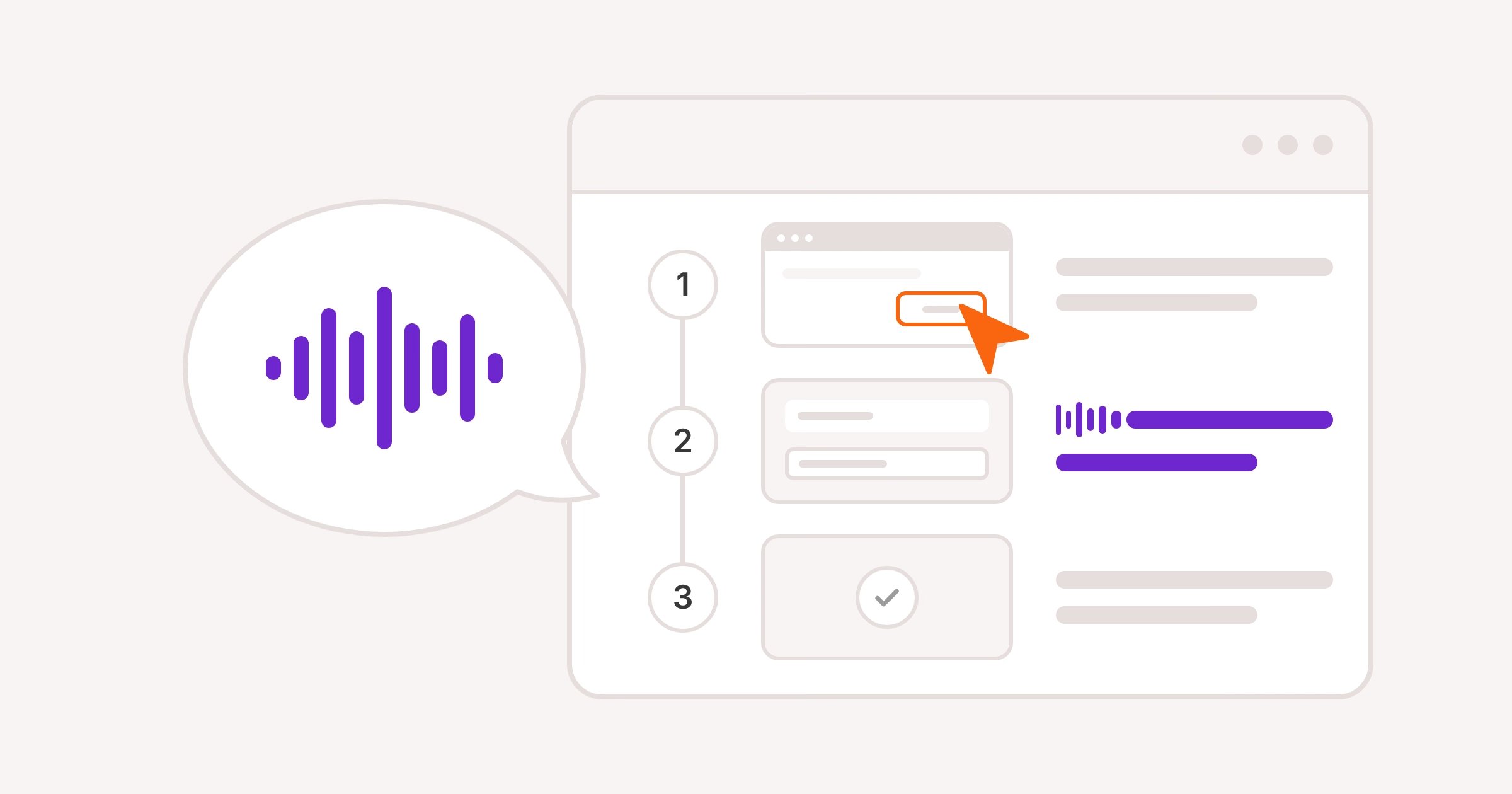
Tango helps you capture not just what you do, but why you do it that way. Just click and talk through your workflow, and Tango automatically turns your actions and spoken explanations into a step-by-step guide with screenshots, highlights, and descriptions.
Here's how to include the context someone needs to follow your process:
- Voice Transcription: Talk through important decisions, checks, and tips as you capture. Tango adds your explanations to the relevant steps, so you don't have to type them afterward.
- Callouts: Add warnings, approval requirements, or reminders to check something before moving forward.
- Flexible Steps: Show where information may vary, like a vendor ID or account number, and explain how to find the correct value.
- Workflow Branching: Create different paths for situations that require different steps, like onboarding a domestic versus an international vendor.
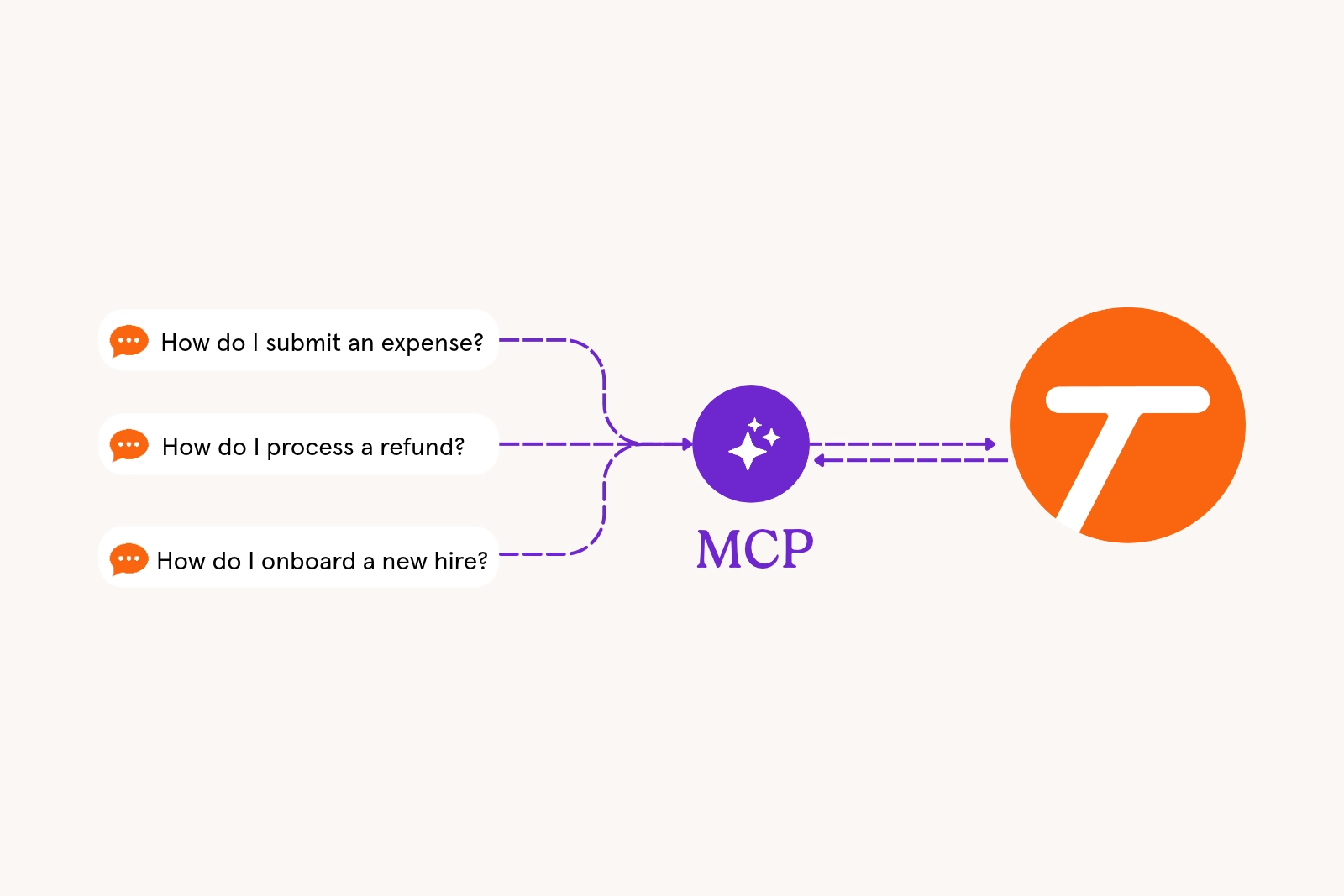
Once your guide is ready, share it with a link or put guidance directly inside the tools your team uses. Your teammates get the instructions and context they need to make the right decisions, avoid mistakes, and complete the work without having to ask you for help.


Next time someone asks, “how do I…?” Send a Tango.
Start capturing your first workflow today.