NetSuite implementation: A complete guide for a successful rollout

This guide explains how to plan a NetSuite implementation, who should be involved, how long it typically takes, what it costs, the phases every rollout goes through, and how to measure success after go-live. You'll also learn what separates successful NetSuite implementations from those that struggle after launch.
What is a NetSuite implementation?
A NetSuite implementation is the process of planning, configuring, testing, and deploying NetSuite across an organization. It typically includes requirements gathering, system configuration, data migration, integrations, employee training, and post-launch support.
While every implementation is different, the goal is the same: enable employees to adopt new processes so the business realizes the full value of its NetSuite investment.
How to plan your NetSuite implementation
The biggest implementation decisions happen before anyone logs into NetSuite.
A successful rollout depends on the work that happens before configuration begins. Align on your business goals, involve the right stakeholders, and prepare your processes, data, and employees early to reduce delays, avoid costly rework, and set your project up for success.
Define your business goals
Start with the business outcomes you're trying to achieve. Clear goals create a shared definition of success, reduce scope creep, and make it easier to evaluate decisions throughout the implementation.
Build the right implementation team
Successful NetSuite implementations require collaboration across the business. Involving the right people from the beginning helps uncover requirements early, build alignment, and prepare employees for change.
Prepare before configuration begins
Before configuring NetSuite, document your current processes, clean your data, and build a realistic project timeline that includes testing and employee training. Doing this work upfront helps teams move through implementation with fewer surprises and a smoother transition at go-live.
NetSuite implementation phases
No two NetSuite implementations are identical, but they all follow the same core phases. Knowing what happens during each phase helps teams prepare for what's next and keep the implementation moving forward.
How long does a NetSuite implementation take?
Most NetSuite implementations typically take 3 to 9 months, while larger enterprise deployments can take a year or longer.
Implementation timelines are most affected by:
- Project scope: Rolling out NetSuite across multiple business units, subsidiaries, or locations requires additional planning, configuration, testing, and training.
- Legacy systems: Replacing existing ERP, CRM, ecommerce, or financial systems often requires additional planning, testing, and validation before go-live.
- Data readiness: Cleaning, validating, and migrating historical data can take longer than expected.
- Business complexity: Supporting multiple entities, currencies, tax requirements, or workflows extends implementation timelines.
- Change management: Preparing employees through communication, training, and ongoing support helps reduce delays and improve adoption during rollout.
How much does a NetSuite implementation cost?
NetSuite implementation costs depend on the size and complexity of your deployment. In addition to implementation services, organizations should budget for NetSuite licensing, internal resources, employee training, and ongoing support.
Key factors that affect implementation costs include:
- Implementation partner: Consulting services often represent one of the largest implementation expenses and vary based on project scope and complexity.
- Customization: Custom workflows, reports, scripts, and roles increase implementation effort.
- Integrations: Connecting NetSuite with CRM, HR, ecommerce, payroll, and other business systems requires additional development and testing.
- Data migration: Cleaning, validating, and migrating legacy data often requires significant time and resources.
- Training and change management: Investing in employee training and adoption helps reduce support costs, improve productivity, and maximize the return on your NetSuite investment.
Underinvesting in planning, training, or documentation to save money upfront rarely works out. It usually just moves the cost downstream into support tickets and rework.
Common NetSuite implementation challenges
Most NetSuite implementation challenges are predictable. Understanding them early helps teams reduce risk, stay on schedule, and avoid costly setbacks.
The most common challenges include:
- Scope creep: Expanding project requirements can delay timelines and increase implementation costs.
- Poor data quality: Inaccurate, duplicate, or incomplete data can create problems during migration and after go-live.
- Complex integrations: Connecting NetSuite with other business systems often requires additional testing and ongoing maintenance.
- Low user adoption: Employees are less likely to follow new processes when guidance isn't available where they work.
- Outdated documentation: Processes often change during implementation, making it difficult to keep documentation accurate and up to date.
In most cases, successful implementations are determined more by people and processes than by the software itself.
How to measure NetSuite implementation success
A successful NetSuite implementation isn't measured by go-live alone.
Login counts and training completion rates aren't adoption metrics. They tell you who showed up, not who's doing the work correctly. One of the strongest indicators of implementation success is process adoption: whether employees consistently follow the correct steps for key workflows weeks after training, without ongoing supervision.
Key metrics to track include:
Reviewing these metrics regularly after go-live helps identify opportunities to improve processes, provide additional support, and maximize the long-term value of your NetSuite investment. Implementation doesn't end at go-live. Continuous measurement and improvement help ensure NetSuite continues to deliver value as your business evolves.
How Tango supports successful NetSuite implementations
Implementing NetSuite means introducing new processes, not just new software. Teams need a way to document new workflows, guide employees through them, and keep process guidance up to date as the implementation evolves.
Tango automatically captures workflows, delivers guidance where work happens, and keeps documentation up to date as processes change.
Document workflows faster
Implementation projects create dozens of new workflows across finance, operations, procurement, HR, and other teams. Keeping documentation current can quickly become a project of its own.
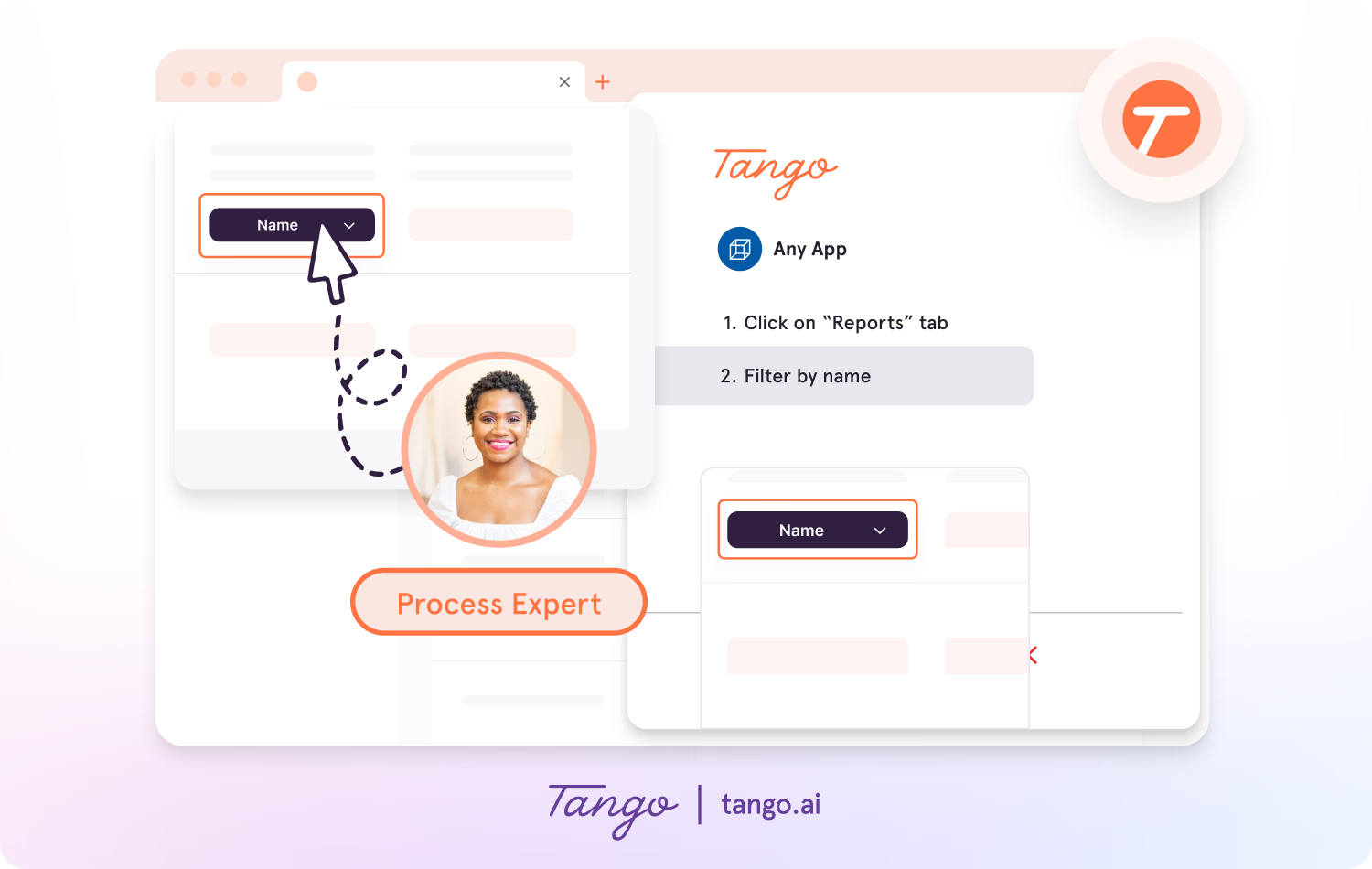
Tango automatically creates step-by-step guides as you complete a workflow, making it faster to capture, share, and update process documentation throughout your implementation.
- Capture workflows with the browser extension or desktop app.
- Instantly generate step-by-step guides with screenshots, descriptions, and annotations.
- Update existing guides instead of recreating documentation from scratch every time a process changes.
Enable perfect process adoption
Training introduces new processes, but employees still need support when they begin using NetSuite in their day-to-day work.
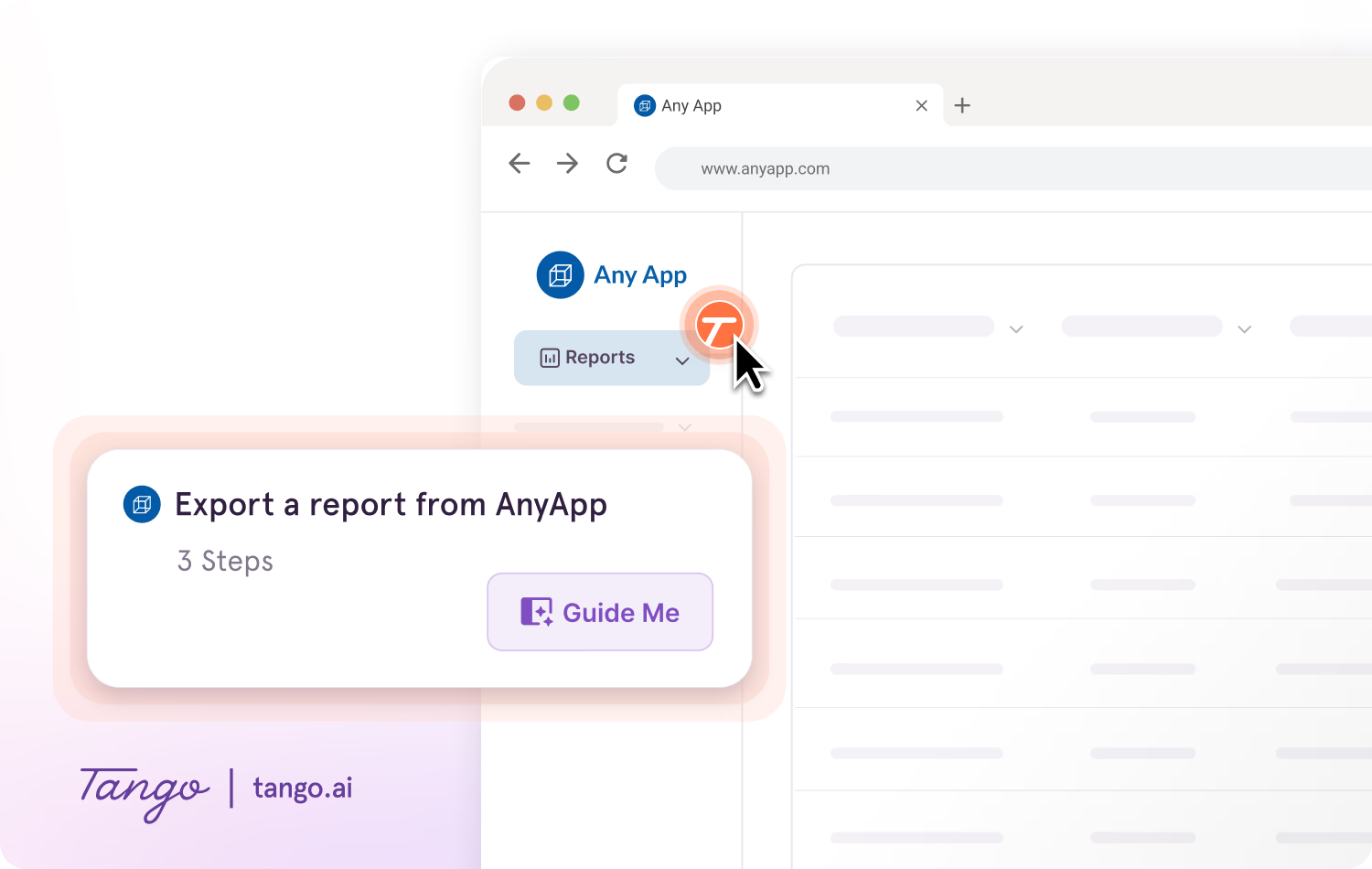
Guide Me delivers interactive, step-by-step guidance directly inside NetSuite, helping employees complete tasks confidently without leaving their workflow.
- Guide employees through processes without switching tabs.
- Show users exactly where to click as they complete new workflows.
- Reinforce the correct process while employees are doing the work.
Surface guidance where employees work
Even after training, employees still have questions. Searching through documentation or waiting for help slows productivity and interrupts work.
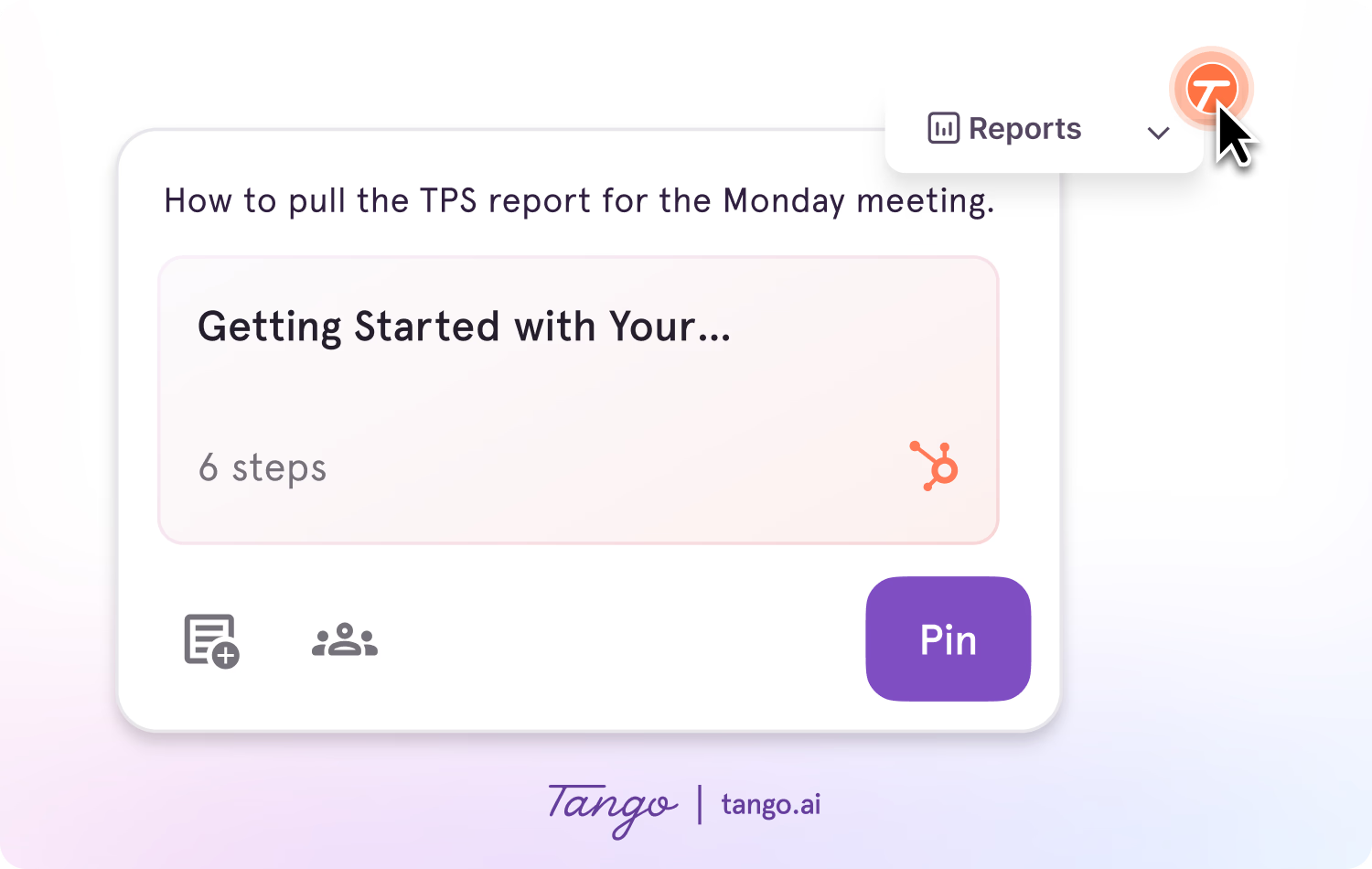
Nuggets lets you pin guides, tips, and resources directly inside NetSuite, so employees can access the information they need without leaving the application.
- Give employees answers in the flow of work.
- Reduce repetitive questions by making guidance easy to find exactly when it's needed.
Successful NetSuite implementations depend on more than configuring the software. Tango helps organizations accelerate adoption, reduce ongoing training and support efforts, and maximize the value of their NetSuite investment.
Frequently asked questions
How can you improve user adoption during a NetSuite implementation?
User adoption improves when employees receive guidance while completing real work instead of relying only on training sessions or static documentation. Tango delivers interactive, in-app guidance that helps employees follow the correct process, reduce mistakes, and build confidence as they learn NetSuite.
Can Tango replace a NetSuite implementation partner?
No. Tango complements implementation partners by making it easier to document new workflows, train employees, and support adoption after go-live. Implementation partners focus on configuring NetSuite and guiding the rollout, while Tango helps employees consistently follow new processes long after implementation is complete.
How do you keep NetSuite documentation up to date after implementation?
Process documentation should evolve as your business evolves. Tango makes it easy to update existing guides instead of recreating them from scratch, helping teams maintain a single source of truth as NetSuite workflows change over time.
What's the best way to train employees on new NetSuite workflows?
Employees learn best when guidance is available while they're doing the work. Combining onboarding with interactive, in-app guidance helps reinforce new processes, reduce mistakes, and give employees answers without leaving NetSuite.



Next time someone asks, “how do I…?” Send a Tango.
Start capturing your first workflow today.

