How to upskill employees: A practical guide for 2026


The skills employees need aren't standing still. According to the World Economic Forum's Future of Jobs Report 2025, 39% of workers' existing skill sets are expected to be transformed or become outdated between 2025 and 2030.
Keeping up takes more than sending employees to another training session. Employees need opportunities to build new skills and put them into practice as their work evolves.
What is employee upskilling?
Employee upskilling is the process of helping employees develop new or deeper skills that improve their performance and capabilities in their current roles.
Upskilling can include formal training, certifications, coaching, hands-on learning, and opportunities to build skills while doing the work.
Upskilling vs. reskilling: Upskilling develops skills for someone's current role, while reskilling prepares them with new skills for a different role.
Why is employee upskilling important?
Upskilling helps organizations keep pace as the skills required for existing jobs change. Instead of relying only on hiring to fill new skill gaps, companies can develop more of those capabilities within their existing workforce.
It can also support retention. LinkedIn's 2025 Workplace Learning Report found that 88% of organizations are concerned about employee retention, and providing learning opportunities was the No. 1 retention strategy reported by respondents.
For employees, upskilling creates opportunities to grow their capabilities and continue progressing as their roles evolve. For organizations, it helps build a workforce that can adapt as business needs, processes, and technology change.
How to upskill employees effectively
Effective upskilling goes beyond completing a course or training session. Employees need opportunities to learn the right skills, practice them, and apply what they've learned in their day-to-day work.
The right approach will depend on the skill. Leadership development may involve coaching or workshops, while software and process skills may benefit more from hands-on practice and guidance while employees work.
Learn the right skills
Start by identifying the gaps between the skills employees have today and the skills they'll need as their roles evolve. Talk to managers and employees, review performance data, and look for recurring questions, mistakes, upcoming technology or process changes, and business priorities that may require new skills.
Then choose a learning method that fits the skill. Courses, certifications, coaching, and workshops can help build foundational knowledge, while hands-on learning may be more effective for skills employees need to perform in practice. Give employees the time and resources they need to learn.
Practice new skills
Learning a new skill is only part of the process. Employees also need opportunities to use what they've learned before they're expected to perform independently.
Build practice into upskilling through hands-on exercises, simulations, sandbox environments, or lower-risk tasks. When possible, make practice reflect the actual tools, processes, and situations employees will encounter on the job so they can build confidence and experience before applying the skill on their own.
Apply new skills in the flow of work
Employees shouldn't have to remember everything they learned when it's time to use a new skill. For software and process skills, make knowledge and guidance available while employees are completing the actual work.
Capture important workflows, best practices, and common mistakes so employees don't have to rely on a subject matter expert being available every time they have a question. Make that knowledge easy to access at the moment of need, whether through step-by-step instructions, contextual guidance, or other resources available where the work happens.
Reinforce and measure new skills
Upskilling doesn't end once employees begin using a new skill. Reinforce what they've learned with opportunities to revisit less-familiar tasks, and keep learning resources current as tools, processes, and responsibilities change.
Measure whether employees can successfully apply the skill, not just whether they completed the training. Depending on the goal, that could include task accuracy, error rates, time to proficiency, productivity, support requests, or other performance measures tied to the original business need.
Help employees apply new skills with Tango
Tango helps close the gap between learning a software or process skill and successfully applying it on the job.
With Tango, teams can:
- Capture process knowledge. Complete a process as usual, and Tango turns each click into a step-by-step guide with screenshots, highlights, and descriptions. This makes it easier to capture how experienced employees do the work and share that knowledge with others.
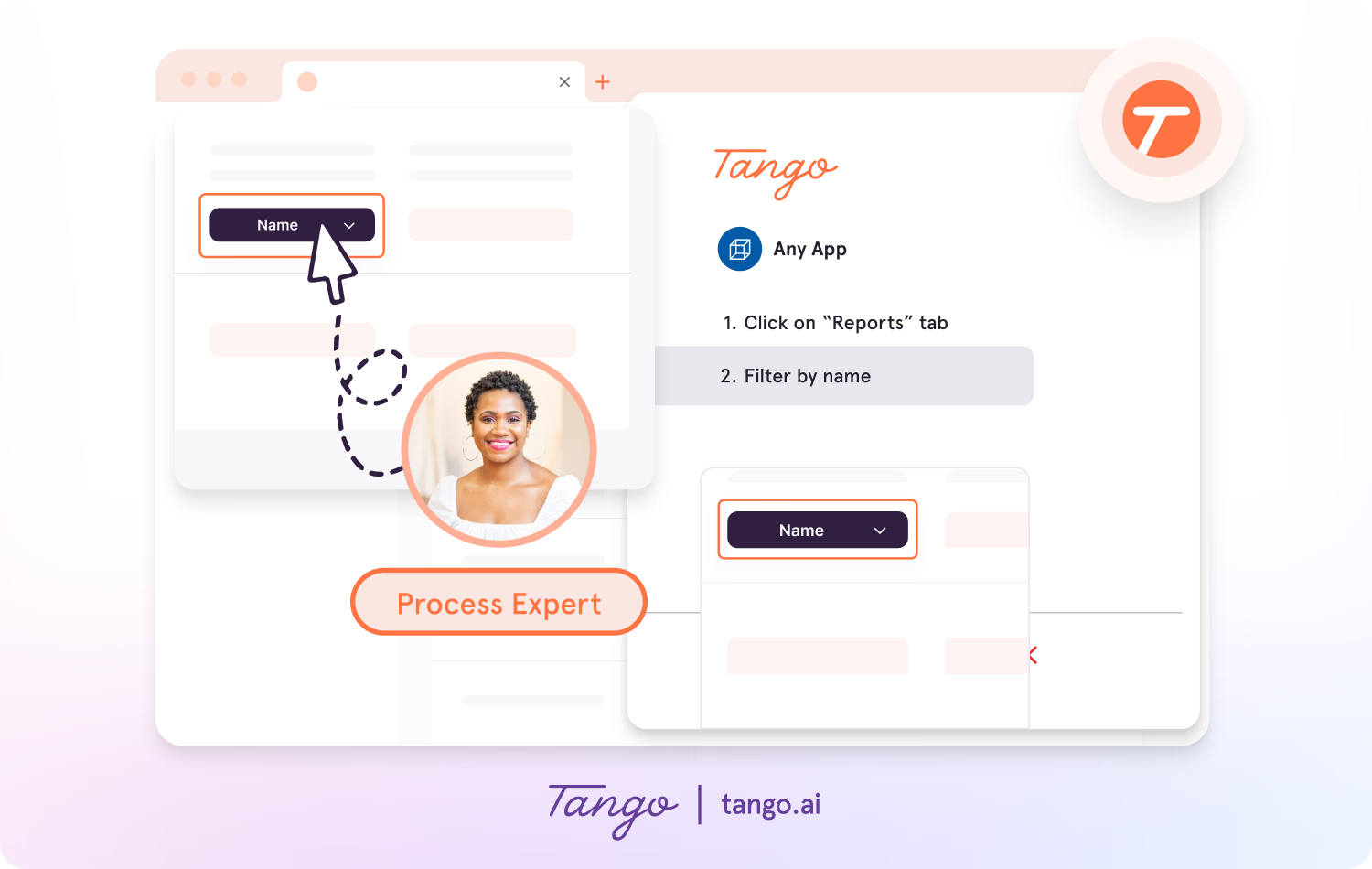
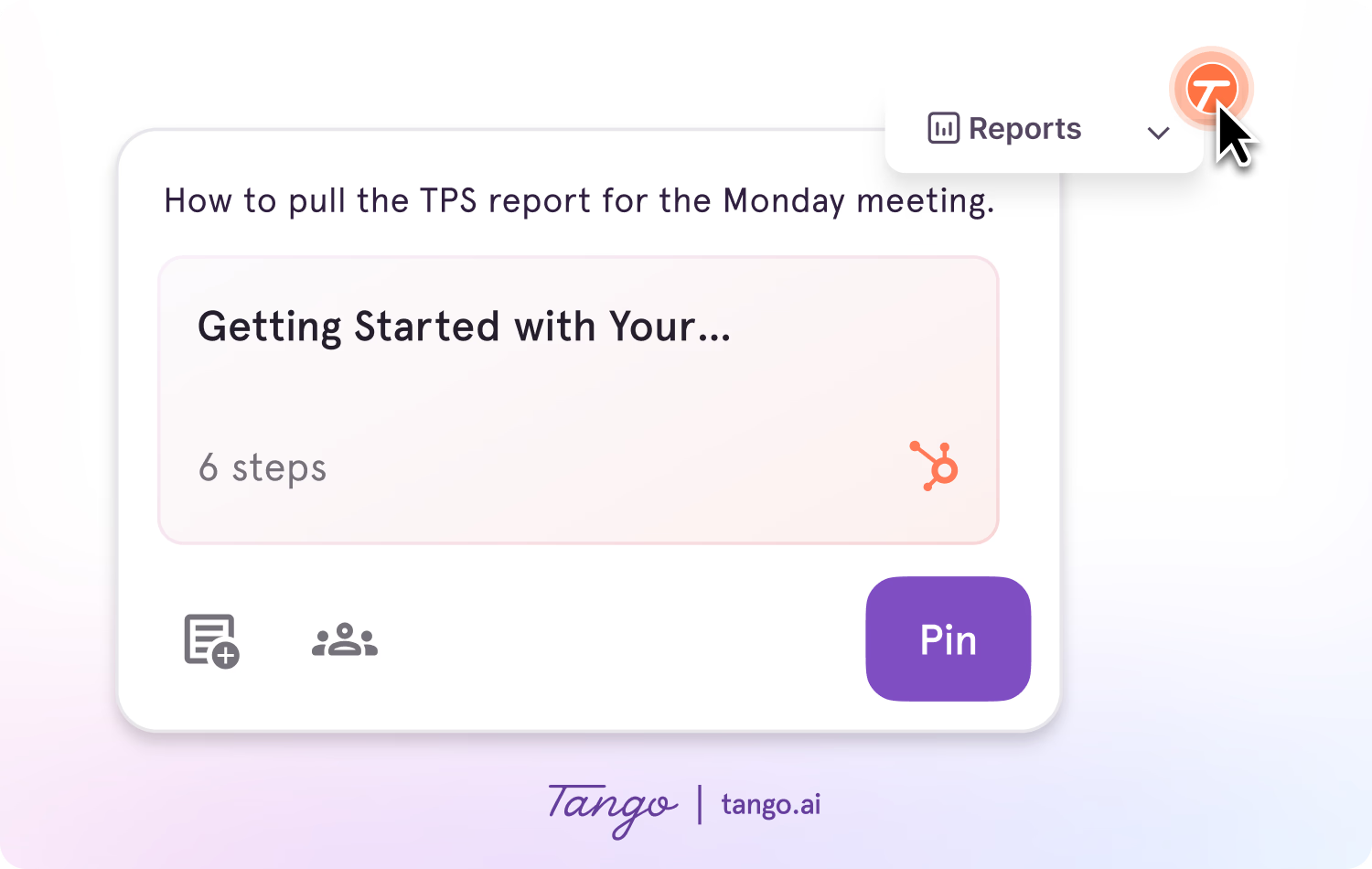
- Put answers where employees need them. Tango Pins can surface guides, tips, and links at specific points inside business applications, so employees can access relevant knowledge without leaving their work to search for it.
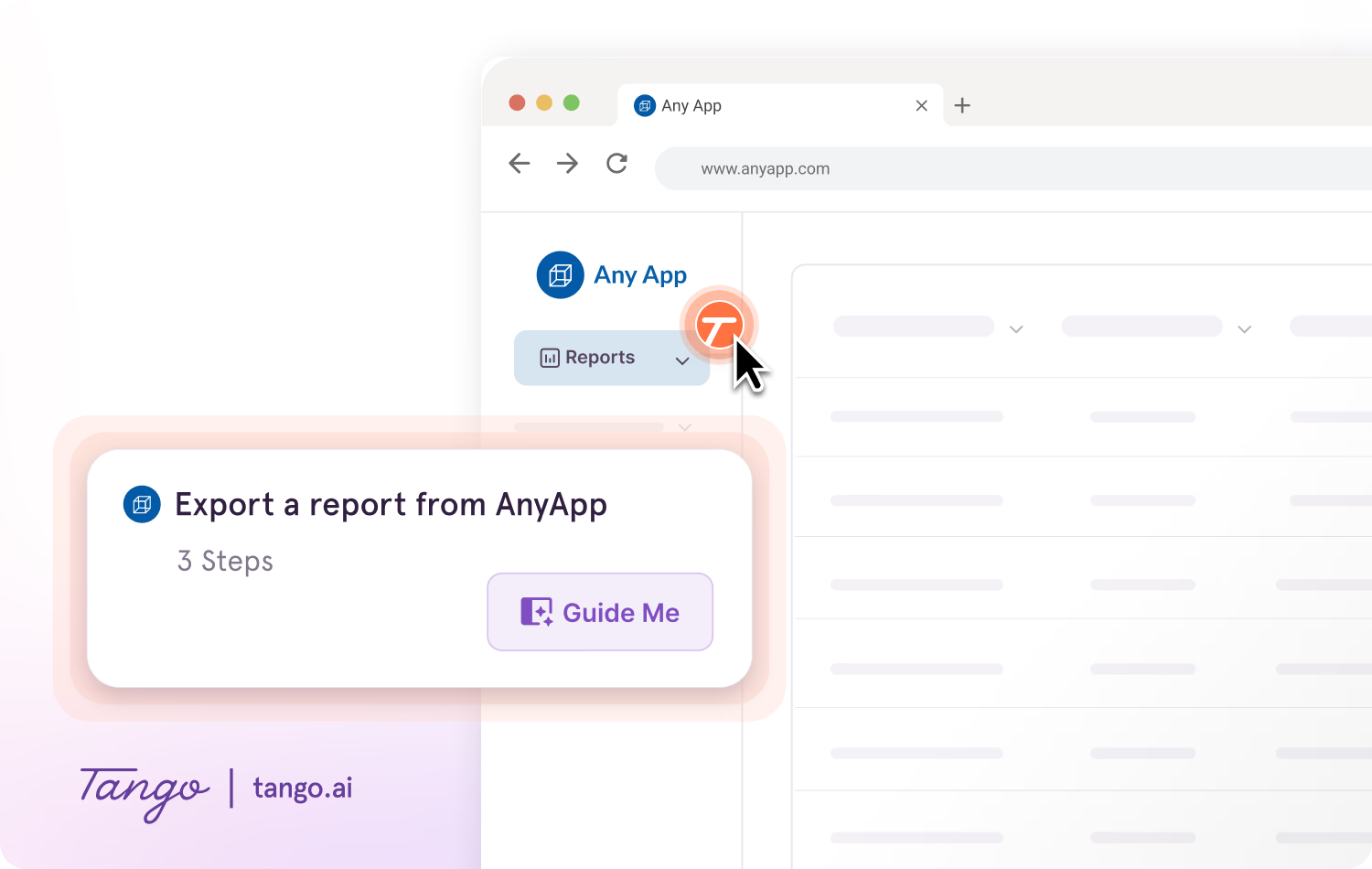
- Guide employees through unfamiliar workflows. Guide Me turns a Tango into an interactive walkthrough that runs inside the actual software and highlights each step on-screen as the employee completes the process.
“We replaced a 60-slide training deck with a Tango. Adoption was night and day.” — SEARHC · 1,400 employees onboarded
Employee upskilling FAQs
What is an example of employee upskilling?
An example of employee upskilling is a sales representative learning a new Salesforce workflow to perform their current role more effectively. They might learn the process through training, practice it in a sandbox, and then use guidance while completing the workflow in Salesforce.
How long does it take to upskill an employee?
There is no standard timeline for upskilling an employee. It depends on the complexity of the skill, the employee's existing knowledge, how much time they have to learn and practice, and how frequently they use the skill in their work.
How can software support employee upskilling?
Software can support employee upskilling by making training and guidance easier to access when employees need it. For software and process skills, documentation and in-app guidance can help employees put what they've learned into practice while completing the actual work.


Next time someone asks, “how do I…?” Send a Tango.
Start capturing your first workflow today.

