Translate process documentation into multiple languages with Tango

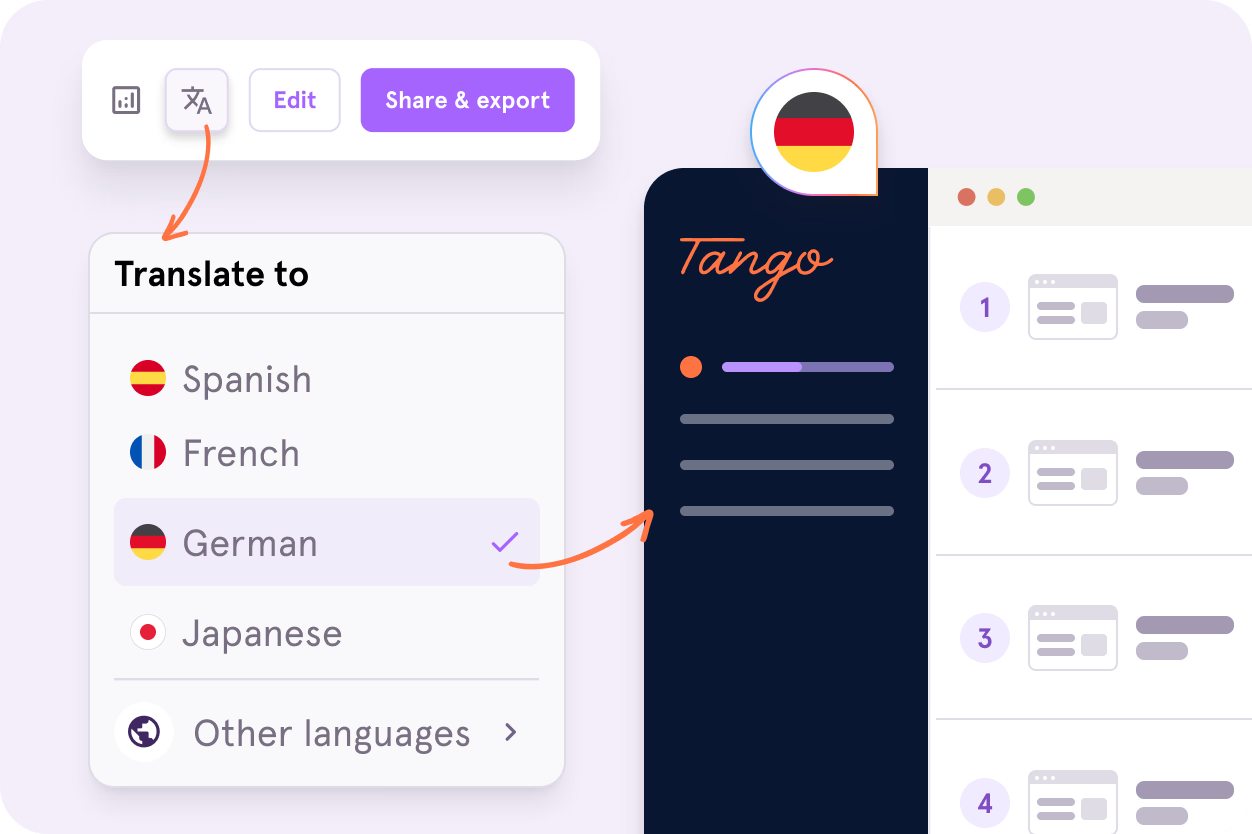
Your team may speak different languages, but the process they need to follow is still the same. The tricky part is making sure everyone has instructions they can actually use, without manually translating, recreating, and managing a separate guide for every language.
Tango’s Workflow Translations makes that easier. Translate a Workflow with AI so your team can follow the same process in the language that works for them.
What is Workflow Translations?
Workflow Translations lets teams translate Tango Workflows into multiple languages with AI. Viewers can switch between the original and a translated version of the same Workflow, so teams can share the same process documentation across languages without rebuilding the guide from scratch.
How Workflow Translations works
Once a process is captured in Tango, translating it takes just a few clicks. Open a How-To Guide, click Translate, and choose the language you need. Tango automatically translates the guide’s title, description, step titles, step descriptions, and callouts.
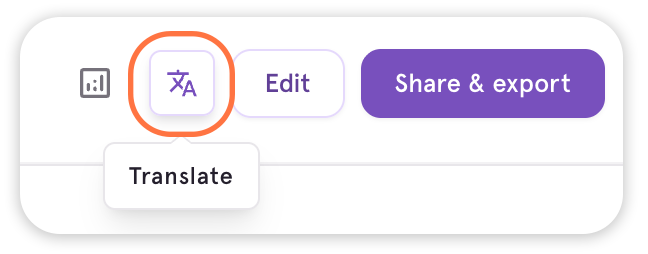
The screenshots stay the same, while viewers can switch between the original and translated versions. You can also share a translated Workflow with a link, embed it where your team works, or export it as a PDF, HTML, or Markdown file.
For teams creating SOPs, onboarding guides, software walkthroughs, and other process documentation, this makes it easier to give people the instructions they need in a language they understand.
Scale consistent processes across global teams
As processes reach more teams and regions, consistency matters just as much as accessibility. Onboarding, software rollouts, and everyday procedures need to be clear and reliable wherever work happens.
Workflow Translations helps teams extend the processes they already document in Tango to more people. Enablement teams can support onboarding across regions, operations teams can standardize procedures across offices, and IT teams can make software guidance easier to follow during global rollouts.
Instead of treating each language as a separate documentation project, teams can spend more time improving the process itself and helping people put it into practice.
Frequently asked questions
Can Tango translate SOPs into multiple languages automatically?
Yes. When an SOP is documented as a Tango Workflow, you can use Workflow Translations to generate an AI-translated version of the guide. This lets teams make the same SOP available across languages without creating a separate Workflow for each one.
Which languages does Tango Workflow Translations support?
Tango Workflow Translations currently supports German, Spanish, French, Hindi, Italian, Japanese, Korean, Portuguese (Brazil), Portuguese (Portugal), Simplified Chinese, and Traditional Chinese.
How are Tango Workflow Translations generated?
Translations are generated on demand. Once Workflow Translations is enabled for the workspace, open an eligible Workflow, click Translate, and choose a language. Viewers can switch between the original and translated versions.
What happens if the original Tango Workflow is updated?
Edits are made to the original-language Workflow. After making changes, you can select Translate again to generate the translated view from the updated Workflow.
Which Tango plans include Workflow Translations?
Workflow Translations is available for Enterprise workspaces. The feature must be enabled by a workspace admin before translations are available. Book a demo to learn more about Workflow Translations for your team.

Next time someone asks, “how do I…?” Send a Tango.
Start capturing your first workflow today.

