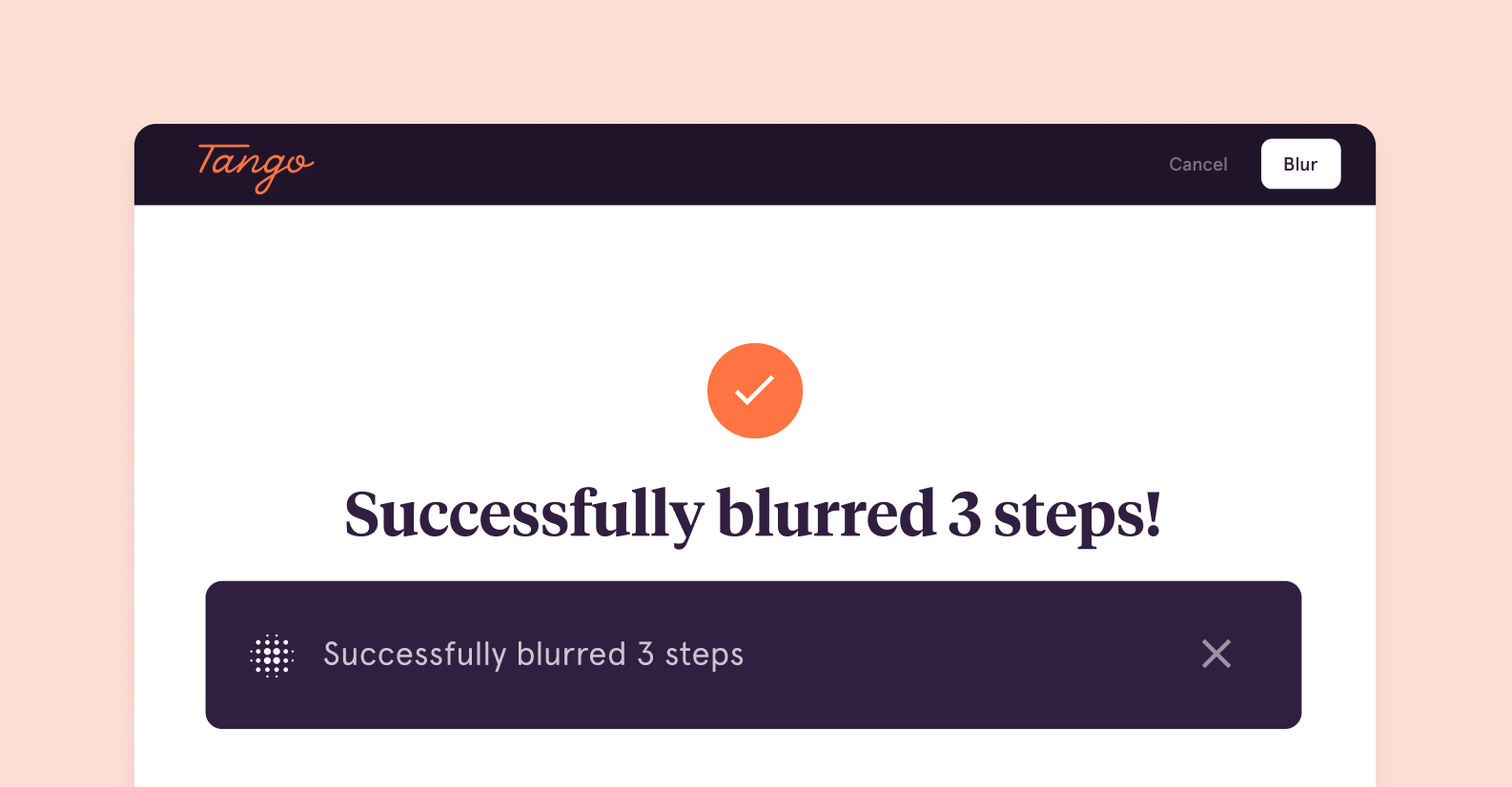
✨ New Feature Launch ✨ Introducing Batch Blur
What to know:
You can now blur sensitive information across 100 screenshots in one click with Tango.
Why it’s a win-win:
- Batch Blur is good for you because you no longer have to blur multiple screenshots manually
- Batch Blur is good for your company because it’s easier to maintain security, privacy, and compliance goals.
Check it out here.
Manually blurring screenshots to protect sensitive information is tedious work. It can easily take up to 10 minutes to redact personally identifiable information (PII)—like financial information, phone numbers, and email addresses—from a single screenshot. Multiply that across many screenshots in a standard operating procedure, and you’re looking at hours of manual work that can be better invested elsewhere.
We know that your time is valuable, and we’re always looking for ways to save you as many steps in your process as possible.
Enter Batch Blur!
What is Batch Blur?
Batch Blur enables you to blur sensitive information across 100 screenshots with one click.
Why you’ll love this new feature: Batch Blur helps you and your team make how-to guides people love in minutes—without compromising privacy, compliance, and security.
We heard that privacy and security are top priorities from our community, and we know protecting (PII) is a must for meeting industry standards and maintaining compliance, so our engineering team got to work:

Benefits of Batch Blur
Besides saving you a ton of time (🤩), Batch Blur brings several privacy and security-related benefits:
| Data protection | Blurring screenshots can protect PII from being accessed or misused by unauthorized parties. |
| Compliance | Many industries and governments have regulations that require organizations to protect PII. Batch Blur can help you meet these requirements and avoid penalties. |
| Risk reduction | PII breaches can result in financial losses, damage to reputation, and lawsuits. Using Batch Blur for PII can reduce the risk of breaches and the resultant consequences. |
| Research and testing | You or your organization might need to use PII data for research or testing purposes, but you want to protect the privacy of individuals. Batch Blur can enable the use of PII data while preserving privacy. |
| Data sharing | In some situations, you or your organization must share PII data with partners or third-party vendors. Batch Blur enables you to share PII data securely while minimizing the risk of breaches or misuse. |
Batch Blur is live now and included in our Free Plan.
We can’t wait for you to try it out and see what you think!
💡 Pro tip:
If you want to level up your Blur functionality, Tango Pro includes Live Blur—aka the additional ability to blur sensitive information during capture.
Not using Tango yet?

Tango Pixel AI is used to detect similar areas across all of the screenshots in your Tango. Tango Pixel AI detects "likely" and "less likely" matches and shows them to you so you can confirm which screenshots you want to blur.
Yes, Batch Blur is available for all Tango users on Free, Pro, and Enterprise accounts.