
How often does your hard-earned knowledge get stuck in Slack threads or forgotten after a meeting? If it feels like… all the time, then it’s a good time to make process documentation a priority.
Luckily, automatic documentation tools have made it easier than ever to capture workflows quickly.
But as teams grow and processes get more complex, the speed of capture doesn’t help anyone if that documentation ends up buried in a knowledge base.
What actually helps everyone? Documentation that’s instantly created, accessible, and actionable.
If you’re exploring options, here are 11 strong alternatives to Scribe to consider.
1. Tango
Tango is a Scribe alternative that’s built on one core belief: documentation only works if people actually use it.
Like Scribe, Tango automatically captures workflows and turns them into step-by-step guides with screenshots. But the difference lies in what happens after they’re shared.
Tango turns documentation into in-app guidance and automation so teams can hit their enablement goals and drive process adoption.
Tango’s strengths
Create process documentation in seconds
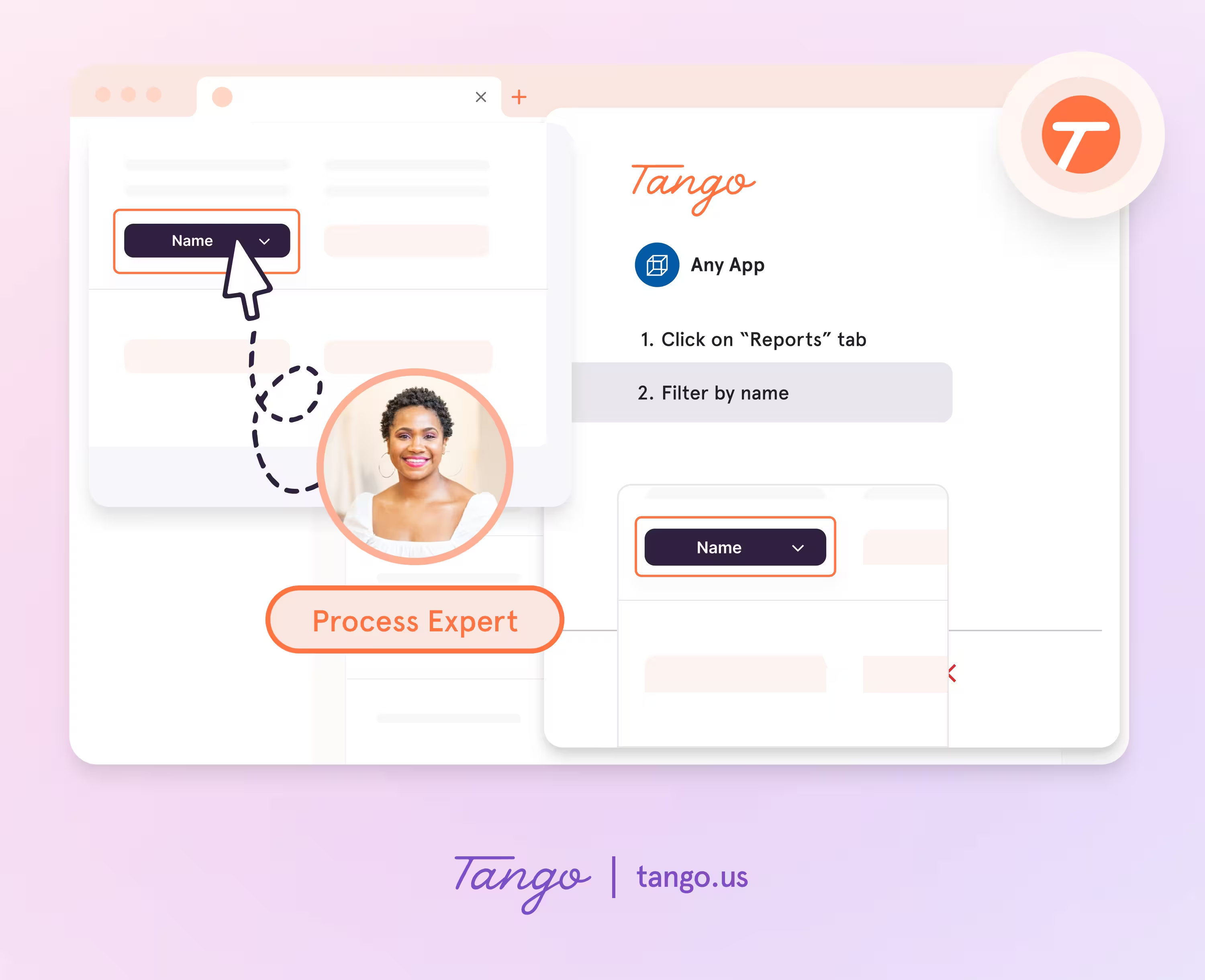
Tango makes capturing processes effortless, so you can document as you work.
- Capture guides and walkthroughs anywhere across the web with the browser extension, or use the desktop app for offline applications.
- Click through your process and instantly generate a step-by-step guide with screenshots, annotations, descriptions, and links.
- Update descriptions, insert additional context, and add flair to your screenshots with advanced editing tools.
Enable perfect process adoption with in-app walkthroughs
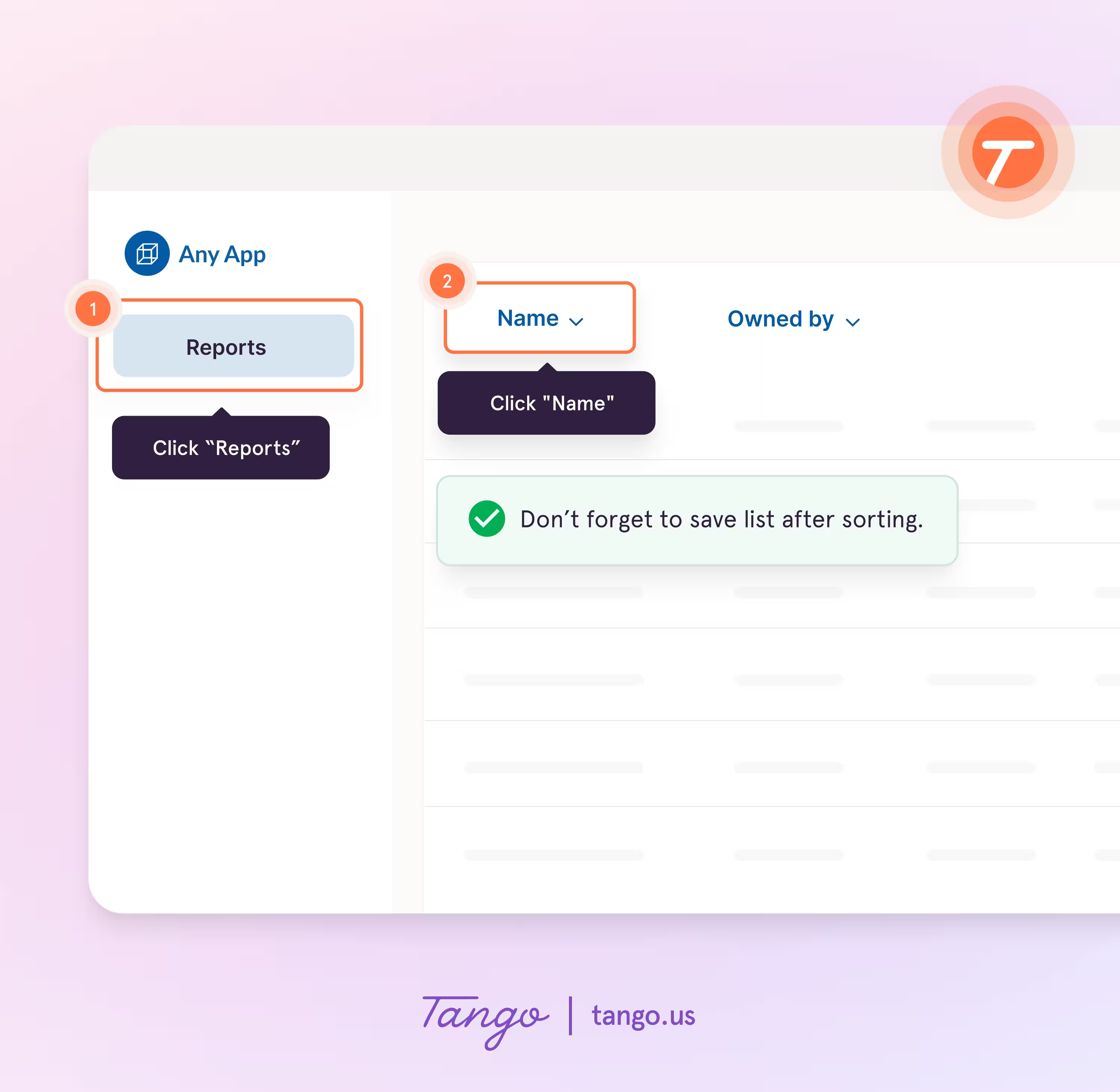
With Guide Me from Tango, documentation becomes instantly followable—right inside the tools where work happens.
- Give your team step-by-step guidance inside of any tool without switching tabs.
- Guide Me shows users exactly where to click so they can easily follow processes across applications.
- Surface guides, tips, or links as Pins at any point in a process where employees may need help.
Turn repetitive processes into real-time automations
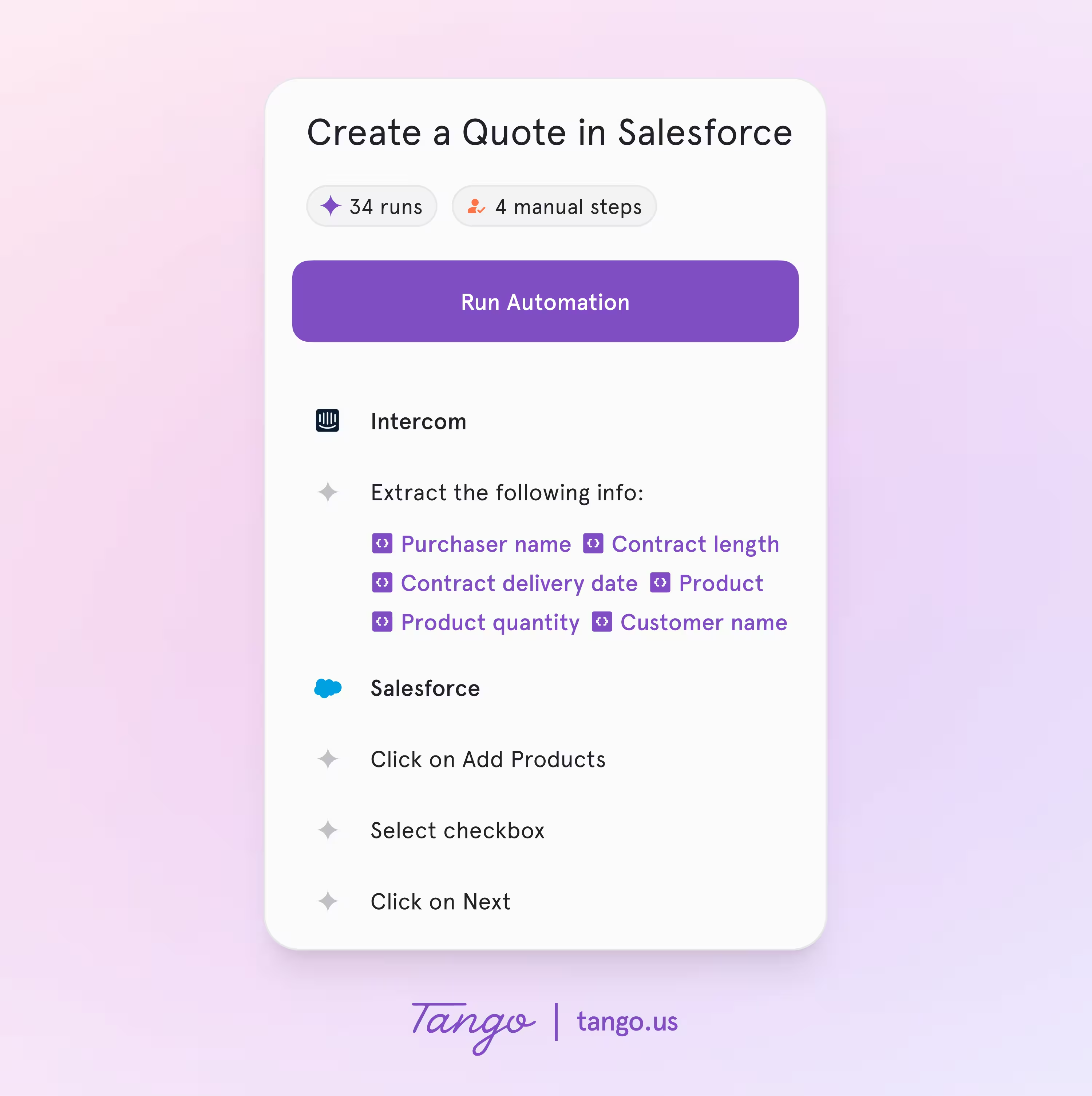
Combine step-by-step guidance, UI automation, and human oversight at scale.
- Start automations with a click. Tango shows you the steps (autofilling, clicking, typing, and tab switching) that it’s doing on your behalf.
- When it’s your turn to fill out a custom field or validate a step in the process, Tango lets you know—and by default, never saves anything without your approval.
- Take over an automation at any point and optionally bypass validation rules with exception notes.
Best for: Teams creating SOPs, internal training, or enablement content who care about people using documentation as much as creating it.
2. FlowShare
FlowShare turns captured workflows into consistent, professional documentation. Its strength is standardization—guides look polished and uniform across teams.
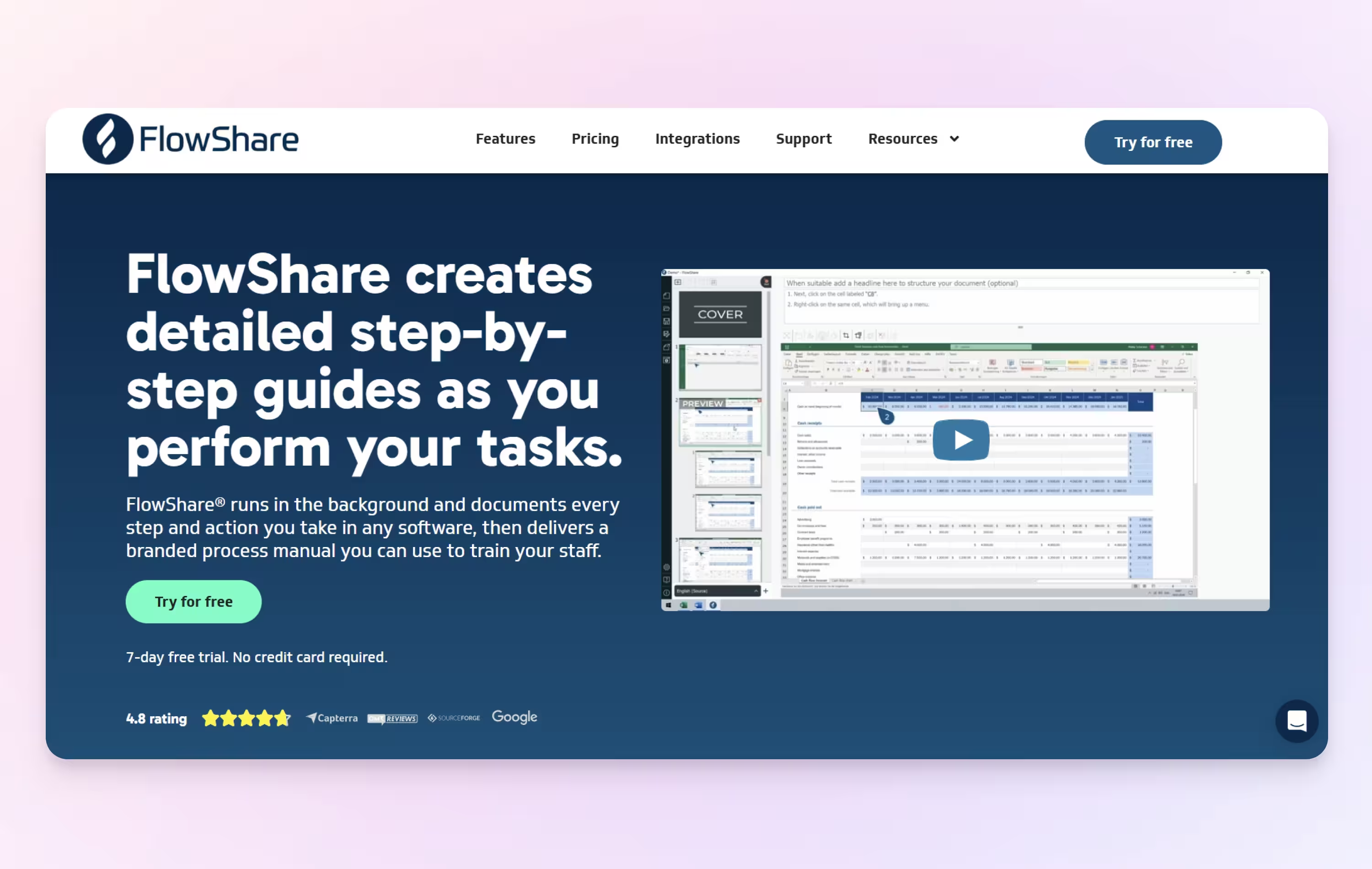
FlowShare’s strengths
- Automatic workflow capture
- Branded, standardized outputs
- Multiple export formats
Best for: Organizations creating formal SOPs or client-facing documentation.
3. Loom
Loom is a screen recorder that teams can use to create and share video messages. Instead of step screenshots, you record your screen, explain the process verbally, and transcripts are generated automatically.
Loom’s strengths
- Fast screen and camera recording
- Auto-generated transcripts
- Easy sharing and widespread familiarity
Best for: Walkthroughs, explanations, and training where context and narration matter more than step-by-step precision.
4. Guidde
Guidde blends screen recording with AI-generated video guides. It creates narrated walkthroughs with captions and visual structure, sitting somewhere between traditional documentation and video training.
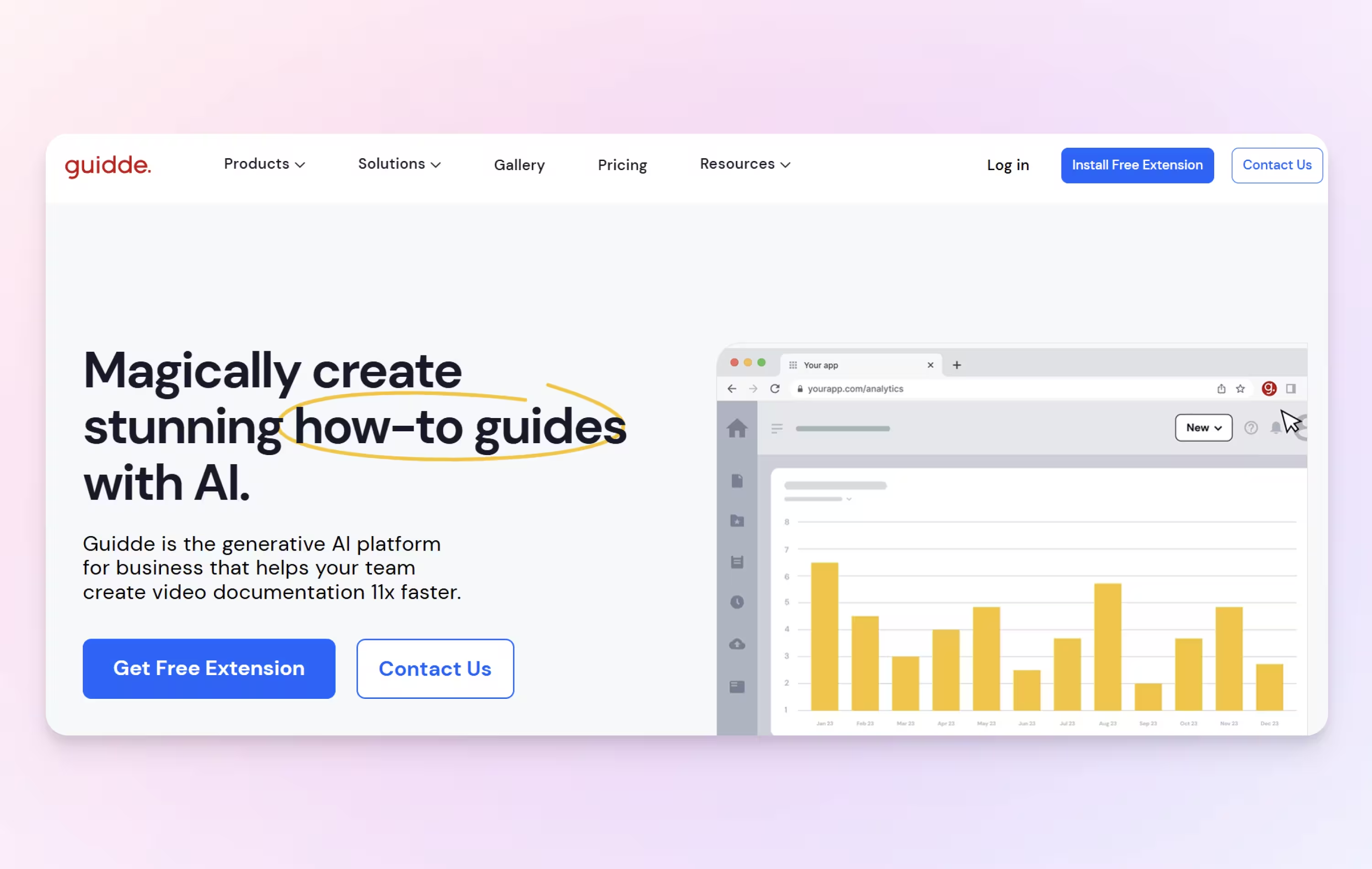
Guidde’s strengths
- AI voiceovers and captions
- Polished video outputs
- Support for multiple languages
Best for: Teams creating repeatable training content or customer education materials.
Scribe vs. Guidde comparison →
5. ScreenSnap Pro
ScreenSnap Pro is a screenshot and screen recording app for Mac and Windows. Instead of auto-generating guides, you capture each step yourself and annotate it with arrows, text, numbered step badges and blur, then share it as a file or cloud link.
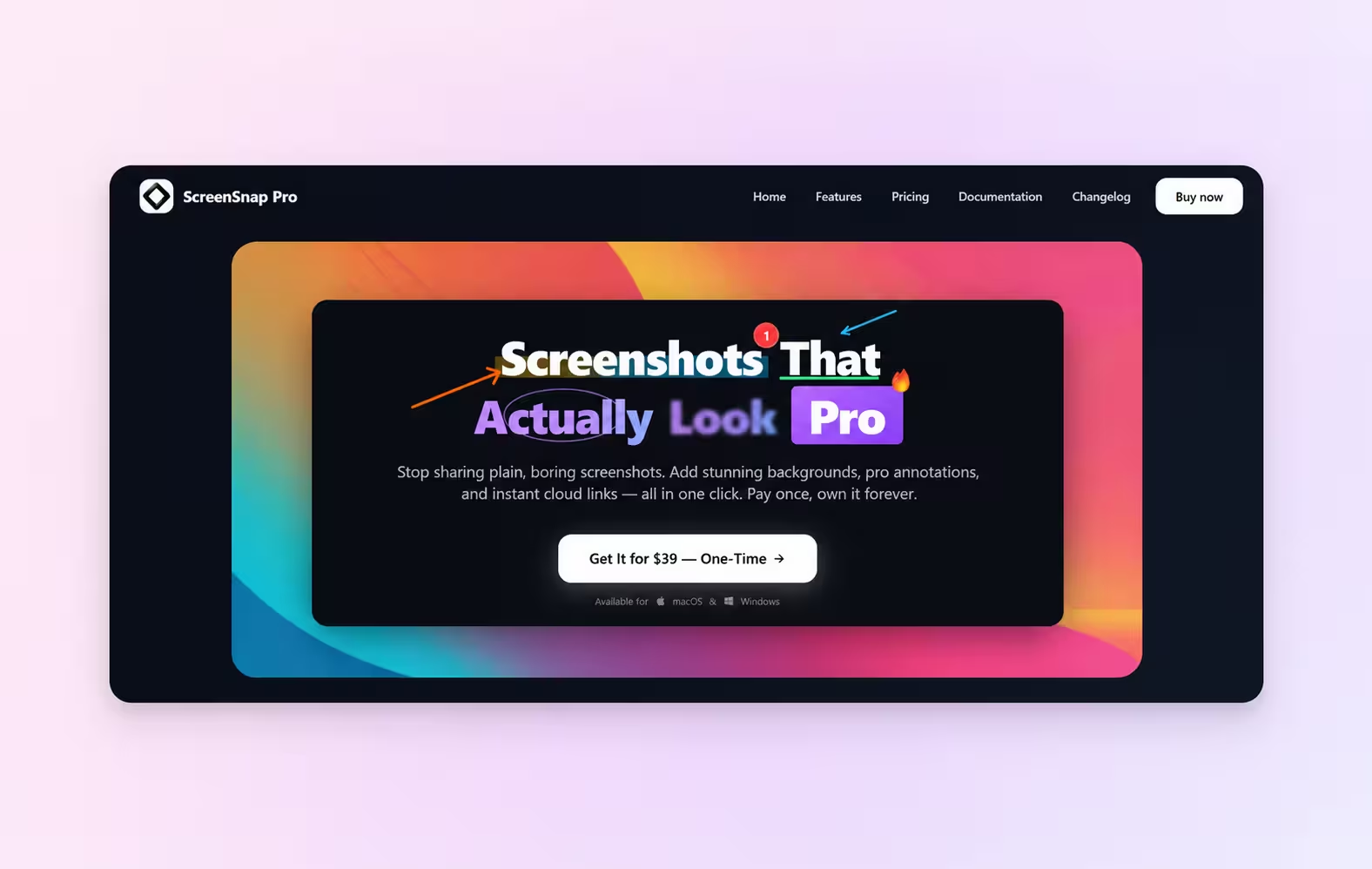
ScreenSnap Pro’s strengths
- Capture and annotate in one app: arrows, text, numbered step badges, blur and pixelate
- Records the screen, webcam and GIFs, and extracts text with OCR
- One-time purchase covering two computers, no subscription
Best for: People who want to choose and annotate every screenshot in a guide by hand.
6. Trainual
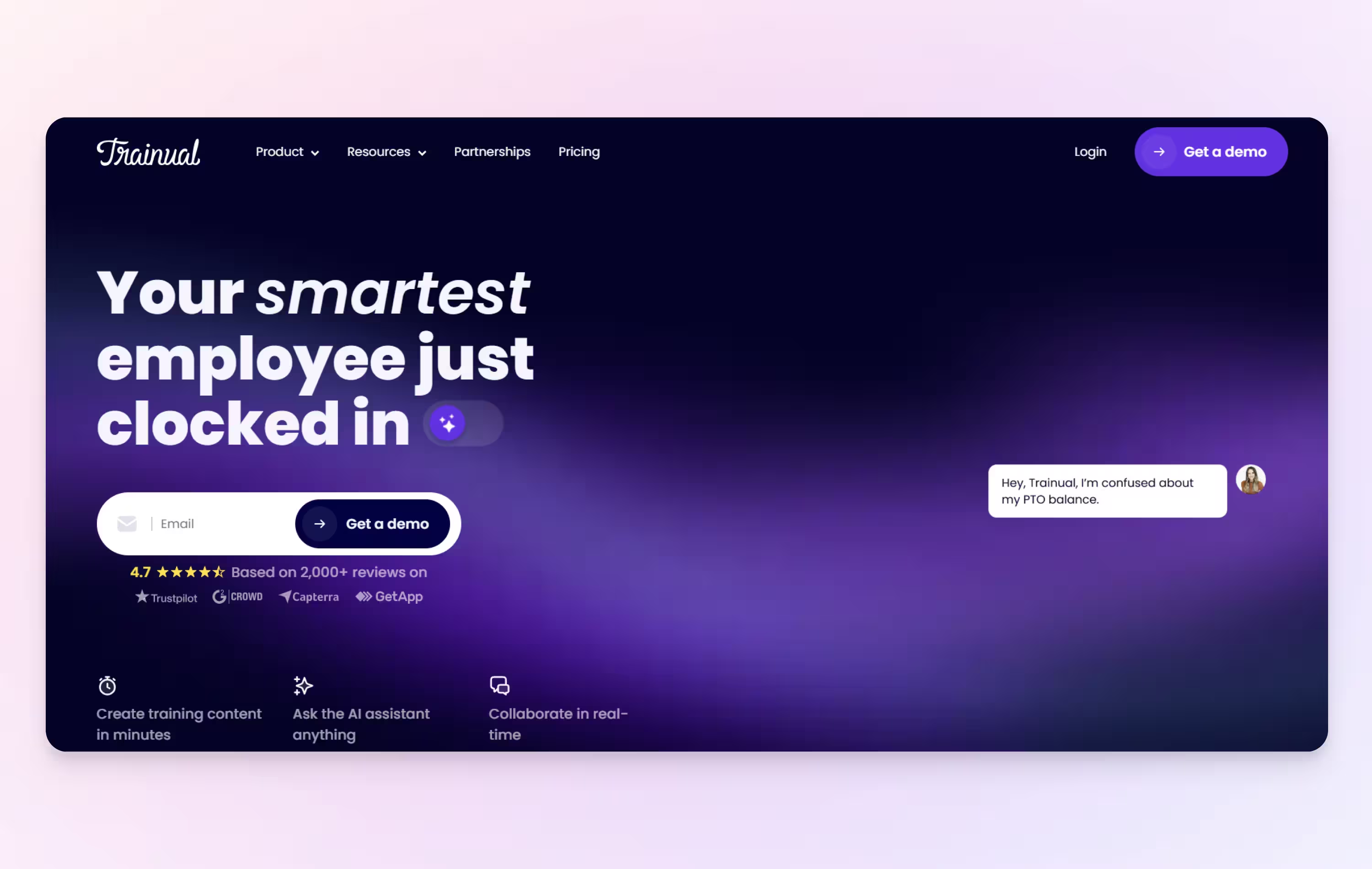
Trainual is less about capturing workflows automatically and more about organizing company knowledge. It provides structure, governance, and tracking for SOPs and training content.
Trainual’s strengths
- Centralized SOP and policy management
- Onboarding and training paths
- Progress tracking and compliance support
Best for: HR and operations teams building formal training programs.
Scribe vs. Trainual comparison →
7. UserGuiding
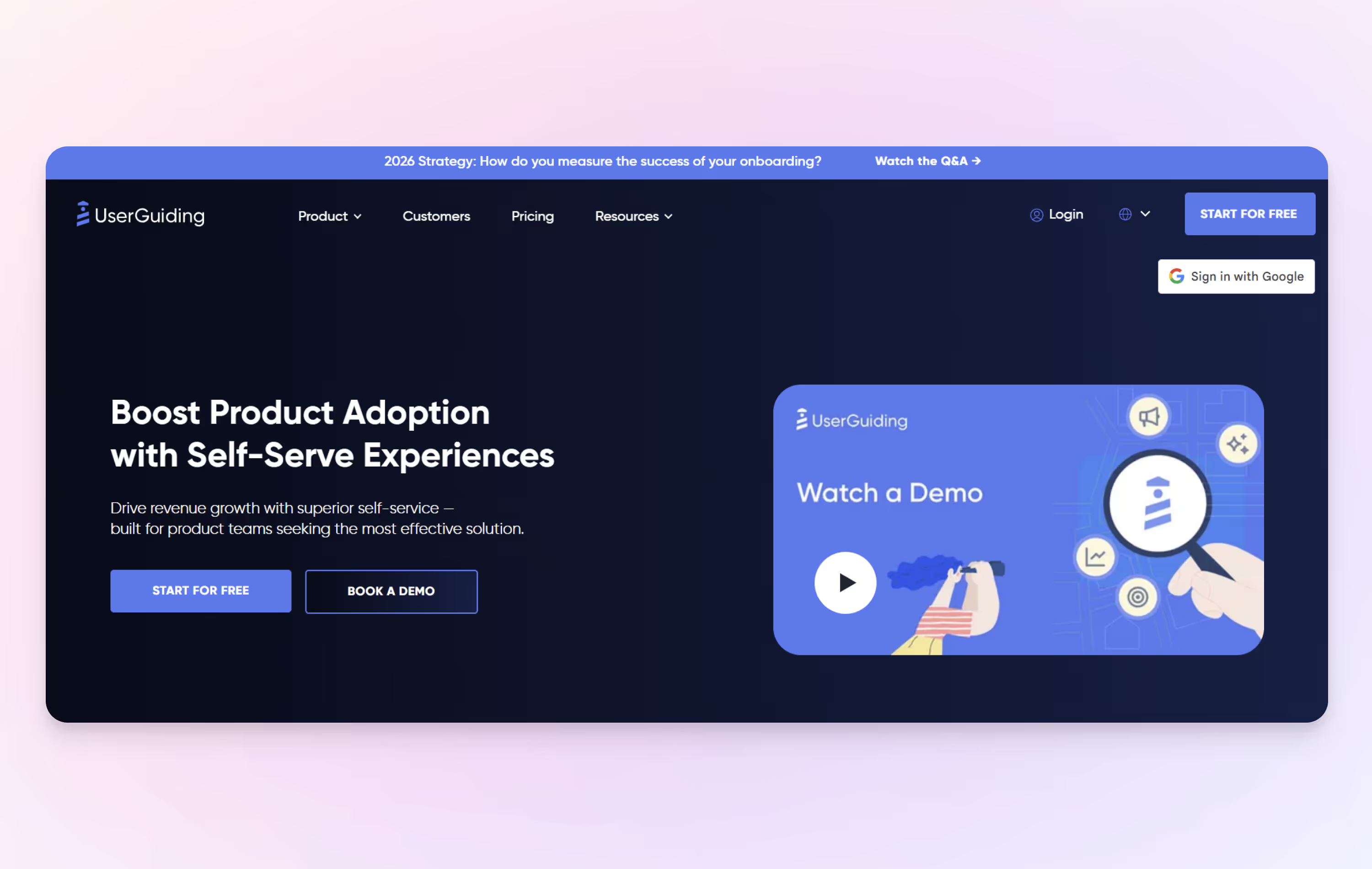
UserGuiding helps you create and improve in-app experiences that drive adoption and product strategy. From user onboarding to self-service support.
UserGuiding’s strengths
- No-code interactive product tours
- Tooltips and checklists
- Strong onboarding features
Best for: Product teams focused on user adoption and onboarding.
8. Whale
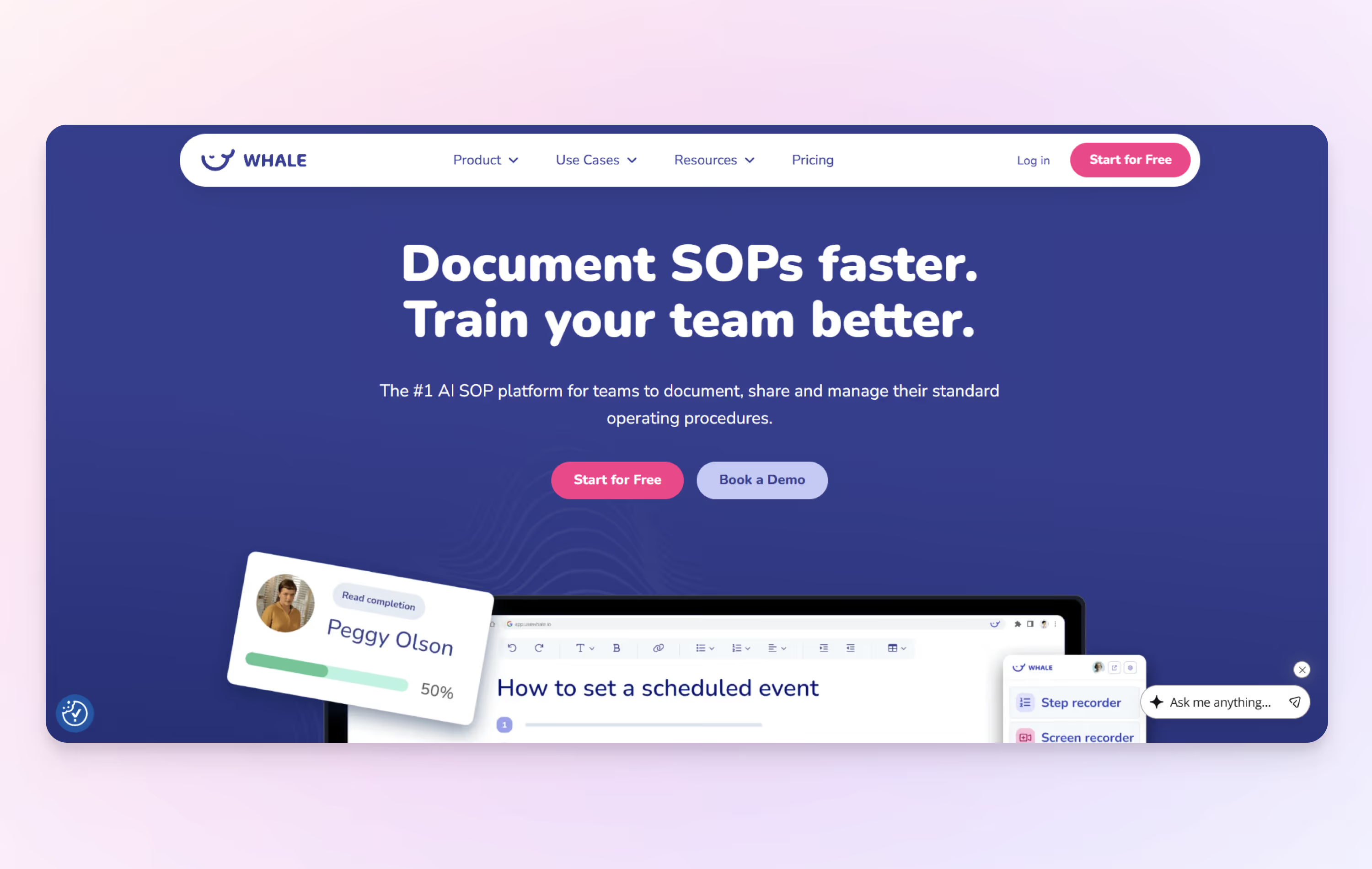
Whale combines step-by-step capture with video, AI assistance, and a centralized knowledge hub. Teams can not only document processes, but also organize, assign, and maintain them over time.
Whale’s strengths
- Automatic step capture combined with screen and video recording
- Centralized SOP and knowledge library
- Built-in training flows and assignments
Best for: Organizations looking for an all-in-one system to manage SOPs, onboarding, and internal training within a single platform.
9. Haiku by WalkMe
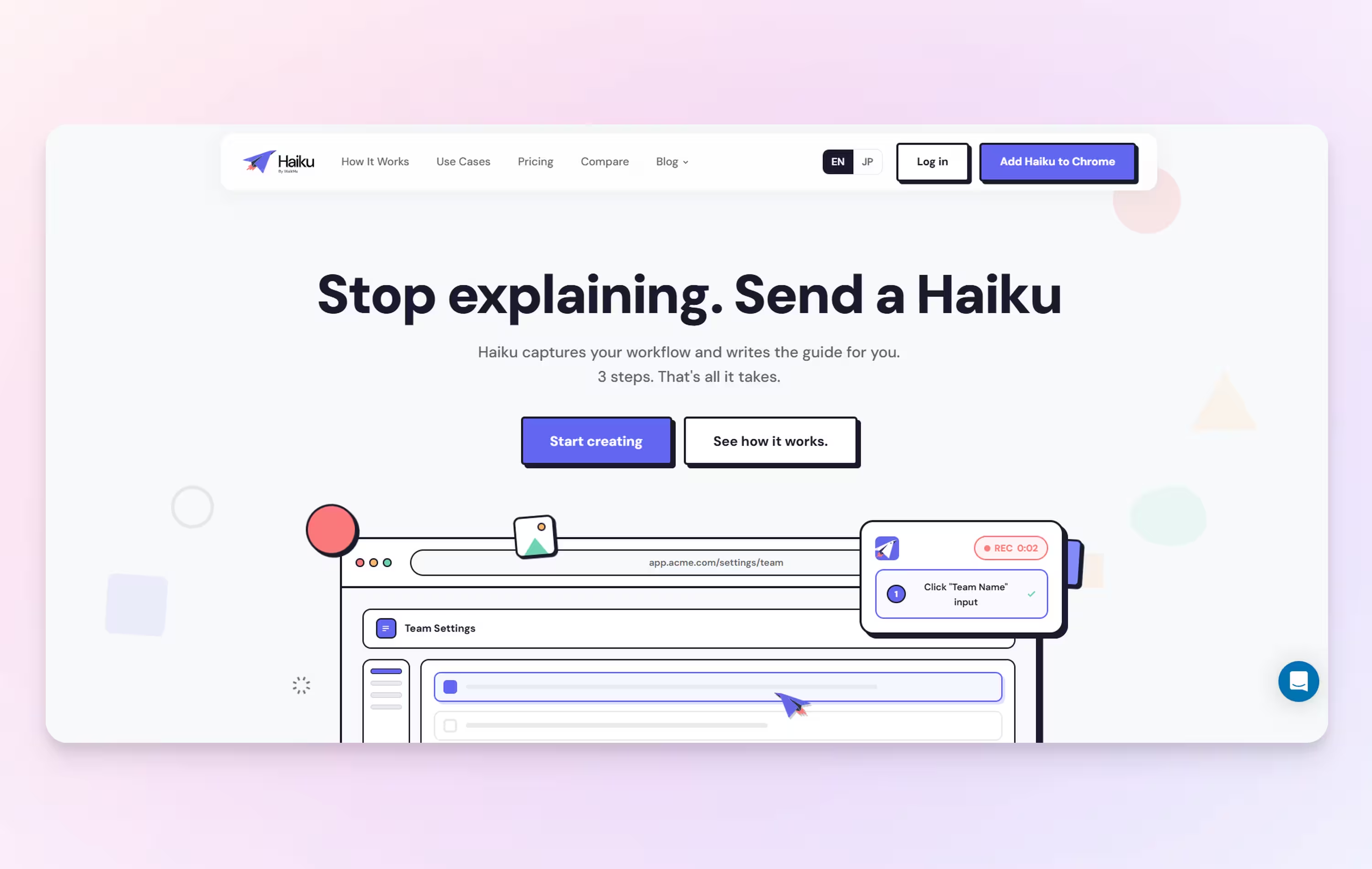
Haiku by WalkMe automatically captures software workflows and turns them into step-by-step guides with screenshots and AI-generated descriptions. Guides can be edited, shared by link, embedded in knowledge bases, or exported in multiple formats. Teams that need in-app guidance directly inside their software would also need WalkMe, as Haiku does not offer this capability natively.
Haiku by WalkMe’s strengths
- Automatic workflow capture that turns clicks into step-by-step guides
- AI-generated step descriptions and screenshot annotations
- Multiple sharing and export options, including links, PDF, HTML, and Markdown
Best for: Teams looking for a lightweight way to capture software workflows and create step-by-step documentation for training, onboarding, and internal processes.
10. Folge
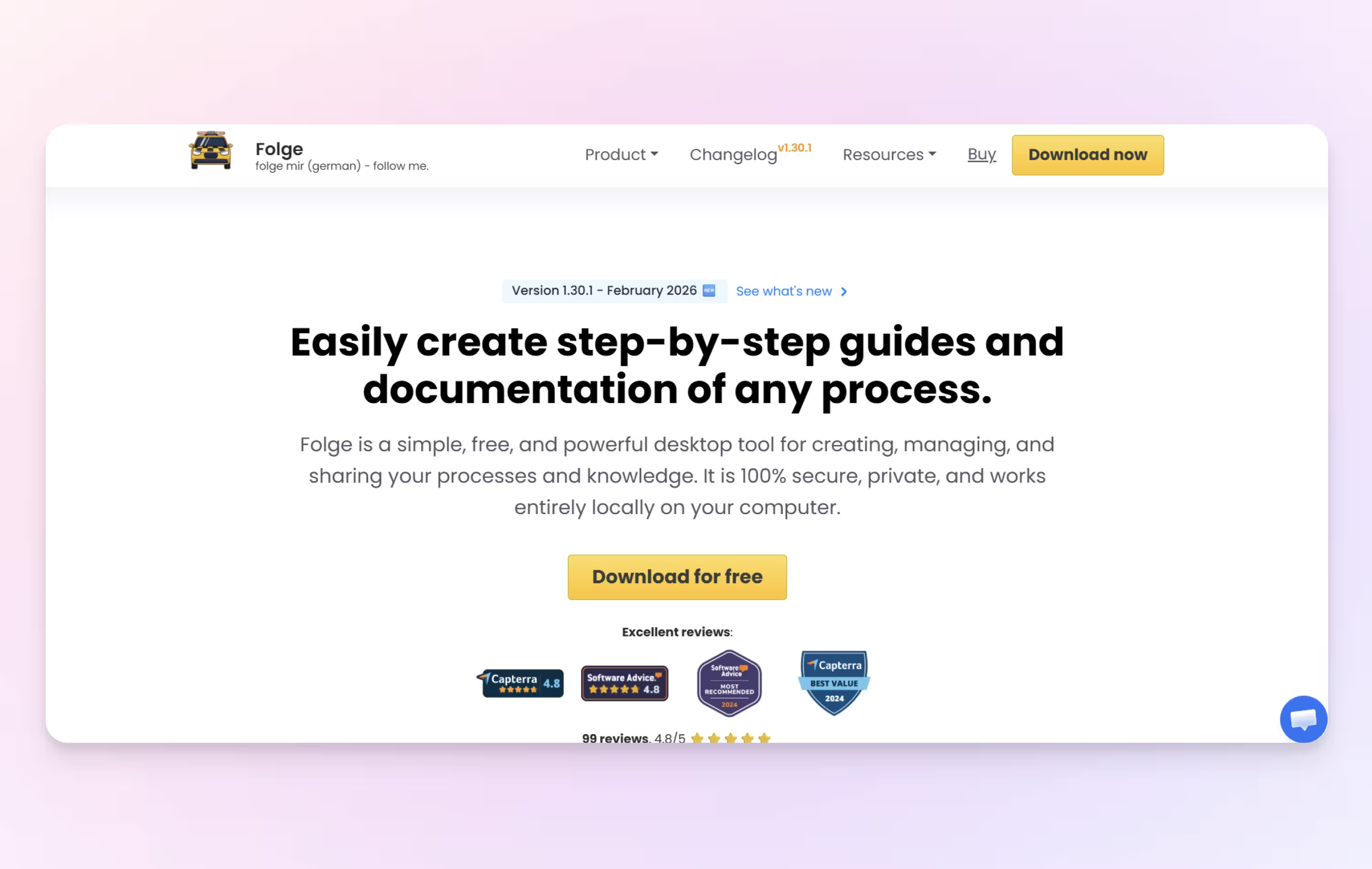
Folge is a desktop application designed to capture workflows outside the browser, generating annotated screenshots and instructions.
Folge’s strengths
- Desktop application capture
- Automatic screenshots
- Exportable guides
Best for: Documenting desktop software processes.
11. Video2Docs
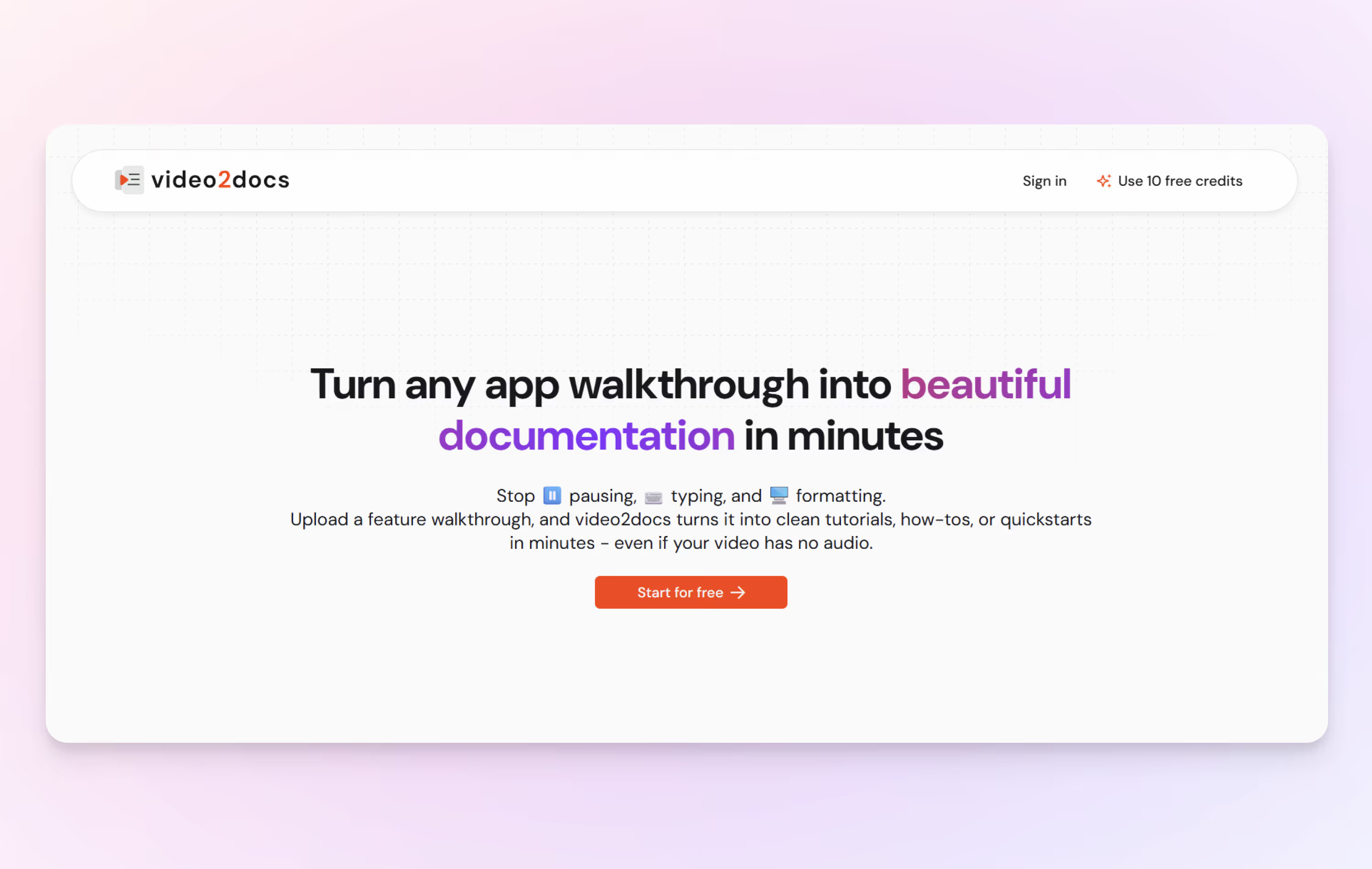
Video2Docs converts existing screen recordings into structured, step-by-step documentation. Rather than capturing live workflows, it works from video inputs.
Video2Doc’s strengths
- Converts recordings into guides
- Useful for mobile or legacy videos
- Flexible input formats
Best for: Teams that already rely on screen recordings and want to turn them into documentation.
The bottom line
Scribe will always be a solid option for quick, automatic documentation in a centralized place. But as teams mature, they’re likely looking for tools that offer better readability, more flexibility, or stronger alignment with how people actually learn.
Whether you’re looking for automation, video-first guidance, an all-in-one knowledge hub, or something in between, the right choice depends on how your team works and learns best.
Frequently asked questions
What is the best alternative to Scribe?
Tango is the best Scribe alternative for teams that want to go beyond creating step-by-step documentation. Like Scribe, Tango automatically captures workflows and turns them into visual, step-by-step guides. Tango also lets teams turn that documentation into in-app guidance and real-time automation, helping employees complete processes directly within the tools where they work.
What is the difference between Tango and Scribe?
Tango and Scribe both automatically turn workflows into step-by-step documentation, but Tango supports more complex, dynamic processes with Workflow Branching. Tango lets teams create branching workflows that guide users down different paths based on their needs or circumstances, rather than requiring every user to follow the same linear process. Tango also extends documentation into in-app guidance and automation with features like Guide Me, Pins, and Tango Agents.
What is the best Scribe alternative for creating SOPs?
Tango is a strong Scribe alternative for creating and maintaining SOPs, especially for processes that aren't always linear. Teams can automatically capture processes as step-by-step guides, then use Workflow Branching to document different paths, decisions, and scenarios within a workflow. Tango can also bring those SOPs into the flow of work with in-app guidance, helping employees follow the right process while they're completing it.