

Tango and Scribe


Tango and Scribe strengths
Consider which advantages matter most.




You care about people using documentation as much as creating it.
Tango Guide Me

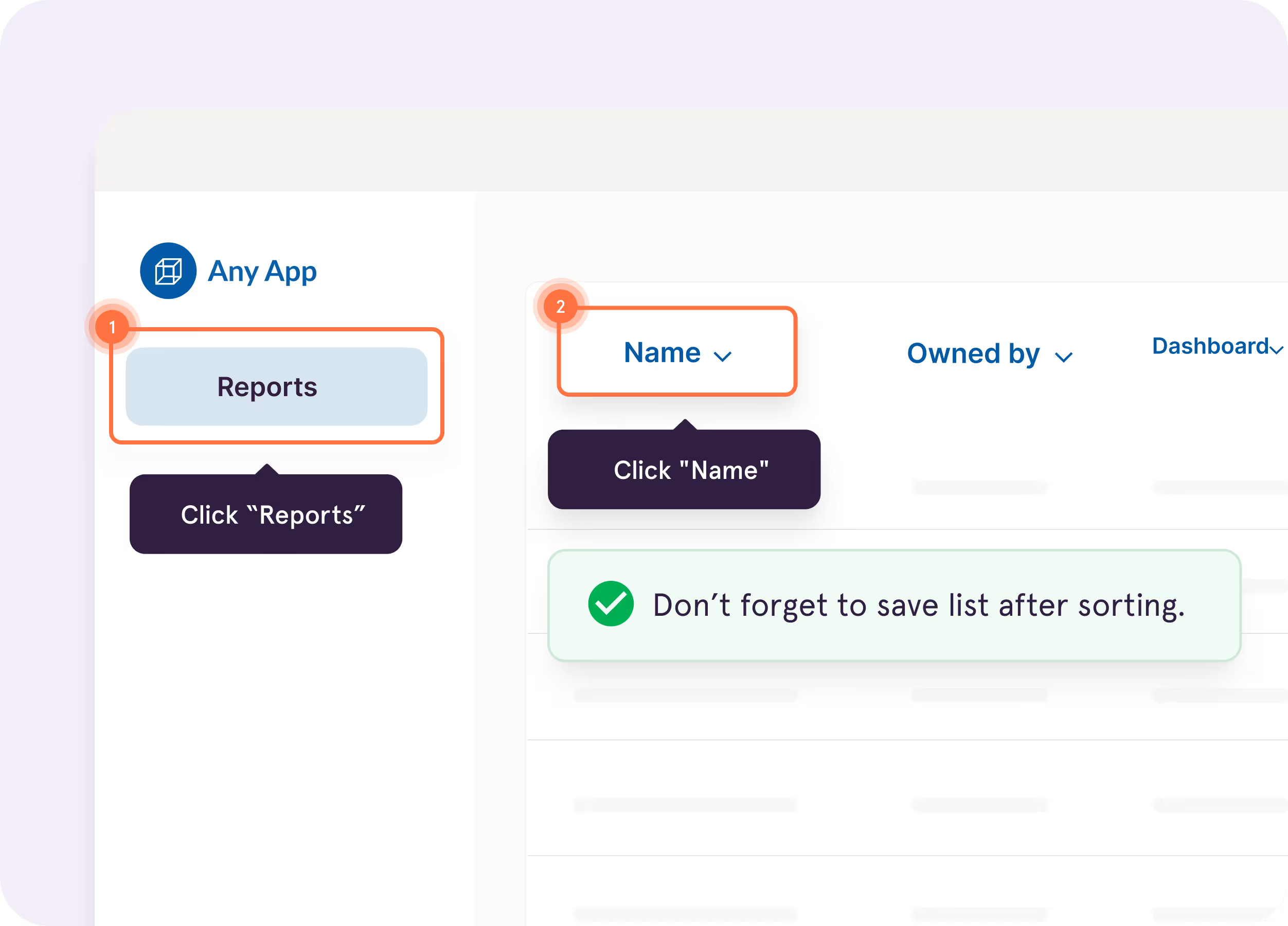
Bring processes to life as guided in-app walkthroughs
Supports branching workflows for multiple paths in a single guide


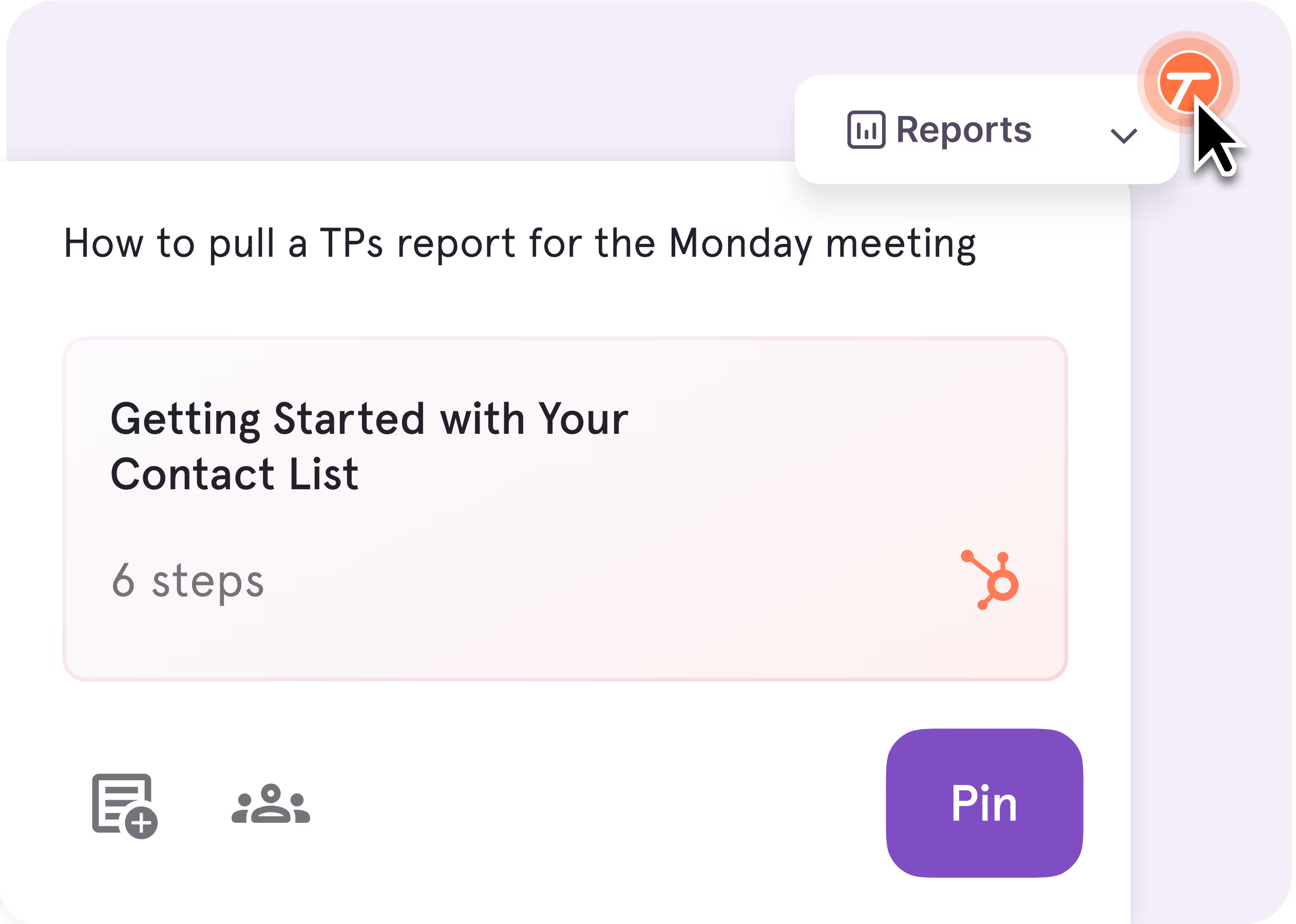
Tango Pins & Nuggets
Pin guides inside your work apps right where employees will need them
Easily leave tooltips inside your apps for tips, watchouts, and links to additional resources
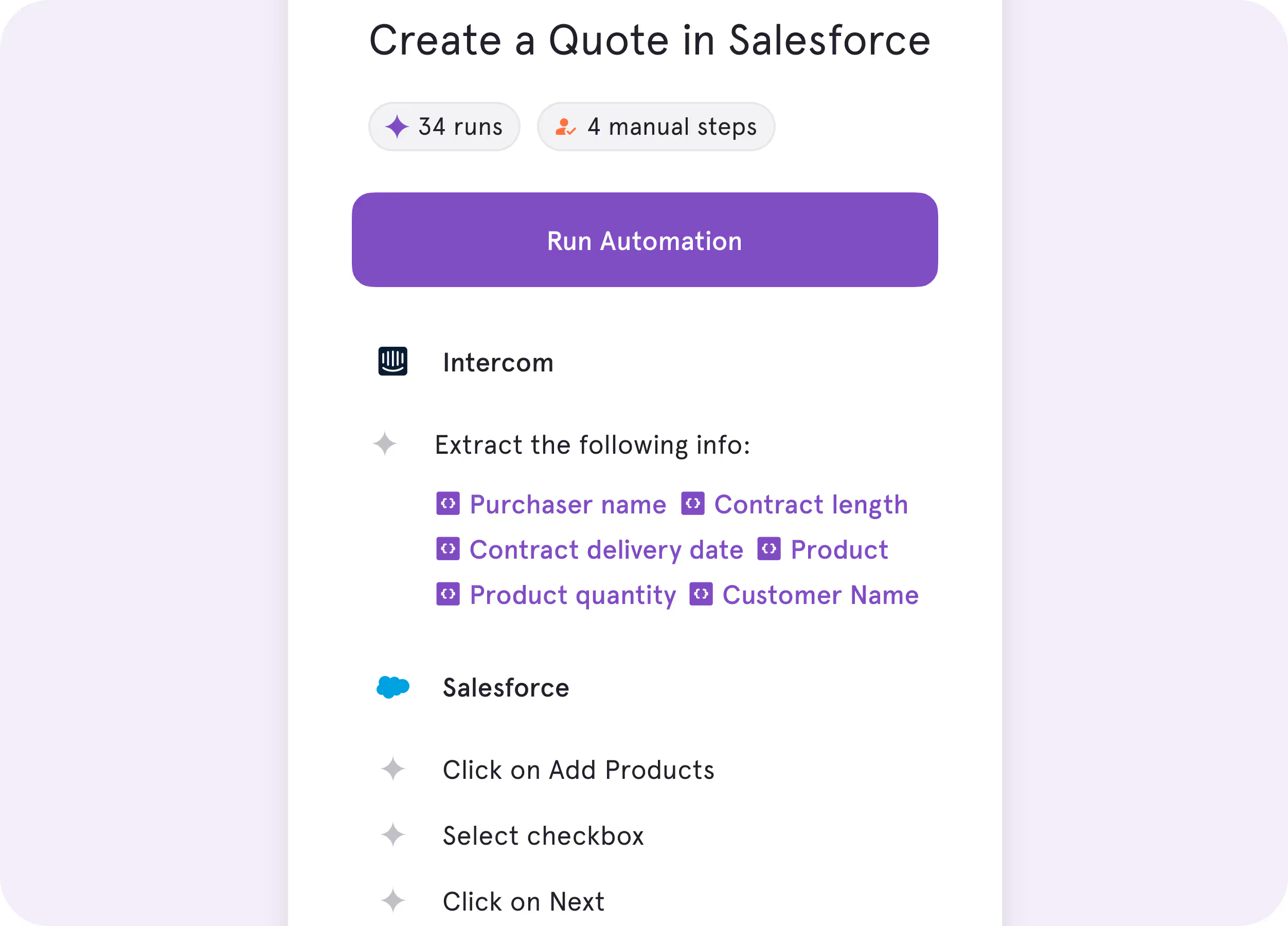
Tango Agents
Bring processes to life as real-time automations


See for yourself
You need to create documentation and have a new place to store it.
You’re a small team that just needs quick how-to screenshots

You don't need in-application guidance or automation

You’re okay with traditional doc and link enablement
Save time writing up text-based explanations. Add context to complex processes



Key Differences
What makes them different?

Unique features
Organize and look for guides within Scribe. Scribe becomes your knowledge base.
Pin guides and tips directly in the software where people work.

End user experience
Knowledge pages. Side-by-side instructions.
In-app guided walkthroughs, tips, and process automation assistance.

Product roadmap
Knowledge Base (capable of replacing Confluence, SharePoint, Notion, etc.) and always-on process discovery (Scribe Optimize).
In-app Enablement + automation to help people do their best work.

What’s in it for you
Document processes faster and centralize text-based reference material.
Document processes faster and improve process adoption/software ROI and productivity.
to knowledge by 20% and employee satisfaction by 25%.
What do Tango and Scribe have in common?
Capturing Documentation
Auto-generate step-by-step software how-to guides with screenshots
Create cross-app workflows for business processes involving multiple tools on both web and desktop
Watch AI title your guide and add simple instructions for each step
Get help via in-app support, help center, and email (with a dedicated success manager for Enterprise plans)
Editing Tools
Advanced editing—update steps, annotate screenshots, and add tips and alerts
Automatically blur sensitive information (in one or many screenshots at a time)
Customize documentation to follow your brand guidelines
Sharing
Set file and folder permissions
Invite others to edit and collaborate easily in a shared workspace
Share knowledge via link, embed code, HTML, Markdown, or PDF
Integrate your guides with 100s of tools (Confluence, Notion, SharePoint, etc.)
Instantaneously surface other potentially relevant guides for a given website or tool
Access analytics to see who has viewed and completed your processes
Streamline your end user experience with single sign-on (SSO)
Trust your data privacy and security is taken seriously with SOC 2 Type II compliance
processes on their first day with Tango—much faster than previous
cohorts without it.
The GPS for processes


With Tango, I get to make learning software feel like the Cadillac experience.
Chad, Customer Success Leader
See Tango’s
Software Knowledge Layer in action


